AI Emoji Generator
Turn your photo into a custom emoji or sticker in seconds. SharkFoto's AI emoji generator reads the face in your picture and restyles it into a glossy 3D face emoji, a minimalist line-art icon, a cartoon sticker that looks just like you, or an animated reaction clip, so a single selfie becomes a personal reaction you can drop into any chat. Sign up free to get 10 credits, pick an emoji style, and download your result at full resolution with no watermark — a high-resolution image for most styles, or a short clip for the animated ones. From there it's ready to text, post, or add to your favorite messaging app.
 PopularCreate Emoji from Photo
What is an AI emoji generator?
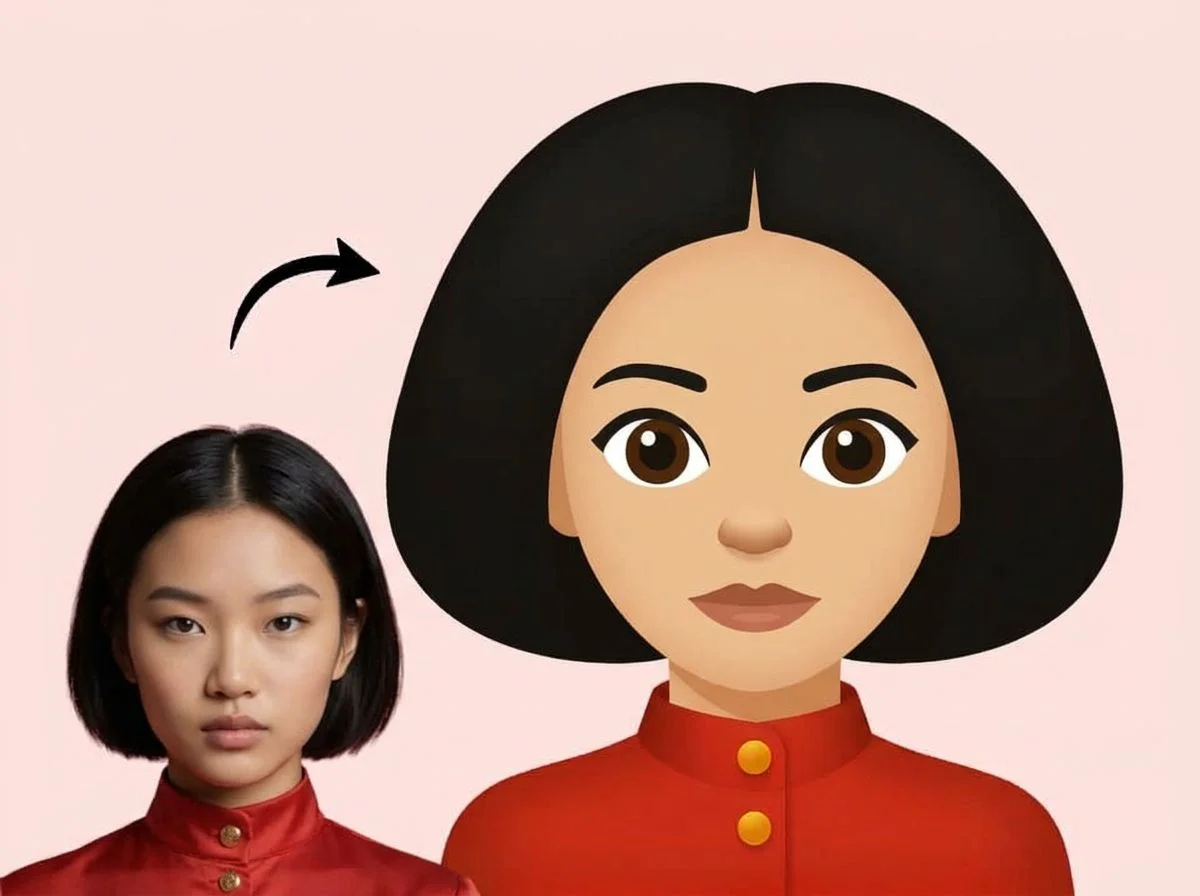
An AI emoji generator turns a photo of a face into a custom emoji or sticker — a small, expressive graphic that keeps your likeness in a stylized look like a glossy 3D emoji, a line-art icon, or a cartoon sticker. You upload a selfie, pick a style, and download a high-resolution image — or a short animated clip for styles like Hi-Five Emoji Twin — that you can use as a personal reaction in chats and posts.
Pick an emoji or sticker style
Seven emoji and sticker styles — a 3D face emoji, minimalist line art, cartoon stickers, and animated reactions. Pick one to start generating.
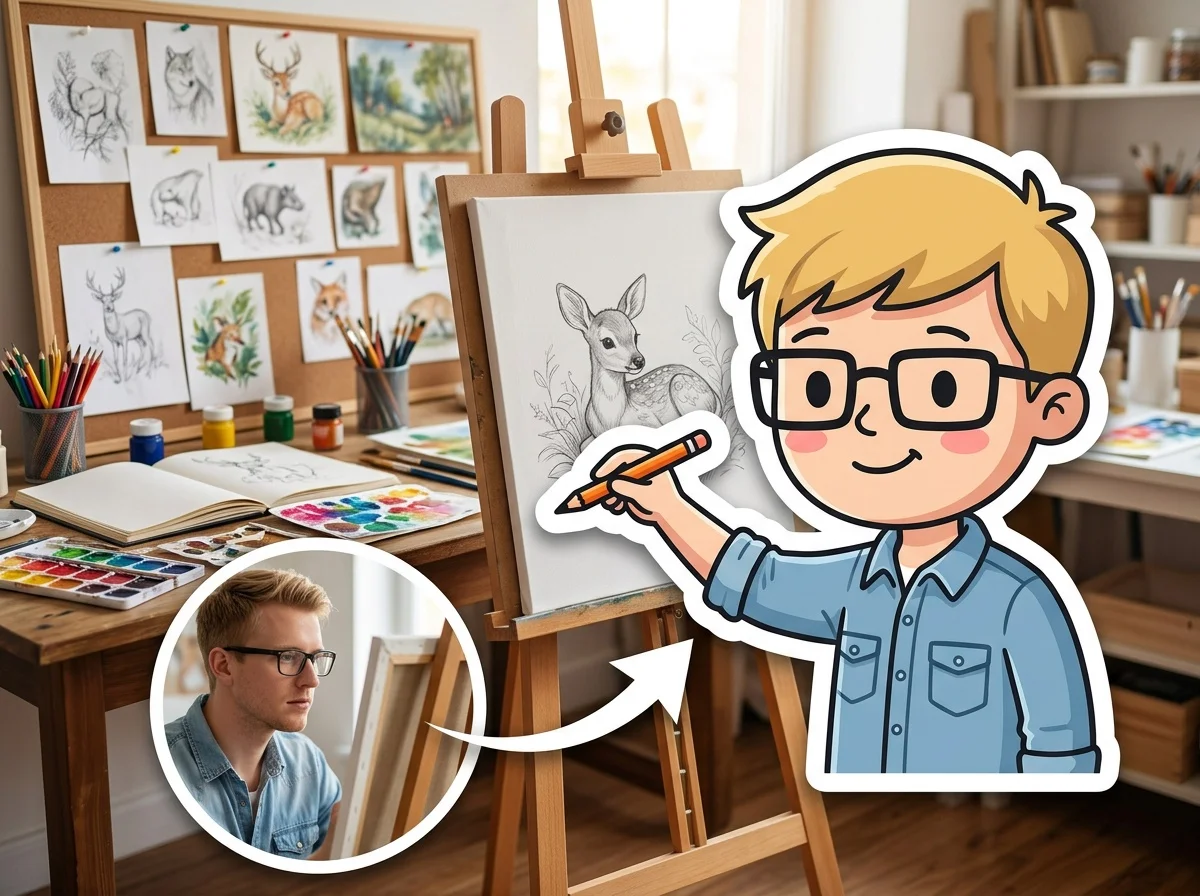
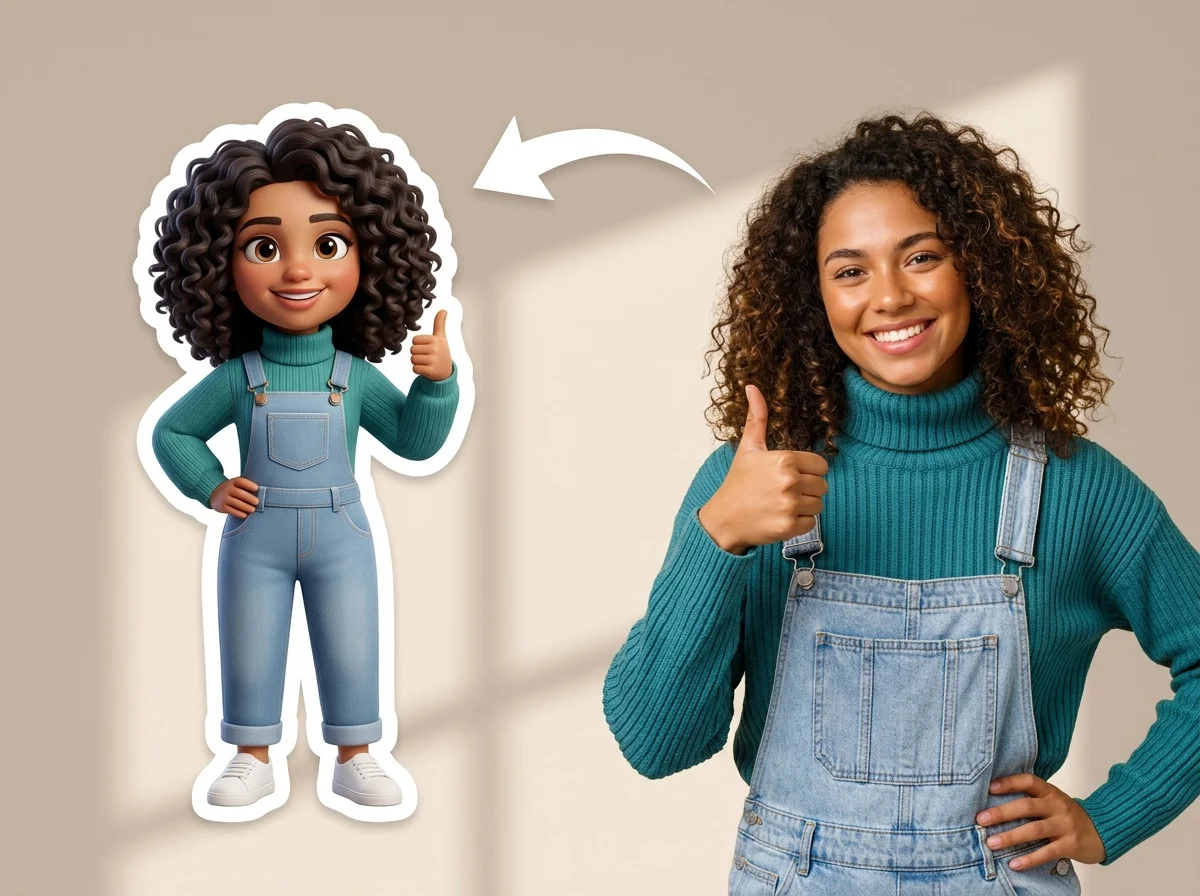
Before & after
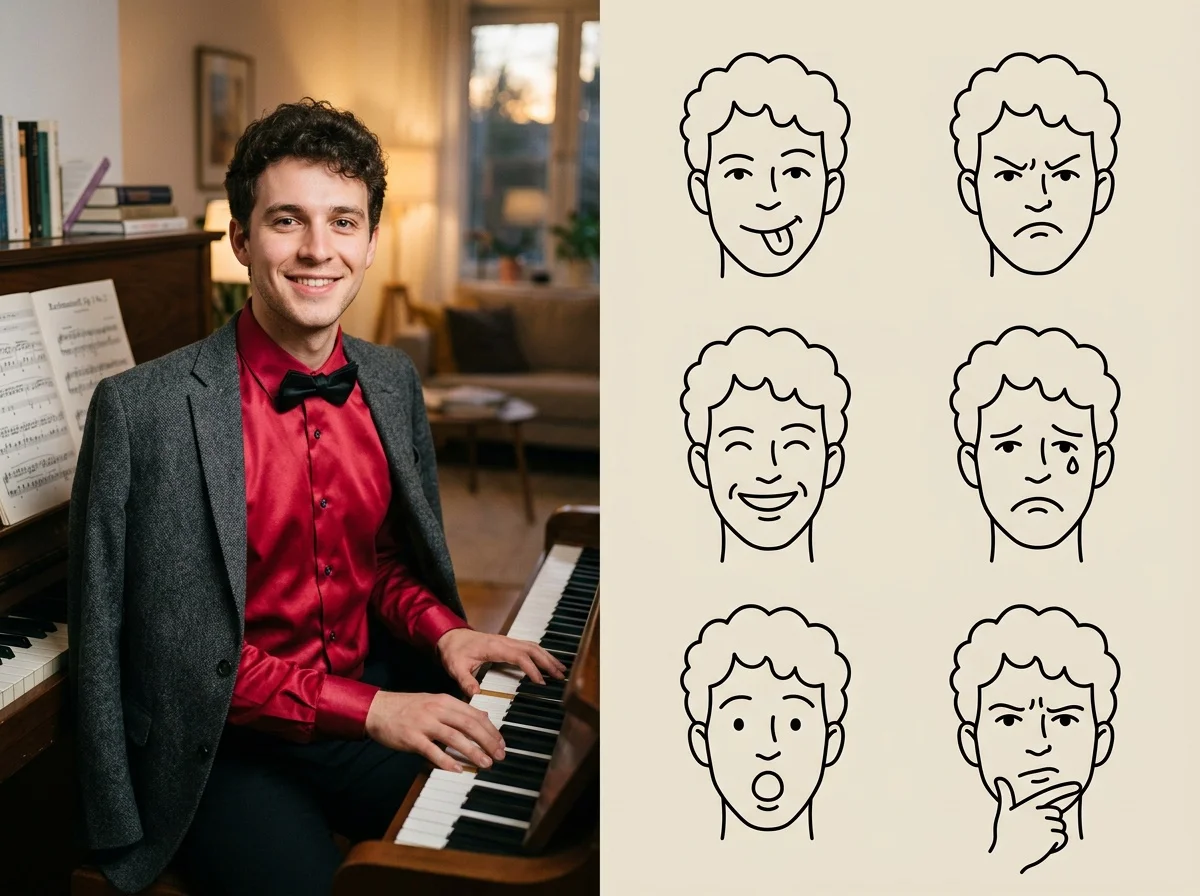

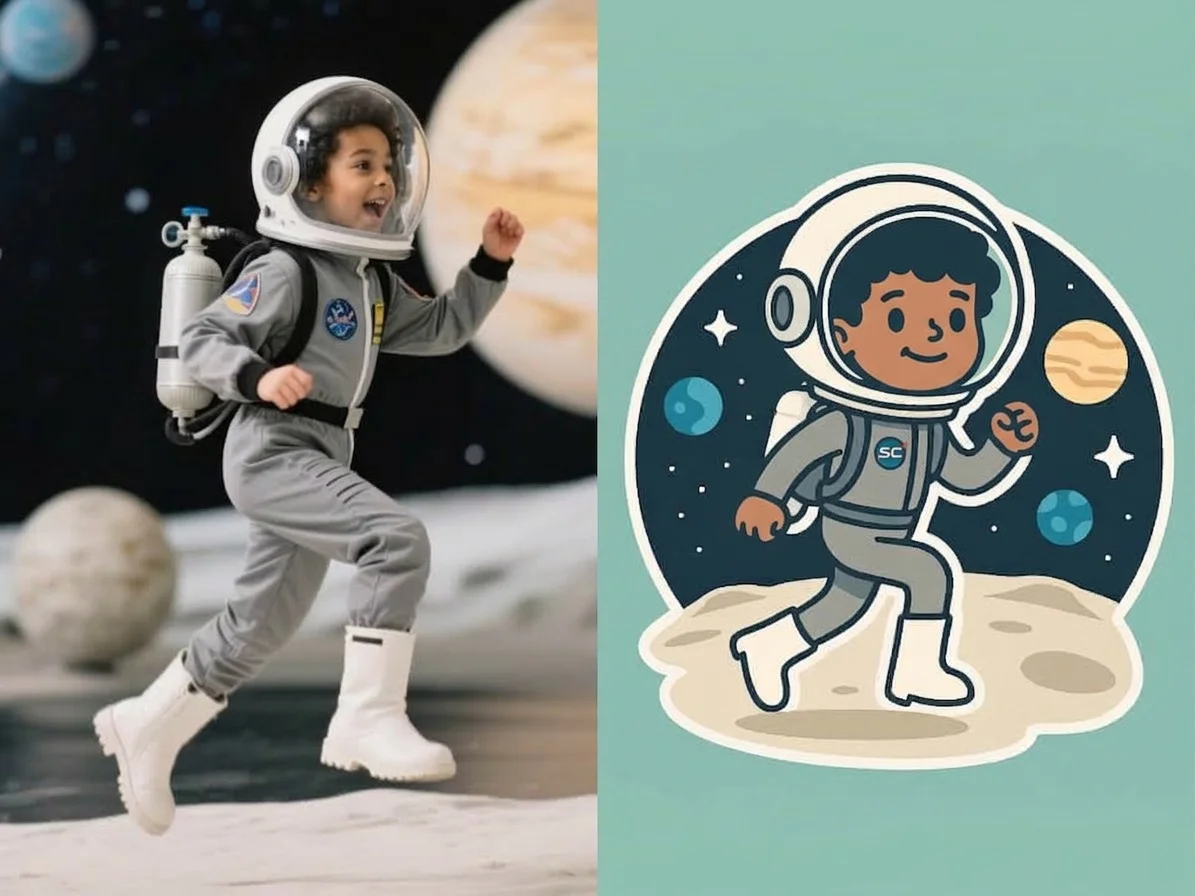
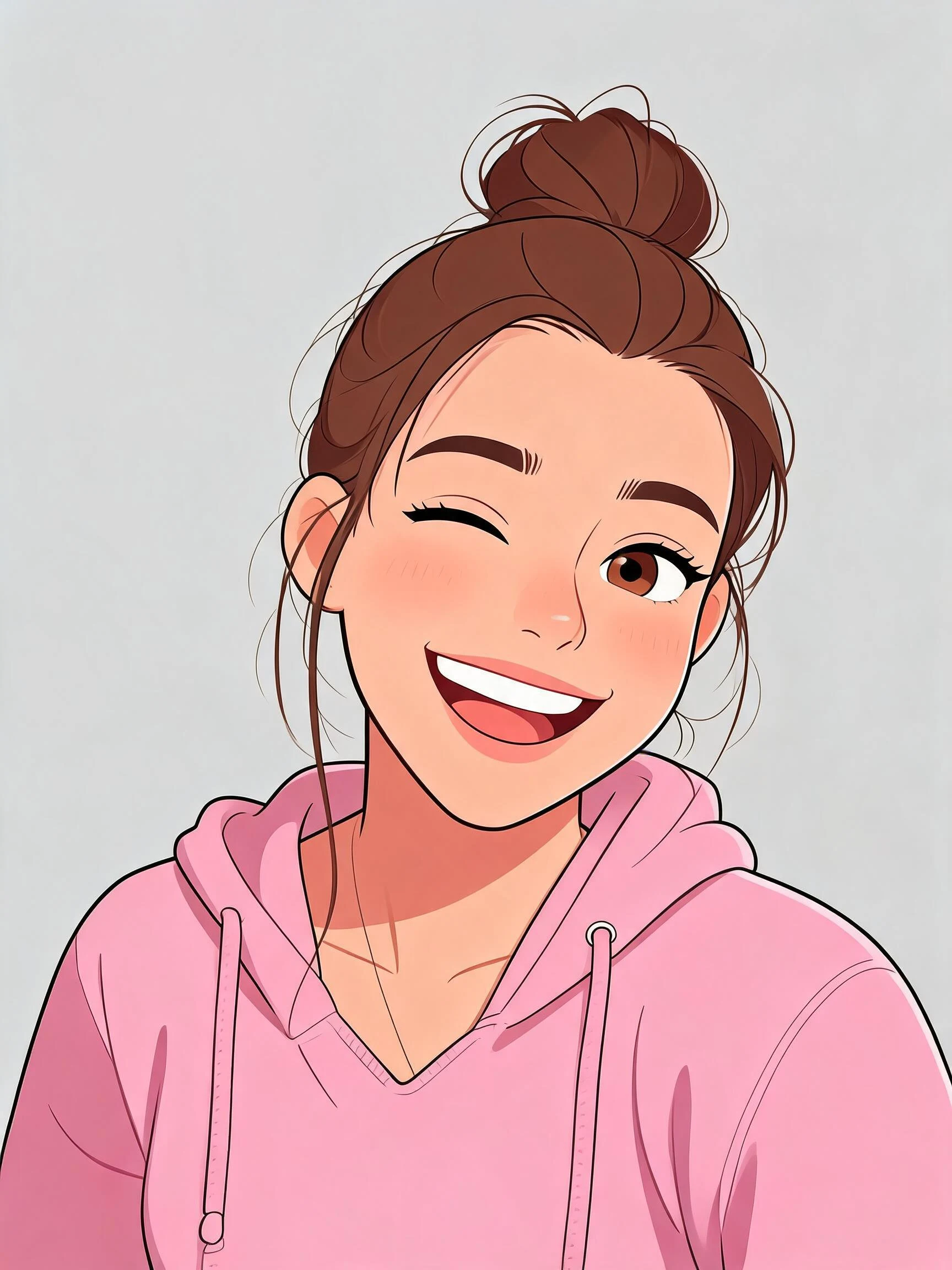
A selfie, turned into your own custom emoji.
 Before
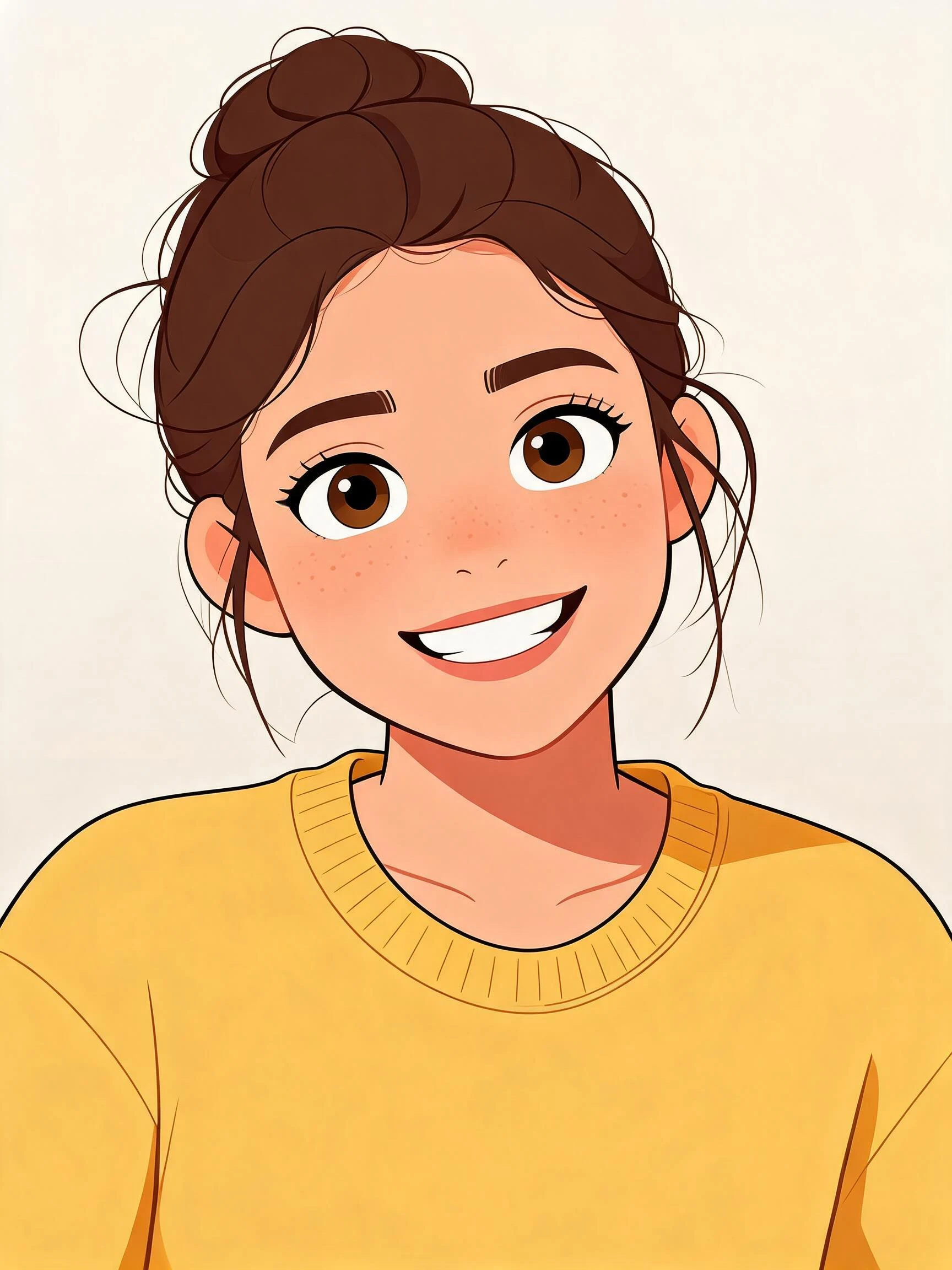 After
After Before
 After
After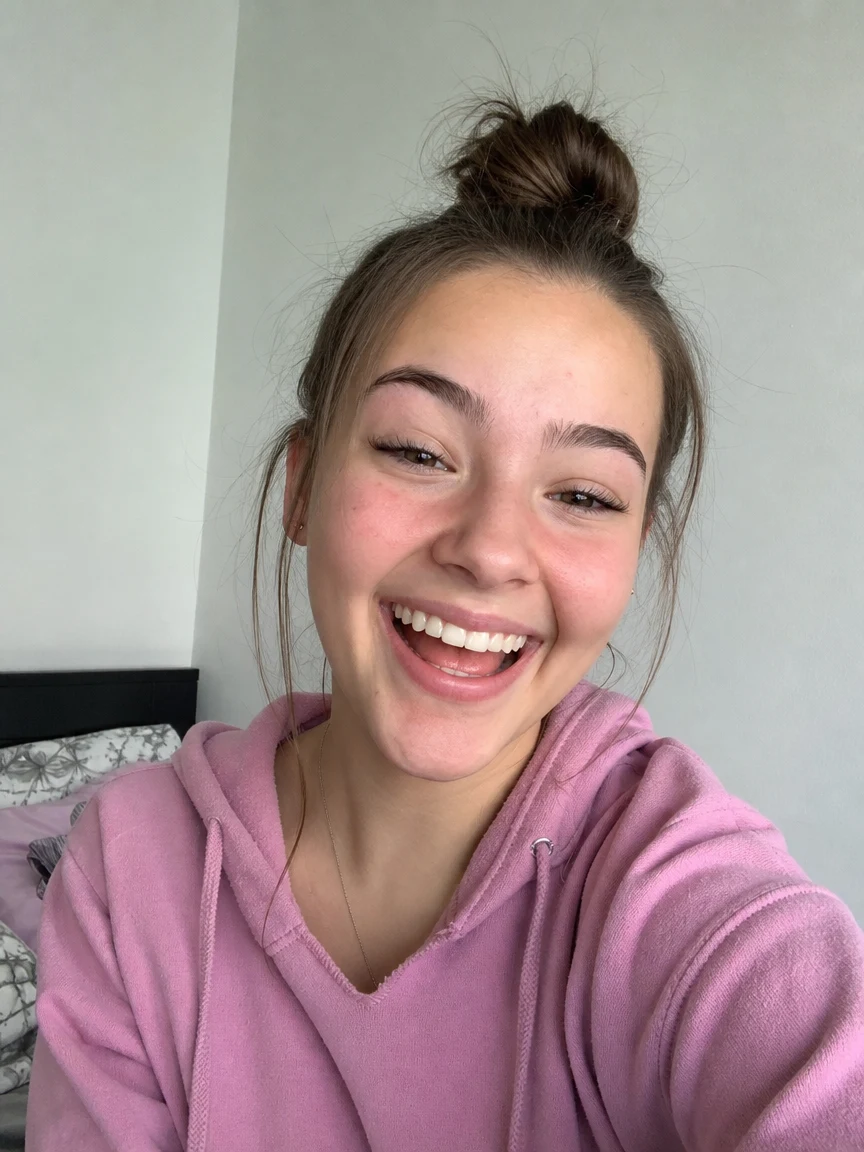 Before
 After
AfterWoman Yellow Kitchen
How to make an AI emoji from a photo
Three steps, right in your browser.
Upload your selfie
Drag in or select a clear photo of the face you want to turn into an emoji. A well-lit, front-facing shot with a visible expression gives the AI the most to work with. Your photo is used only to make your result.
Pick an emoji style
Sign in for your 10 free credits, then choose a look — a glossy 3D face emoji, a minimalist line-art icon, or a cartoon sticker. The AI keeps your features recognizable while restyling your selfie into the emoji you picked.
Download and share
Preview your emoji, then download it at full resolution with no watermark — a high-resolution image for most styles, or a short MP4 for the animated ones. Add it to a sticker pack, use it as a profile picture, or drop it straight into a chat, post, or group thread.
What you can make
Popular ways people use the emoji generator.
Personal chat stickers
Turn your face into a sticker pack for WhatsApp, iMessage, Telegram, or Discord and react in group chats as yourself instead of a generic emoji.
Your face as a reaction
Make a reusable emoji of your own expression — a laugh, a thumbs-up, a shocked face — to sprinkle into texts and comments.
Group-chat inside jokes
Emoji-fy the whole friend group or team so every running joke has its own custom sticker that only your chat gets.
Creators & communities
Build server emotes and channel stickers of your persona for Discord, Twitch, or Telegram to give your community something to spam.
Playful gifts
Surprise a friend, partner, or pet owner with a sticker pack of them — a fun, personal little gift for a birthday or just because.
Brand & team mascots
Turn a mascot, avatar, or team photo into branded stickers for launch posts, newsletters, and community engagement.
Styles to choose from
From a glossy 3D face emoji to a flat cartoon sticker — pick the look that fits your chats.
3D face emoji
A glossy, rounded 3D emoji of your face, in the style of the animated emoji on your phone.
Cartoon sticker
A flat, bold cartoon sticker with clean outlines, ready to drop into a messaging app.
Line-art emoji
A minimalist line-drawing emoji — simple strokes that read clearly at a small size.
Classic photo emoji
A faithful emoji-style icon that stays close to your original selfie for an unmistakable likeness.
Why use SharkFoto's emoji generator
Keeps your likeness
The AI reads your face — hair, glasses, expression — and carries those details into the emoji, so it reads as you and not a random cartoon character.
Emoji and sticker styles
Go from a glossy 3D face emoji to a clean line-art icon or a bold cartoon sticker, so you can match the vibe of any chat, server, or post.
Clean, sticker-ready look
Results come out with the tidy edges and simple shapes that read clearly at a small size, so they still look sharp shrunk down to a chat bubble.
10 free credits, no watermark
Sign up free and get 10 credits to start making emoji. Every download is full resolution with no watermark, so your stickers stay clean wherever you use them.
Tips for the best results
Use a close, front-facing selfie — the emoji is built around your face, so a clear head-and-shoulders shot gives the strongest likeness.
Show a clear expression — a distinct smile, laugh, or surprised face translates into a more expressive, reusable emoji.
Keep the background simple — a plain backdrop helps the AI isolate your face and produce a cleaner sticker cutout.
Make sure your face is well lit — even lighting keeps your features and colors accurate in the stylized result.
Start from a sharp, higher-resolution photo — blurry or low-res selfies lose detail once the emoji is shrunk down to sticker size.
Frequently asked questions
Is the AI emoji generator really free?
What kind of photo works best?
Do I get an image or a video?
Can I use these as stickers in WhatsApp or iMessage?
How long does it take to make an emoji?
Is my photo safe and private?
Can I use my emoji or stickers commercially?
Related AI effects
More ways to restyle your photos.