Best AI Video Generator Tools I Actually Tested in 2026 (And What Surprised Me)
Why Everyone Suddenly Needs an AI Video Generator
A year ago, making short-form video content still felt like a mini production cycle. You needed editing software, stock footage, transitions, subtitles, voiceovers, and patience. Mostly patience.
Now the workflow looks completely different. According to recent reports from Wyzowl, over 91% of businesses use video as a marketing tool, while short-form content continues dominating platforms like TikTok, Instagram Reels, and YouTube Shorts. At the same time, creators are expected to publish faster than ever. That pressure explains why the search volume around “AI Video Generator” tools has exploded recently.
I spent the last few months testing several AI video creation platforms for different tasks: ad creatives, cinematic clips, social content, and faceless videos. Some tools felt surprisingly practical. Others looked impressive in demos but became frustrating during real use.
This article is not about finding “the ultimate AI video generator.” Most creators use several tools together now. Instead, this is a breakdown of what each platform actually feels like when you sit down and try to make content with cold coffee next to your keyboard at 1 AM.
1. VideoAI — Fast AI Video Creation Without Overcomplicating Everything
First Impressions
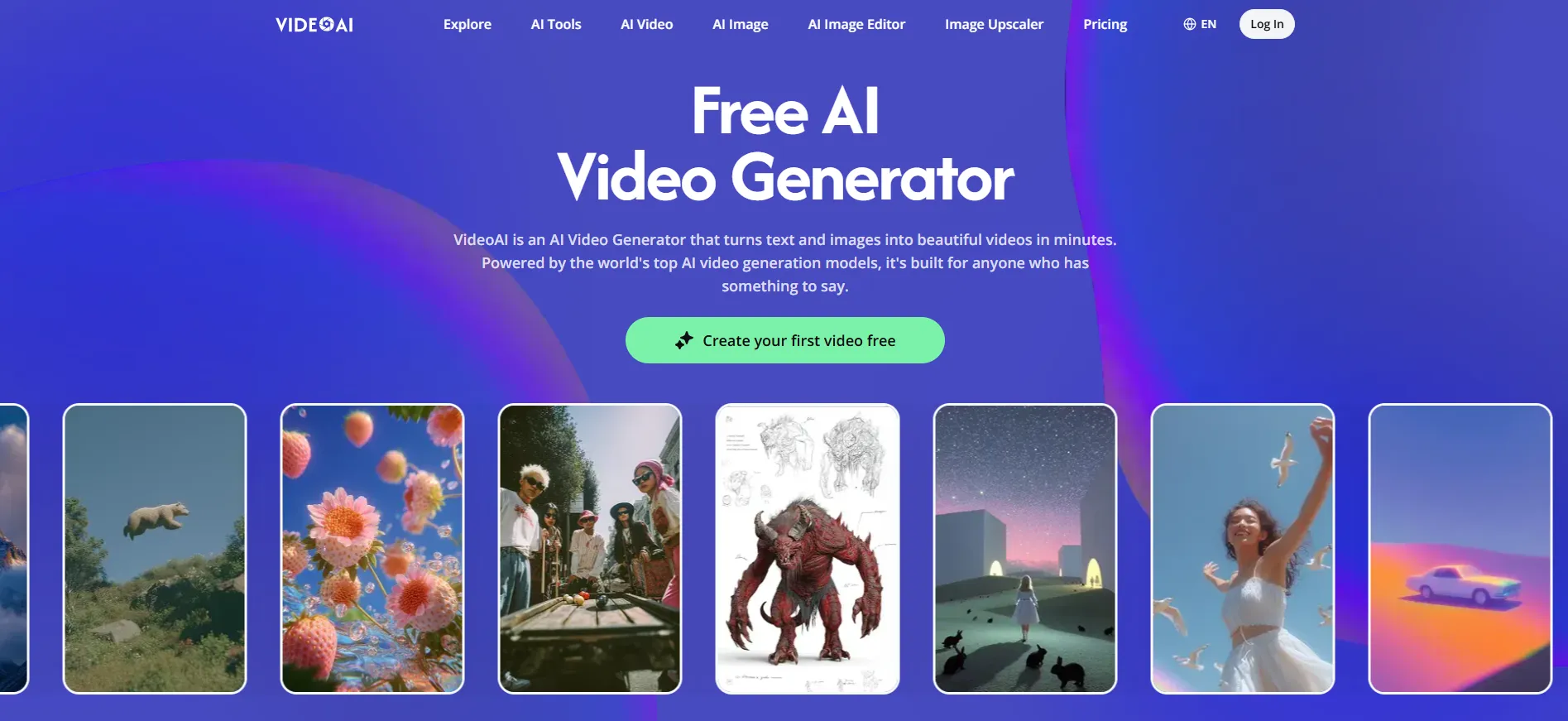
Some AI video tools try to become an entire Hollywood studio inside your browser. VideoAI goes in a different direction. The interface feels more focused on speed and repeatability.
When I first tested it, I used a simple product promo script for a mock skincare ad. The goal was not cinematic quality. I wanted to see how quickly I could generate multiple short-form video variations. The answer was surprisingly fast.
Most creators are not trying to make Oscar-winning films. They are trying to test hooks, intros, pacing, and CTA timing before the algorithm changes again next week.
What Stood Out
Quick Multi-Version Testing
This was probably the biggest strength. Instead of editing one timeline forever, I could generate several variants quickly and compare which opening sequence felt more scroll-stopping. For creators running ad campaigns, that speed becomes useful immediately.
Beginner-Friendly Workflow
Some AI Video Generator platforms overload users with settings. VideoAI felt lighter. You can move from idea to export without watching six tutorials first. That sounds small, but workflow friction kills consistency faster than lack of creativity.
Where It Struggles
The motion quality occasionally becomes repetitive during longer scenes. I also noticed that some transitions looked overly polished in a “template ad” kind of way. For organic social content, slightly messier editing often performs better.
Best For
- Social media managers
- Small ecommerce teams
- Solo creators testing ad variations
- People who hate editing timelines
2. VEME AI — The AI Video Generator That Feels Built for Internet Culture
Why It Felt Different
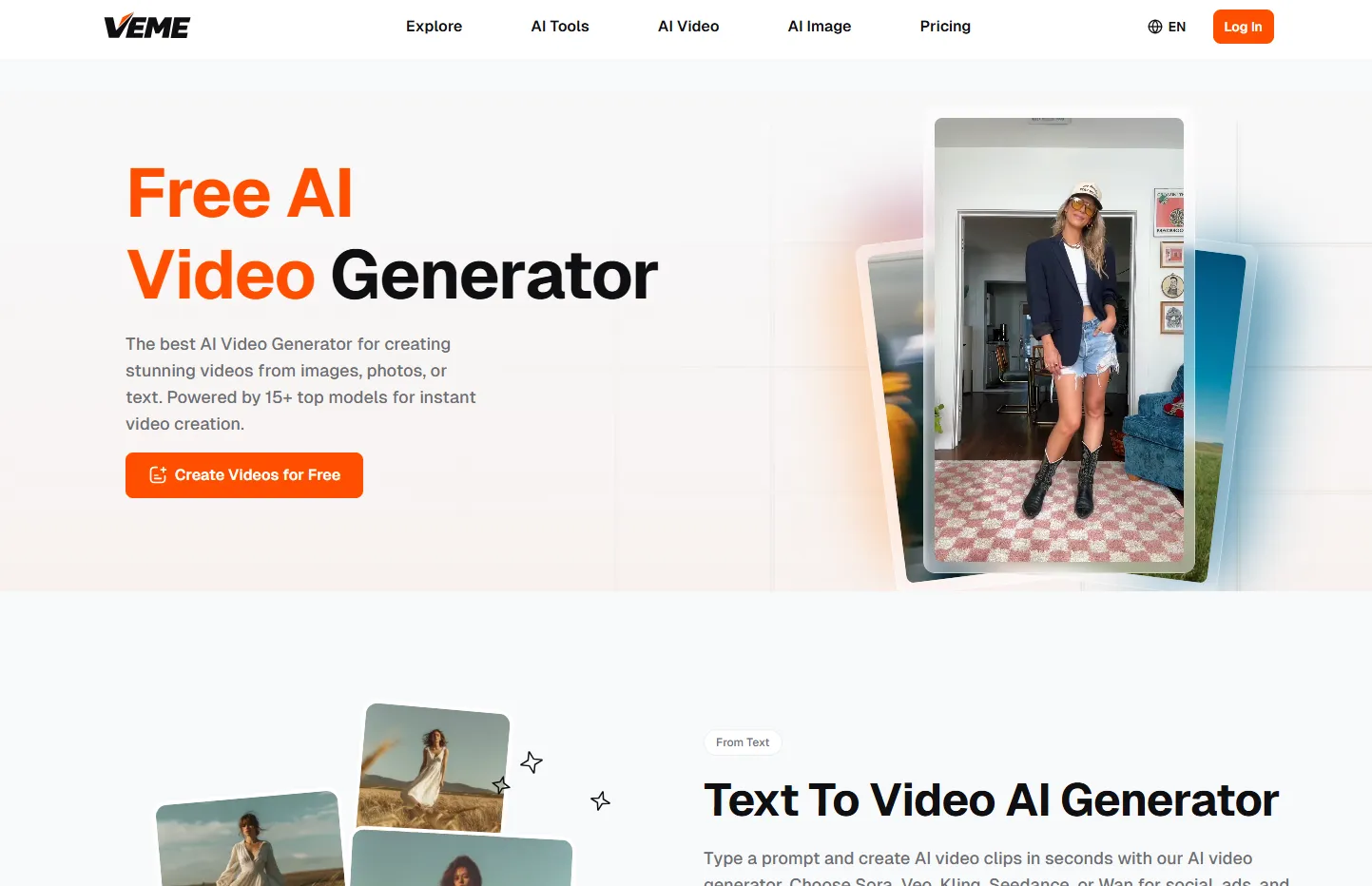
Most AI video platforms focus on automation. VEME felt more focused on visual style.
That became obvious the moment I started testing transition-heavy edits. Instead of clean corporate motion, the outputs leaned closer to TikTok editing culture: aggressive zooms, flashy cuts, meme-style pacing, and effects that looked intentionally chaotic. Oddly enough, that often works online.
My Test Workflow
I used VEME for a fake gaming accessory campaign targeted at short-form audiences. The idea was simple: “Can this AI video generator recreate the kind of edits that normally take too long inside CapCut or Premiere Pro?”
In some cases, yes. Especially for fast-moving content.
Features That Actually Matter
Viral-Style Effects
The transition system stood out immediately. Effects like flame transitions, motion bursts, and animated scene switches looked much closer to current short-form trends than traditional business video templates.
AI-Powered Visual Rhythm
This sounds abstract, but pacing matters. Some AI tools technically generate video correctly while still feeling emotionally flat. VEME handled timing better than expected during high-energy edits.
Weaknesses
The biggest downside is consistency. Sometimes the style feels excellent. Other times it becomes visually overloaded. Certain outputs looked like three TikTok trends collided in the same timeline.
So while creativity is fun, creators still need taste and restraint. AI cannot fully replace editing judgment yet.
Who Will Probably Enjoy It
- TikTok creators
- Short-form editors
- Meme-heavy content pages
- Music and gaming creators
3. Luma AI Video Generator — Cinematic AI Video Generation Gets Weirdly Good
The “Wait… AI Made This?” Moment
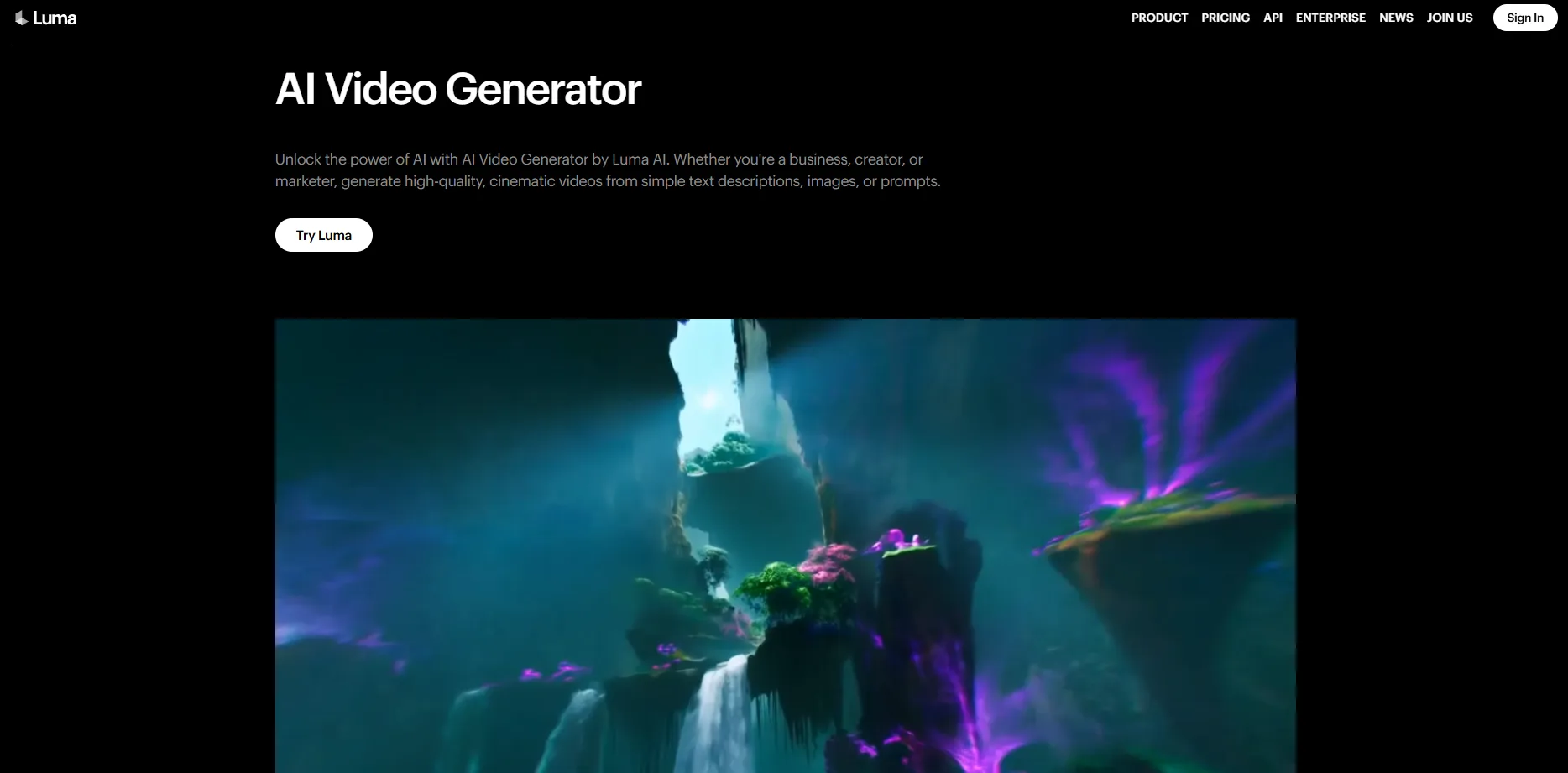
Luma AI was the tool that surprised me most visually. Some generated clips genuinely looked cinematic in a way that most AI video platforms still struggle to achieve. Camera movement felt smoother. Lighting felt more natural. Scene depth looked less artificial.
The first thing I tested was a sci-fi street prompt with rainy neon visuals. It looked dramatically better than I expected.
Why Creators Are Talking About It
Luma AI feels less focused on “marketing videos” and more focused on visual storytelling. That distinction matters.
A lot of AI Video Generator tools optimize for utility: ads, explainers, subtitles, templates. Luma AI feels closer to experimental filmmaking software.
Features Worth Mentioning
Cinematic Motion
The motion quality is impressive compared to many competitors. Shots feel less static and less slideshow-like.
Strong Prompt Interpretation
Some AI tools barely understand mood descriptions. Luma AI handled atmosphere surprisingly well during testing, especially with lighting and environmental prompts.
Downsides
Rendering times can feel longer depending on generation complexity. Also, prompt precision matters a lot. Small wording changes create very different outputs. That can be exciting or exhausting depending on your personality.
Ideal Users
- Creative directors
- Experimental filmmakers
- Music video creators
- Visual storytellers
4. Short AI — Probably the Most Practical AI Video Generator for Faceless Content

The Quiet Productivity Machine
Not every creator wants cinematic AI art. Some people just need content volume. Short AI feels designed for that reality.
I tested it using faceless educational videos for productivity topics: quick hooks, captions, stock visuals, AI voiceovers, and vertical formatting. The process felt efficient in a very “content pipeline” kind of way.
What It Does Well
Fast Short-Form Production
You can turn scripts into publishable clips quickly. That matters for creators managing multiple channels.
Automated Captions and Layouts
Caption timing was cleaner than expected during my tests. That alone saves a surprising amount of editing time.
Limitations
The templates occasionally start feeling repetitive after multiple exports. Also, if you care deeply about unique visual identity, you will probably still need manual editing afterward.
But for scaling content output, it works.
Best For
- Faceless YouTube channels
- Educational creators
- Affiliate marketers
- Multi-account content teams
So… Which AI Video Generator Is Actually Worth Using?
The answer depends more on your workflow than the software itself.
After testing all four platforms, I noticed something important: the best AI Video Generator is usually the one that removes the biggest bottleneck in your process.
For some people, that bottleneck is editing speed. For others, it is visual creativity. For others, it is publishing consistency.
Here’s the simplest breakdown:
| Tool | Best At | Main Tradeoff |
|---|---|---|
| VideoAI | Fast ad variations | Outputs can feel templated |
| VEME AI | Trend-driven visuals | Style consistency varies |
| Luma AI | Cinematic visuals | Slower experimentation |
| Short AI | High-volume short content | Less unique branding |
Final Thoughts: AI Video Tools Are Becoming More Human — And More Chaotic
The funniest part about testing AI video software in 2026 is realizing the hardest part is no longer technical. It is creative judgment.
Most modern AI Video Generator tools can already produce usable visuals. The bigger challenge is deciding what actually feels authentic, what keeps attention, what looks human enough to trust, and what already feels over-optimized.
That is why the best creators still matter. AI speeds up production. Humans still decide what is worth watching.