AI Photo to Sketch
Turn any photo into a hand-drawn sketch in seconds. SharkFoto's AI photo to sketch converter redraws your picture as a pencil portrait, black-ink line drawing, playful doodle, or crayon sketch, keeping the likeness while giving it a real drawn-by-hand feel. Sign up free to get 10 credits, pick a sketch style, and download your artwork at full resolution — with no watermark — ready to print, frame, or post. No drawing skills required.
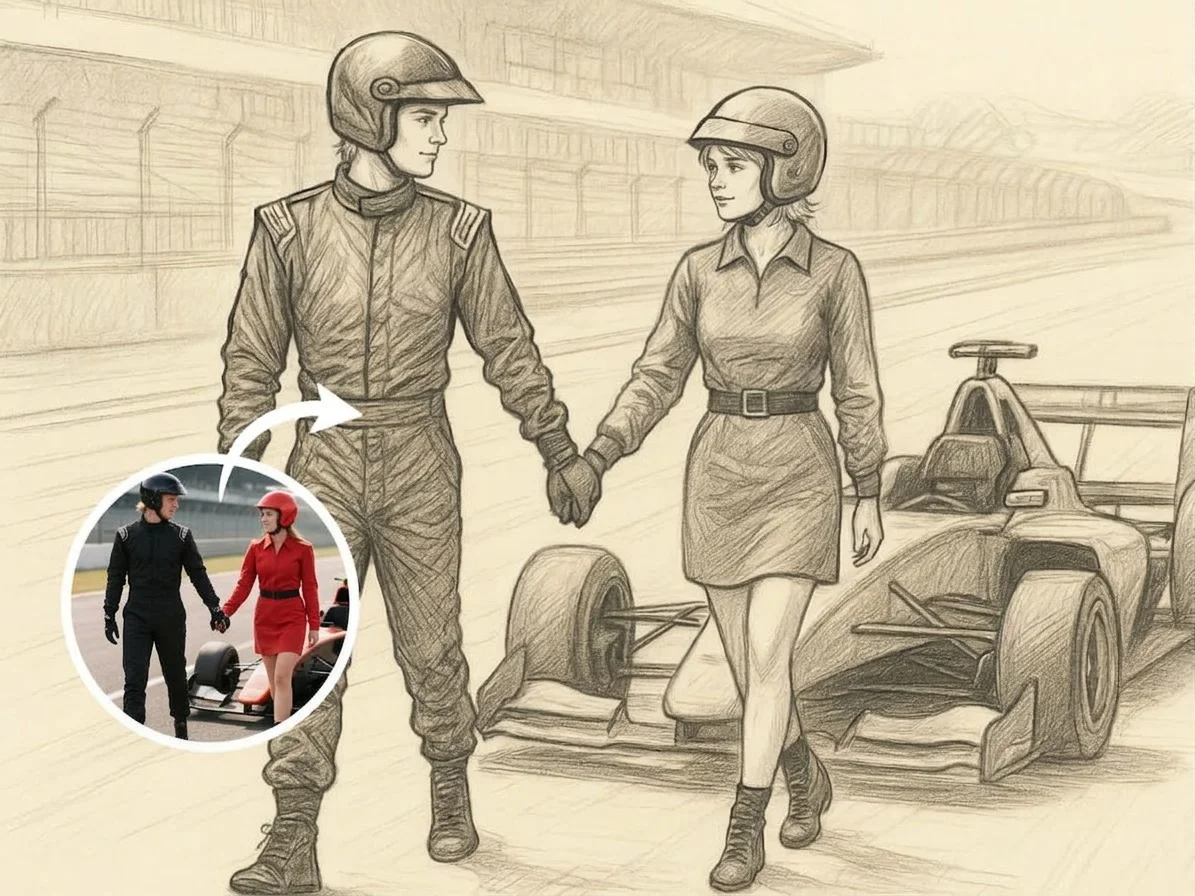 PopularPhoto to Sketch
What is an AI photo to sketch converter?
An AI photo to sketch converter turns a photograph into a hand-drawn-style illustration — a pencil portrait, ink line drawing, or crayon sketch — without any drawing skills. You upload a photo, pick a sketch style, and the AI redraws it while keeping the face, pose, and details recognizable, then you download a high-resolution image.
All AI Photo to Sketch Effects
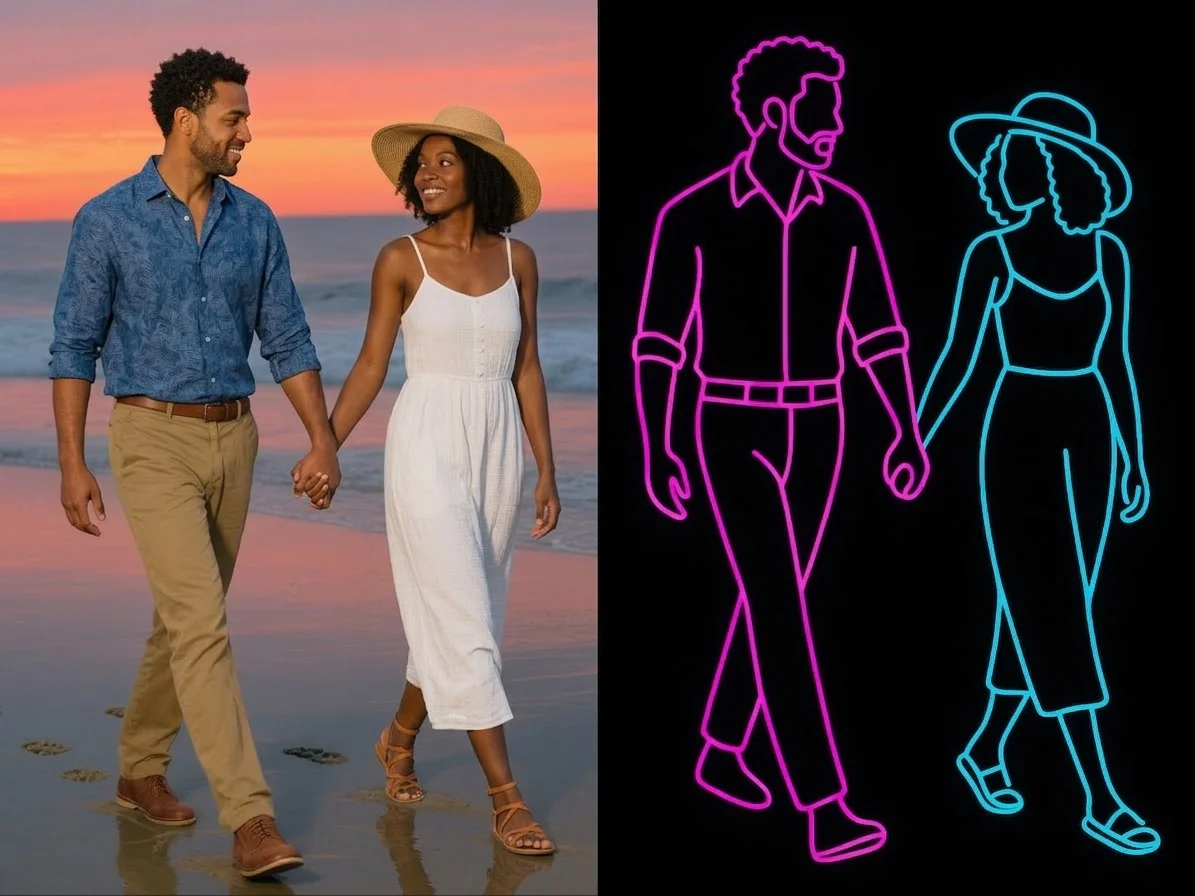
Seven sketch styles — soft pencil portraits, bold black ink, loose doodles, crayon drawings, and glowing neon line art. Pick one to start.
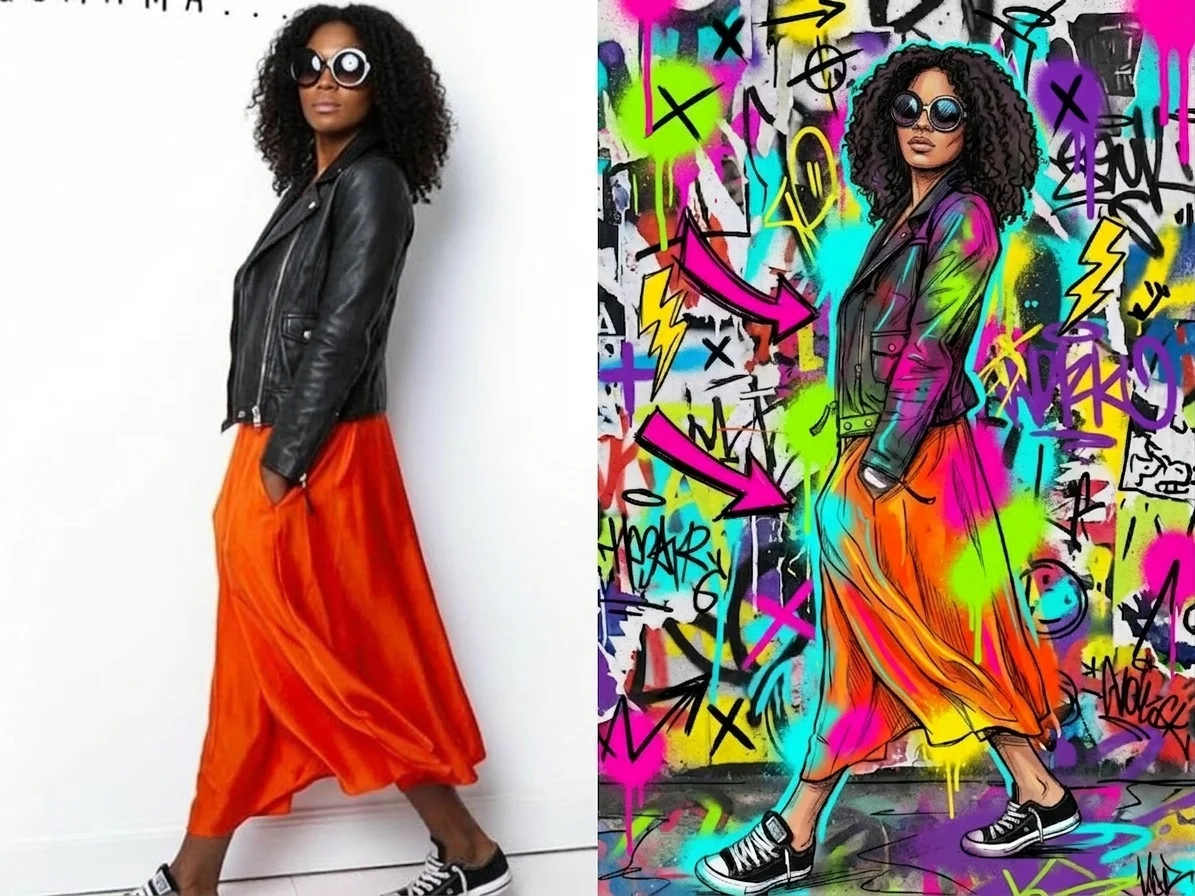
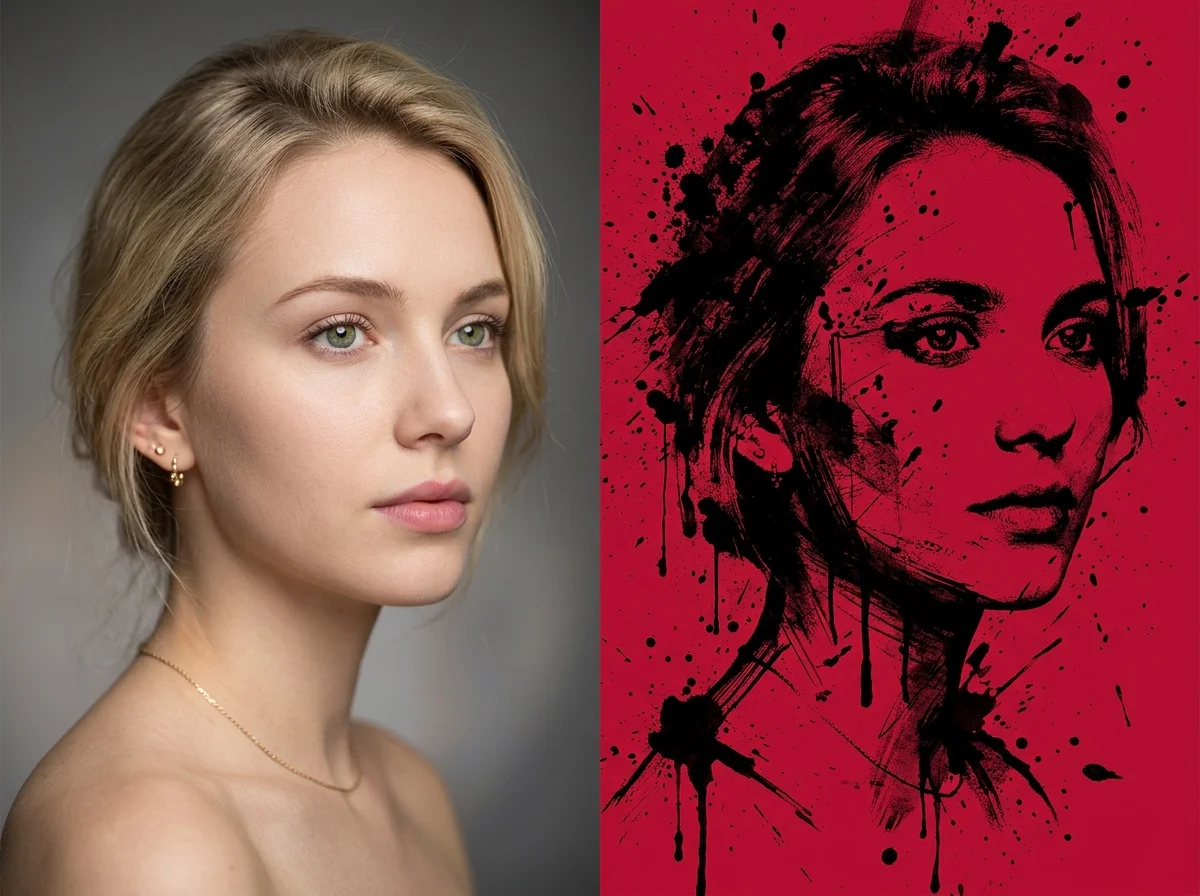
Before & after
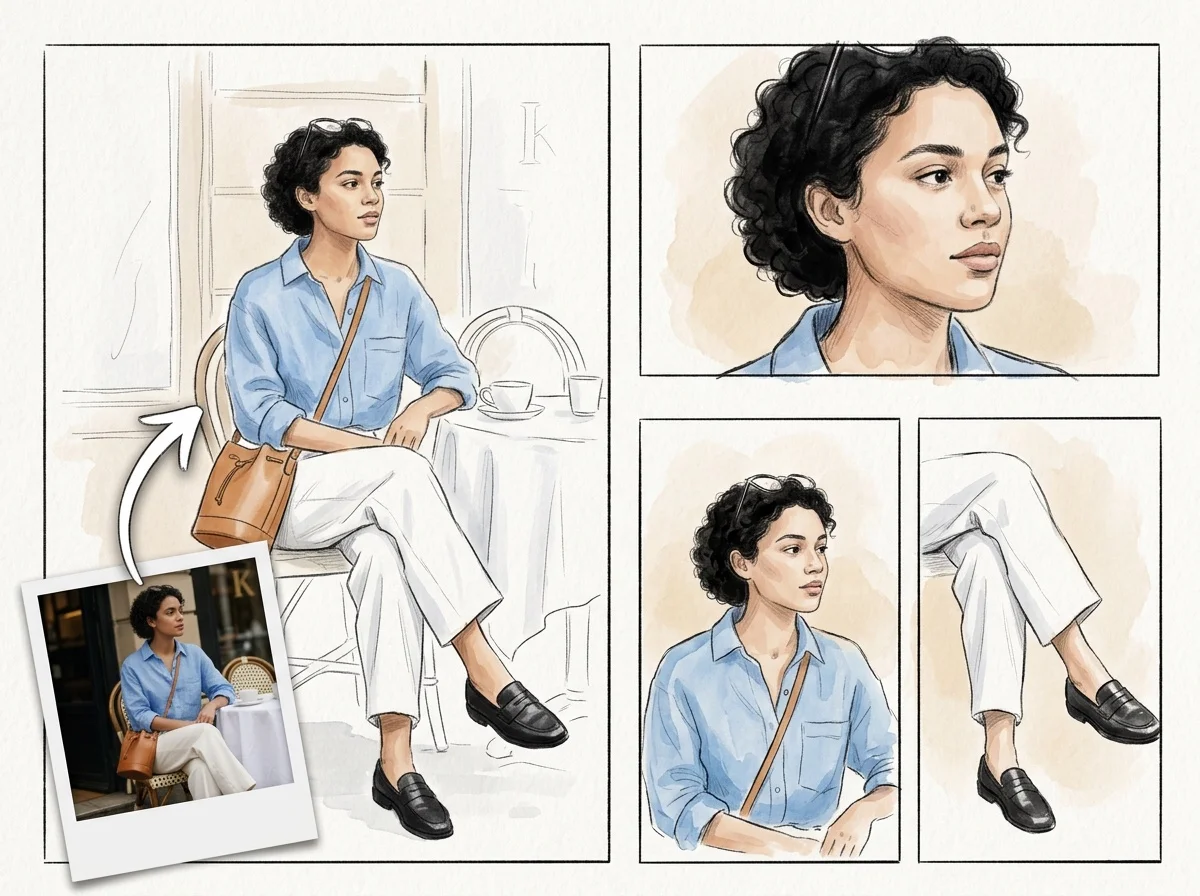
A photo, redrawn as a pencil sketch.
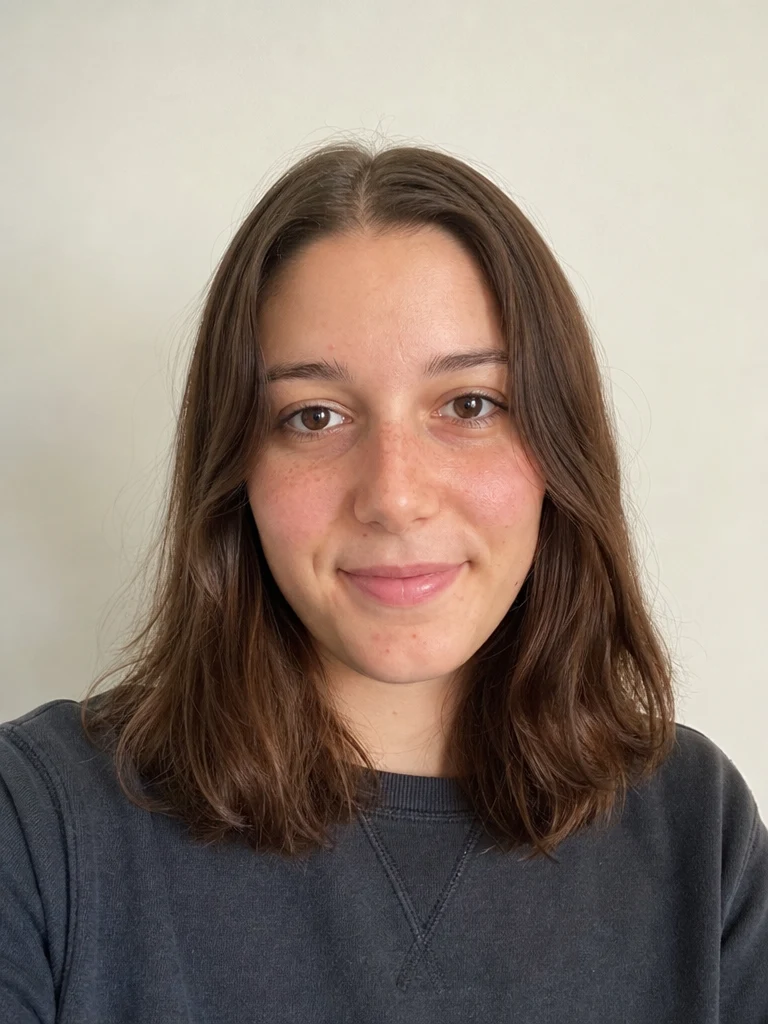 Before
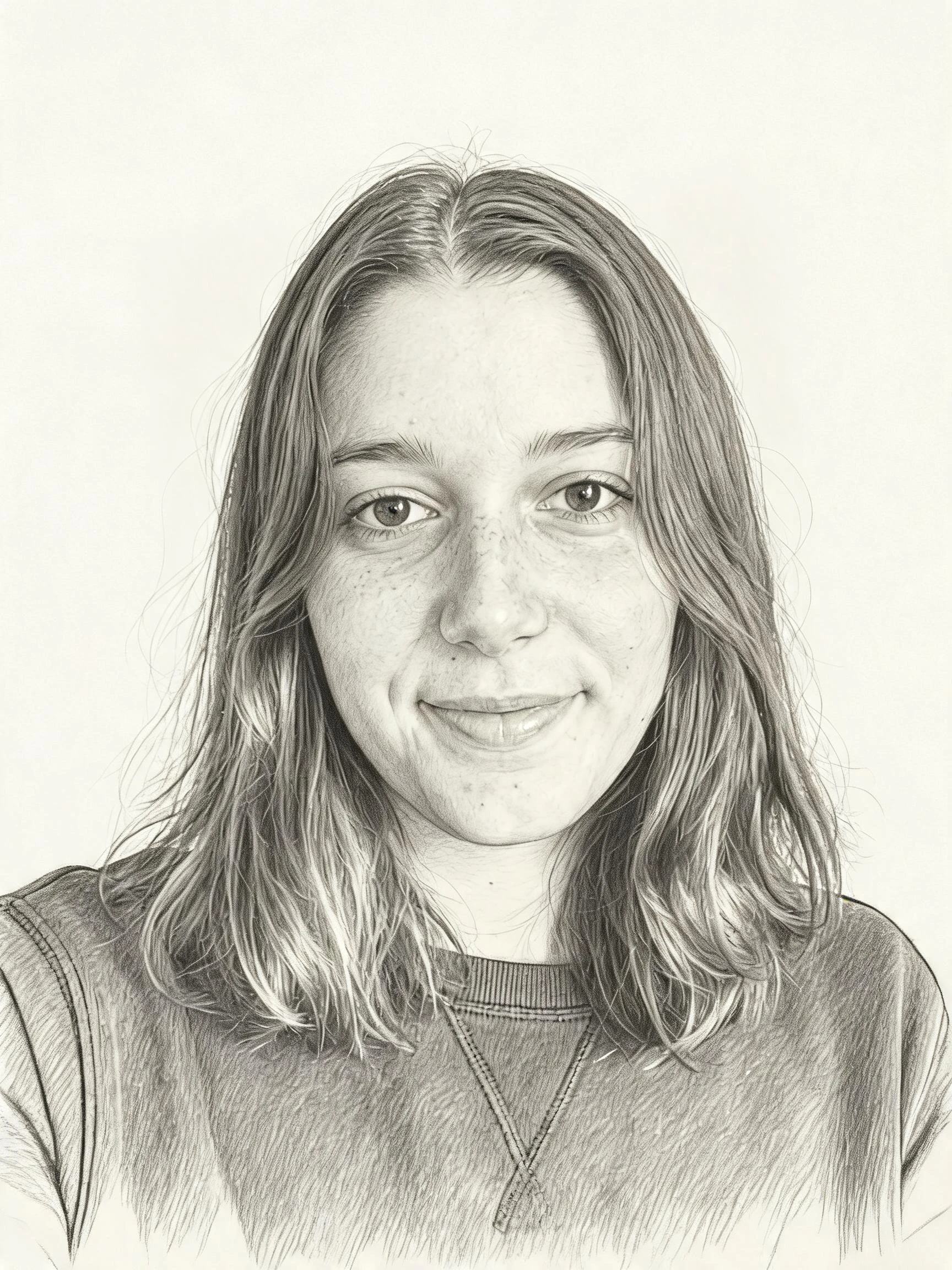 After
After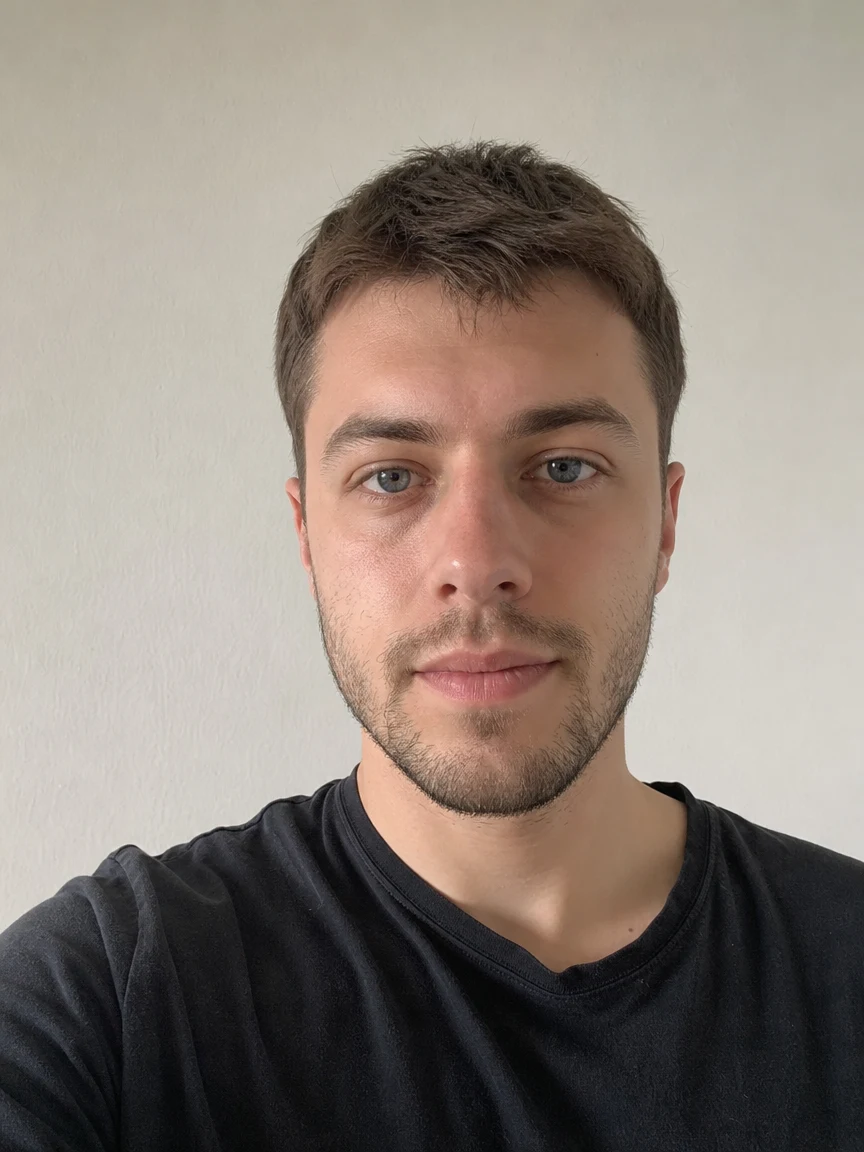 Before
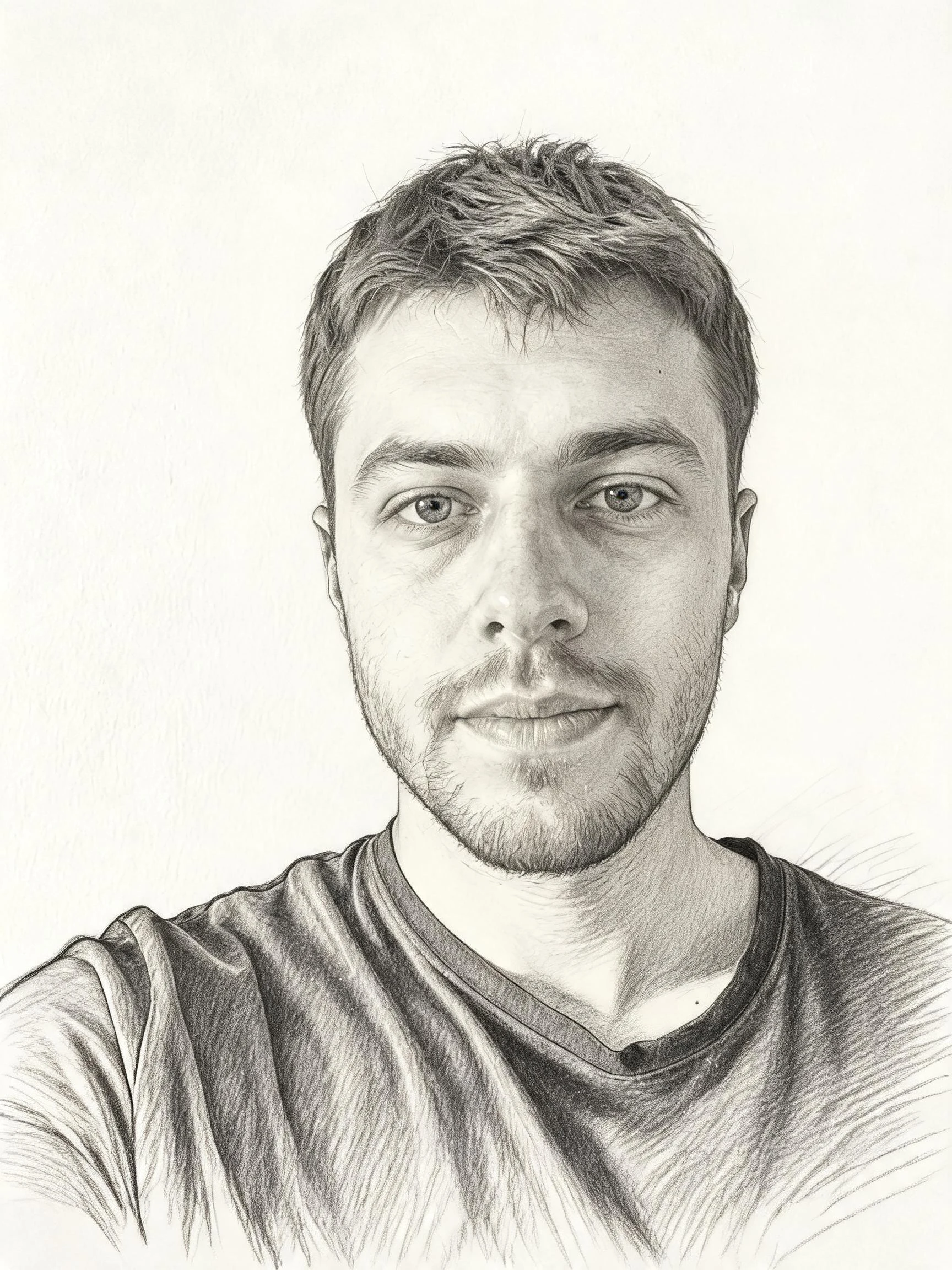 After
After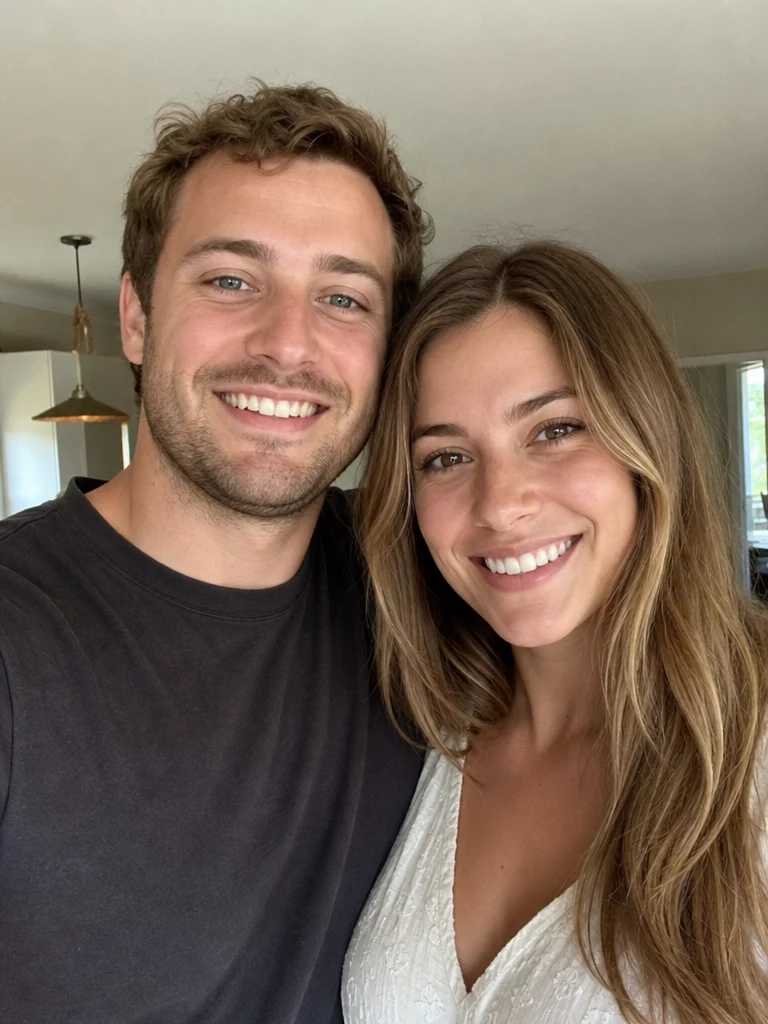 Before
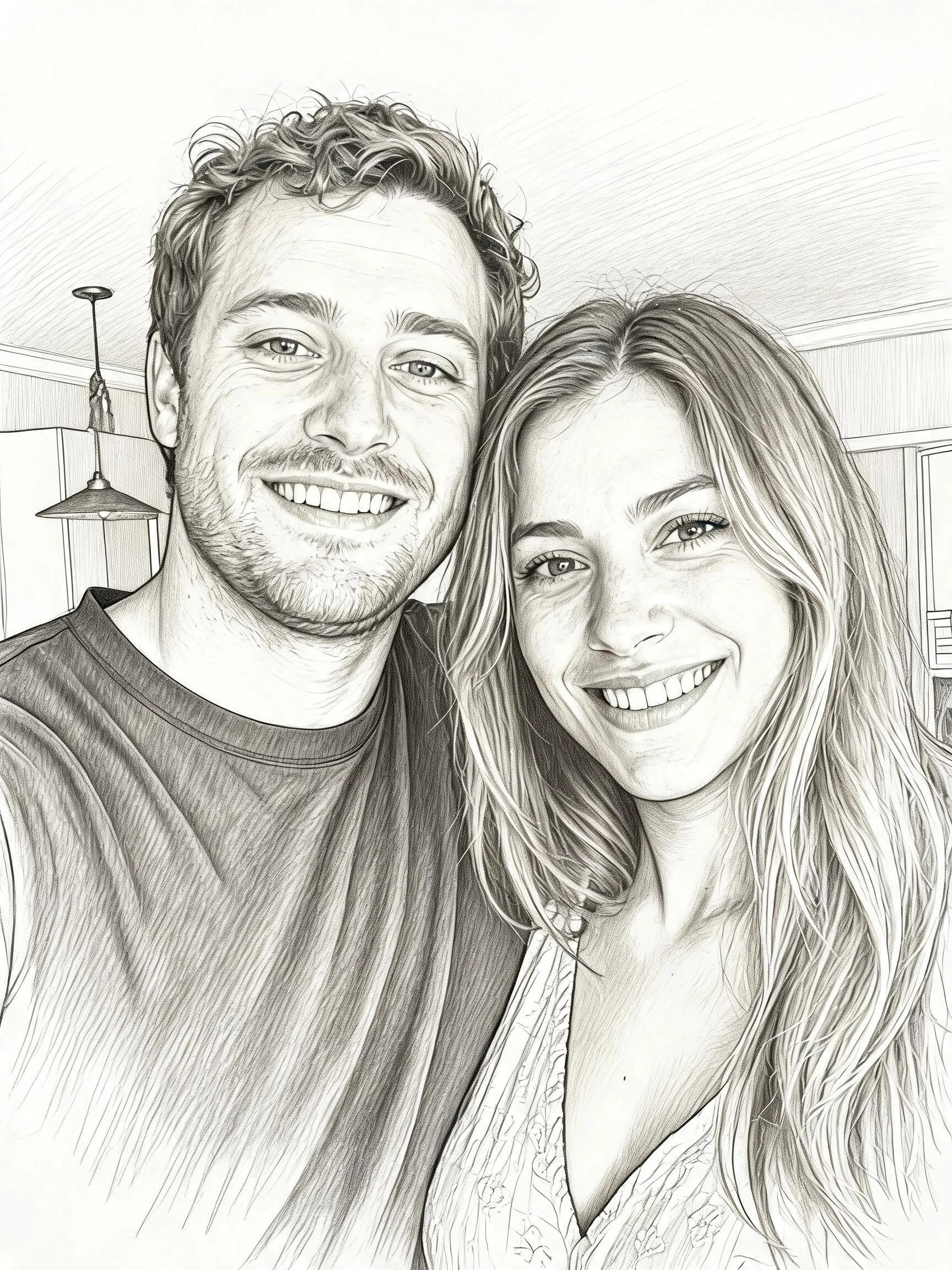 After
AfterHer sketch
How to turn a photo into a sketch
Three steps, right in your browser.
Upload your photo
Drag in or select a clear photo you want to turn into a sketch. A well-lit shot where the face or subject is easy to see gives the AI the most detail to redraw. Your photo is used only to make your result.
Pick a sketch style
Sign in for your 10 free credits, then choose a look — a soft pencil portrait, a bold black-ink line drawing, a loose doodle, a crayon sketch, or glowing neon line art. The AI redraws your photo while keeping your likeness and pose.
Download and share
Preview your sketch, then download it at full resolution with no watermark. Print it, frame it, use it as a profile picture, or post it to share your new hand-drawn portrait.
What you can make
Popular ways people use the photo to sketch converter.
Sketch portraits of yourself
Turn a selfie into a pencil or ink portrait for a profile picture, avatar, or a printed piece for your wall — all from one photo.
Personalized gifts
Make a hand-drawn-style portrait of a friend, partner, or parent from a favorite photo — a thoughtful, framable keepsake for a birthday or holiday.
Pet sketches
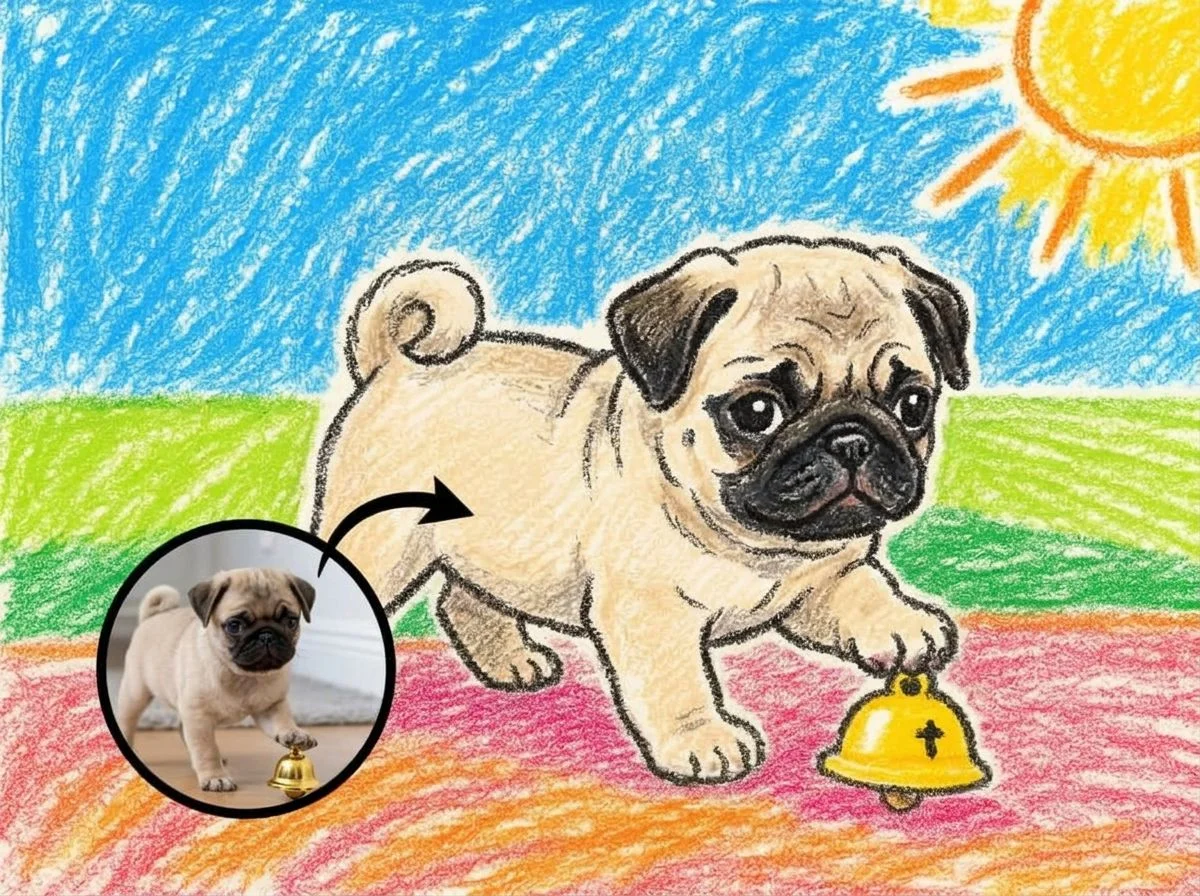
Redraw a photo of your dog, cat, or other pet as a charming pencil or crayon sketch to print, gift, or share.
Kids' crayon art
Turn family and kids' photos into warm, playful crayon drawings that feel like storybook illustrations.
Reference for artists
Generate a clean line drawing or ink outline from a photo to use as a study reference, coloring base, or starting sketch for your own work.
Line-art posts & prints
Create eye-catching neon line art or doodle portraits for social posts, stickers, and print-on-demand designs.
Styles to choose from
From soft graphite portraits to bold ink and bright crayon — pick the drawn look that fits.
Pencil sketch
A soft graphite portrait with hand-shaded tones and natural pencil strokes.
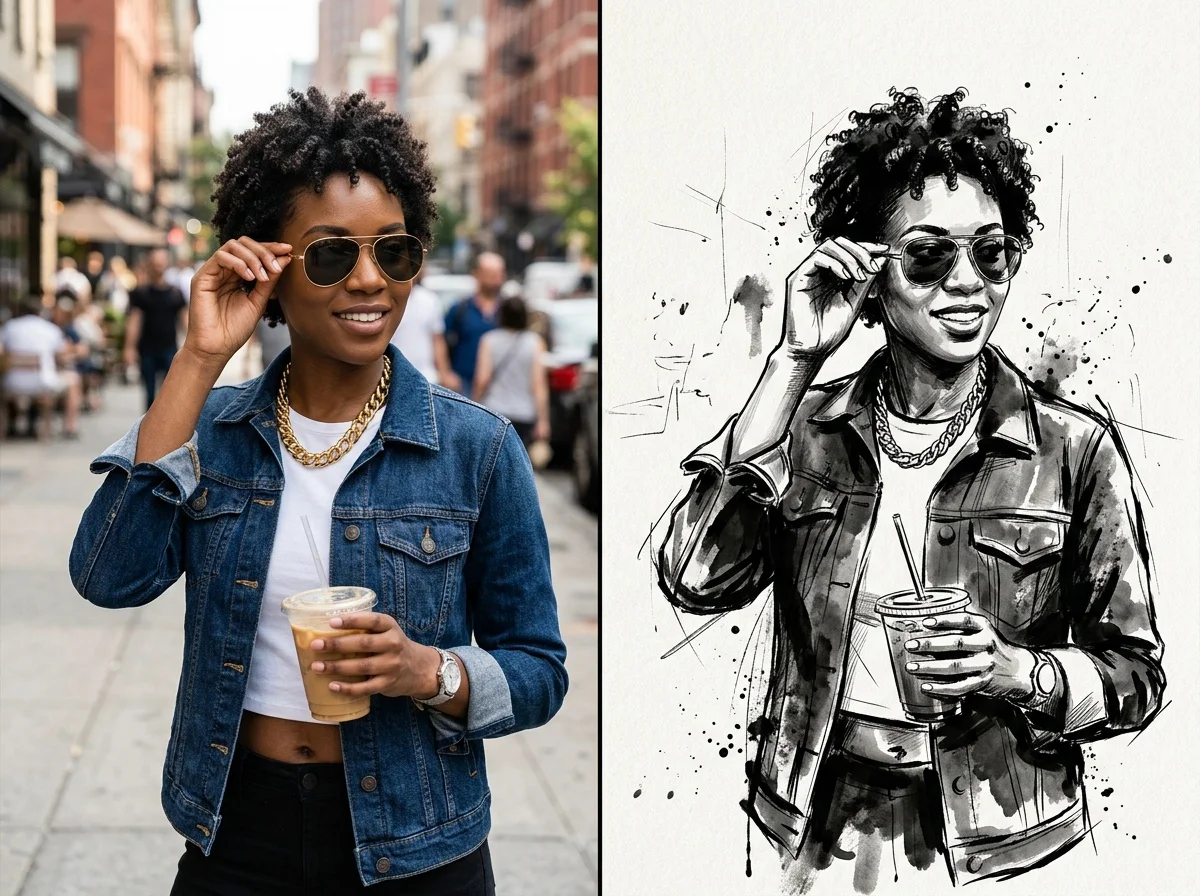
Black ink
A high-contrast black-ink line drawing with clean, confident outlines.
Crayon drawing
A warm, textured crayon sketch with a playful, storybook feel.
Neon line art
A glowing single-line style that traces your photo in bright neon strokes.
Why use SharkFoto's photo to sketch converter
Real hand-drawn look
The AI reads your photo and redraws it with genuine sketch texture — pencil shading, ink strokes, or crayon grain — so the result looks drawn by hand rather than run through a one-tap filter.
Many sketch styles
Go beyond a single effect: choose soft pencil, high-contrast black ink, playful doodles, warm crayon, or glowing neon line art, each redrawing your photo in a distinct medium.
Keeps your likeness
One clear photo is enough. The converter preserves the face, pose, and key details so a portrait still looks like the person, just reimagined as a drawing.
10 free credits, no watermark
Sign up free and get 10 credits to start sketching. Your download comes at full resolution with no watermark, so it's clean enough to print, frame, or post.
Tips for the best results
Use a clear, in-focus photo — sharp detail gives the AI defined edges to trace into clean sketch lines.
Choose a photo with good, even lighting — balanced light helps the sketch capture accurate shading instead of muddy shadows.
Keep the background simple — a plain backdrop keeps the drawing focused on the subject rather than cluttered detail.
Match the style to your subject — pencil and ink suit portraits, while crayon and doodle shine for kids, pets, and playful shots.
Start from a higher-resolution image — more detail in the original means finer, cleaner lines in the final sketch.
Frequently asked questions
Is the photo to sketch converter really free?
What kind of photo works best?
What sketch styles can I choose from?
Do I get an image or a video?
How long does it take to generate a sketch?
Is my photo safe and private?
Can I use my sketch commercially?
What if the sketch doesn't look like the photo?
Related AI effects
More ways to restyle your photos.