AI GTA Filter
Turn your selfie into a Grand Theft Auto-style character in seconds. SharkFoto's AI GTA filter restyles the person in your photo with the bold outlines, gritty color grade, and cover-art look of a GTA loading screen, so an everyday snapshot becomes a game-poster portrait. Sign up free to get 10 credits, pick a GTA effect, and download your result — with no watermark — ready to post or set as an avatar. It's a fan-style parody look, not an official Rockstar product.
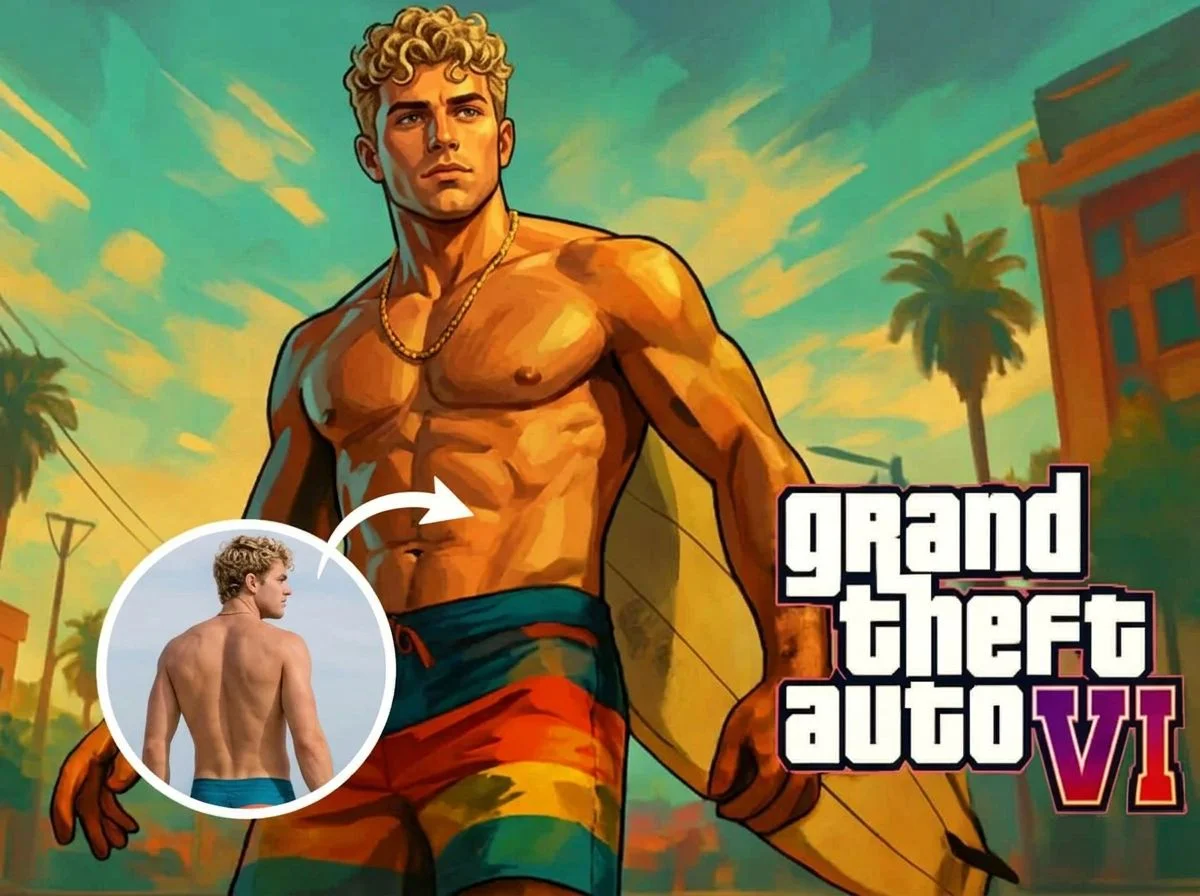 PopularAI GTA Filter
What is an AI GTA filter?
An AI GTA filter is a photo effect that restyles a person into the art style of the Grand Theft Auto series — thick outlines, a warm cinematic color grade, and the illustrated cover-art or loading-screen look. You upload a photo, the AI repaints it in that style while keeping your face and outfit recognizable, and you download a high-resolution image. It's a playful fan tribute, not affiliated with or endorsed by Rockstar Games.
All AI GTA Filter Effects
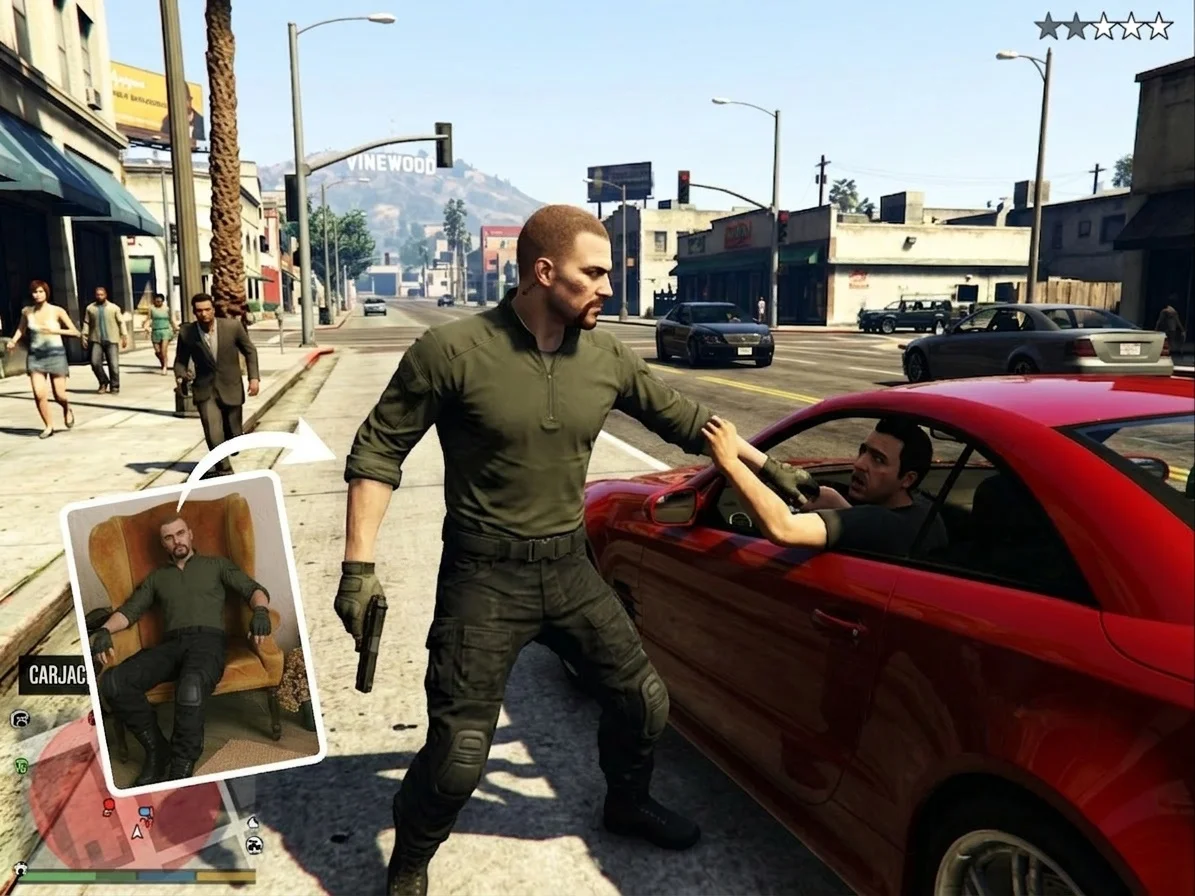
Two GTA-style looks — a painterly cover-art filter and a full loading-screen screenshot. Pick one to start generating.
Before & after
An everyday photo, restyled as GTA cover art.
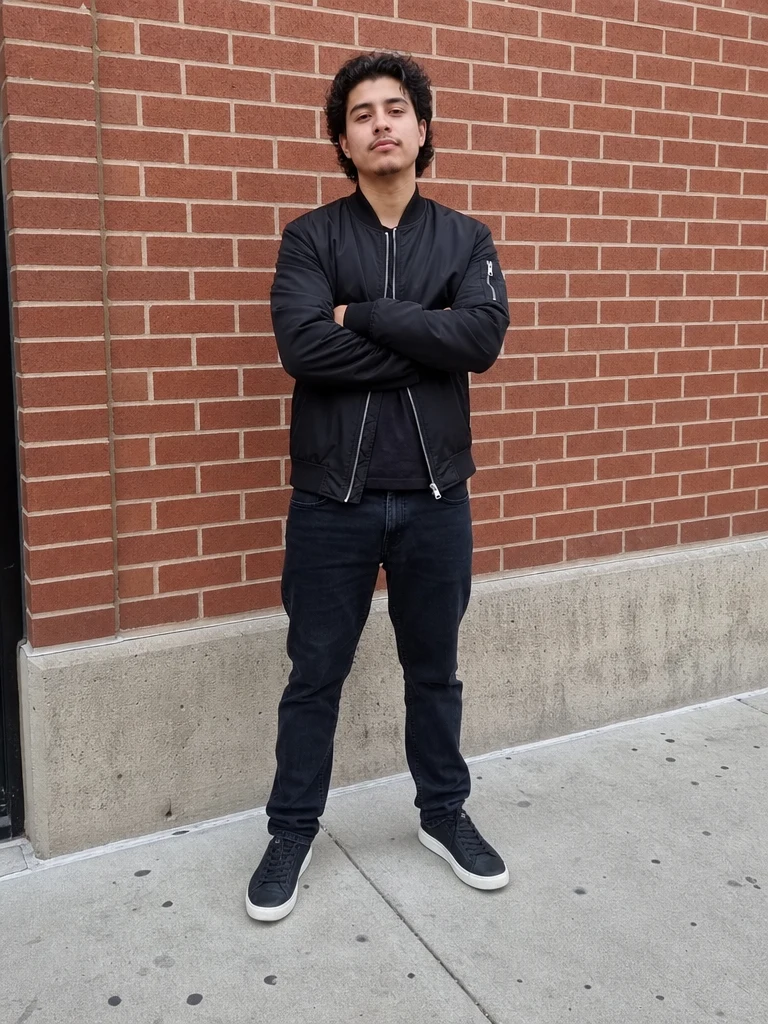 Before
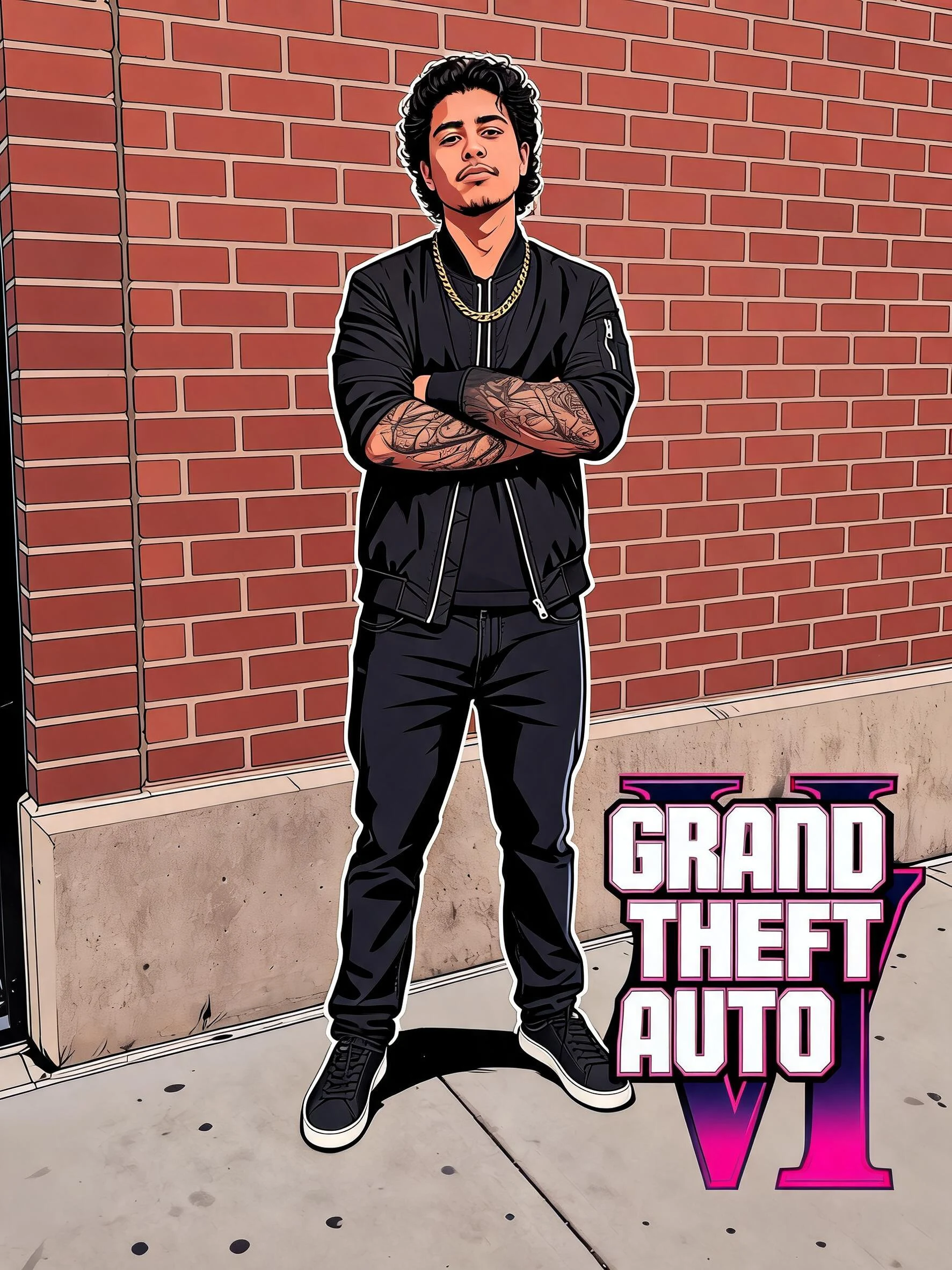 After
After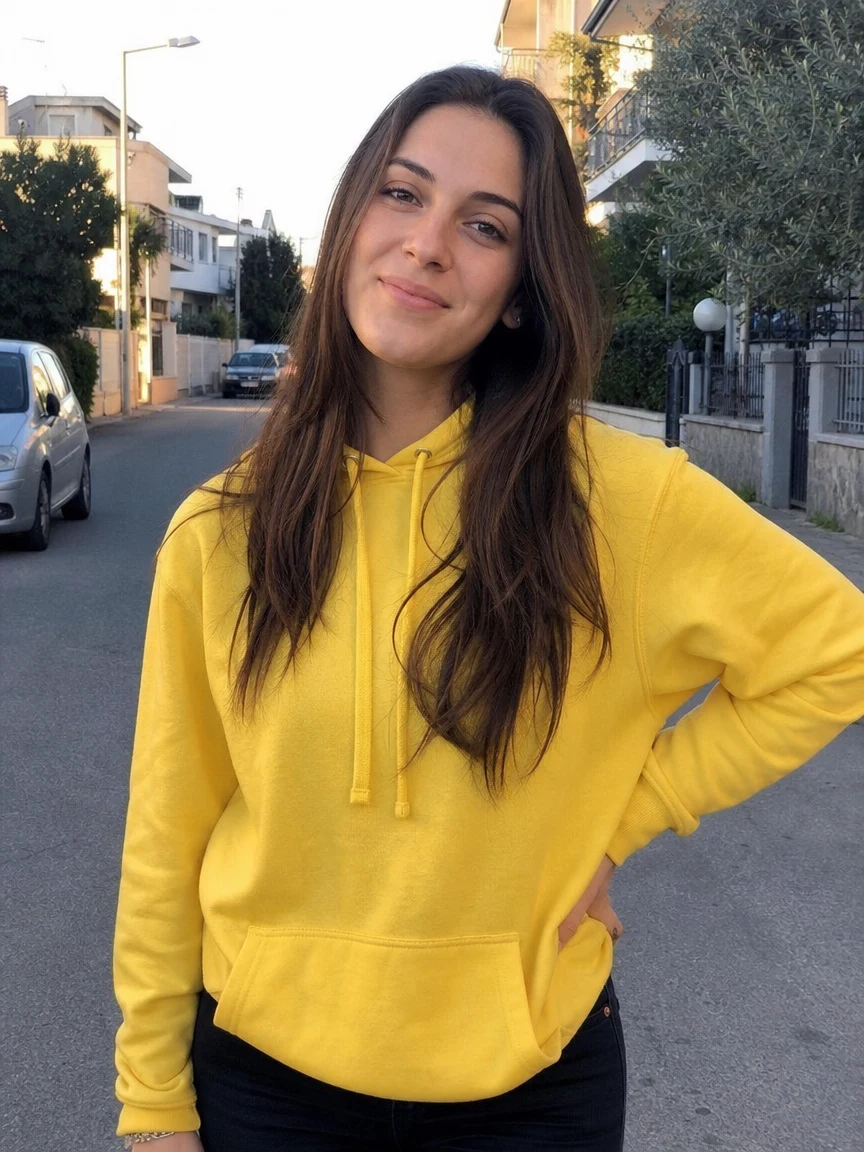 Before
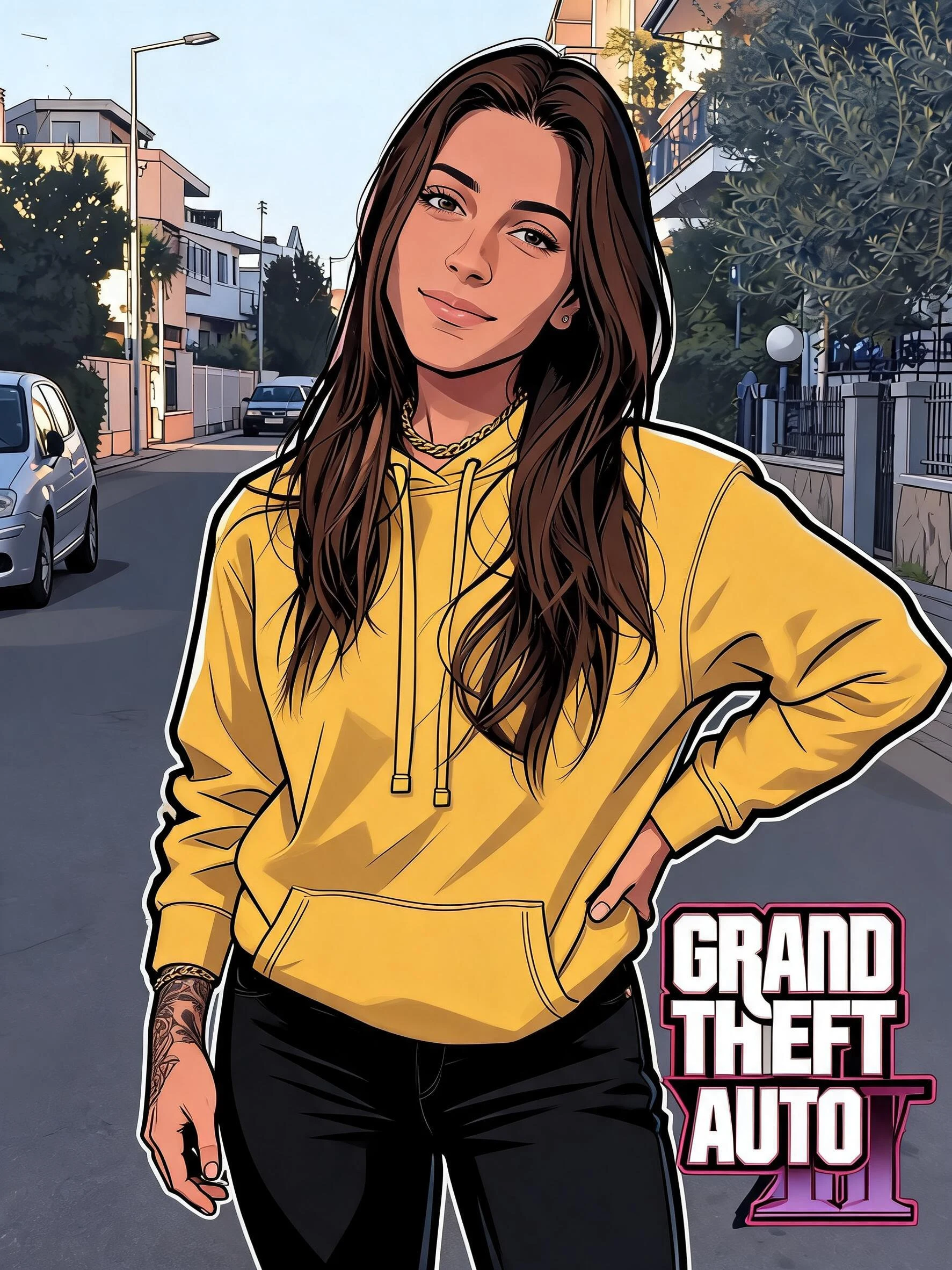 After
After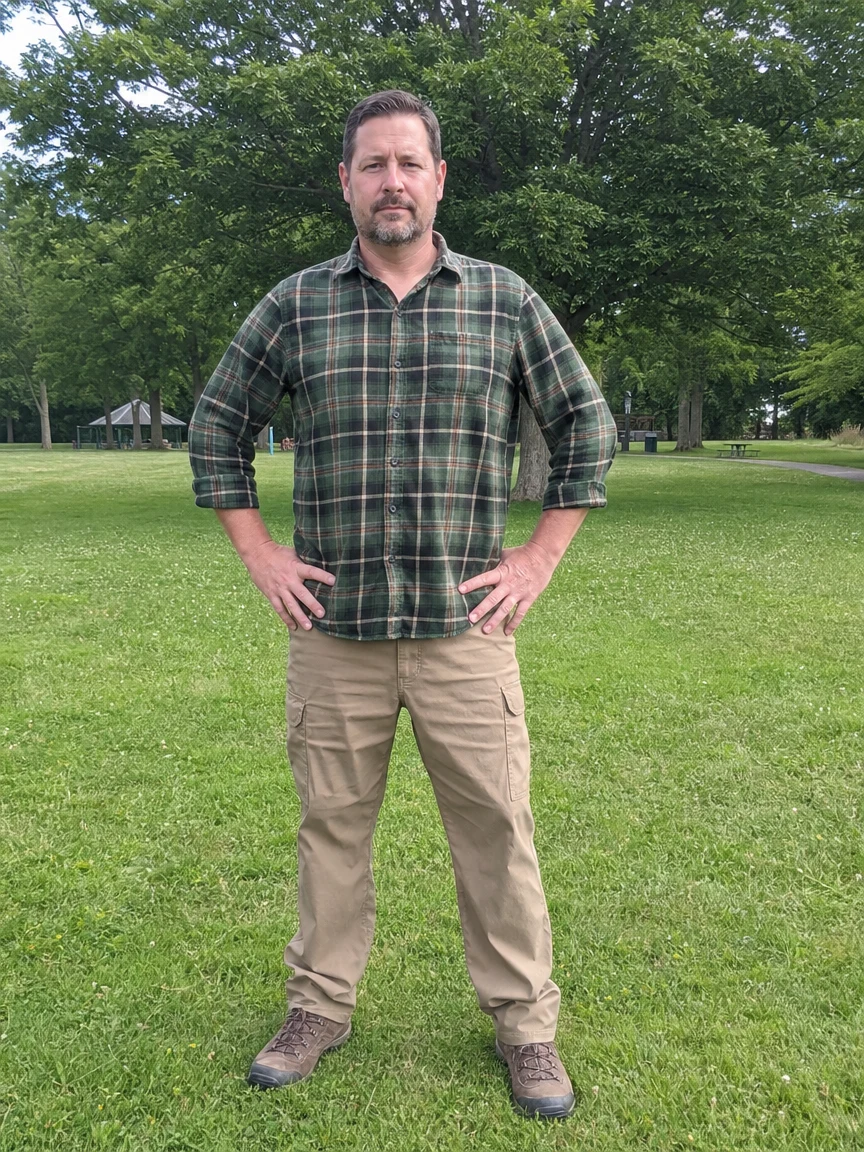 Before
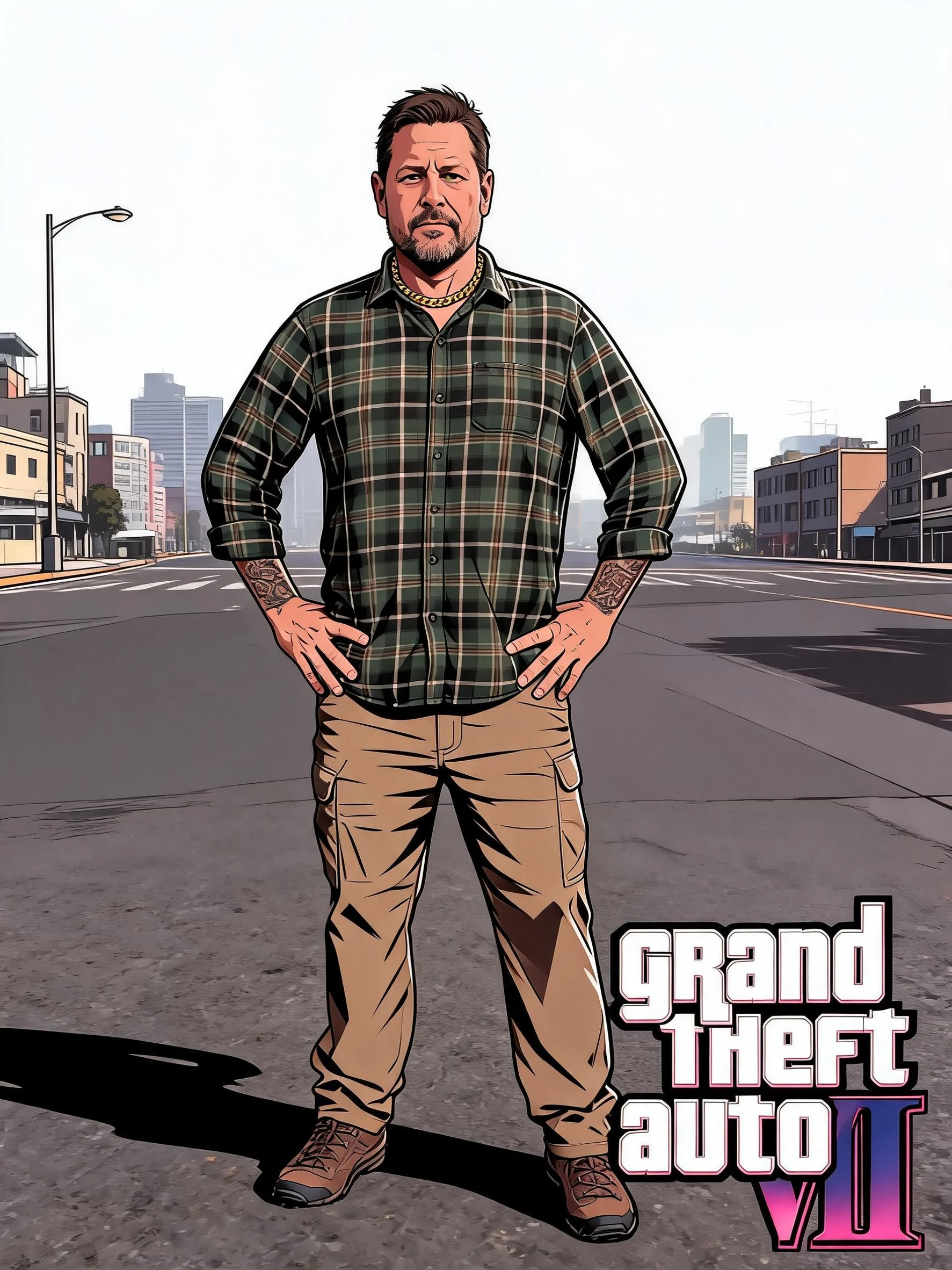 After
AfterMan Street Jacket
How to make an AI GTA filter photo
Three steps, right in your browser.
Upload your photo
Drag in or select a clear photo of the person you want to restyle. A well-lit half-body or full-body shot with a visible face and pose gives the AI the most to work with. Your photo is used only to make your result.
Pick a GTA effect
Sign in for your 10 free credits, then choose a look — the painterly AI GTA Filter for a cover-art portrait, or GTA Screenshot for a full loading-screen scene. The AI repaints your photo in the GTA style while keeping your face and outfit recognizable.
Download and share
Preview your GTA character, then download it at full resolution with no watermark. Use it as a profile picture, drop it in a group chat, or post it to the GTA trend.
What you can make
Popular ways people use the GTA filter.
Become a GTA character
Turn your own selfie into a GTA-style protagonist for the fun of seeing yourself on a game cover — no editing skills needed.
Gaming profile pictures
Give your Discord, Steam, or Twitch avatar a bold cover-art look that stands out in any friends list or lobby.
GTA loading-screen scenes
Drop yourself into a full GTA-style loading screen, complete with the illustrated poster framing, for a share-worthy screenshot.
Crew and squad posts
Restyle each friend and line them up as a matching gangster-movie crew for a group post or a gaming clan banner.
Join the GTA trend
Hop on the viral GTA-portrait challenge with a look that matches what everyone's posting, straight from one photo.
Gifts for gamer friends
Surprise a GTA fan with a personalized cover-art portrait of them — a fun, free-to-start birthday or holiday idea.
Why use SharkFoto's GTA filter
Authentic GTA art style
The AI reproduces the series' signature look — thick ink outlines, a warm cinematic grade, and illustrated shading — so your photo reads like real cover art instead of a cheap overlay.
Loading-screen scene option
Go beyond a portrait: GTA Screenshot places you into a full loading-screen-style scene with poster framing, for a screenshot that looks pulled straight from the game.
Keeps your likeness
One clear photo is enough. The AI restyles your face, hair, and outfit while keeping you recognizable, so the character still looks like you.
10 free credits, no watermark
Sign up free and get 10 credits to start generating GTA portraits. Your download comes at full resolution with no watermark, clean enough to post or use as an avatar.
Tips for the best results
Use a half-body or full-body photo — the AI has more of your pose and outfit to restyle, so the cover-art framing looks complete.
Pick a photo with a confident pose or expression — GTA cover art leans on attitude, so a bold stance translates best into the style.
Use a clear, well-lit face — even lighting helps the AI keep your likeness through the heavy stylization.
Keep the background simple — busy backgrounds can clutter the illustrated scene and pull focus from you.
Start from a higher-resolution photo — low-res images limit how crisp the final poster looks.
Frequently asked questions
Is the AI GTA filter really free?
What kind of photo works best?
Do I get an image or a video?
How long does it take to generate?
Is this an official GTA or Rockstar product?
Is my photo safe and private?
Can I use my GTA portrait commercially?
Related AI effects
More game and art-style effects to try.