AI Silhouette Generator
Turn any photo into a striking dark silhouette in seconds. SharkFoto's AI silhouette maker reads the shape of your subject and renders it as a bold, solid backlit form set against a bright or colored background — the kind of dramatic outline you'd normally need a sunset and a camera pointed into the light to capture. Sign up free to get 10 credits, upload a clear photo, pick a silhouette effect, and download your result — with no watermark — ready to post, print, or drop into a design.
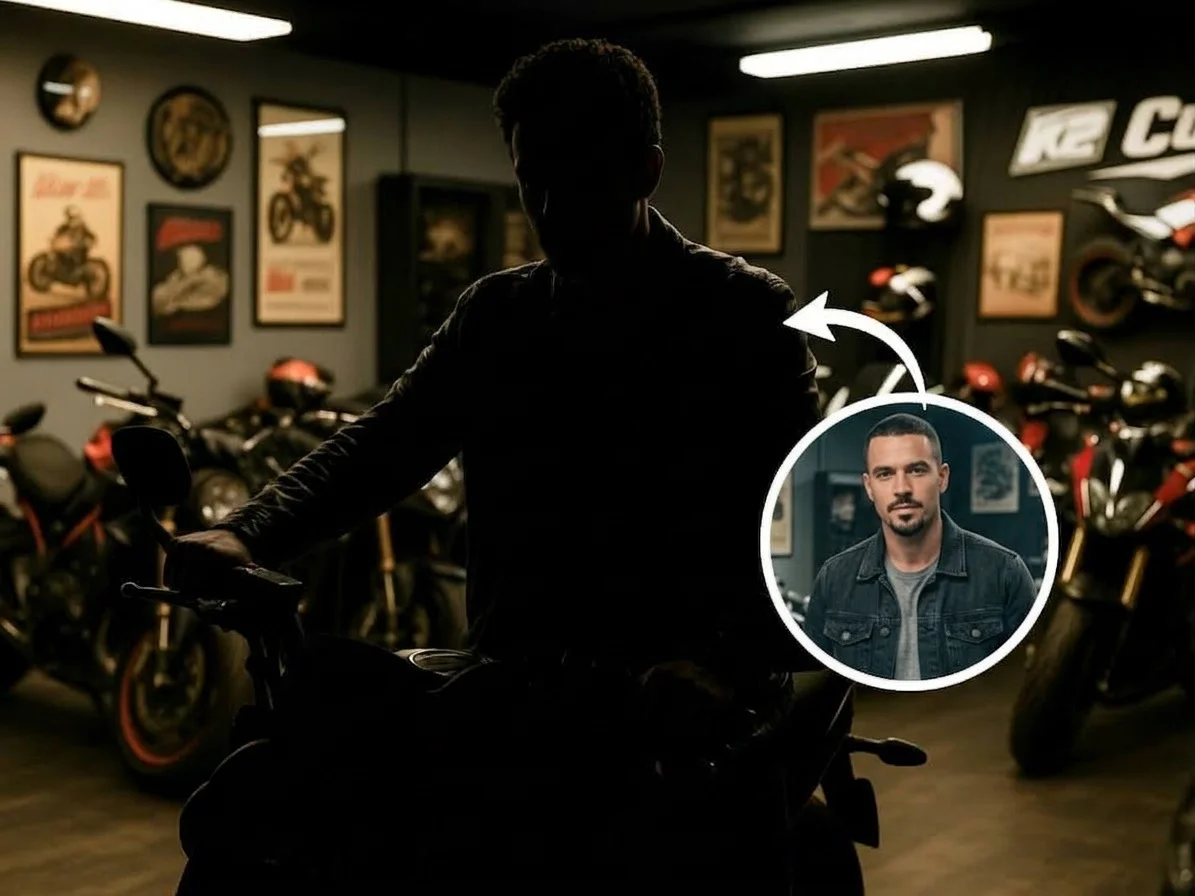 PopularAI Silhouette Maker
What is an AI silhouette maker?
An AI silhouette maker is a photo tool that separates your subject from its background and renders it as a solid dark shape — as if lit from behind — against a bright or colored backdrop. Instead of manually masking edges and filling the shape in an editor, you upload a photo and the AI detects the outline, flattens the subject to a clean silhouette, and blends it into a dramatic backlit scene.
All AI Silhouette Effects
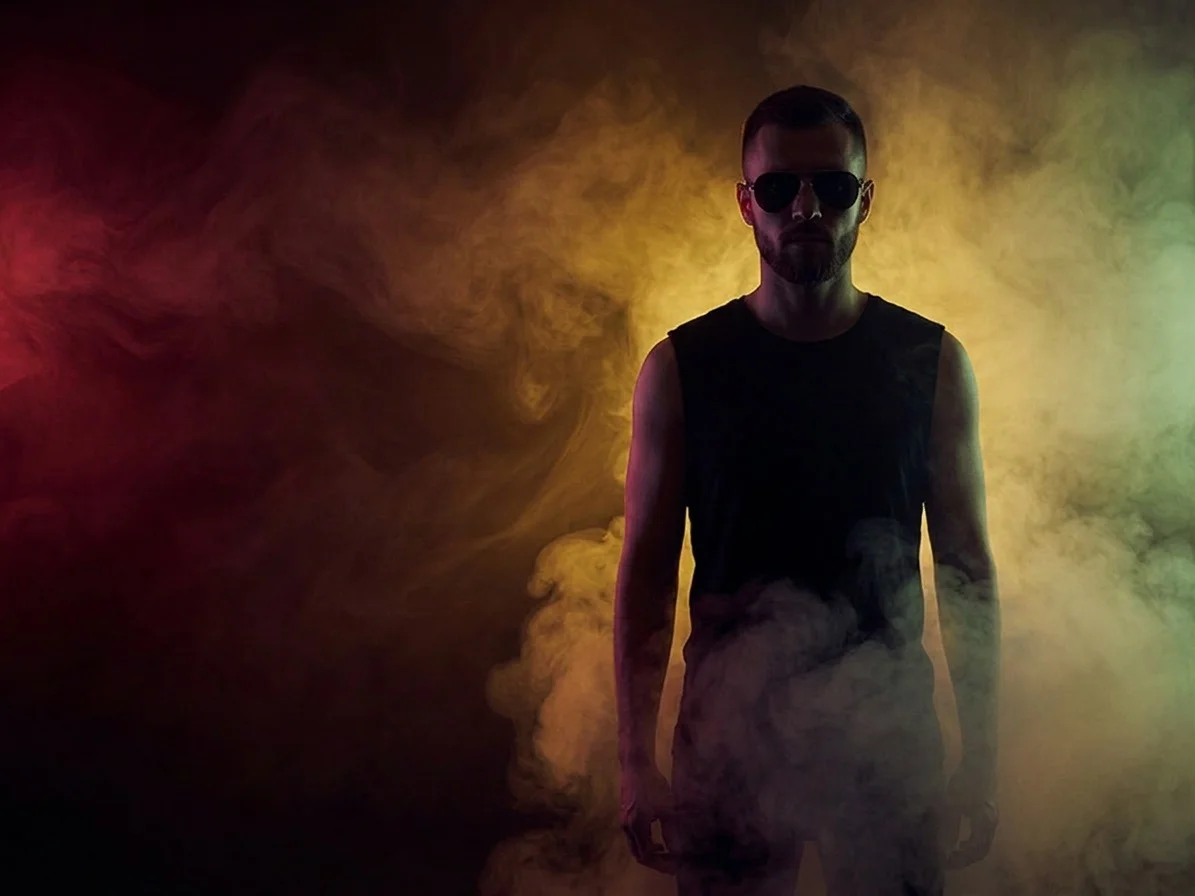
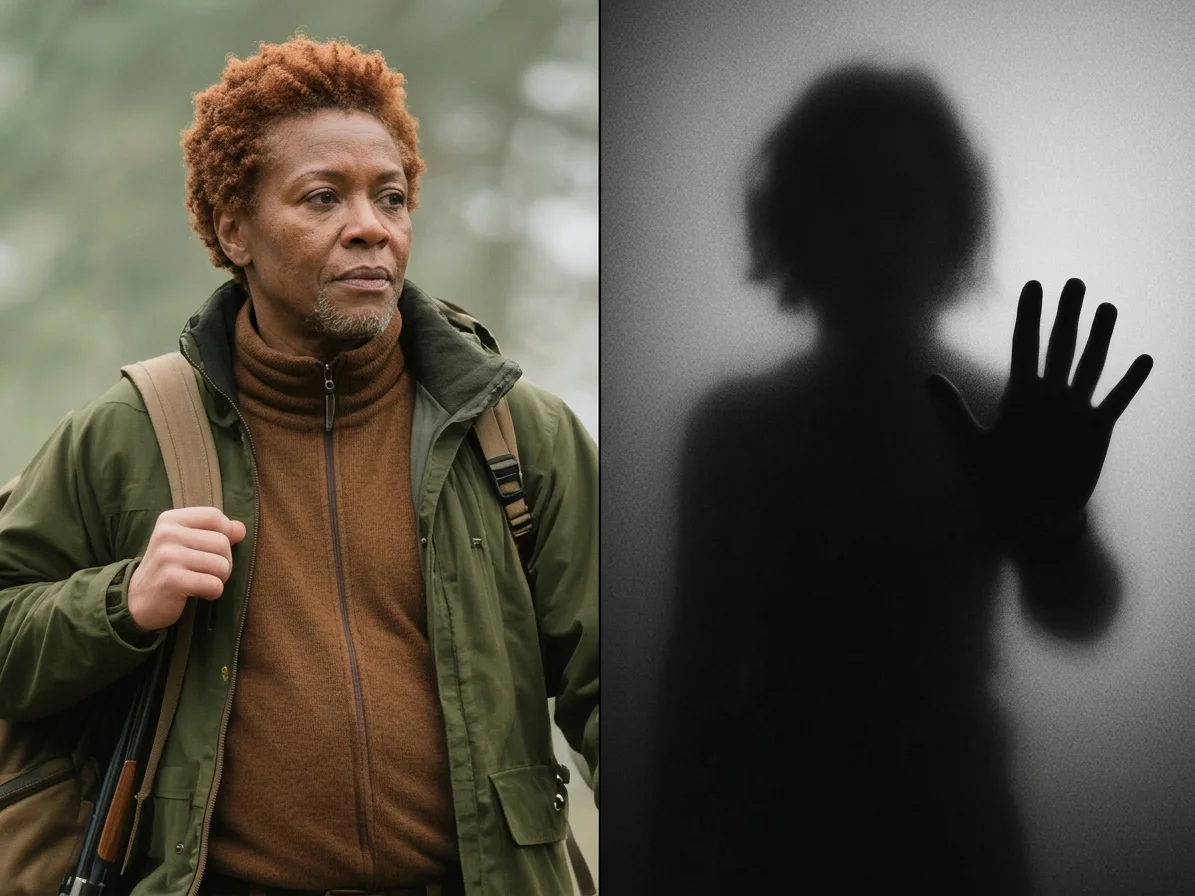
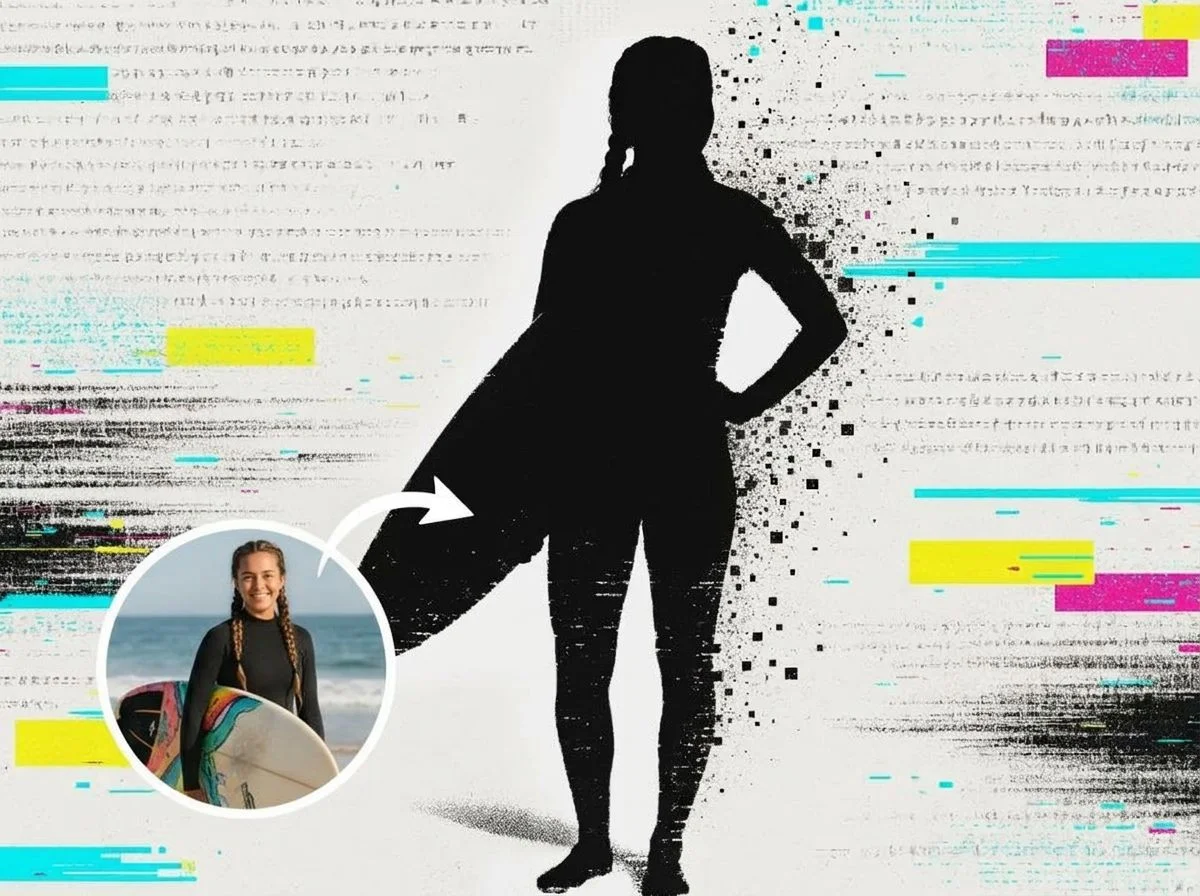
Two silhouette effects — a classic solid backlit outline or a soft frosted-glass silhouette. Pick one to start.
Before & after
A everyday photo, turned into a dramatic backlit silhouette.
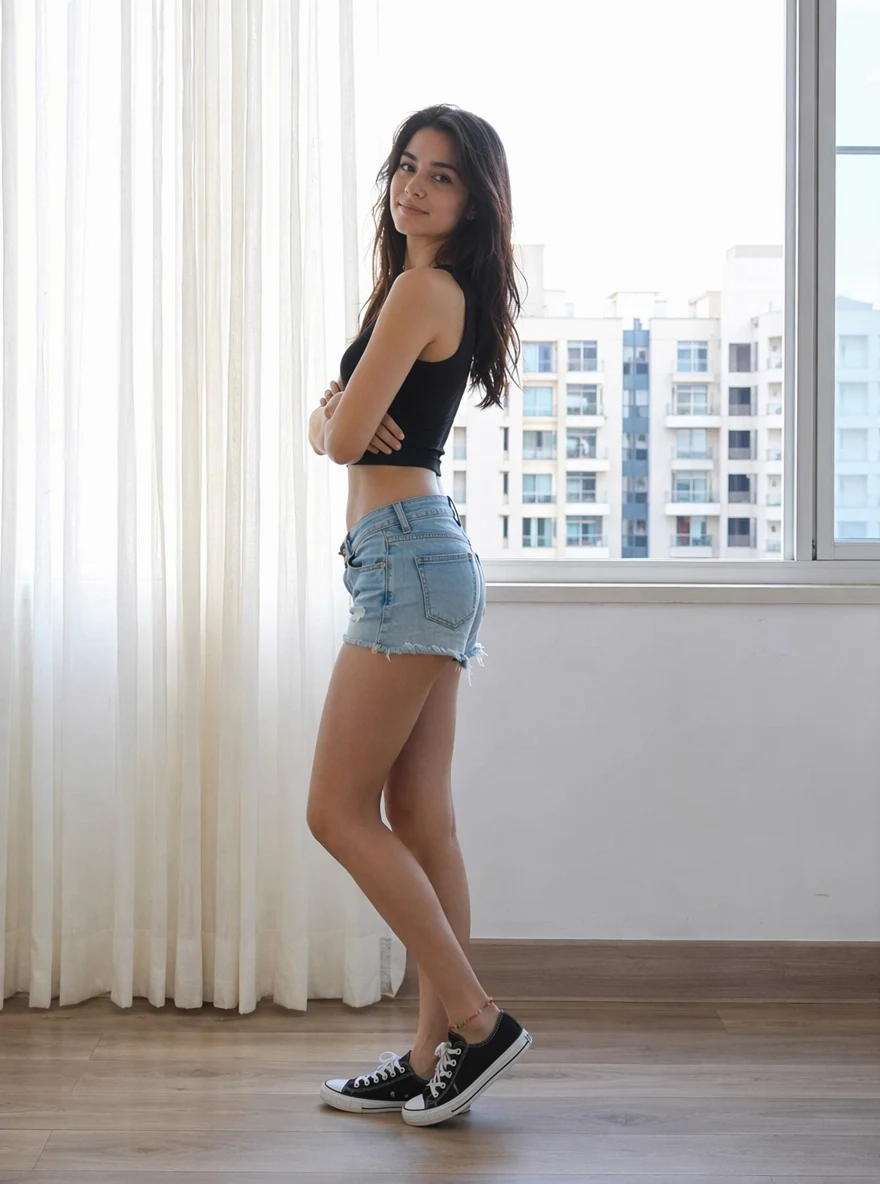 Before
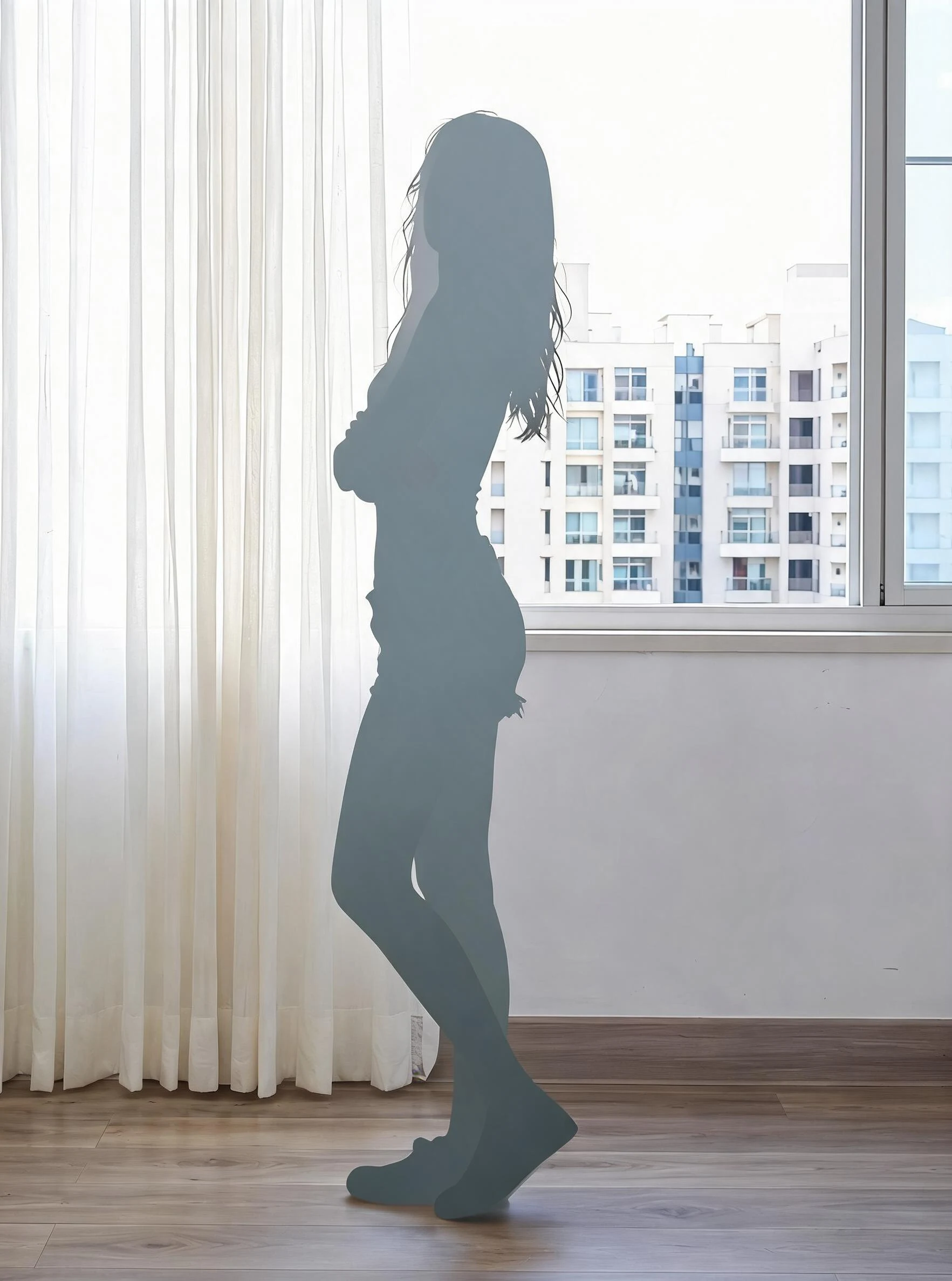 After
After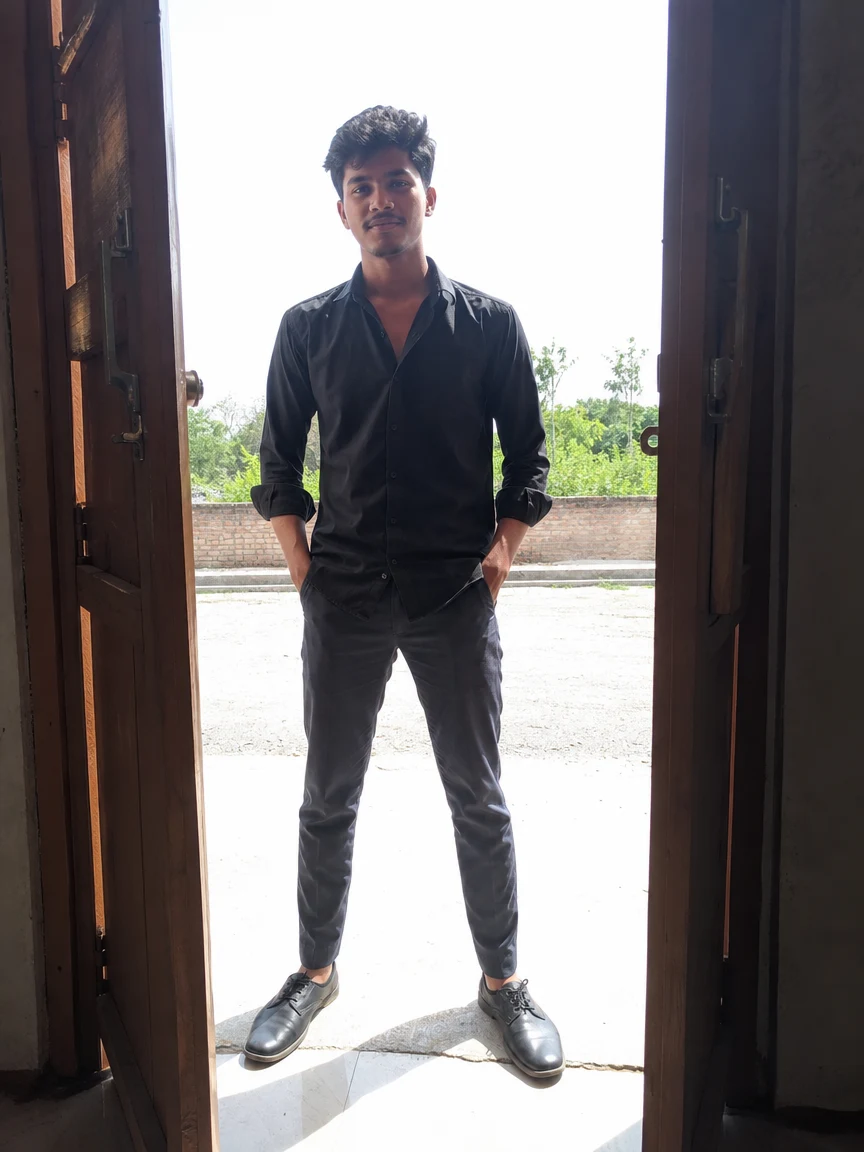 Before
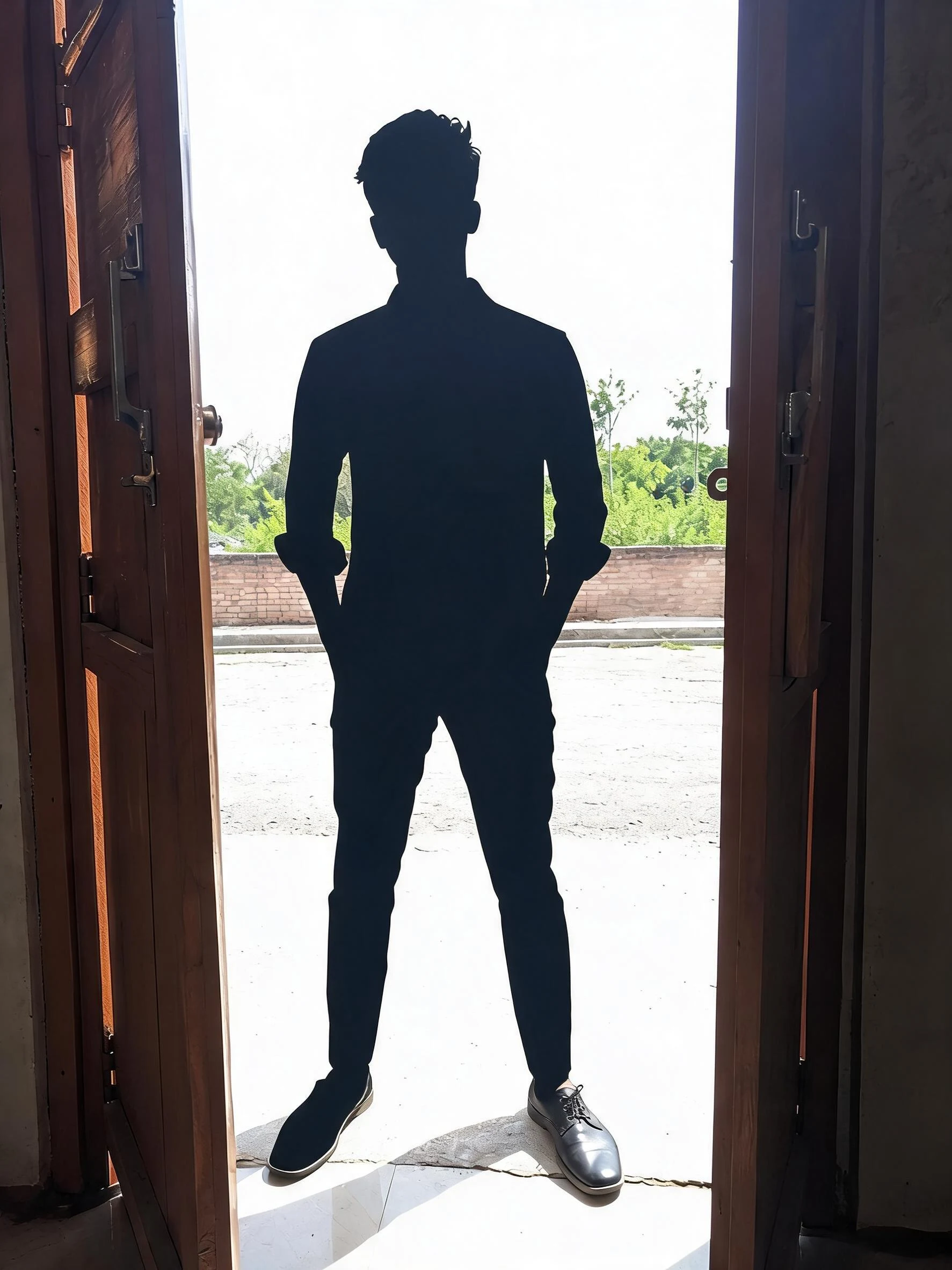 After
After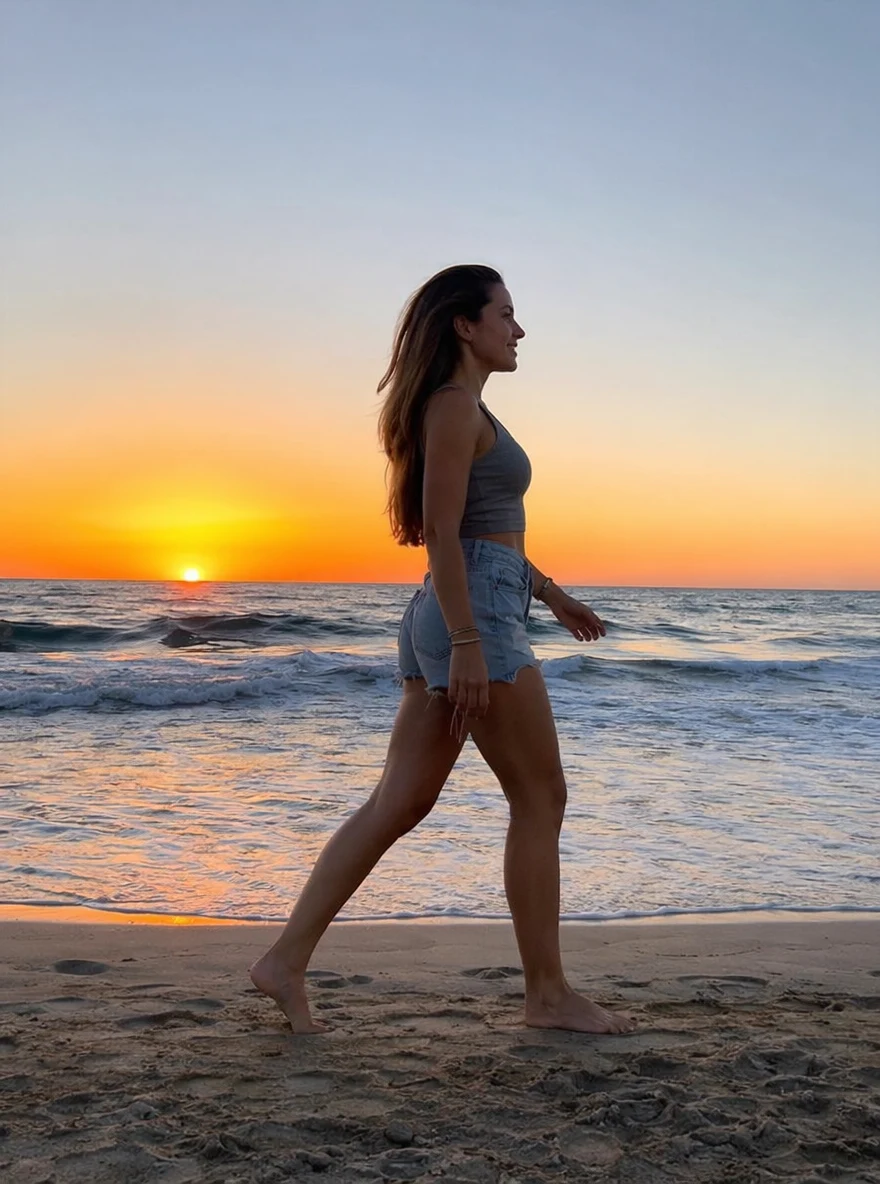 Before
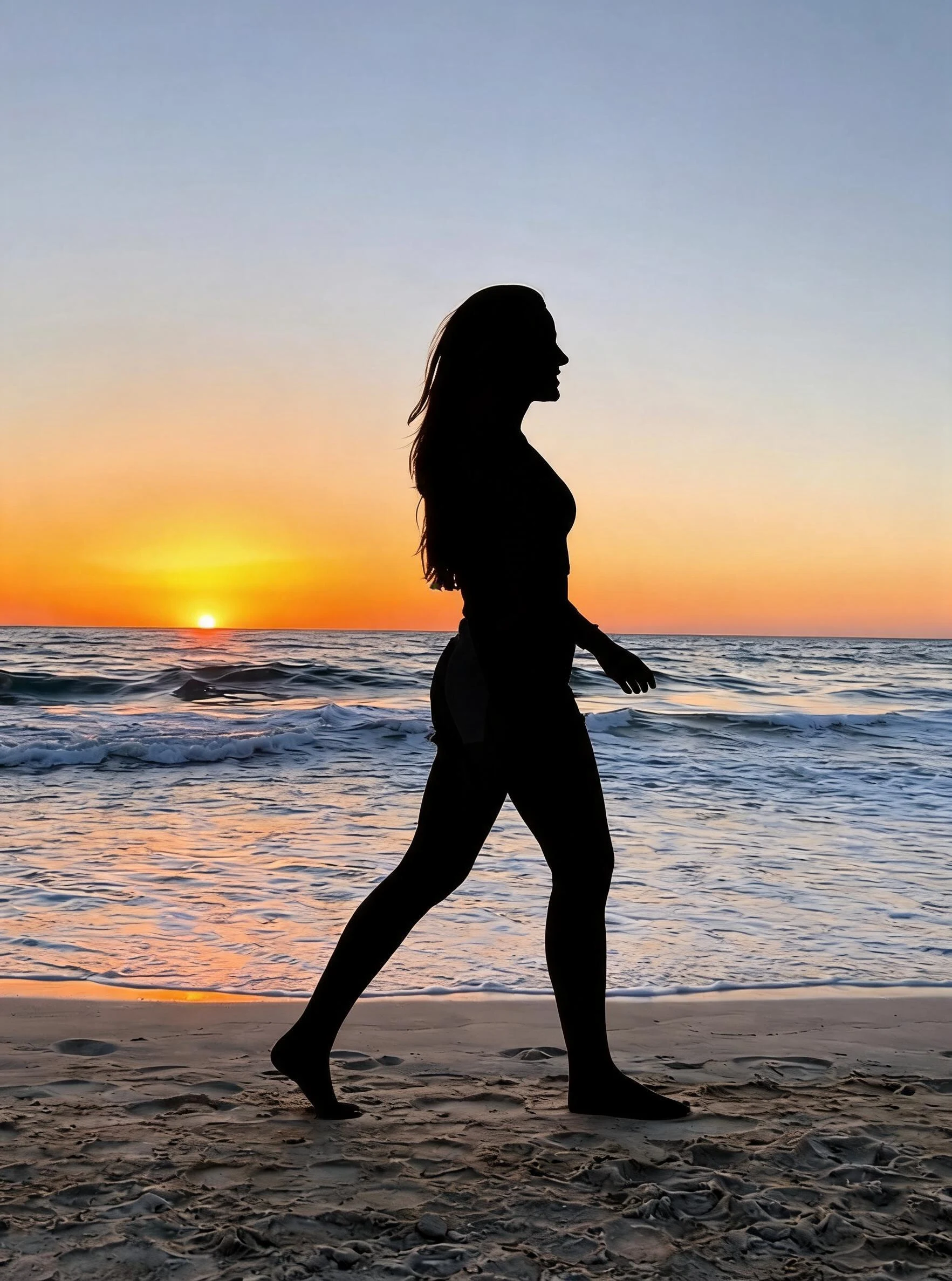 After
AfterWoman Window Pose
How to make an AI silhouette
Three steps, right in your browser.
Upload your photo
Drag in or select a photo with a clear subject — a person, a couple, or an object that reads well as an outline. A clean, uncluttered background gives the AI the cleanest shape to work with. Your photo is used only to make your result.
Pick a silhouette effect
Sign in for your 10 free credits, then choose the AI Silhouette Maker for a classic solid backlit outline, or the AI Frosted Glass Silhouette Effect for a softer, translucent look. The AI detects your subject's edges and renders it as a bold dark form against a bright background.
Download and share
Preview your silhouette, then download it at full resolution with no watermark. Post it, print it as wall art, or drop it into a poster, logo, or social graphic.
What you can make
Popular ways people use the silhouette maker.
Dramatic backlit portraits
Turn an ordinary selfie or couple photo into a moody, sunset-style silhouette without waiting for golden hour or shooting straight into the light.
Soft frosted-glass look
Render your subject as a translucent, frosted silhouette for a dreamier, more abstract take that still keeps a hint of form and light.
Posters & graphic design
Drop a clean silhouette into a poster, album cover, or event flyer. The bold high-contrast shape works as a striking focal point in any layout.
Logos & brand marks
Reduce a photo of a person, pet, or product to a simple outline that's easy to recolor and reuse as a logo, icon, or brand element.
Profile pictures & avatars
Stand out with a mysterious silhouette avatar instead of a standard headshot — a clean, minimal look for social profiles and forums.
Wall art & prints
Create matching silhouette prints of your family, wedding, or travel photos for a cohesive, gallery-style set of wall art.
Why use SharkFoto's silhouette maker
Clean edge detection
The AI traces your subject's outline — hair, limbs, and fine contours included — and fills it as a solid shape, so the silhouette stays crisp instead of leaving ragged or haloed edges.
Solid or frosted-glass looks
Choose a classic backlit silhouette rendered as a bold dark form, or a softer frosted-glass version that keeps a translucent, dreamy feel.
Works from one photo
No manual masking, no layers, and no design software. A single clear photo is enough for the AI to separate your subject and build the silhouette scene.
10 free credits, no watermark
Sign up free and get 10 credits to start making silhouettes. Your download comes at full resolution with no watermark, so it's clean enough to post, print, or place in a design.
Tips for the best results
Use a photo with a clear subject — the AI builds the silhouette from your subject's outline, so a single well-defined person or object reads far better than a crowded scene.
Favor an uncluttered background — a busy or low-contrast background makes it harder for the AI to separate the subject cleanly, which can blur the silhouette's edges.
Pick a pose with a recognizable outline — a shape reads best when limbs and profile are distinct; overlapping arms or a straight-on stance can flatten into a shapeless blob.
Avoid busy edges near the subject — stray hair, thin props, or objects touching the subject can merge into the silhouette and muddy the outline.
Use the highest-resolution photo you have — low-res or heavily compressed images limit how sharp and clean the silhouette's edges can be.