AI Puppet Effect
Ever wondered what you'd look like as a marionette? SharkFoto's AI puppet effect carves your selfie into a jointed wooden puppet — a hand-painted wooden face, visible joints at the shoulders and elbows, and articulated limbs — while keeping your exact pose, outfit, and background intact. Sign up free to get 10 credits, upload a clear photo, run the AI puppet effect, and download your marionette portrait at full resolution with no watermark, ready to share or use as a quirky avatar.
 PopularAI Wooden Puppet Effect
What is an AI puppet effect?
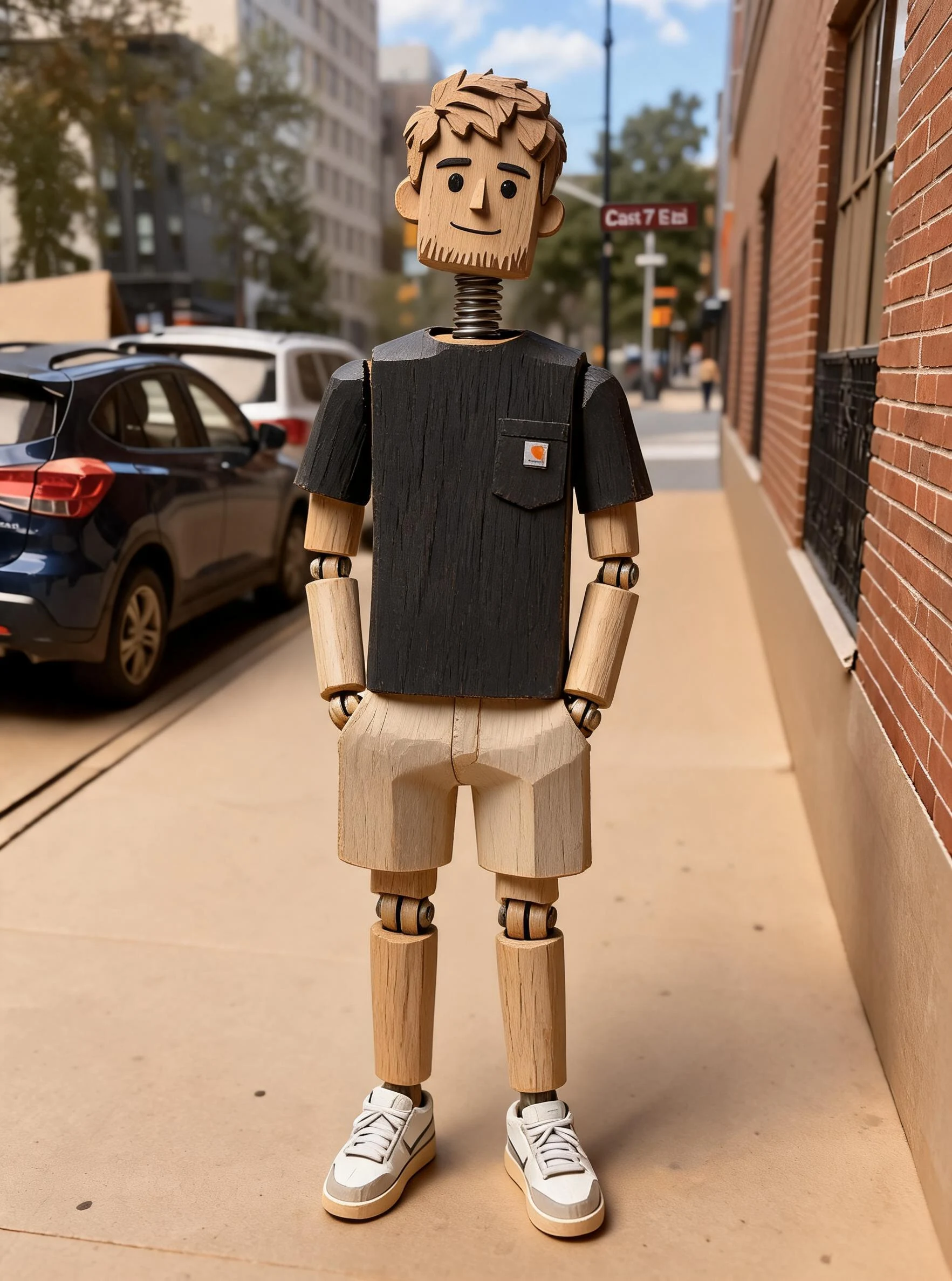
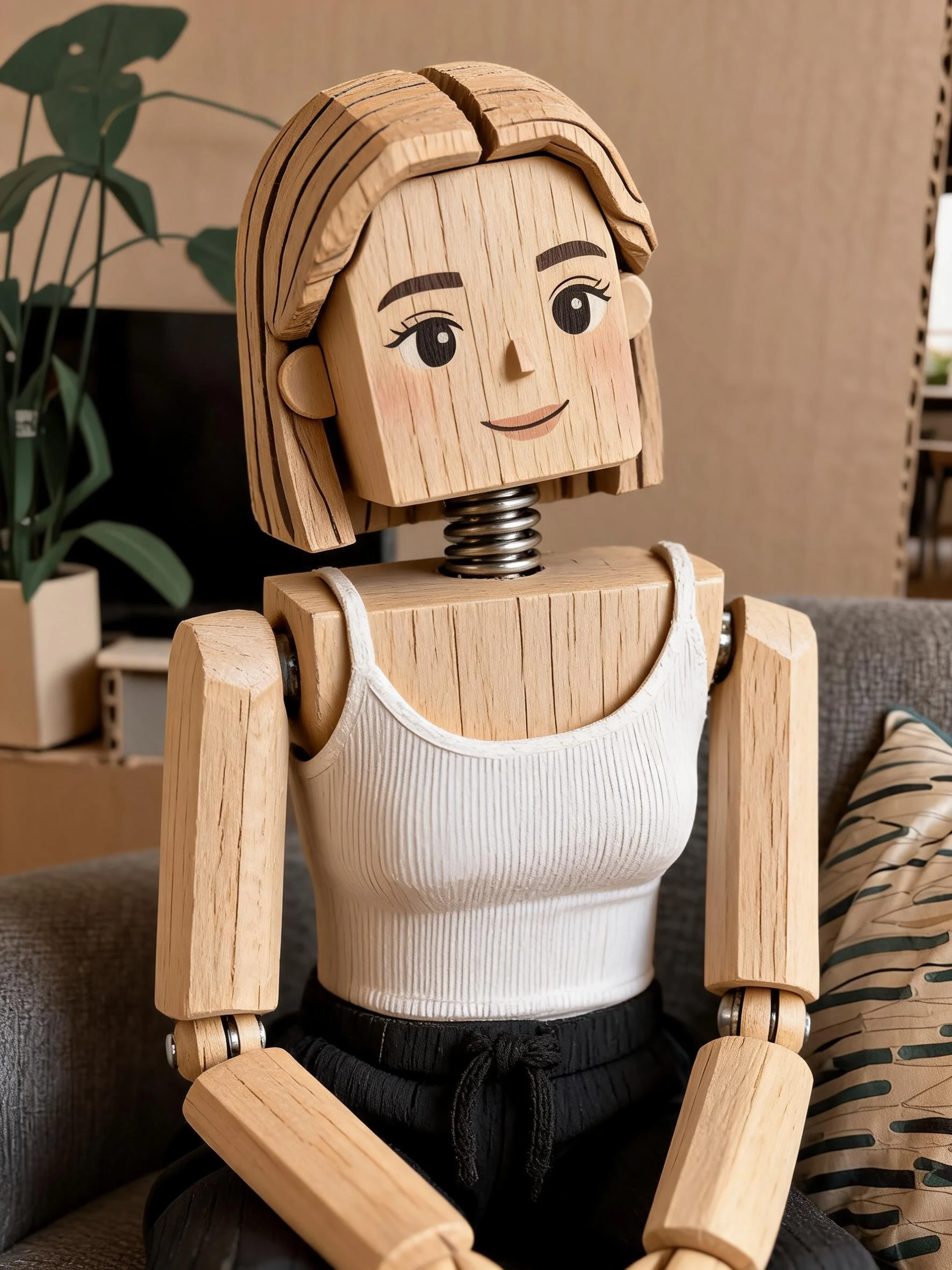
An AI puppet effect is a photo tool that transforms a person into a jointed wooden puppet or marionette. You upload a photo and the AI rebuilds your face as carved, painted wood and turns your arms and legs into articulated wooden limbs with visible joints — all while preserving your pose, clothing, and scene so the result still reads as you, just whittled out of timber.
All AI Puppet Effect Effects
Wooden puppet effects — carve a still marionette portrait or bring one to life in motion. Pick one to start.
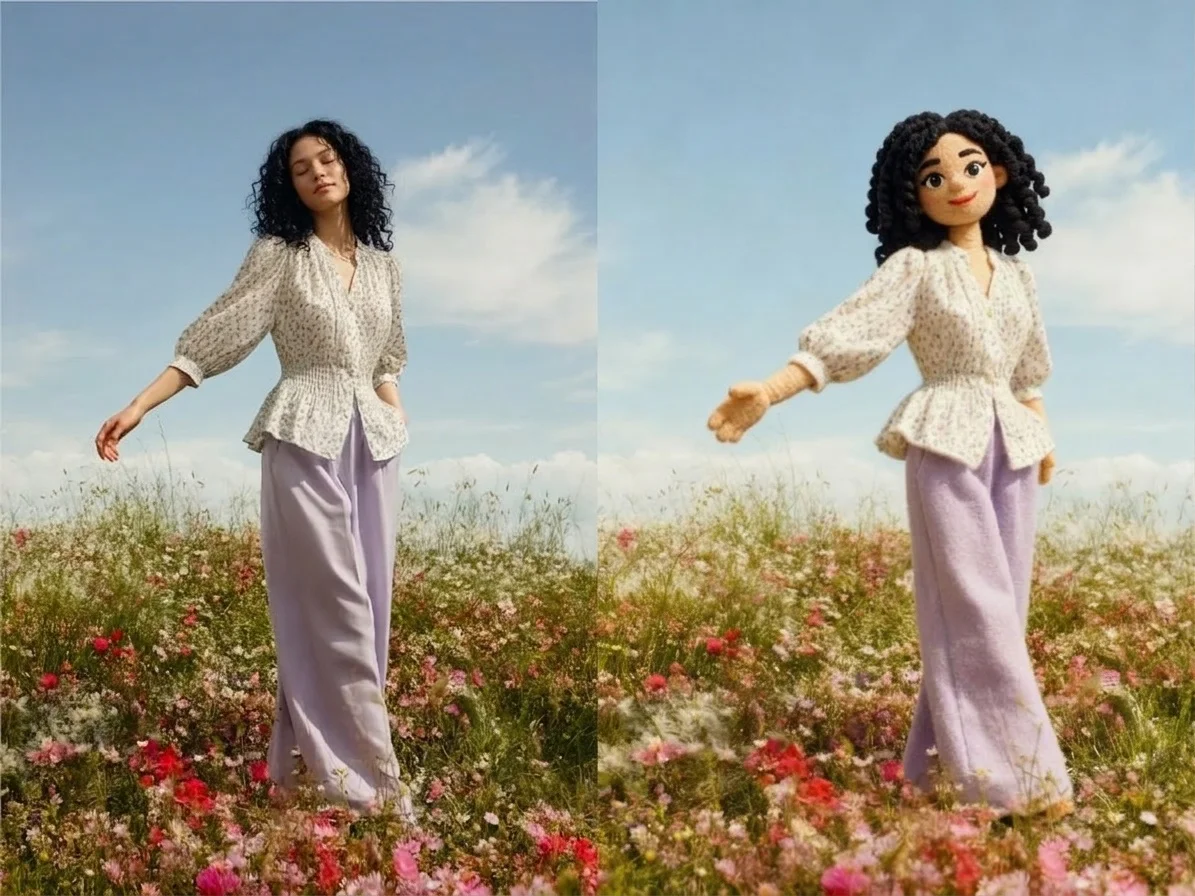



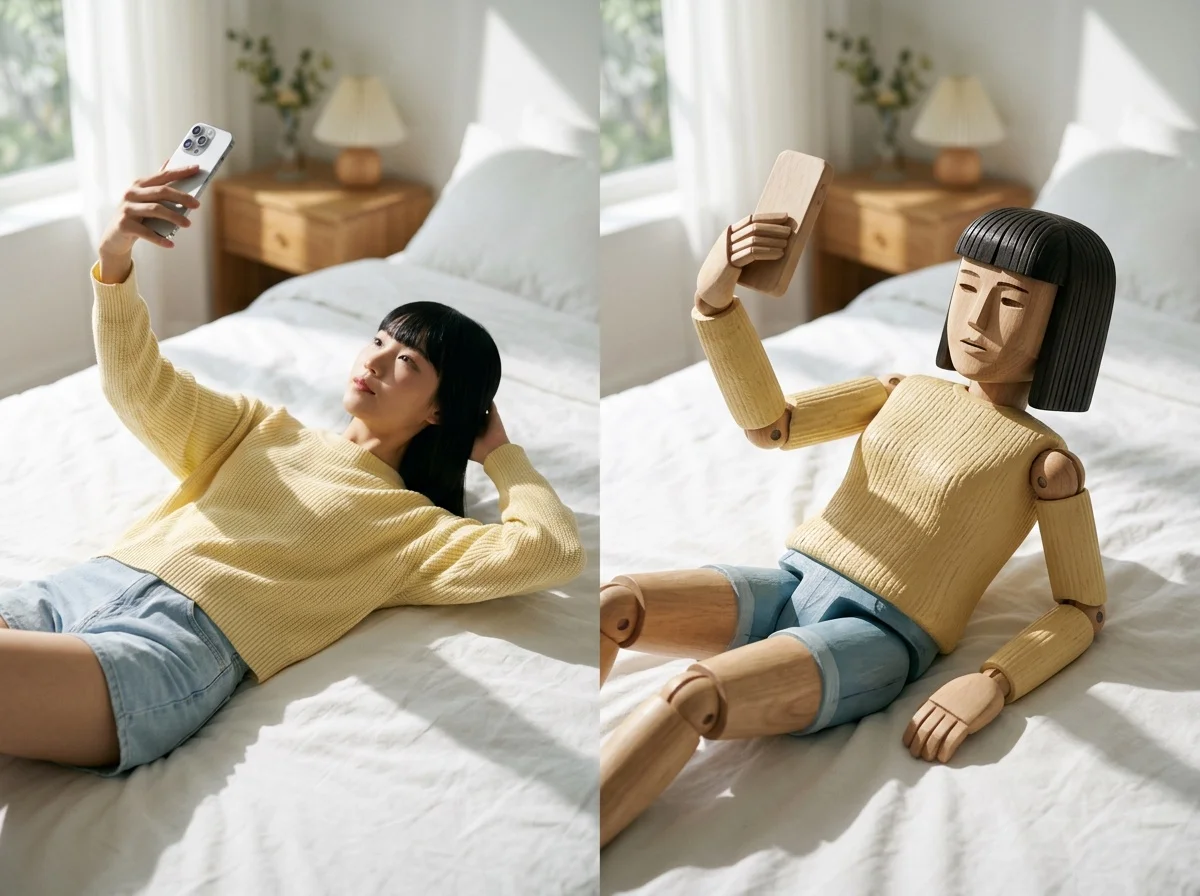
Before & after
A regular portrait, carved into a jointed wooden puppet.
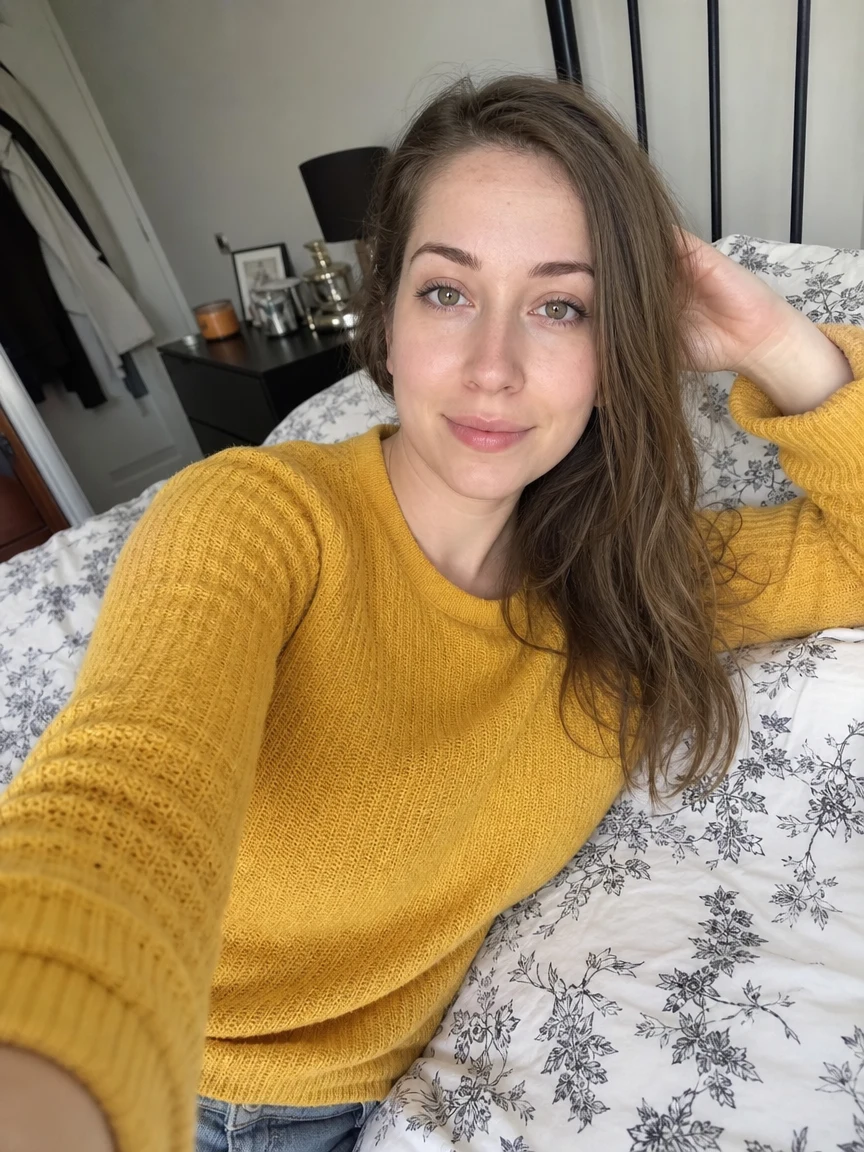 Before
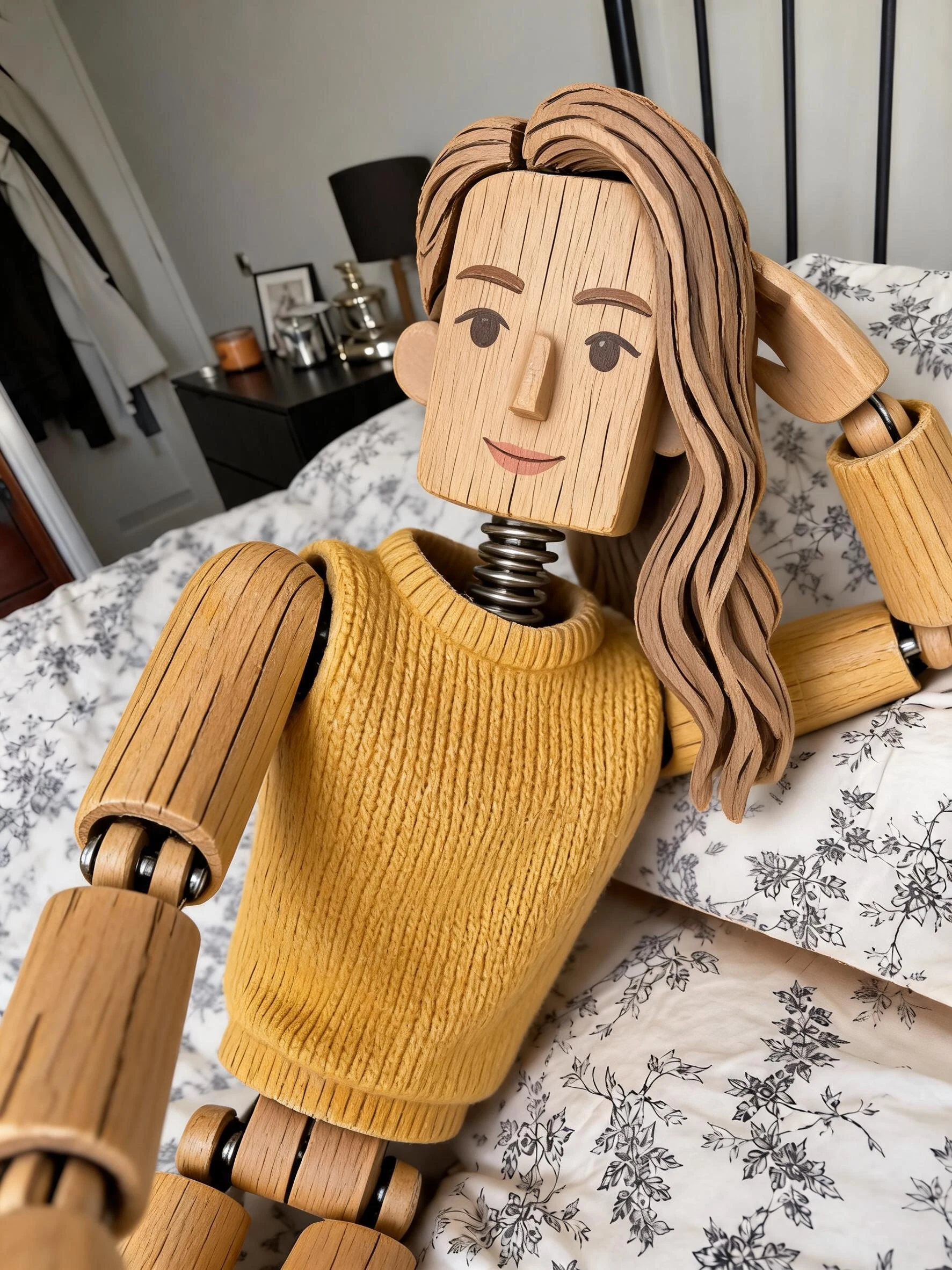 After
After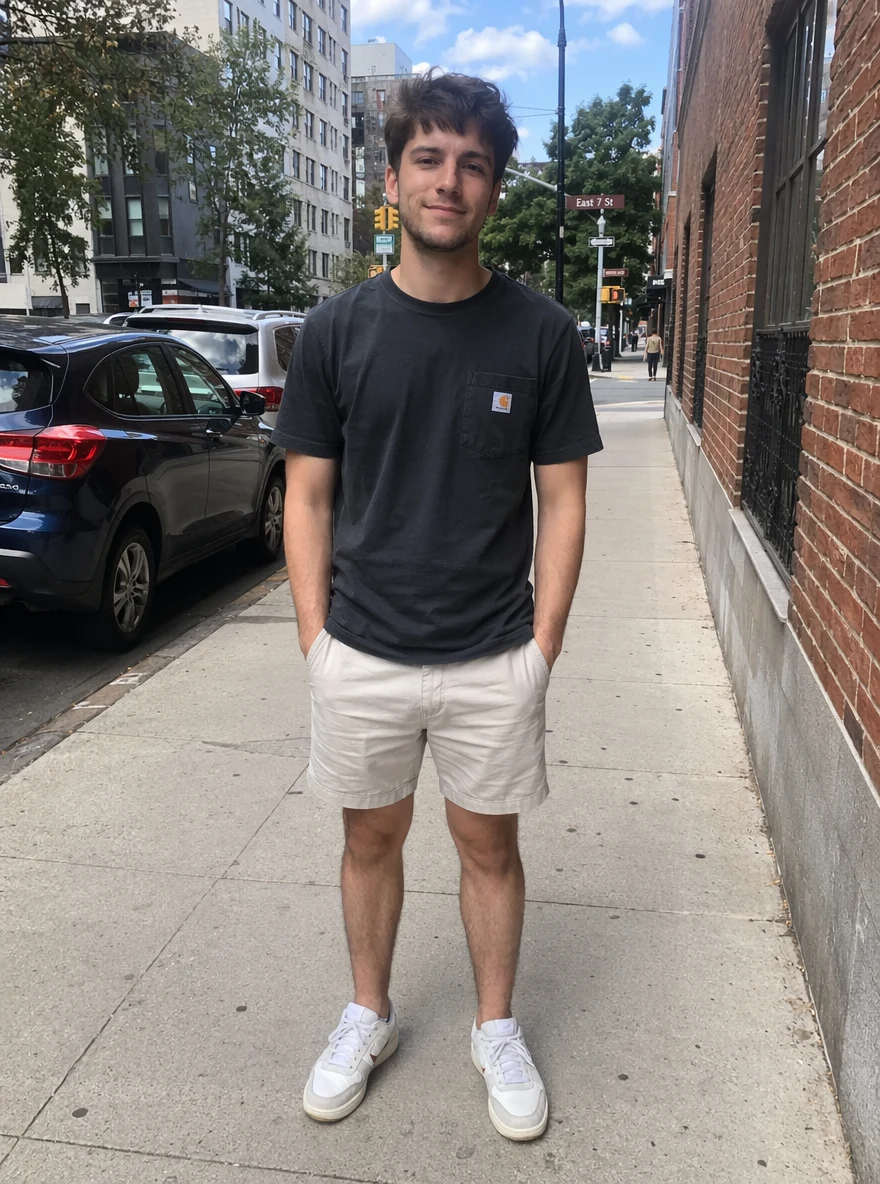 Before
 After
After Before
 After
AfterWoman Yellow Bed
How to use the AI puppet effect
Three steps, right in your browser.
Upload your photo
Drag in or select a clear photo where your face and body are visible. A well-lit shot with your pose fully in frame gives the AI the most to carve. Your photo is used only to make your result.
Run the puppet effect
Sign in for your 10 free credits, then choose the AI Wooden Puppet Effect. The AI rebuilds your face as painted wood and adds jointed wooden limbs, keeping your pose, outfit, and background so the marionette still looks like you.
Download and share
Preview your wooden puppet, then download it at full resolution with no watermark. Post it, set it as an avatar, or send it to friends who won't recognize you carved out of wood.
What you can make
Popular ways people turn their photos into puppets.
A one-of-a-kind avatar
Turn your selfie into a hand-carved marionette for a profile picture that stands out — instantly recognizable as you, but nothing like anyone else's photo.
Fun photos & pranks
Send friends a picture of yourself as a jointed wooden puppet and watch them do a double take, or drop one into the group chat for a laugh.
Bring the puppet to life
Go beyond a still — animate your marionette so it moves or even plays the accordion, and share a short clip that looks like a stop-motion toy come alive.
Playful gifts & cards
Carve a loved one into a charming wooden puppet for a birthday card, a save-the-date, or a keepsake that feels handmade without any whittling.
Art & craft inspiration
Concept a marionette version of yourself or a character as a reference for illustration, a puppet-making project, or a stop-motion mood board.
Themed posts & content
Match a fairy-tale, theater, or storybook theme with a wooden-puppet portrait that fits the mood of your feed instead of a plain photo.
Why use SharkFoto's puppet effect
Carved, painted wooden look
The AI rebuilds your face as hand-carved wood with painted features and a subtle grain, so it reads like a real marionette head rather than a flat filter laid over your photo.
Jointed, articulated limbs
Arms and legs become segmented wooden limbs with visible joints at the shoulders, elbows, and knees — the hallmark of a puppet — while your pose stays exactly as you shot it.
Keeps your pose and scene
Your outfit, gesture, and background carry through the transformation, so the puppet is unmistakably you in the same moment, just whittled out of timber.
10 free credits, no watermark
Sign up free and get 10 credits to start carving. Your download comes at full resolution with no watermark, clean enough to post, print, or set as an avatar.
Tips for the best results
Use a clear, well-lit photo — the AI needs to see your face and pose clearly to carve convincing wooden features and joints; dark or blurry shots come out muddy.
Keep your whole pose in frame — arms and legs that run off the edge can't be turned into full jointed limbs, so leave room around your body.
Pick a photo with a distinct pose — a marionette look reads best when limbs are visible and slightly separated from the body, showing off the joints.
Avoid heavy face coverings — sunglasses, masks, or hair over the face hide the features the AI carves and paints onto the wooden head.
Use the highest-resolution photo you have — low-res or heavily compressed images limit how sharp the wood grain and joint detail can be.