AI Cyberpunk Filter
Turn an ordinary photo into a neon-soaked cyberpunk portrait in seconds. SharkFoto's AI cyberpunk filter reimagines you against a rain-slick, high-tech cityscape, wrapping your face and outfit in glowing neon, chrome, and holographic light while keeping your likeness intact. Pick the classic cyberpunk look, a retro vaporwave poster, or the glitchy Cyber Breach clip, and the AI does the rest. Sign up free to get 10 credits, choose a style, and download your result — image or short clip — with no watermark, ready to post as a profile picture or wallpaper.
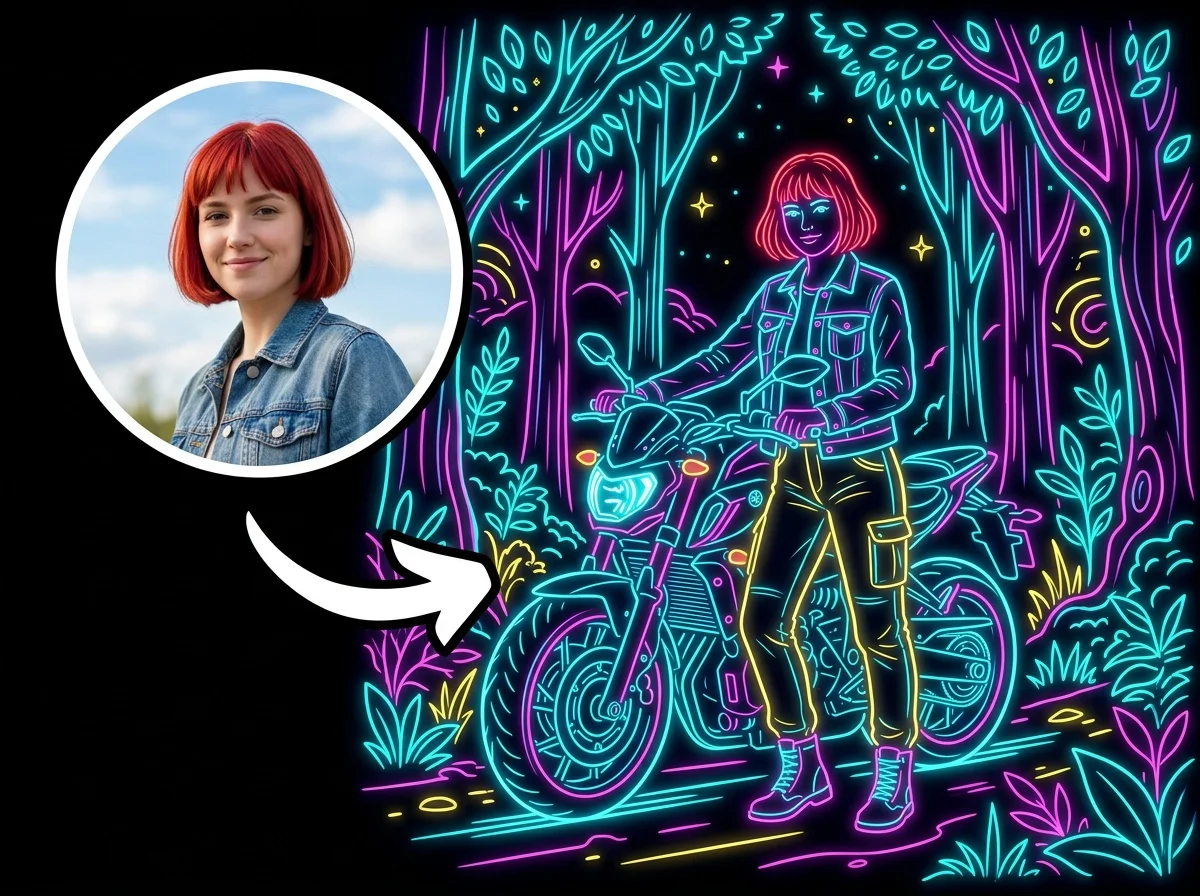 PopularAI Cyberpunk Filter
What is an AI cyberpunk filter?
An AI cyberpunk filter restyles a photo into a futuristic, neon-lit sci-fi portrait — think glowing signage, chrome accents, holographic overlays, and a moody, rain-slick city glow — without any photo-editing skills. You upload a photo, pick a cyberpunk or vaporwave style, and download a high-resolution image — or a short video for the animated Cyber Breach style — that keeps your face and pose recognizable.
All AI Cyberpunk Filter Effects



Three cyberpunk-inspired looks — a neon-noir city portrait, a glitchy cyber breach clip, and a retro vaporwave poster. Pick one to start generating.

Before & after
An everyday photo, plugged into a neon future.
 Before
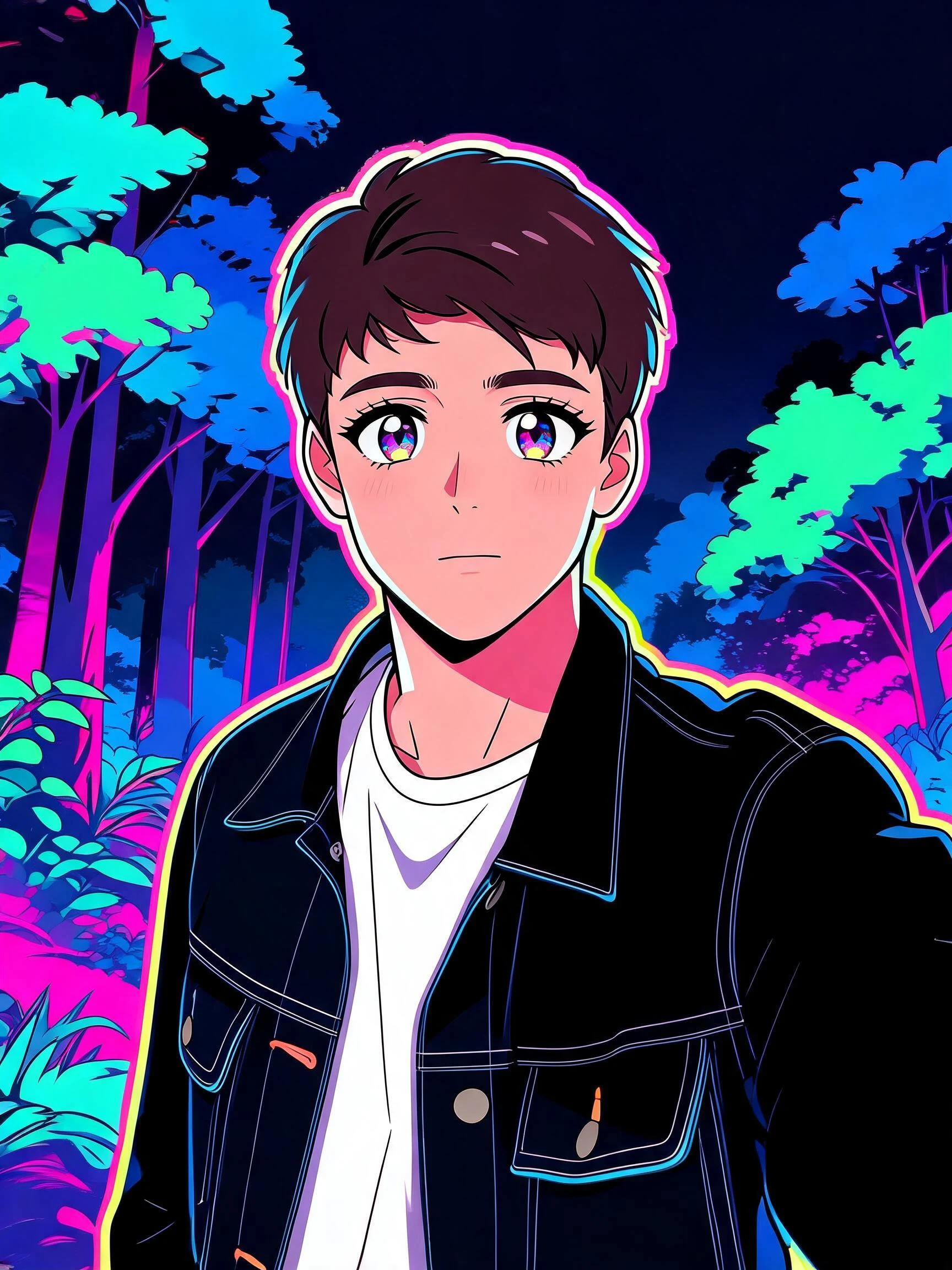 After
After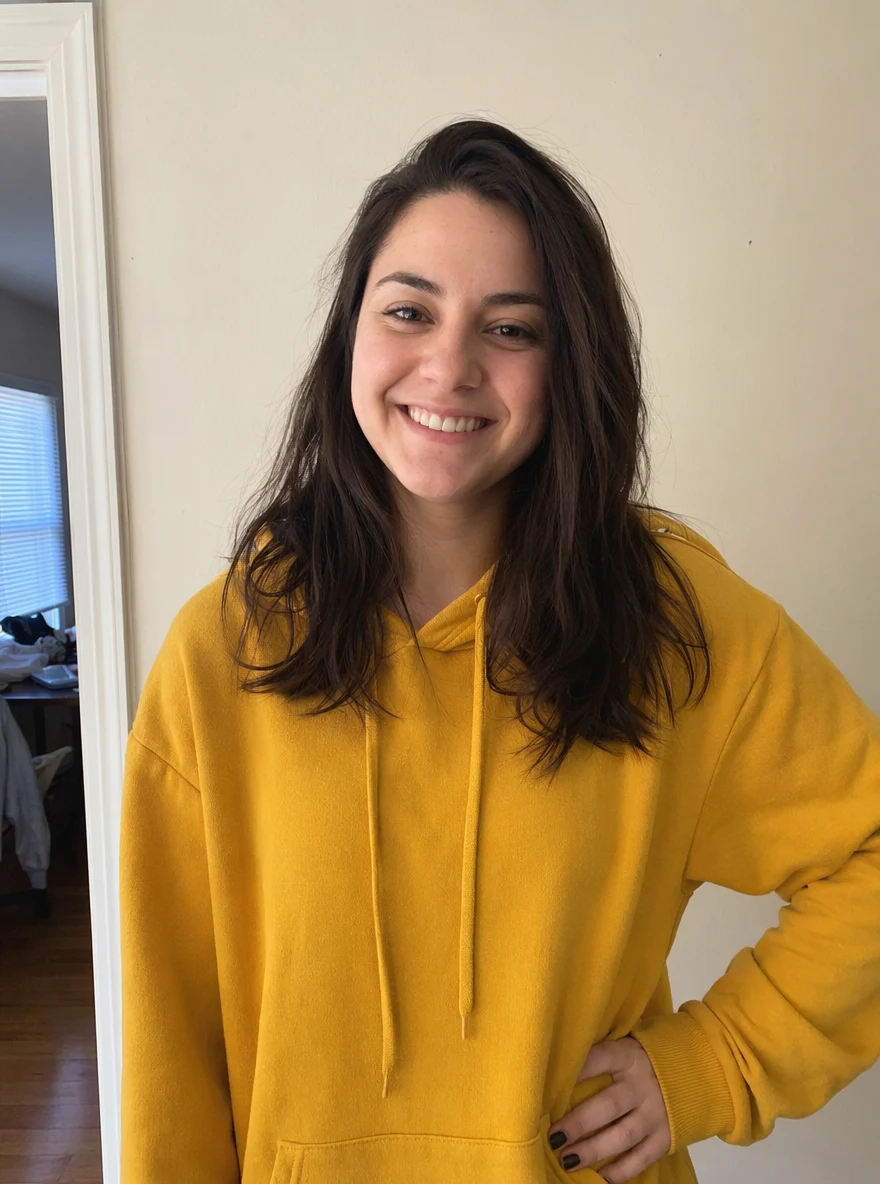 Before
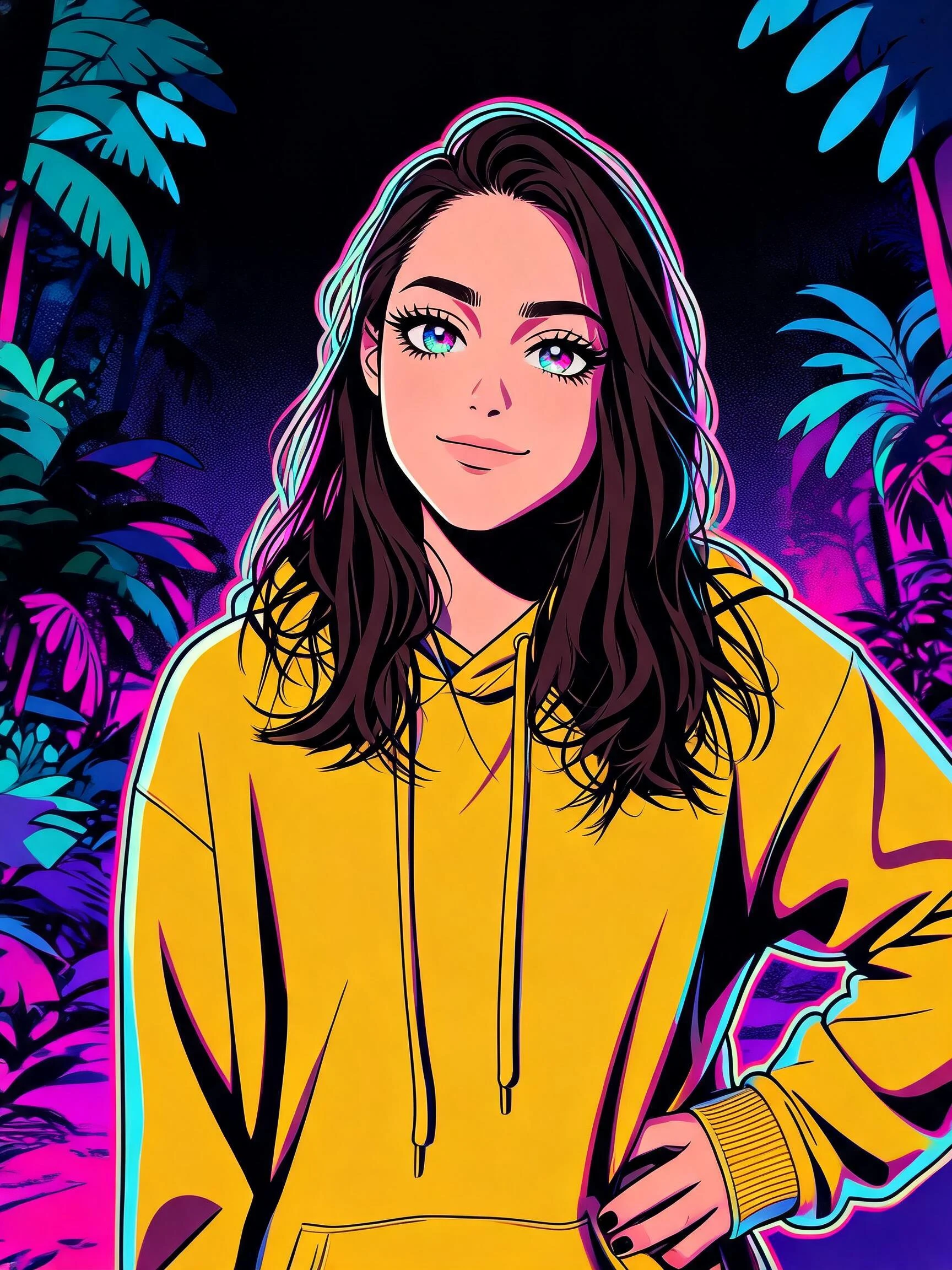 After
After Before
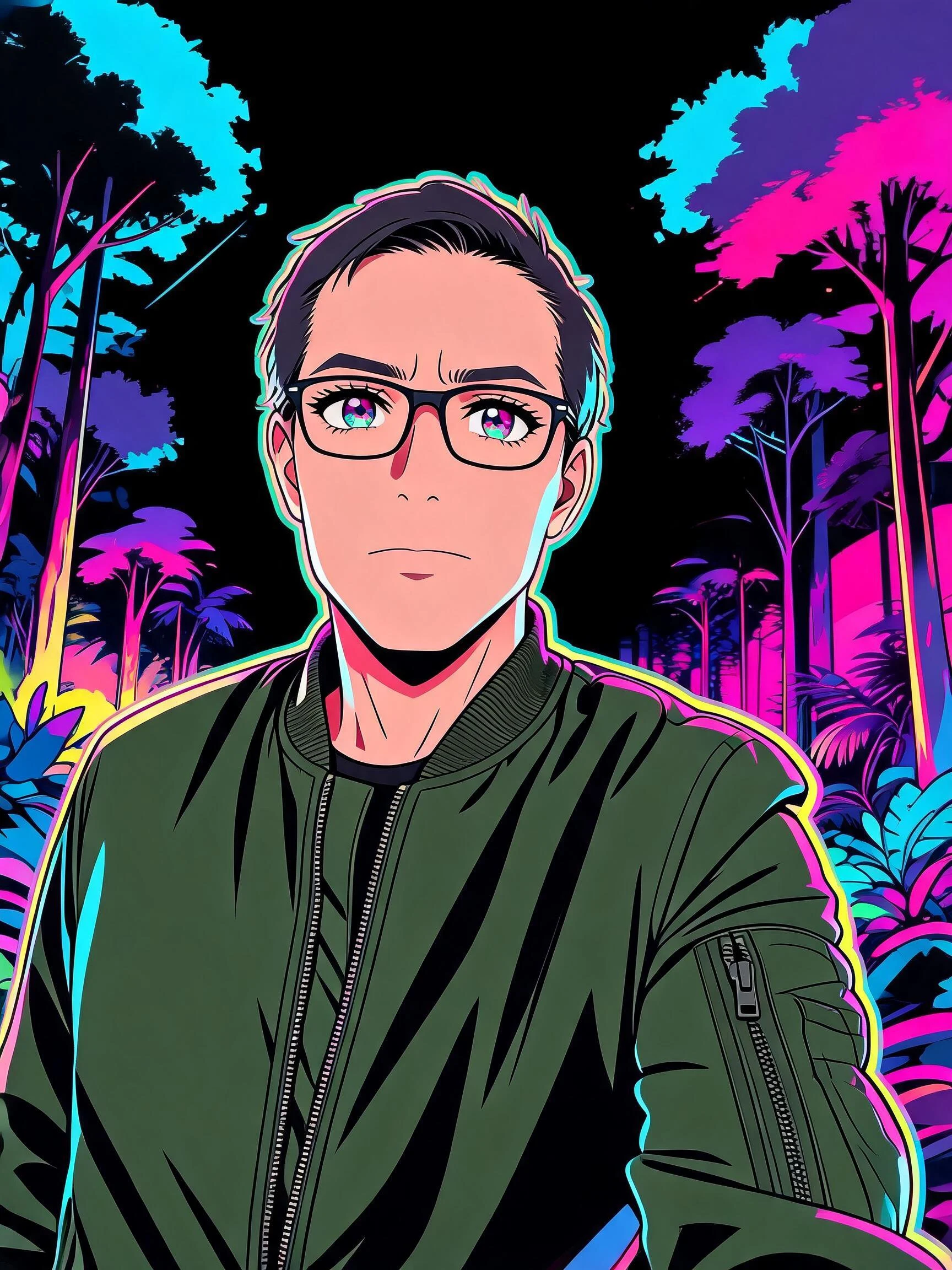 After
AfterMan Denim
How to make an AI cyberpunk photo
Three steps, right in your browser.
Upload your photo
Drag in or select a clear photo of the person you want to restyle. A well-lit shot where the face and outfit are visible gives the AI the most to work with. Your photo is used only to make your result.
Pick a cyberpunk style
Sign in for your 10 free credits, then choose a look — the classic neon cyberpunk portrait, a retro vaporwave poster, or the glitchy Cyber Breach effect. The AI relights your photo with neon and holographic detail while keeping your likeness.
Download and share
Preview your cyberpunk result, then download it at full resolution with no watermark — a high-res image, or a short MP4 for the Cyber Breach style. Use it as a profile picture, a phone wallpaper, cover art, or a post for your feed.
What you can make
Popular ways people use the cyberpunk filter.
Neon profile pictures
Give your avatar a futuristic upgrade — turn a selfie into a glowing cyberpunk portrait for your socials, gaming handle, or Discord.
Phone & desktop wallpapers
Make a custom neon-city wallpaper from your own photo, styled to match a cyberpunk or vaporwave home screen.
Gamers & streamers
Build a sci-fi persona for stream overlays, thumbnails, and channel art with a look that fits futuristic and cyberpunk games.
Cover art & posters
Design retro-futuristic cover art or a vaporwave poster for a track, playlist, or event without hiring a designer.
Cosplay & fandom posts
Show off a costume or character concept in a neon-noir setting and share it with your cyberpunk or sci-fi community.
Themed party invites
Set the mood for a cyberpunk, neon, or 80s-themed night with an invite or story graphic made from your own photo.
Styles to choose from
From neon-noir cyberpunk to pastel vaporwave — pick the future that fits.
Neon cyberpunk
The classic look: a rain-slick, neon-lit city portrait with chrome and holographic accents, keeping your face and outfit recognizable.
Vaporwave poster
A retro-futuristic poster in dreamy pink-and-teal gradients, glitch text, and 80s grid lines for a nostalgic aesthetic.
Cyber breach
A dynamic style that turns your photo into a short glitch-and-breach clip with flickering neon and digital distortion.
Why use SharkFoto's cyberpunk filter
True neon cyberpunk look
The AI relights your photo with glowing signage, chrome, and holographic detail against a moody, rain-slick city, so it reads like a cinematic sci-fi frame rather than a simple color filter.
Keeps your likeness
Your face, hair, and outfit stay recognizable under all the neon. The filter restyles the world around you and the lighting on you without turning you into someone else.
Cyberpunk and vaporwave styles
Go full neon-noir cyberpunk, switch to a pastel vaporwave poster, or turn your photo into a glitchy Cyber Breach clip — different futures from the same picture.
10 free credits, no watermark
Sign up free and get 10 credits to start generating. Your download comes at full resolution with no watermark, so it's clean enough to post, print, or set as a wallpaper.
Tips for the best results
Use a clear, well-lit photo of the subject — the AI needs to see the face and outfit clearly to relight them convincingly in neon.
Pick a half-body or portrait shot — there's more of you for the neon lighting and city backdrop to wrap around than in a tight face crop.
Start from a photo with a plain or simple background — a busy background competes with the cyberpunk scene the AI builds behind you.
Try a bold or textured outfit — jackets, glasses, and layered clothing catch neon highlights and sell the cyberpunk look.
Use the highest-resolution photo you have — low-res or heavily compressed images limit how sharp the final render can be.
Frequently asked questions
Is the AI cyberpunk filter really free?
What kind of photo works best?
Do I get an image or a video?
How long does it take to generate?
Will it still look like me?
Is my photo safe and private?
Can I use my cyberpunk photo commercially?
Related AI effects
More ways to restyle your photos.