
- "aspect_ratio": "4:3",
- "image_input": [],
- "output_format": "jpeg"
AI Bald Filter

Divine Mode Activated

Pixie Perch 🧚✨
Idol Tape

Sun's out, shades on

Stadium Fan Cam
AI Silhouette Maker

Fatal Ace

Figurine Me Up!
AI Smile Filter

Helicopter Show

Eternal Wedding Vow
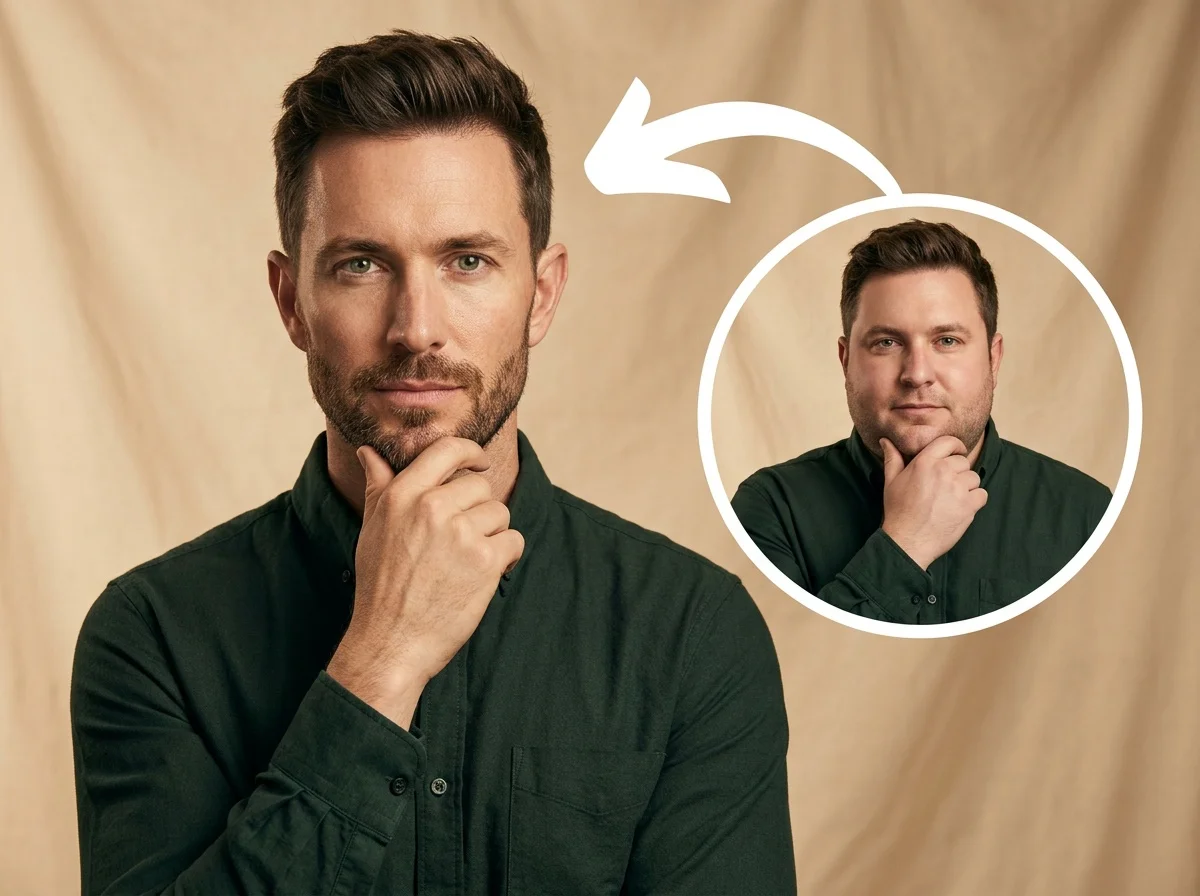
AI Skinny Filter

Miniature Nail Artist Live

COLD STOP
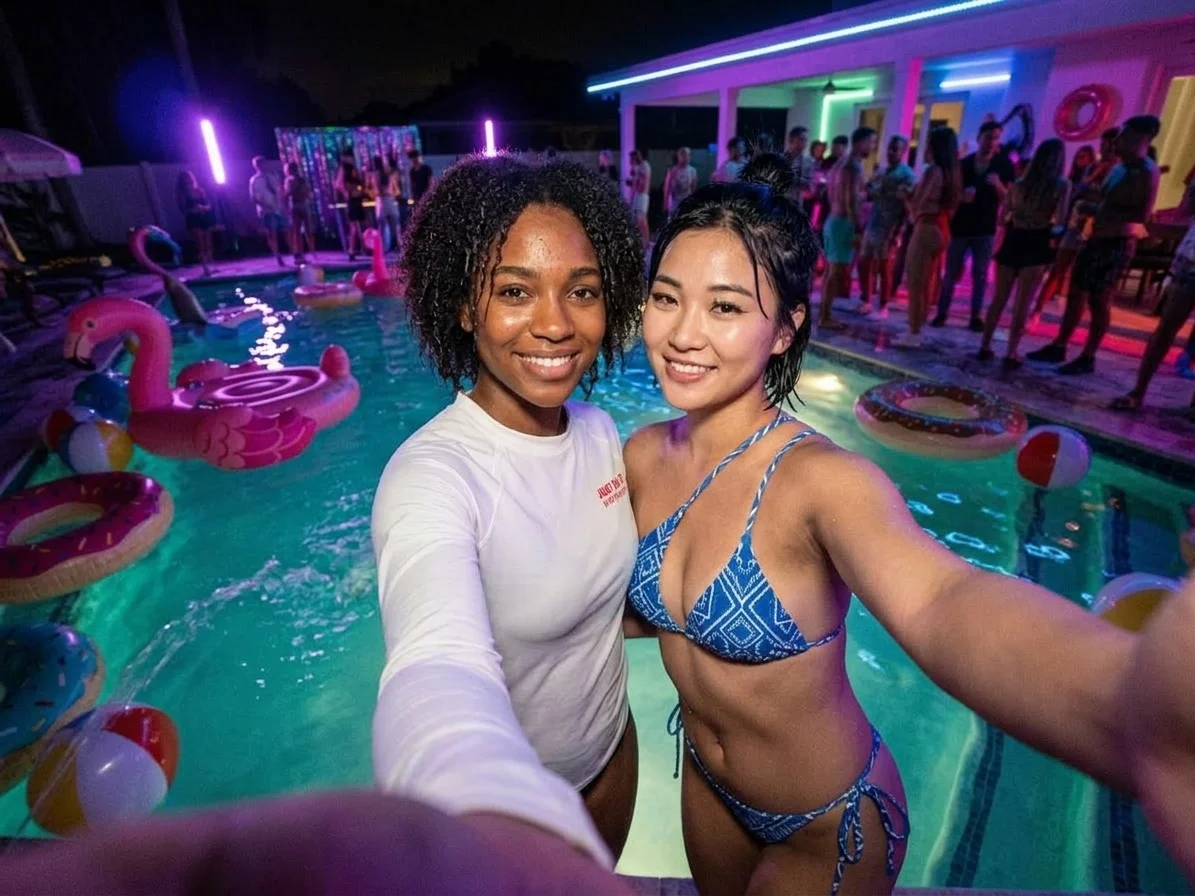
Pool Party

The Tiny Nom Nom: LIVE

Unicorn Ride
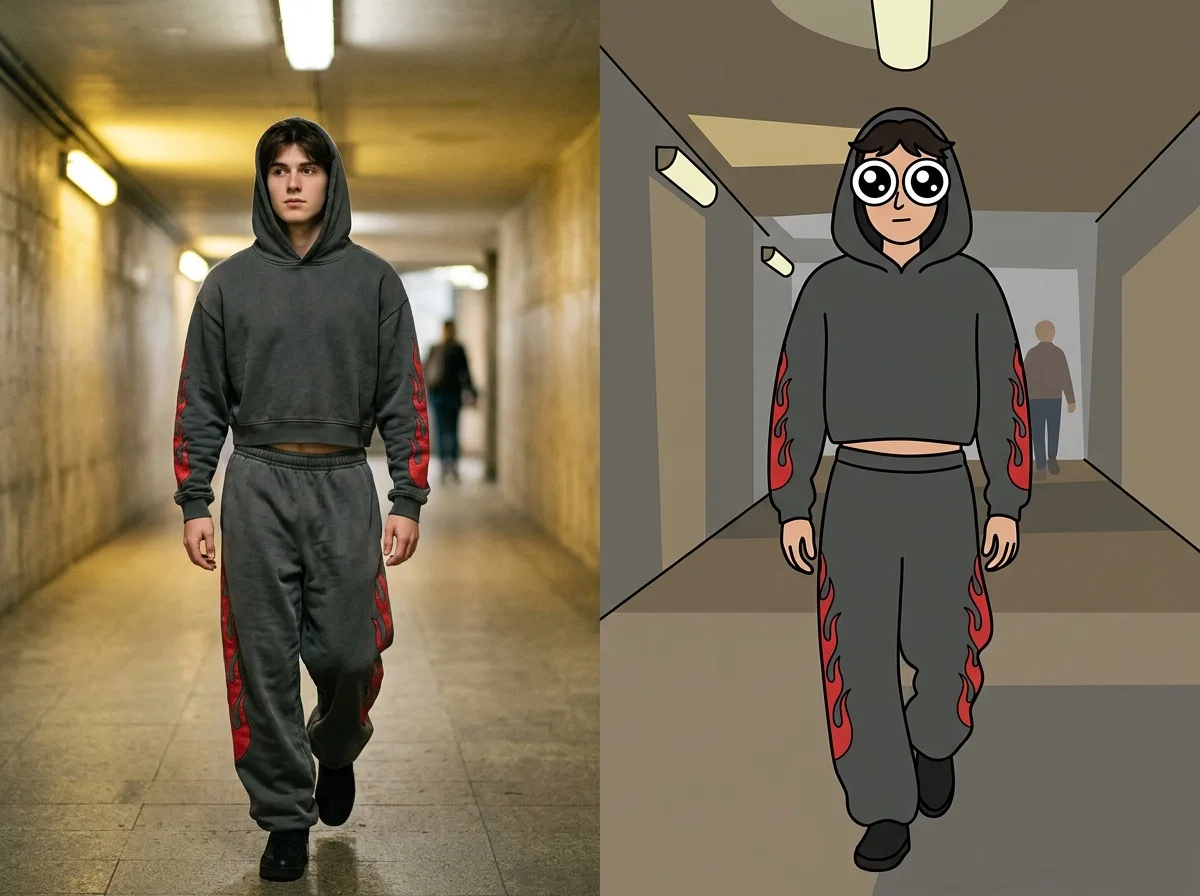
Big Eye Toon

Strawberry Room

Quick Spring Vibes✨
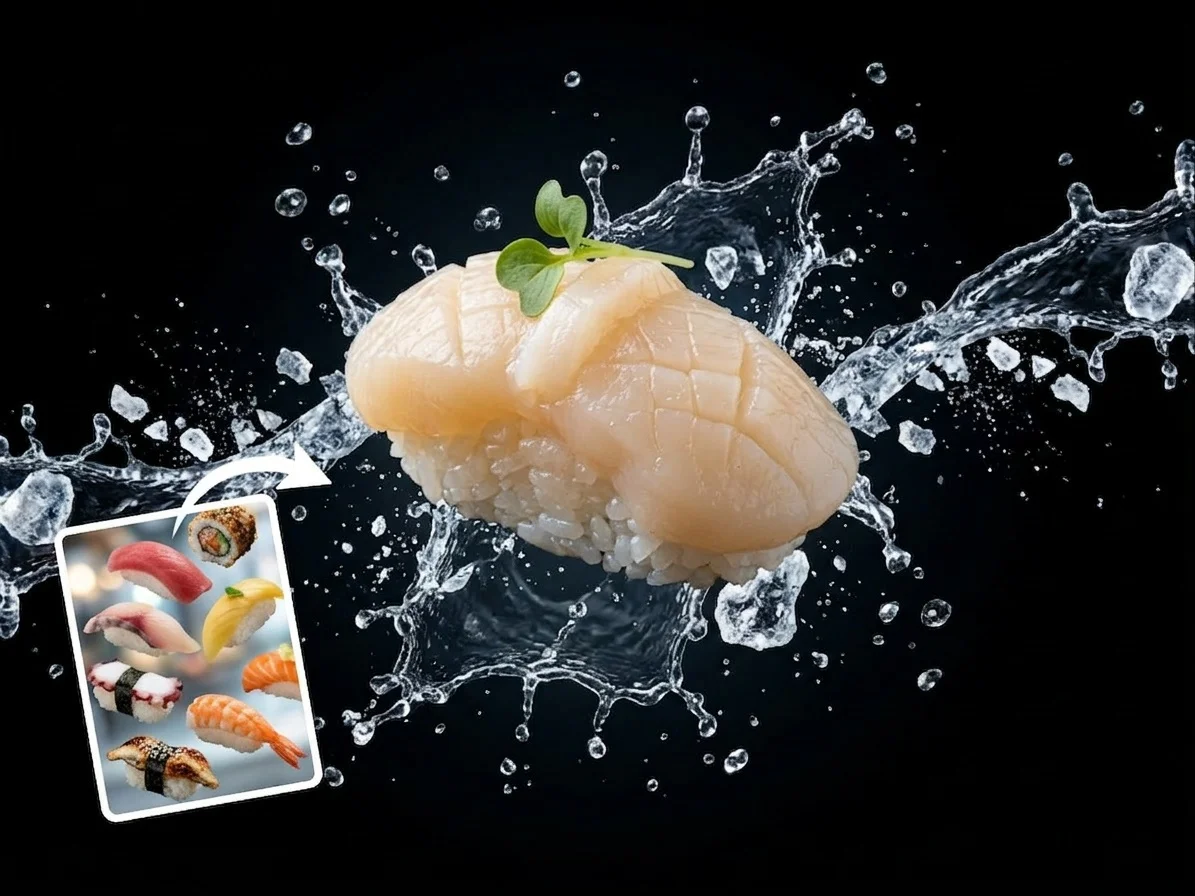
Macro Product
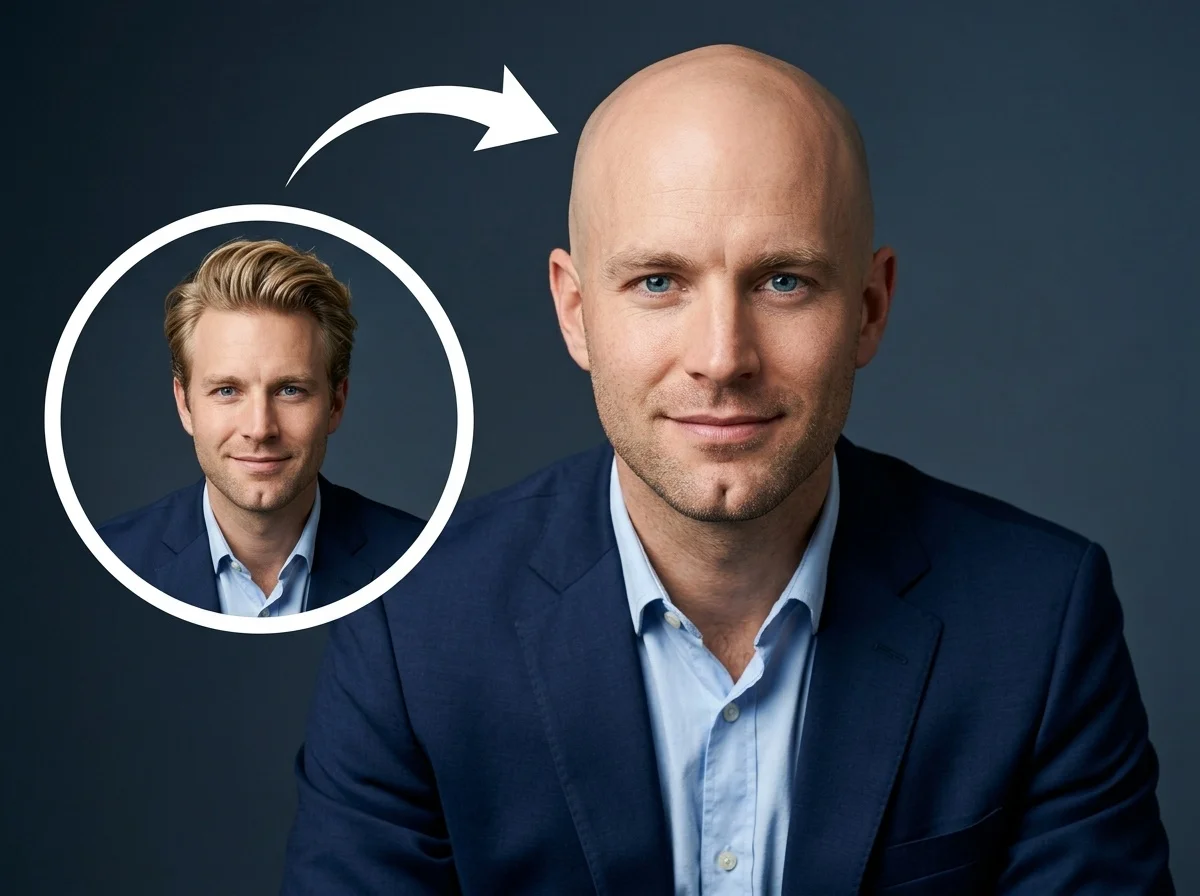
What Is the AI Bald Filter?
The AI Bald Filter is a powerful image transformation tool from the Persona Magic category. It seamlessly removes the hair from the subject in your photo, generating a natural-looking bald head while strictly preserving everything else in the image.
Realistic Hair Removal
The AI intelligently identifies the hair and replaces it with a smooth, natural bald head that perfectly matches the subject's unique head shape and proportions.
Perfect Skin Tone Matching
The generated scalp seamlessly blends with the subject's existing skin tone, accurately accounting for the original photo's lighting, highlights, and shadows.
Subject Preservation
Only the hair is altered. Facial features, expressions, glasses, accessories, and clothing remain exactly as they were in the original upload.
Background Intact
The AI strictly masks the subject's head, ensuring that all background elements, scenery, and surrounding details are completely untouched by the transformation.
Go Bald in 3 Simple Steps
Upload Your Photo
Upload any clear portrait or selfie. SharkFoto AI automatically detects the subject's head and prepares it for the transformation.
Apply the Bald Filter
Select the AI Bald Filter. The process is fully automated by AI—no manual tweaking, masking, or settings required on your end.
Download & Share
Your hilarious new look is rendered in seconds. Download the high-quality image and share it with friends for an instant reaction.
Why Users Love This Effect
Photorealistic AI Rendering
Produces a highly realistic bald head with natural lighting, shadows, and skin textures that match the original photo.
High-Resolution Output
Maintains the original quality and dimensions of your uploaded photo, ensuring crisp and clear results.
Fast Generation
SharkFoto's cloud AI pipeline processes your image in seconds, delivering instant transformations without the wait.
No Watermark on Download
Download your final transformed photo watermark-free, ready to be shared across all your social platforms.
Works on Any Portrait
Upload a selfie, a professional headshot, or a casual photo — the AI adapts perfectly to different facial structures.
Fully Automated Process
No complicated masking or sliders. The AI handles the entire transformation automatically for perfect results every time.
Who Uses the AI Bald Filter?
From playful pranks to satisfying your curiosity, the AI Bald Filter is perfect for anyone looking to transform their appearance instantly.
Pranks & Laughs
Surprise your friends, family, or colleagues by secretly turning their favorite photos into a realistic bald version.
Curiosity & Visualization
Ever wondered if you could pull off the bald look? See it for yourself before ever picking up a razor.
Actors & Cosplayers
Visualize character designs or test out a bald look for a specific role without needing expensive bald caps or makeup.
Social Media Creators
Jump on viral trends, create funny comparison posts, and engage your audience with hilarious transformations.
Frequently Asked Questions
What type of photo works best?
Portraits or selfies where the subject is facing the camera work best. Photos without hats, hoodies, or hands blocking the hair will yield the most realistic and accurate results.
Can I adjust the shape of the bald head?
No, the AI is designed to be fully automated. It analyzes the subject's facial structure and automatically generates the most natural head shape for that specific person without any manual settings.
Will this effect change my face or background?
Not at all. The AI strictly targets the hair. Your facial features, expressions, clothing, and the entire background will remain 100% unchanged from the original photo.
Do I need any photo editing skills?
None at all. Just upload your photo, apply the AI Bald Filter, and SharkFoto handles the complex masking, compositing, and rendering automatically.
Where can I access the AI Bald Filter?
You can access it directly on SharkFoto.com. Sign up for a free account to get started — no software download or installation required.