
- "aspect_ratio": "16:9",
- "video": "",
- "prompt": ,
- "duration": 5,
- "keep_original_sound": true,
- "images": []
Video to Video
Click to upload or drag and drop
MP4, MOV, MKV, WEBM
0/4
Click to upload or drag and drop
JPG, JPEG, PNG, WEBP, GIF
0 / 2000
Public Visibility
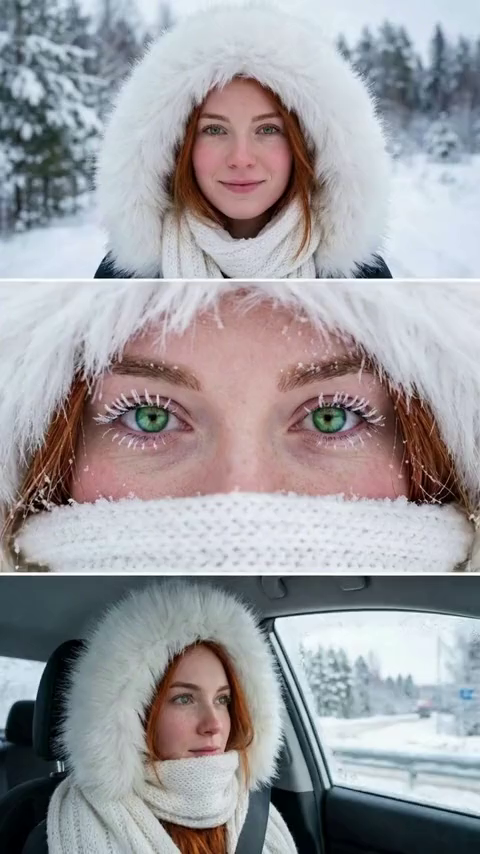
Winter Portrait Eye Focus
Use this template

Plastic Surgery Gone Wrong
Use this template
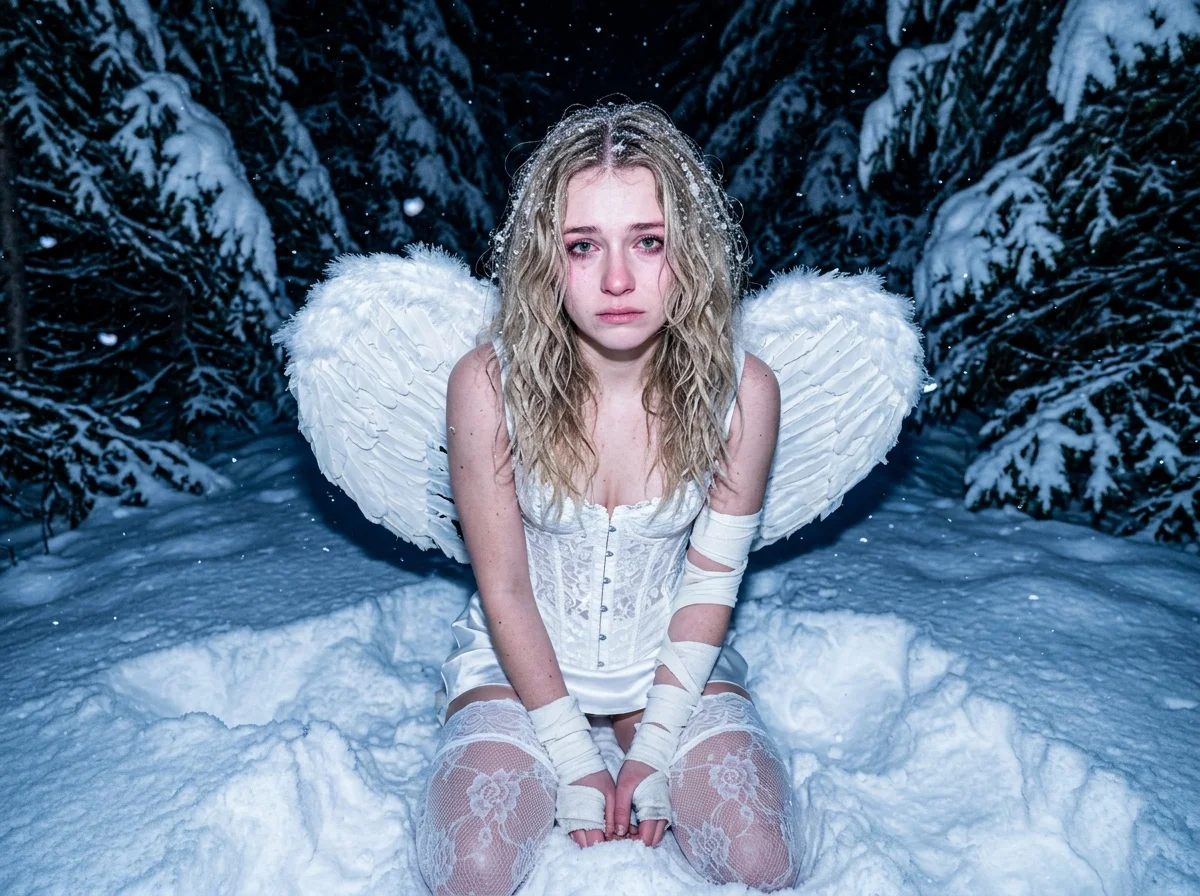
Snow Angel Night
Use this template
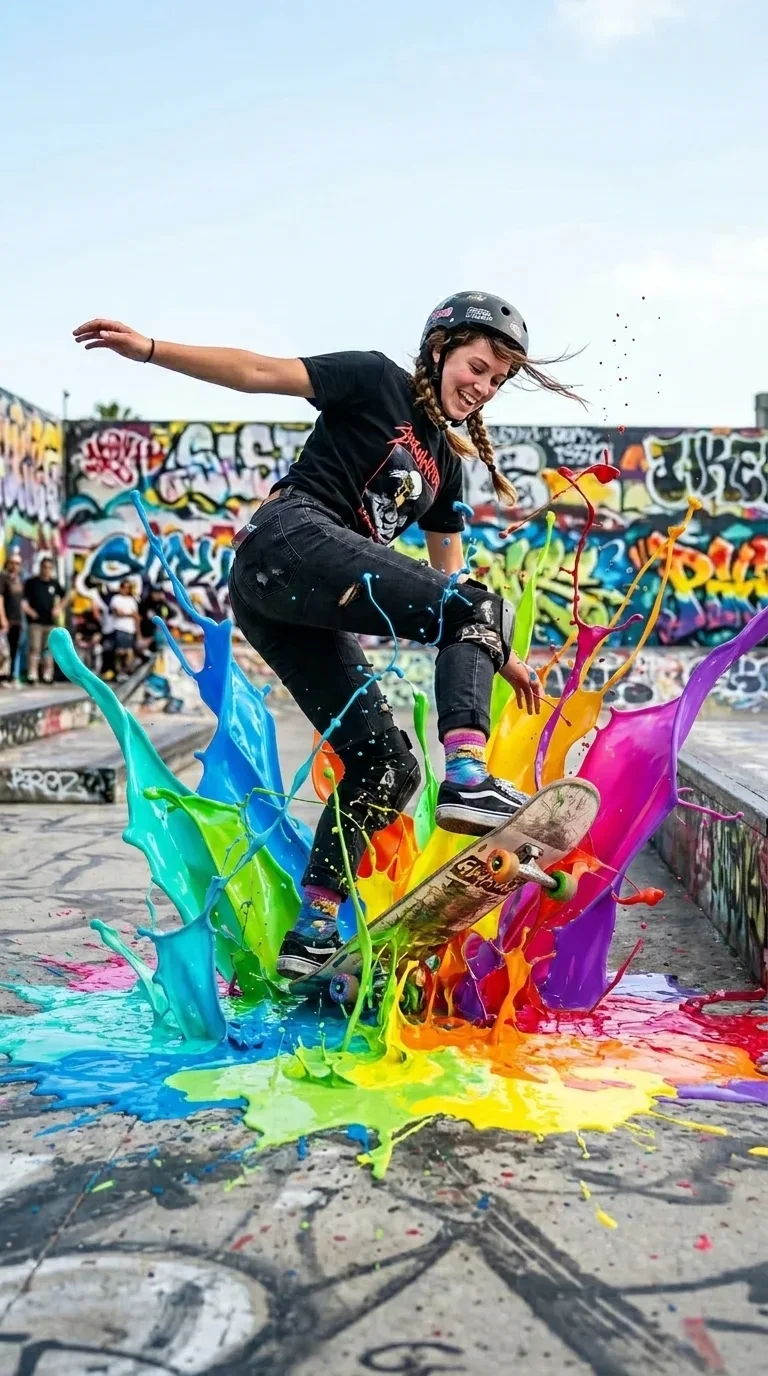
AI Paint Splash Video Effect
Use this template

Xmas Music Globe
Use this template
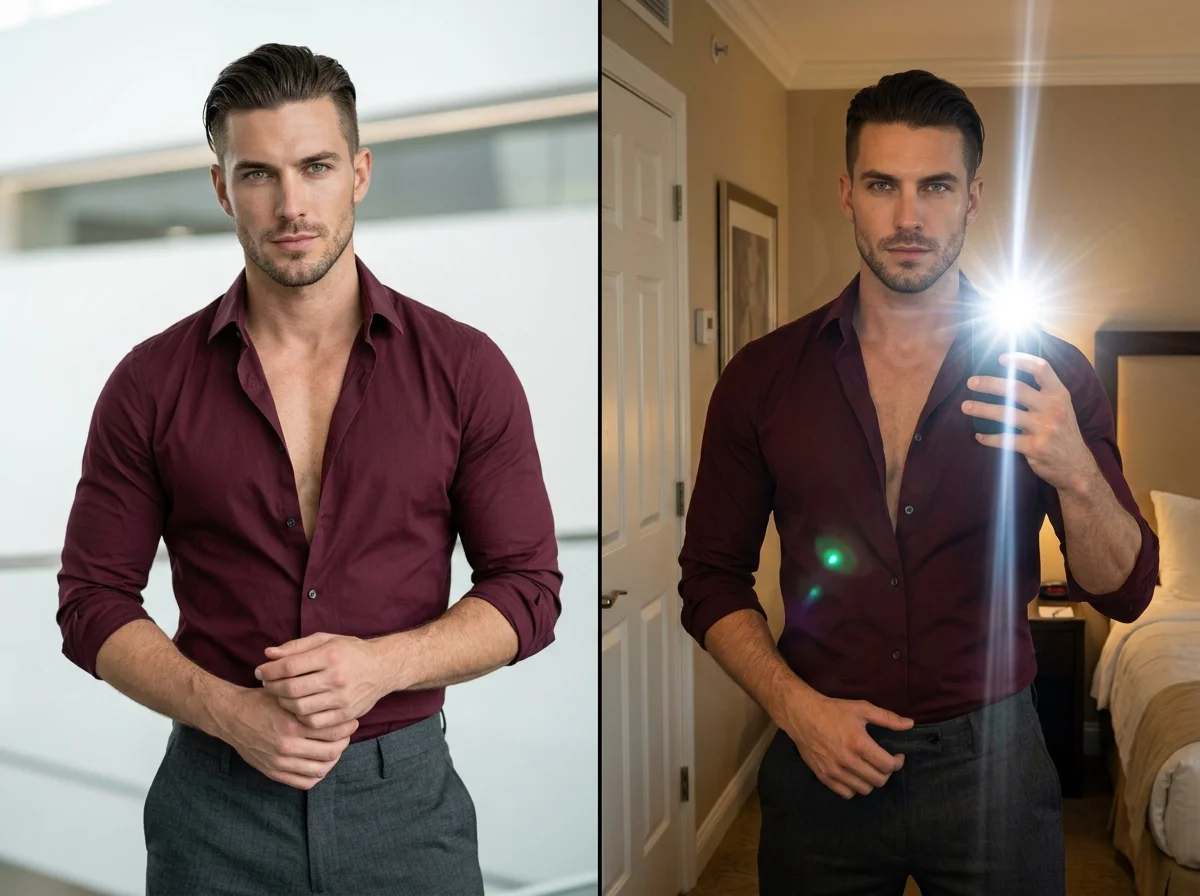
AI Mirror Selfie Generator
Use this template

Santa Kitty Product Ad
Use this template

New Year Dinner
Use this template
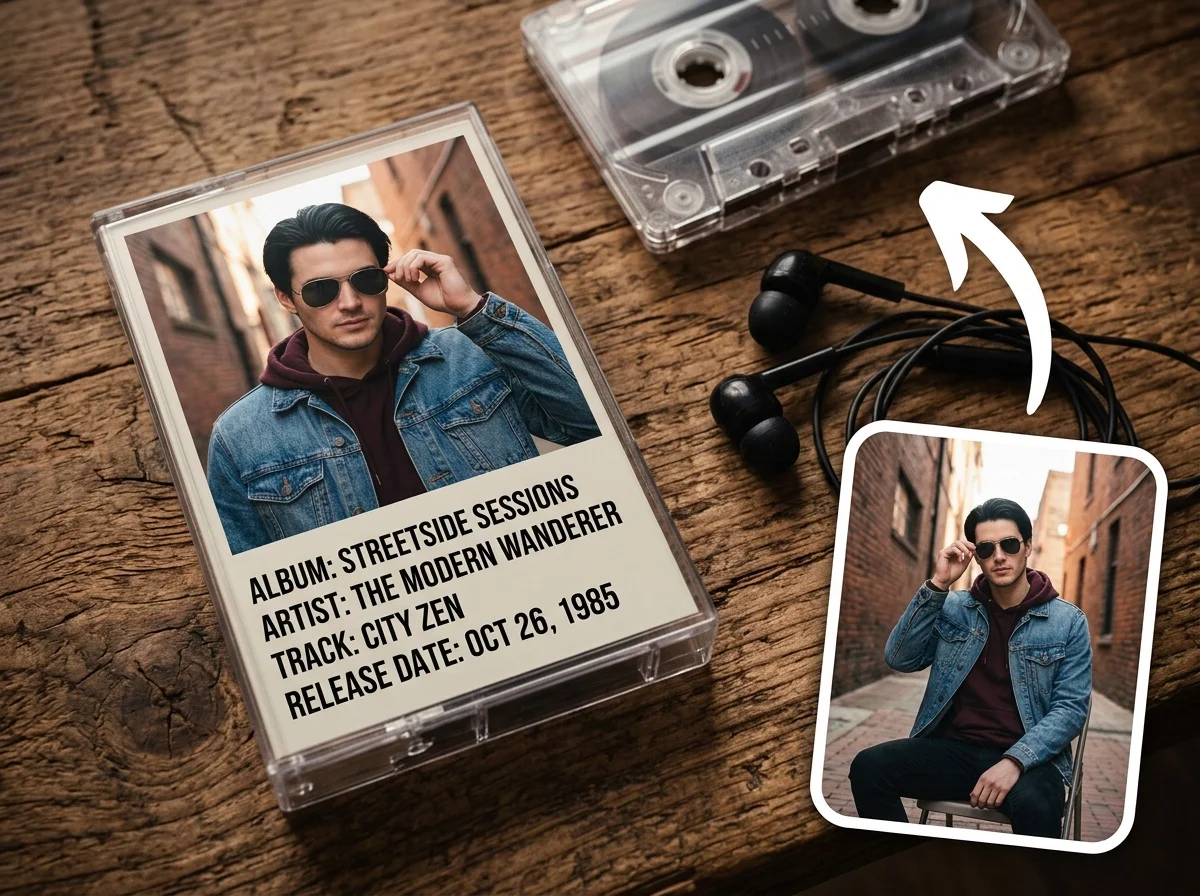
Idol Tape
Use this template
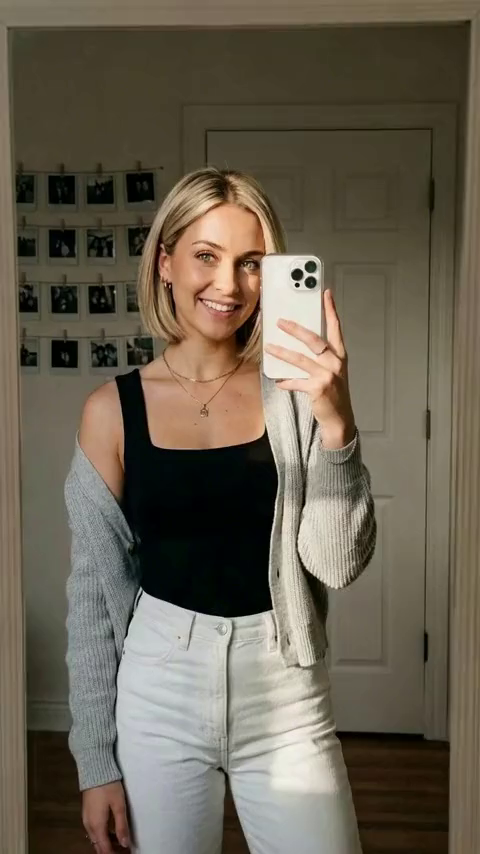
Bride Look
Use this template

Xmas Pet Poster
Use this template
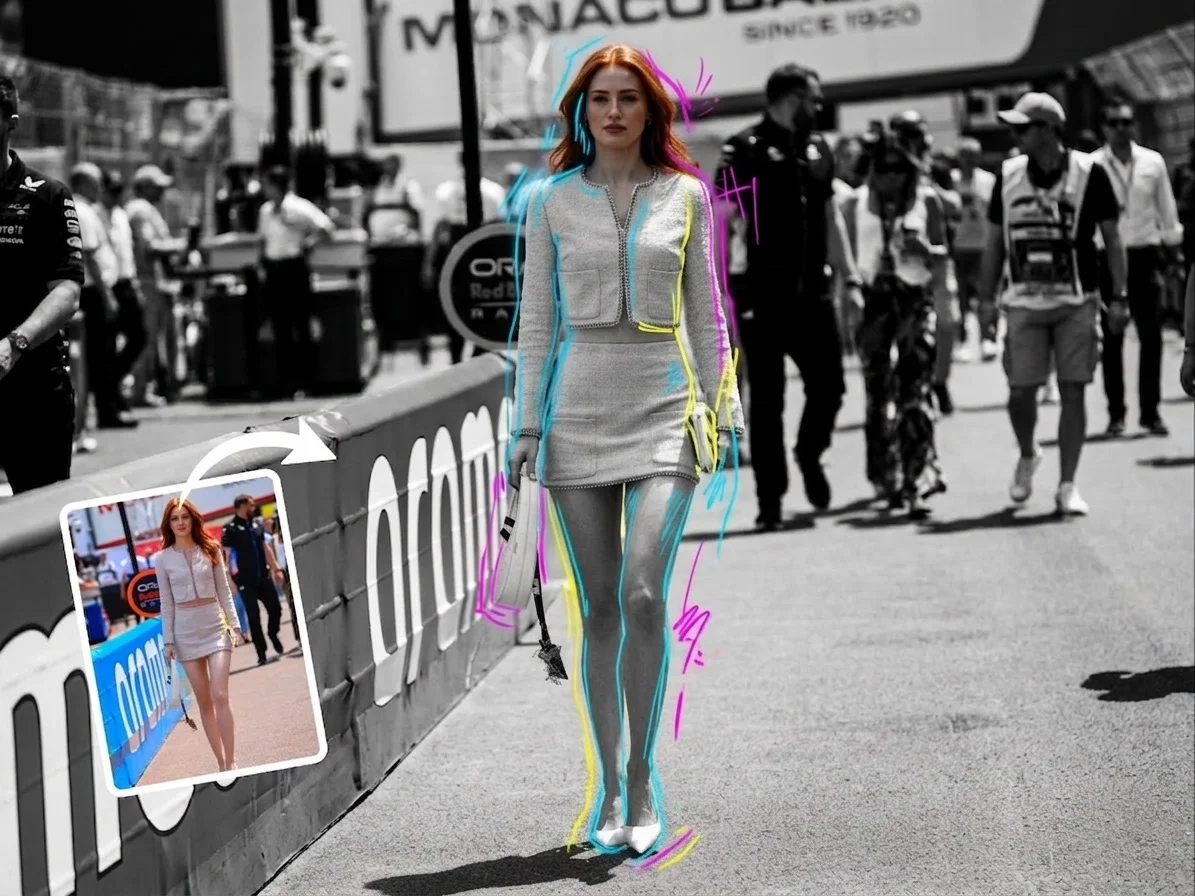
BW Graffiti
Use this template
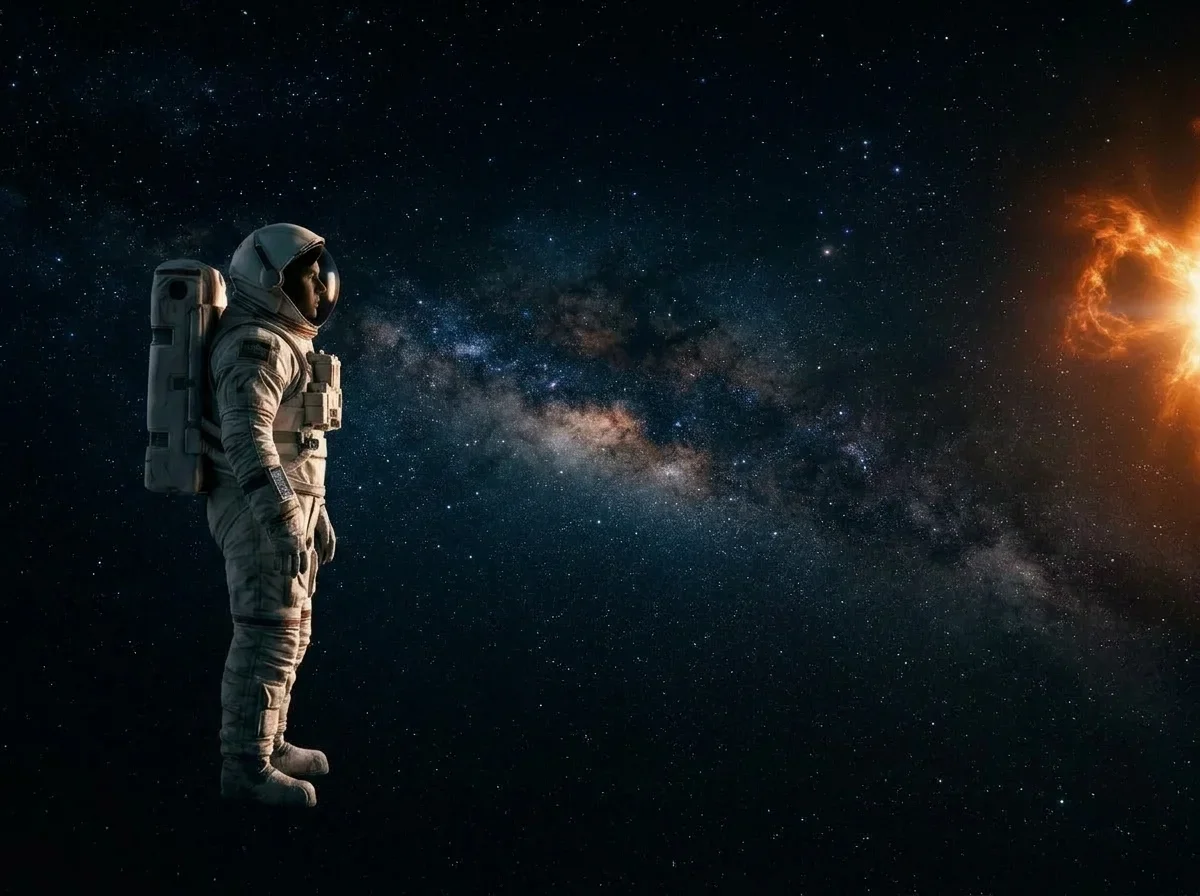
Fly to the Sun
Use this template

Dark Wing Ascension
Use this template
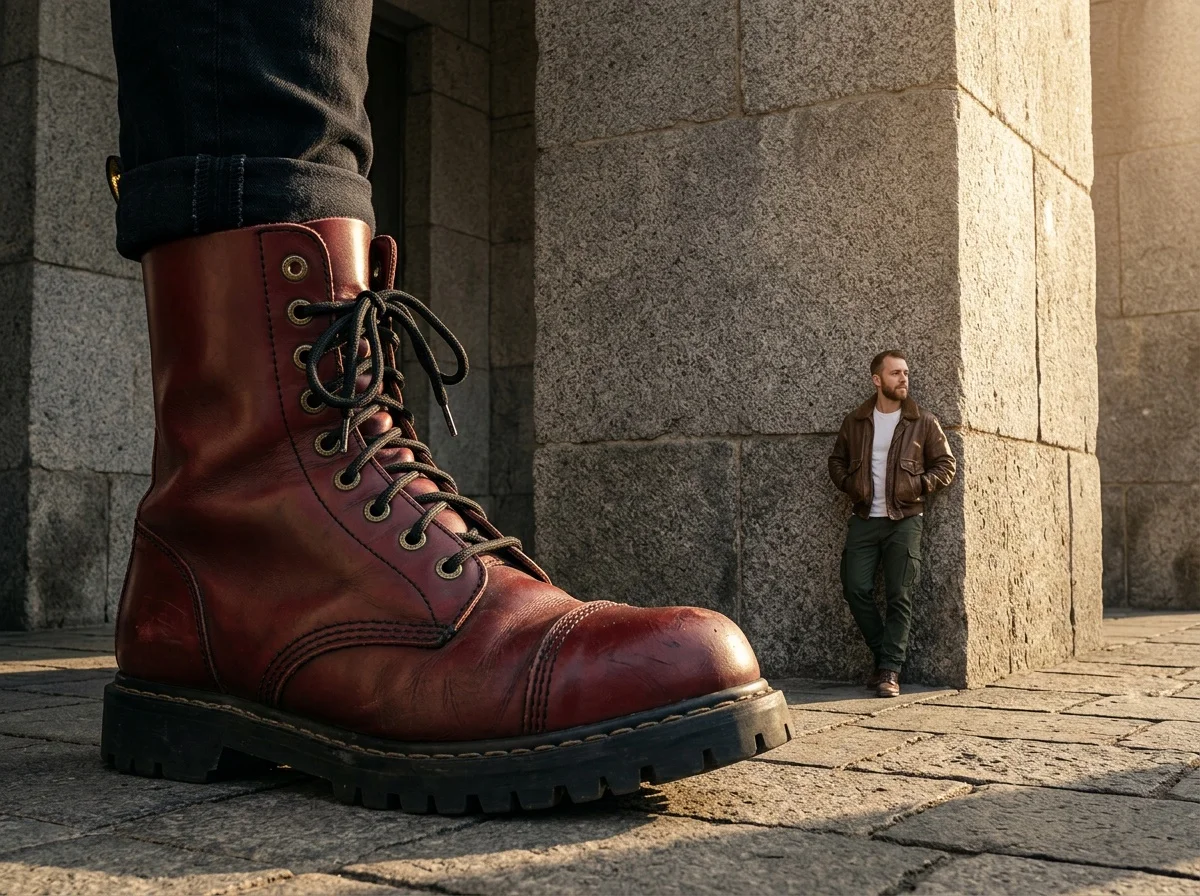
Giant Fashion Item
Use this template
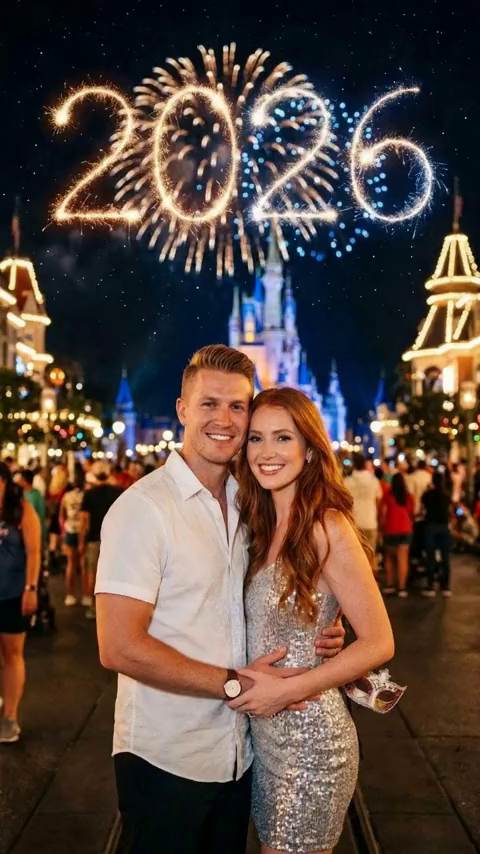
Firework Snap Duo
Use this template
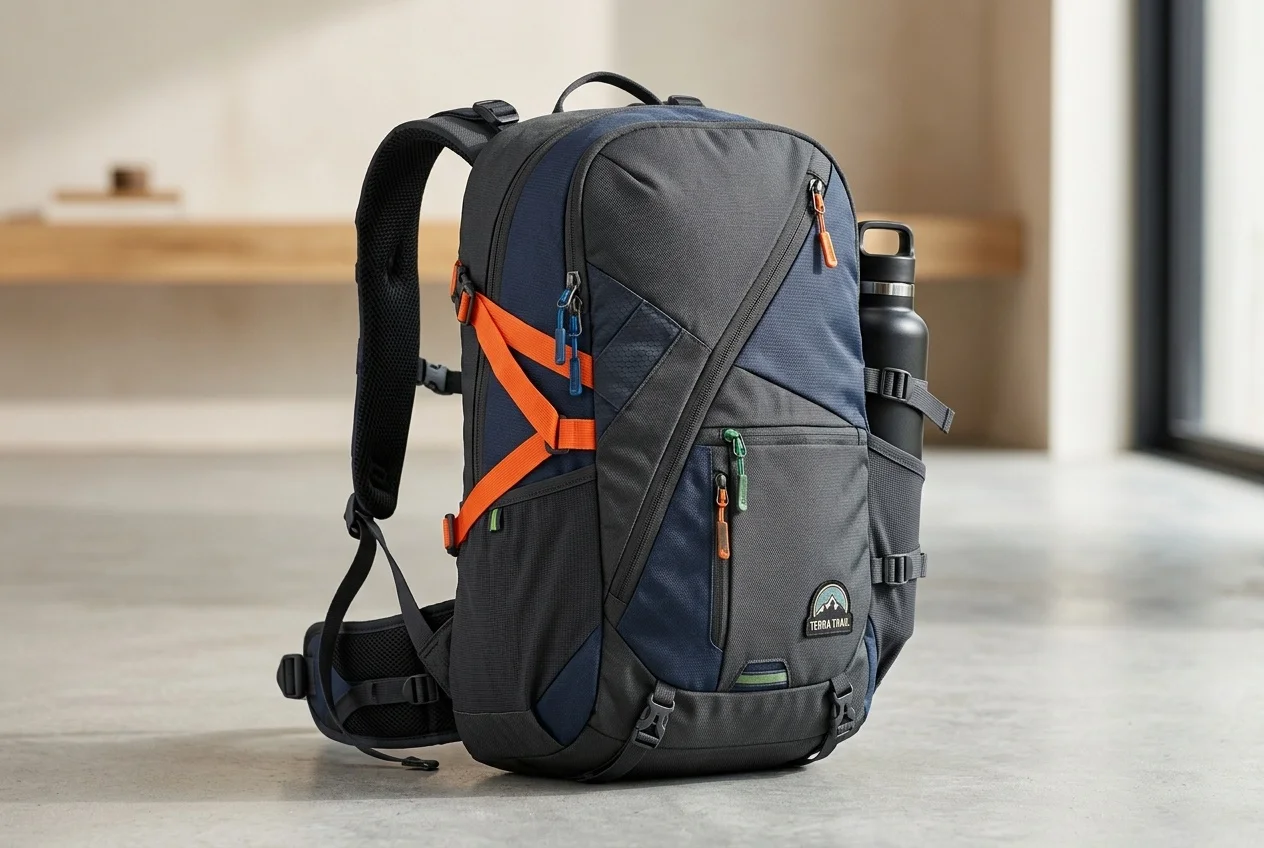
AI 360° Rotation Video Generator
Use this template
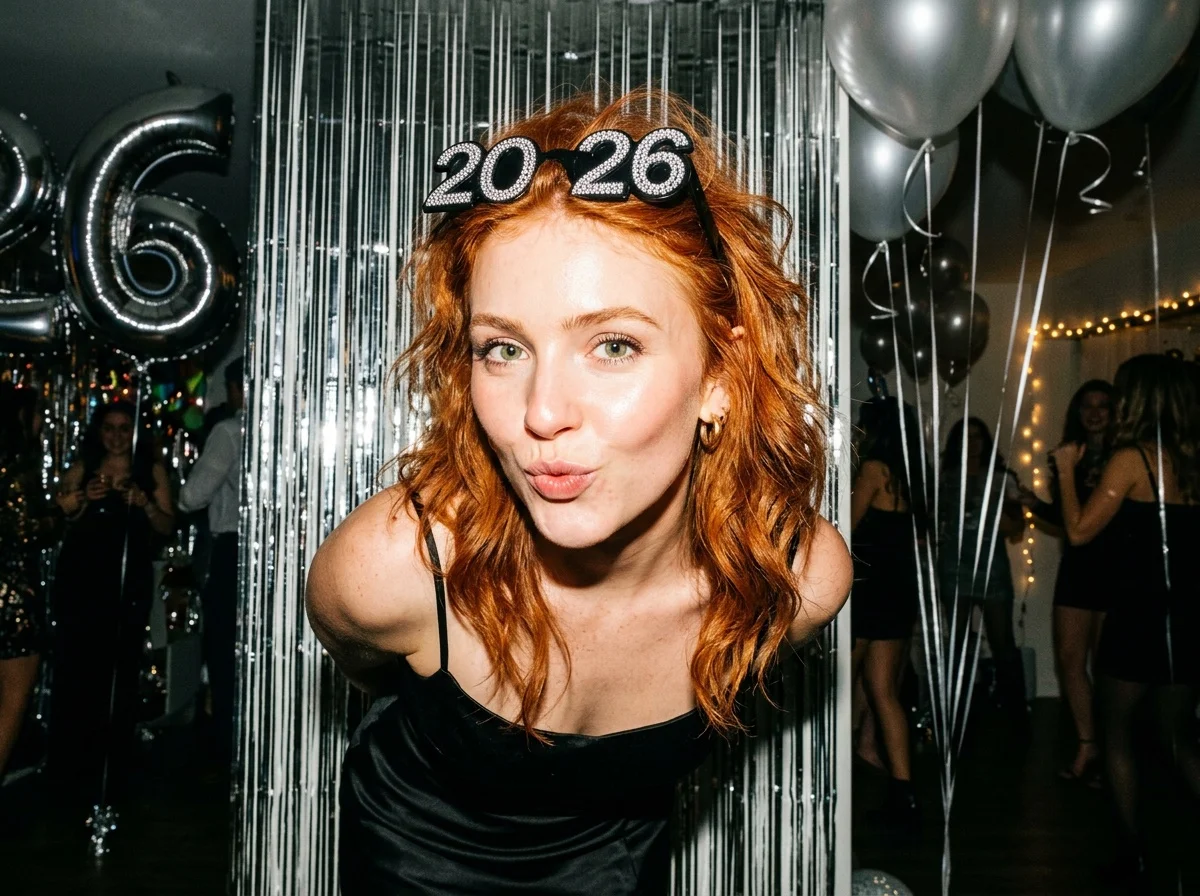
Flash New Year
Use this template
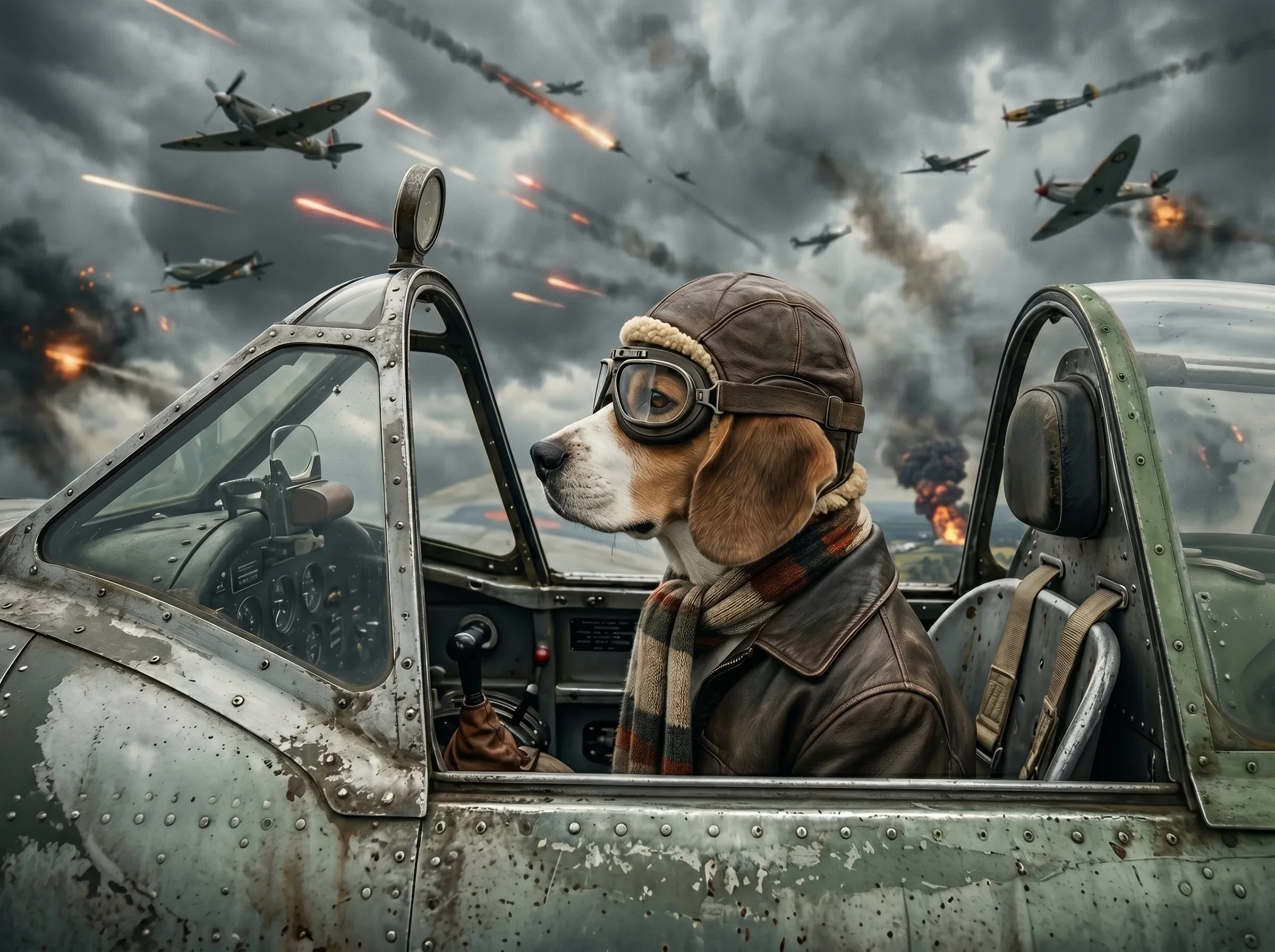
AI Pet Air Combat Video Generator
Use this template
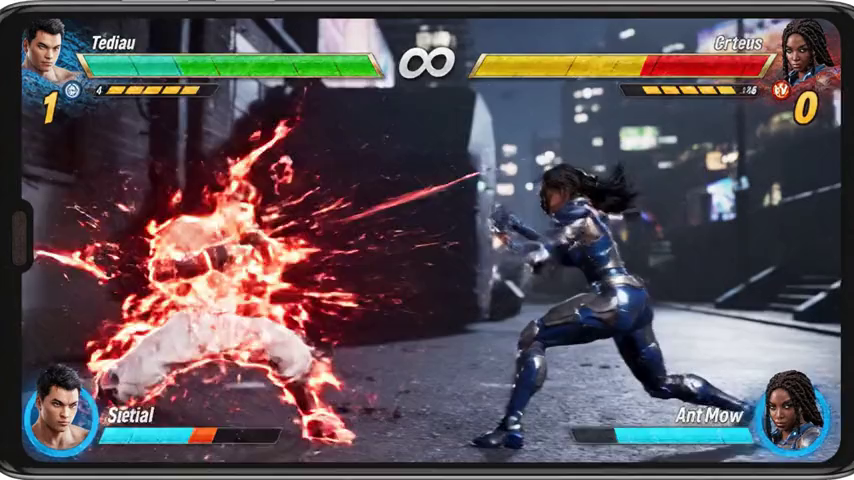
Street Fighter Filter
Use this template
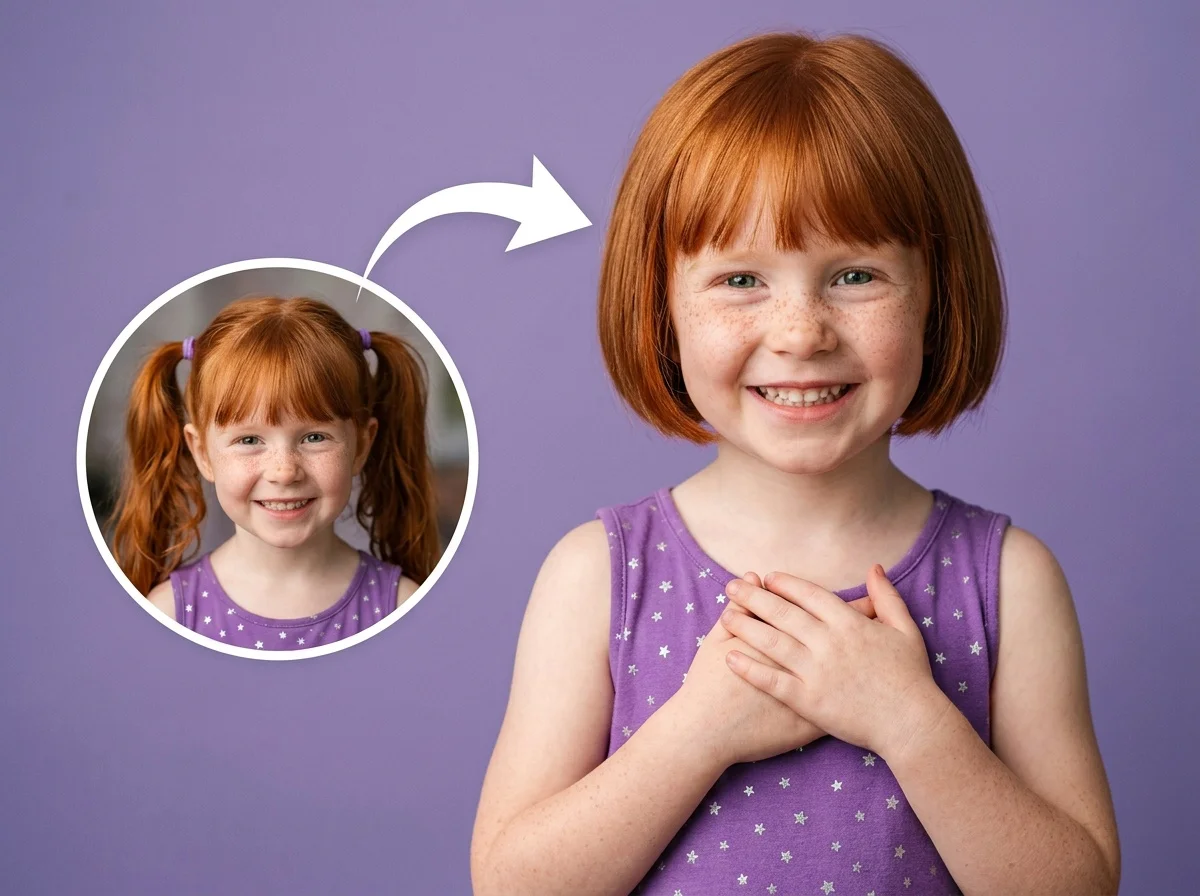
AI Short Hair Filter
Use this template
AI Video to Video Generator
Transform any video into a new visual style using reference videos and images. Preserve motion, timing, and composition while blending characters, styles, and scenes seamlessly.
Why Choose SharkFoto Video to Video
- Reference Image IntegrationBlend characters, styles, or visual elements from reference images directly into the video.
- Motion-Preserving TransformationKeeps original movement, timing, and camera flow intact.
- High Temporal ConsistencyEnsures smooth frame-to-frame transitions without flicker or instability.
- Prompt-Guided CreativityControl visual direction using natural language prompts.
- Professional Output QualityDelivers clean, coherent videos suitable for creative and commercial use.
Key Features
- Video + Image ConditioningCombines source video motion with reference image appearance for stable results.
- Character & Style ConsistencyMaintain consistent character identity, clothing, or art style across the entire video.
- Scene & Environment ControlRedefine backgrounds, environments, and atmospheres while keeping motion intact.
- Complex Motion SupportHandles fast movement, camera pans, and dynamic scenes reliably.
- Flexible Creative PromptsAdjust lighting, mood, textures, and artistic direction with text input.
- HD & High-Resolution OutputProduces sharp, high-quality video outputs.
- Browser-Based ProcessingNo software installation required—everything runs online.
Use Cases
- Character-Driven Video CreationApply a consistent character from reference images across video footage.
- Video Restyling & AdaptationConvert existing videos into new visual styles or creative directions.
- Animation from Real FootageTurn live-action videos into animated or illustrated styles.
- Marketing & AdvertisingReuse one video with multiple styles for different campaigns.
- Content Creation for Social MediaProduce visually unique videos using the same motion base.
Benefits
- No Reshoot RequiredCreate new visual results without filming new footage.
- Stable Visual IdentityKeep characters and styles consistent using reference images.
- Reduced Post-Production EffortAvoid complex frame-by-frame manual editing.
- Creative FlexibilityExperiment with multiple visual concepts from a single source video.
- Beginner-Friendly WorkflowSimple upload-and-prompt process for all skill levels.
How It Works
Create video-to-video transformations in four simple steps:
Upload a Source Video
Provide a video that defines motion, camera movement, and overall structure.
Add Reference Images
Upload one or more reference images to guide character appearance, visual style, or scene details.
Describe the Desired Result
Use text prompts to define mood, lighting, style, or environment for the transformation.
Generate & Download
The AI blends video motion with reference visuals and delivers a temporally consistent output.
FAQ
Frequently Asked Questions
Transform Videos with Reference Images
Upload a source video, add reference images, and guide the transformation with text prompts for consistent, high-quality results.