
- "original_image": "",
- "target_face_image": ""
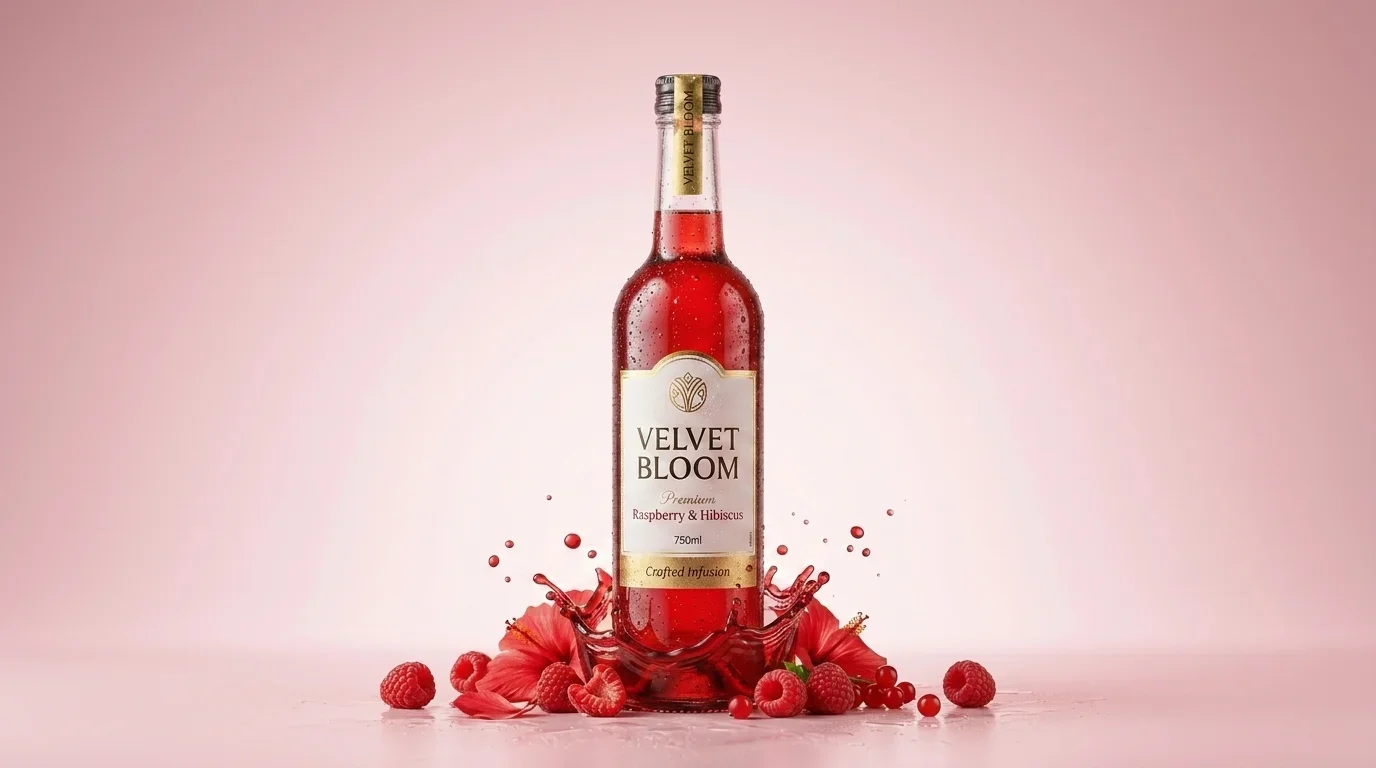
Juice Burst
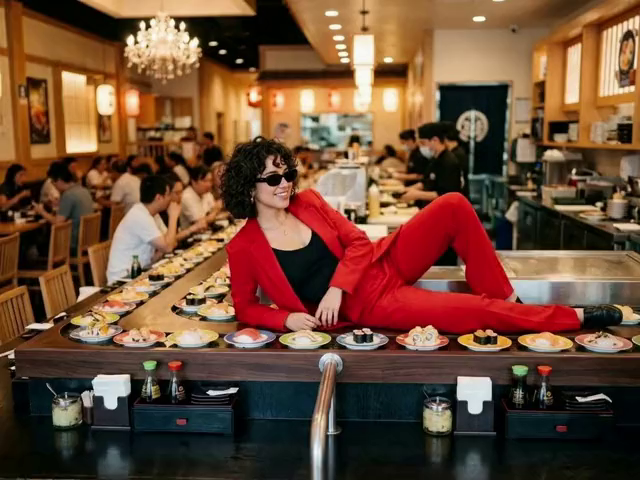
Sushi Belt Ride
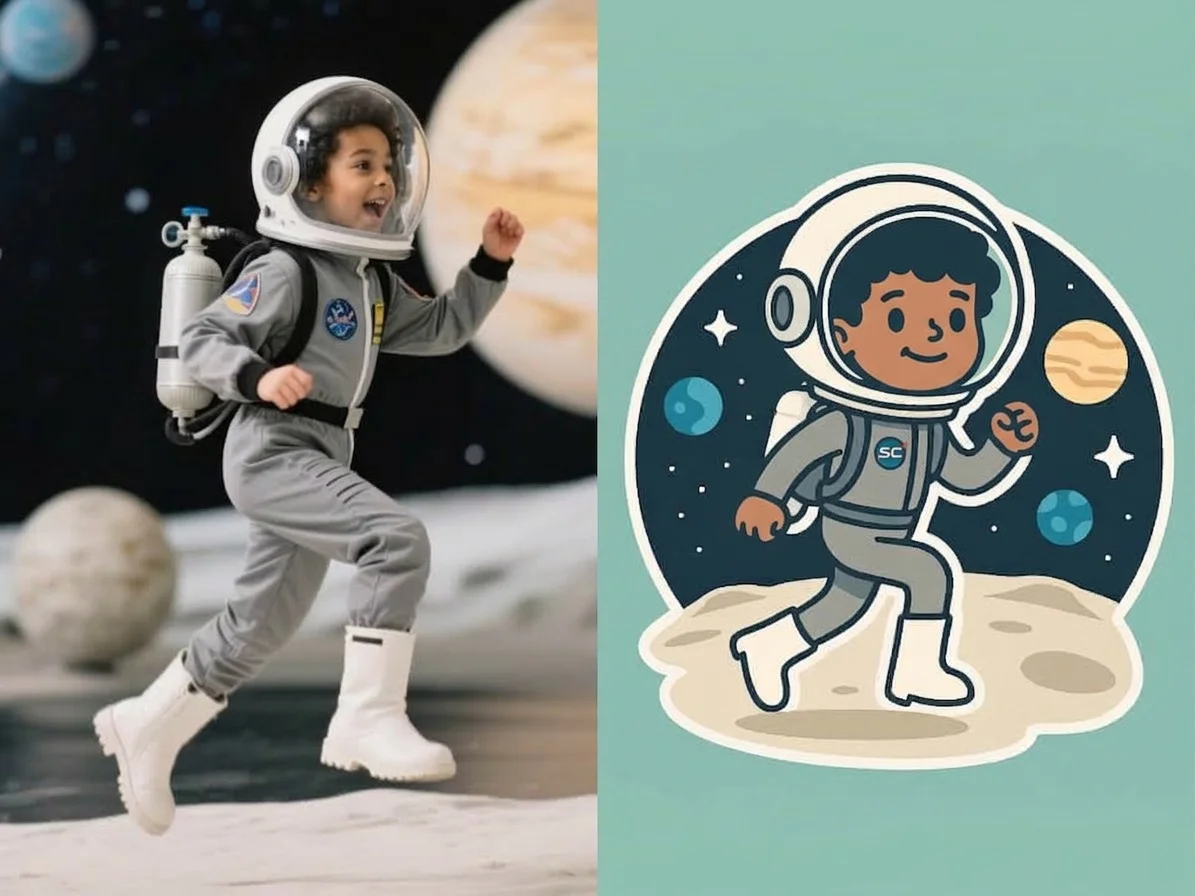
AI Sticker Generator

AI Air Kiss Video Generator
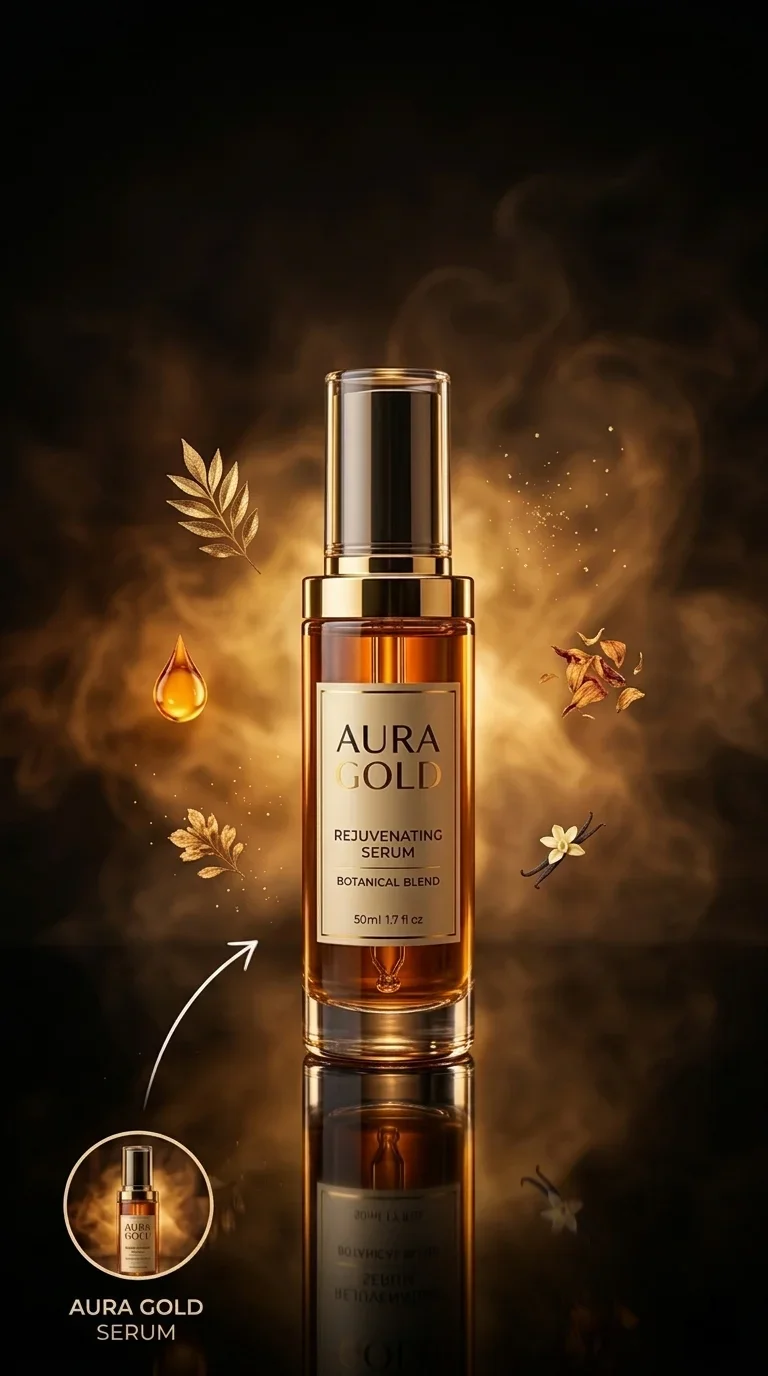
Product Hero Saga
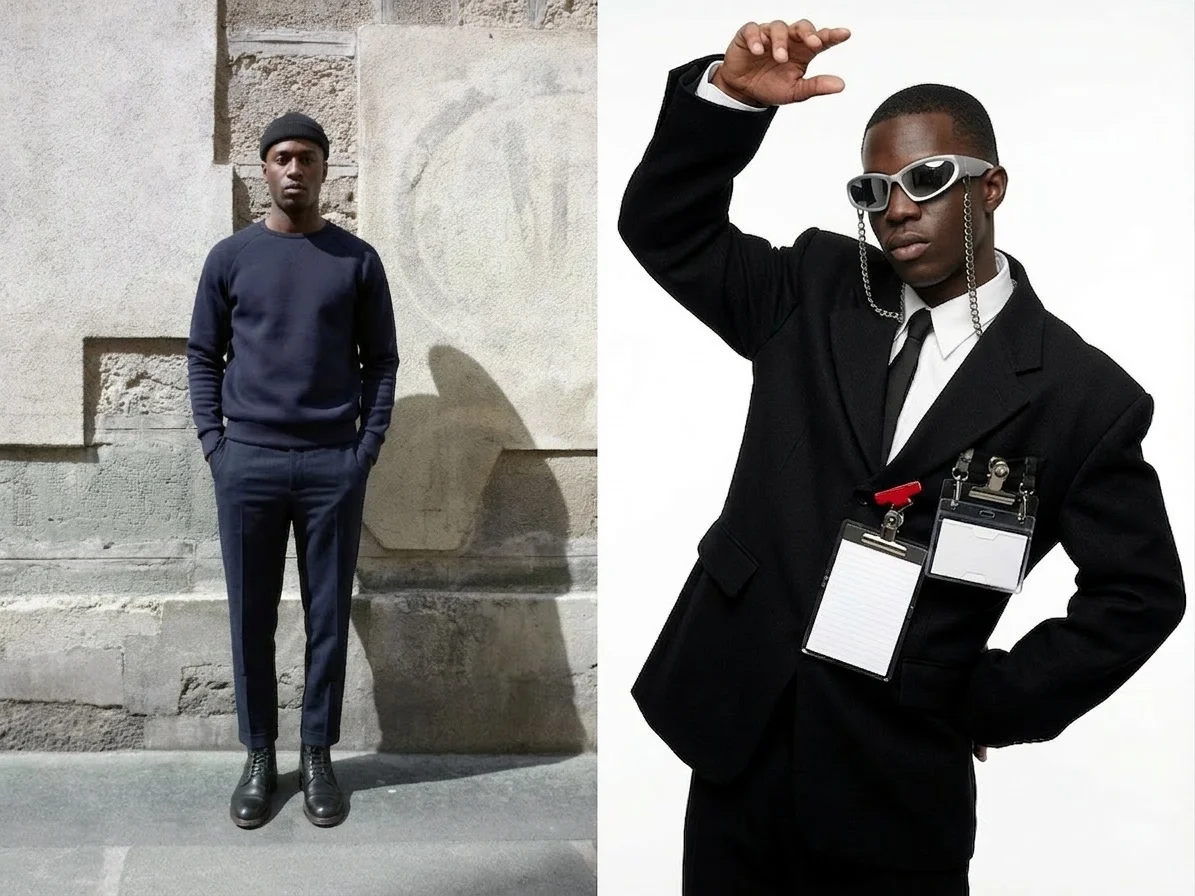
Avant Style
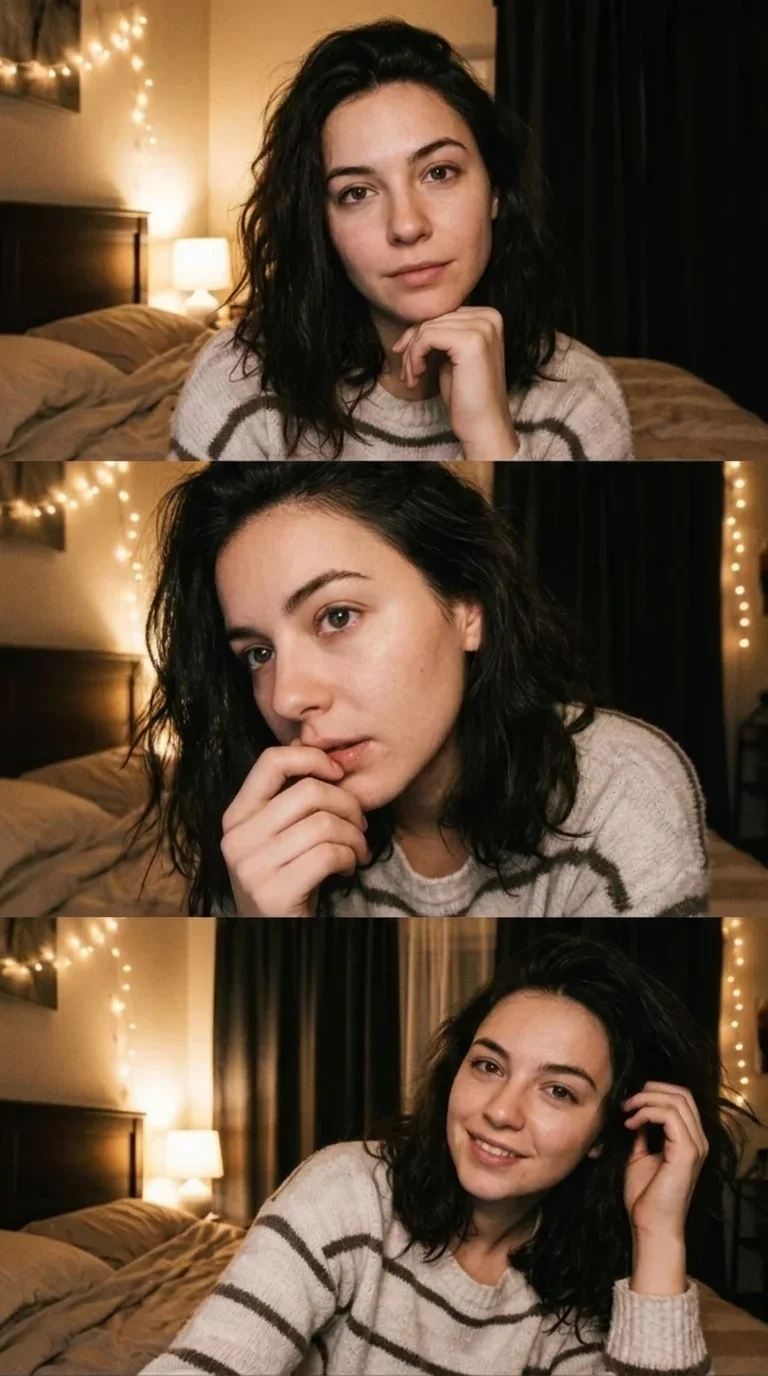
Webcam Selfie
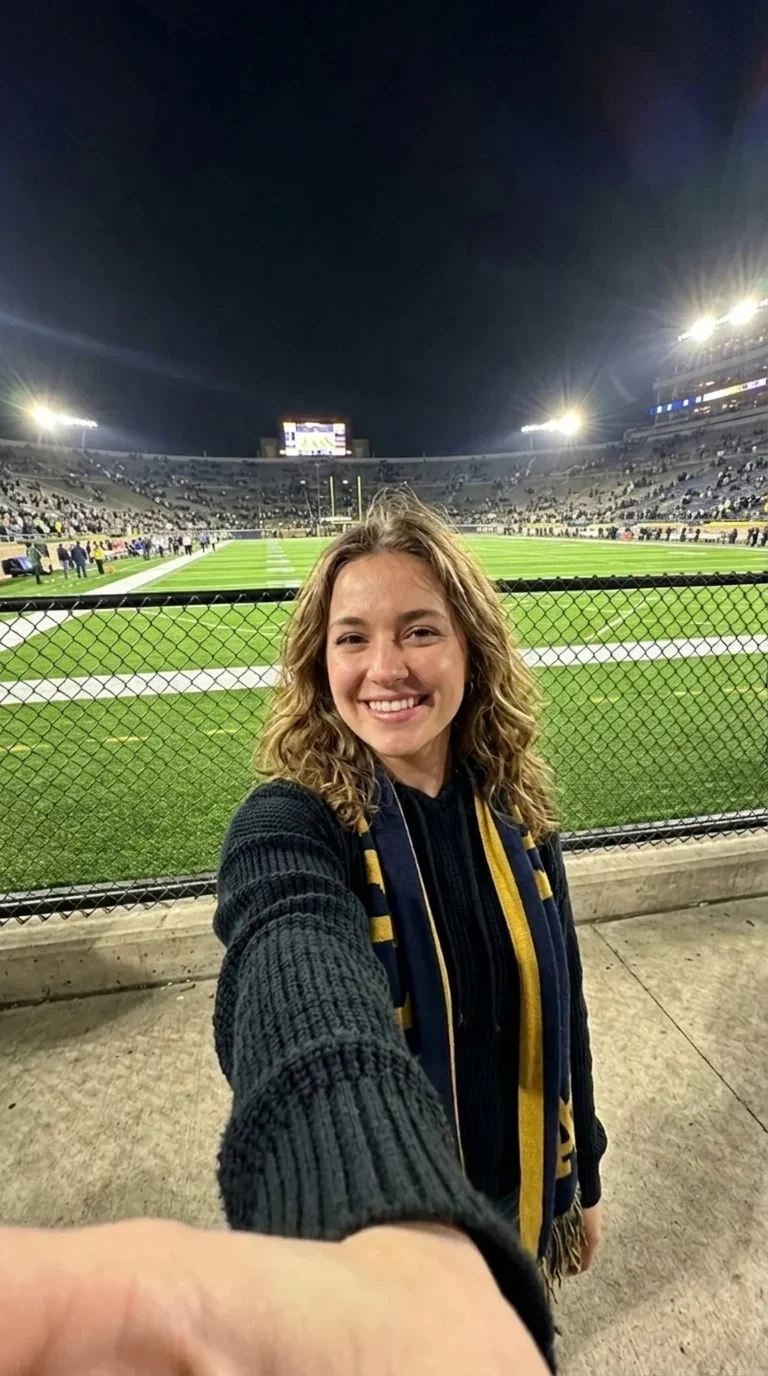
Take a Selfie
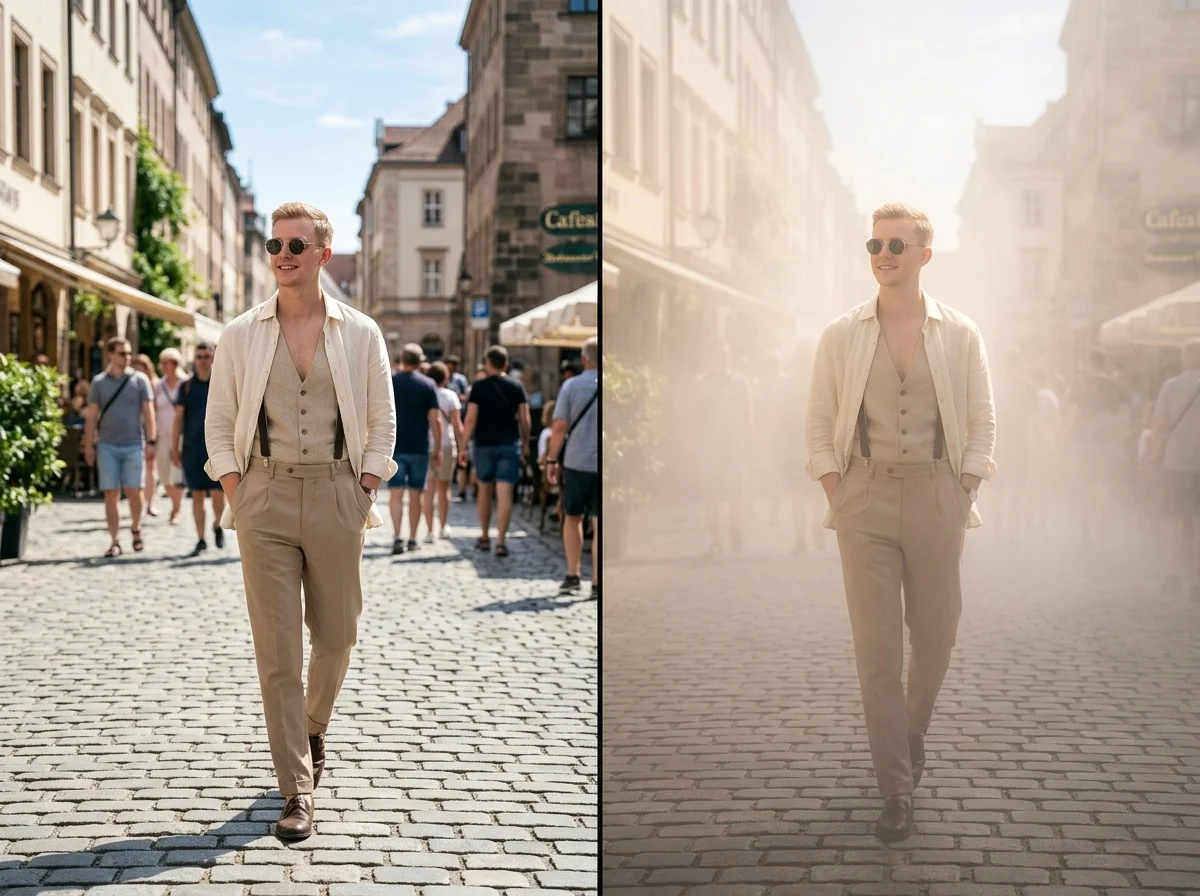
Fog Glow
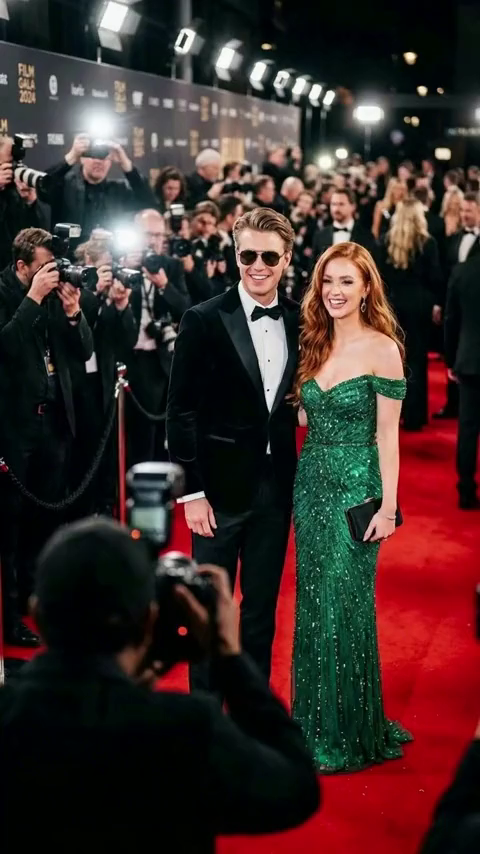
Red Carpet Duo
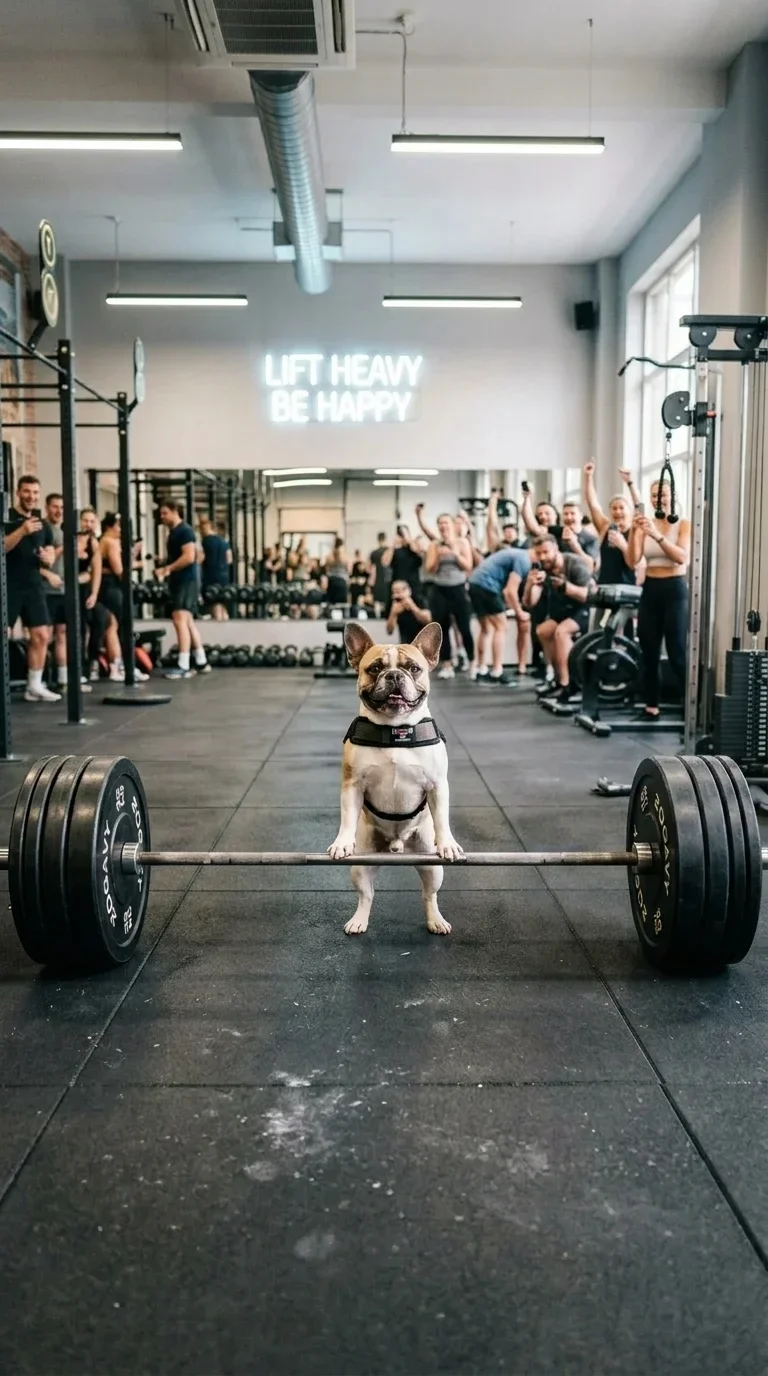
Pet Weightlift
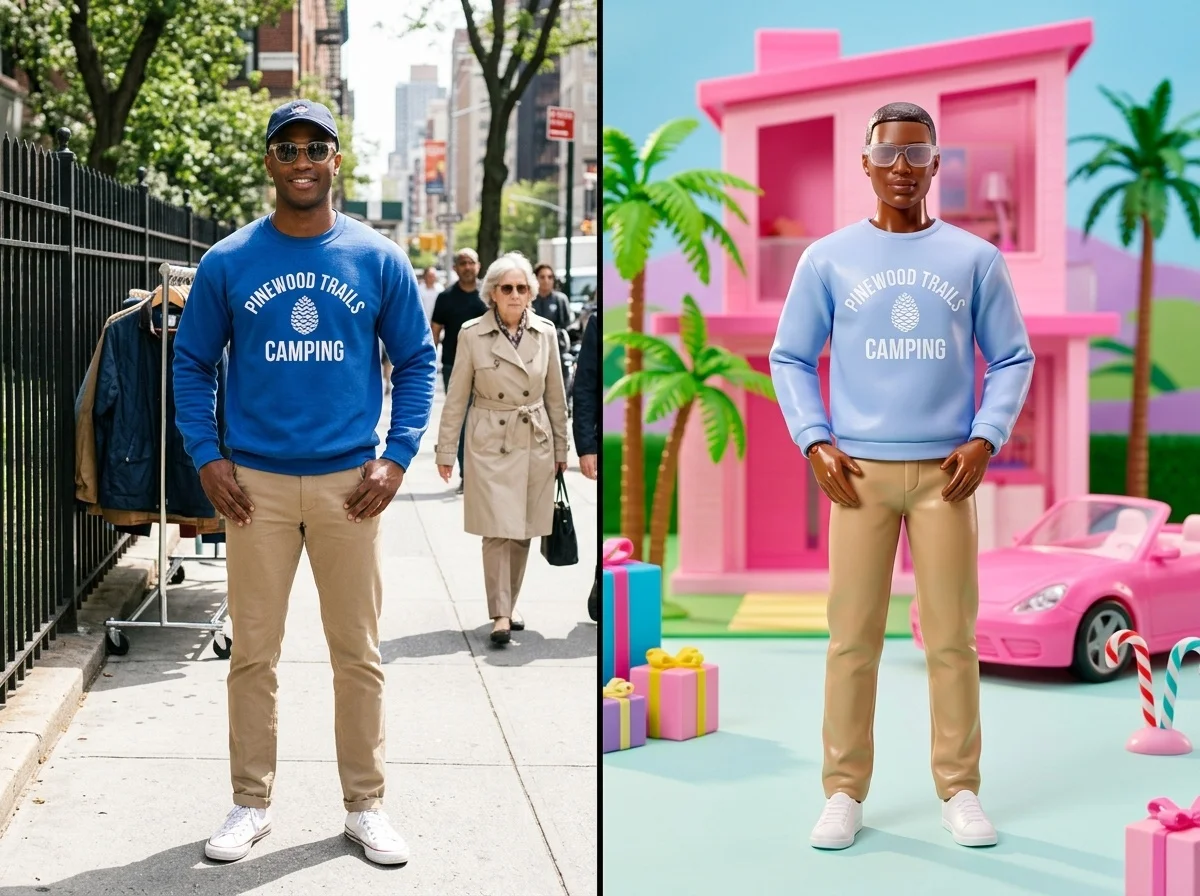
Doll Park
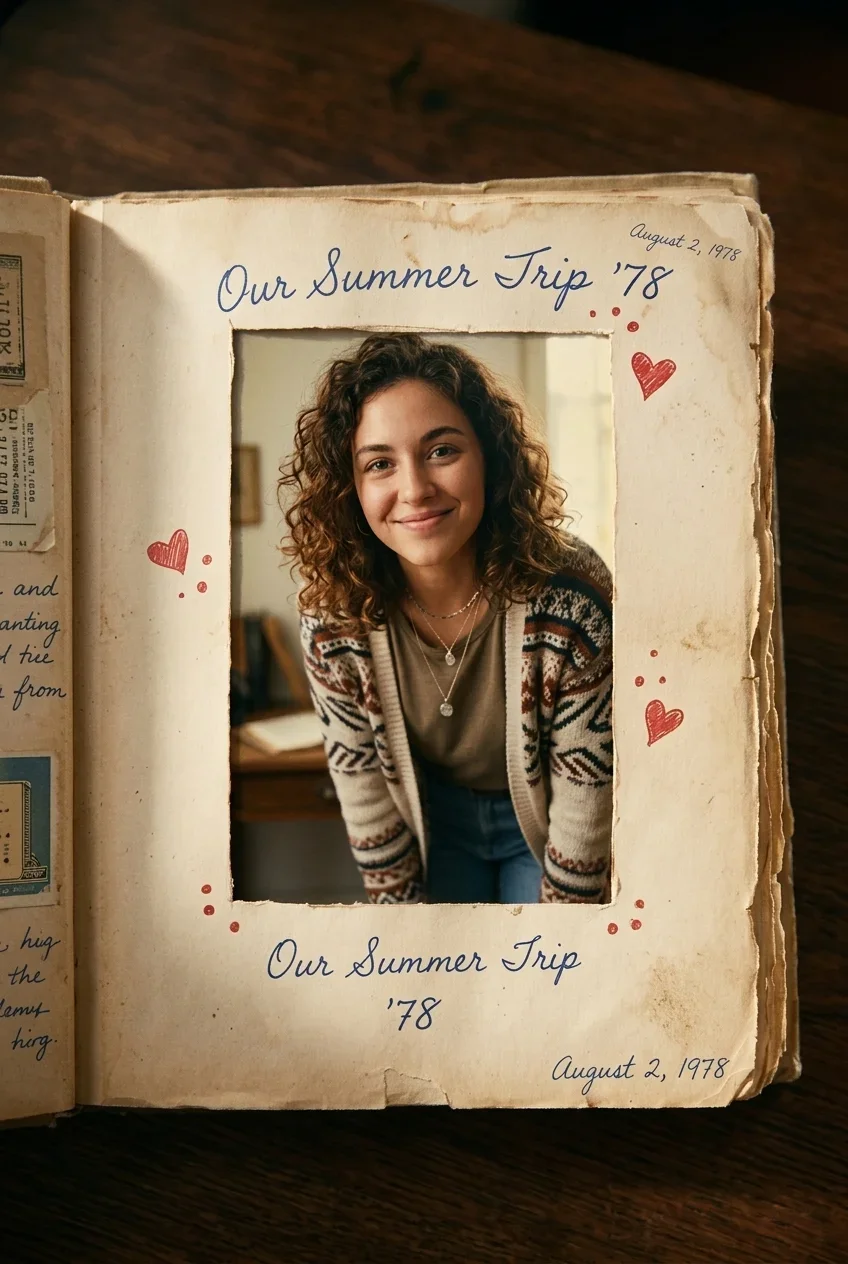
AI Out of Frame Effect
Give the Finger
AI Simple Line Art Emoji Generator
Movie Shuffle Reel
New Year Spotlight Moment
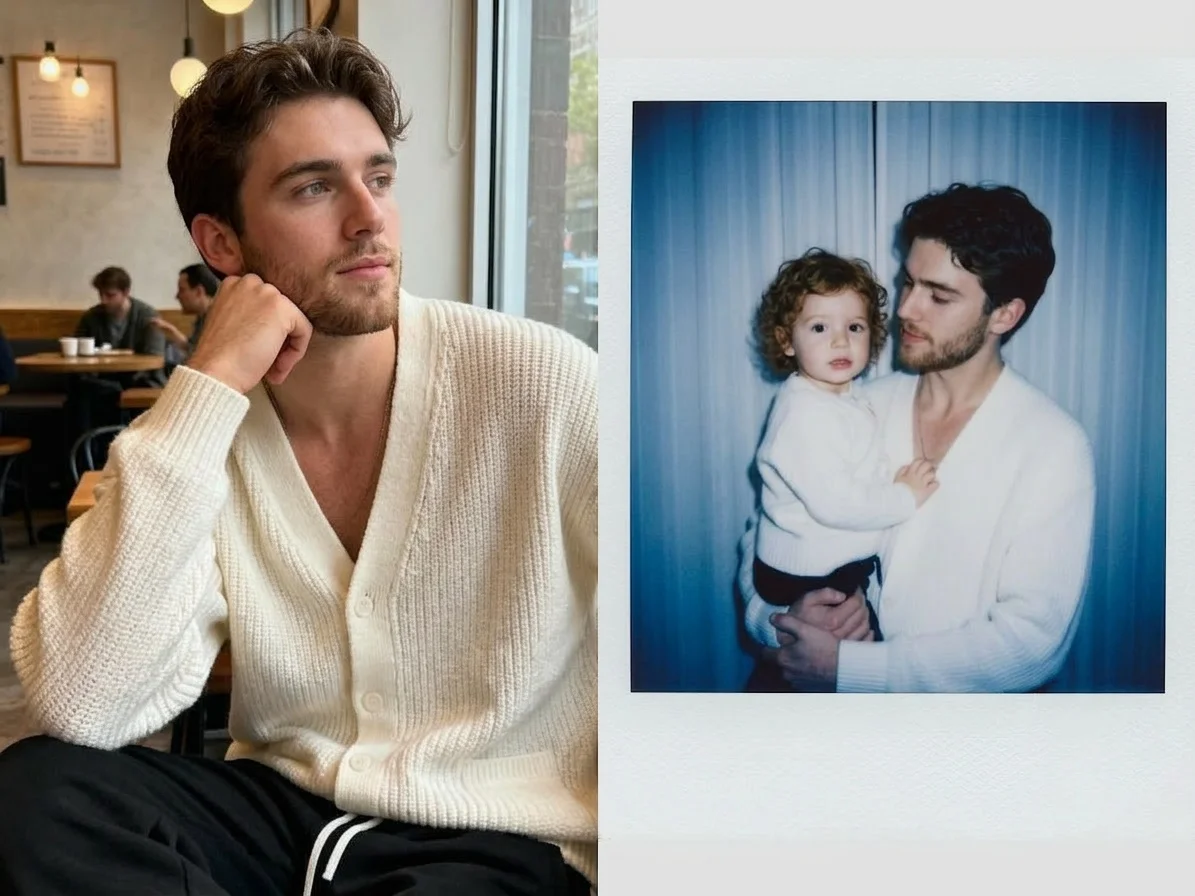
Polaroid with My Younger Self
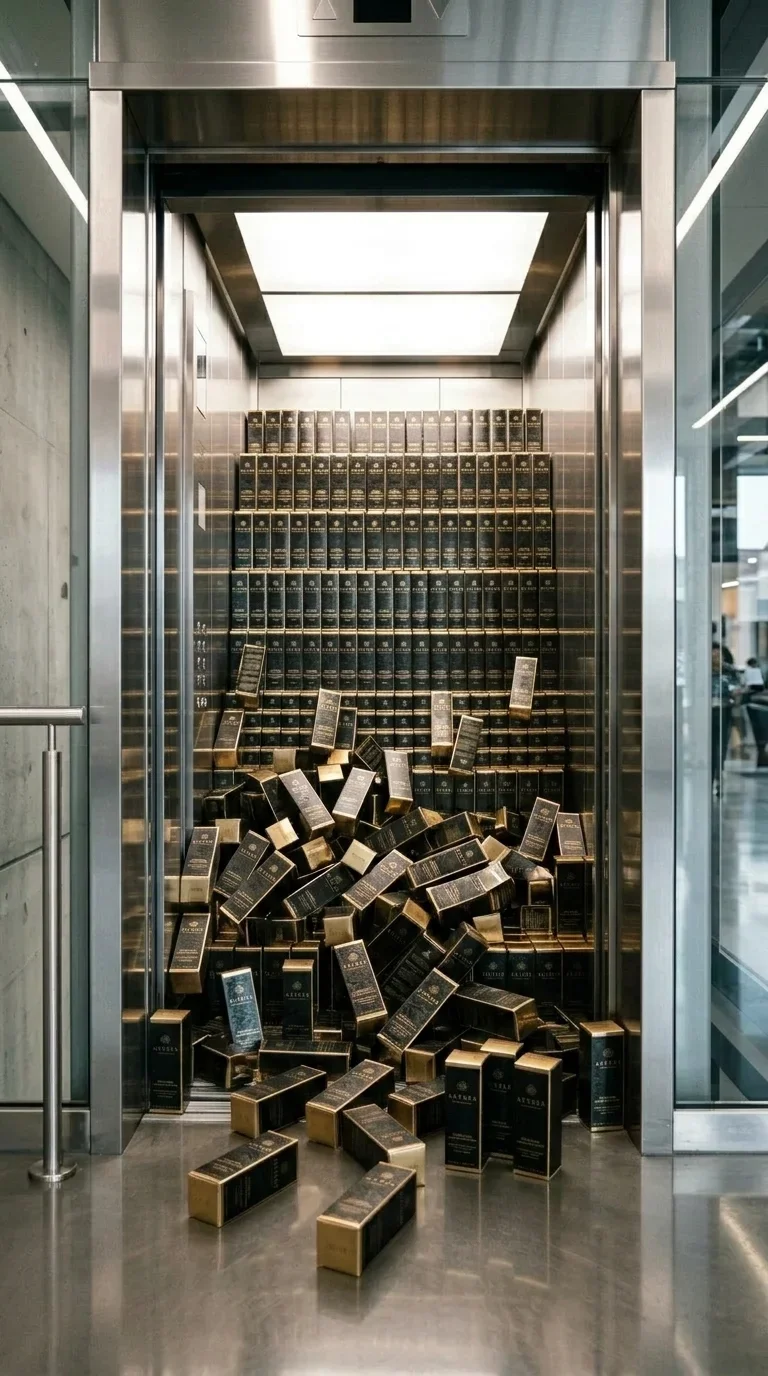
Elevator Product Burst
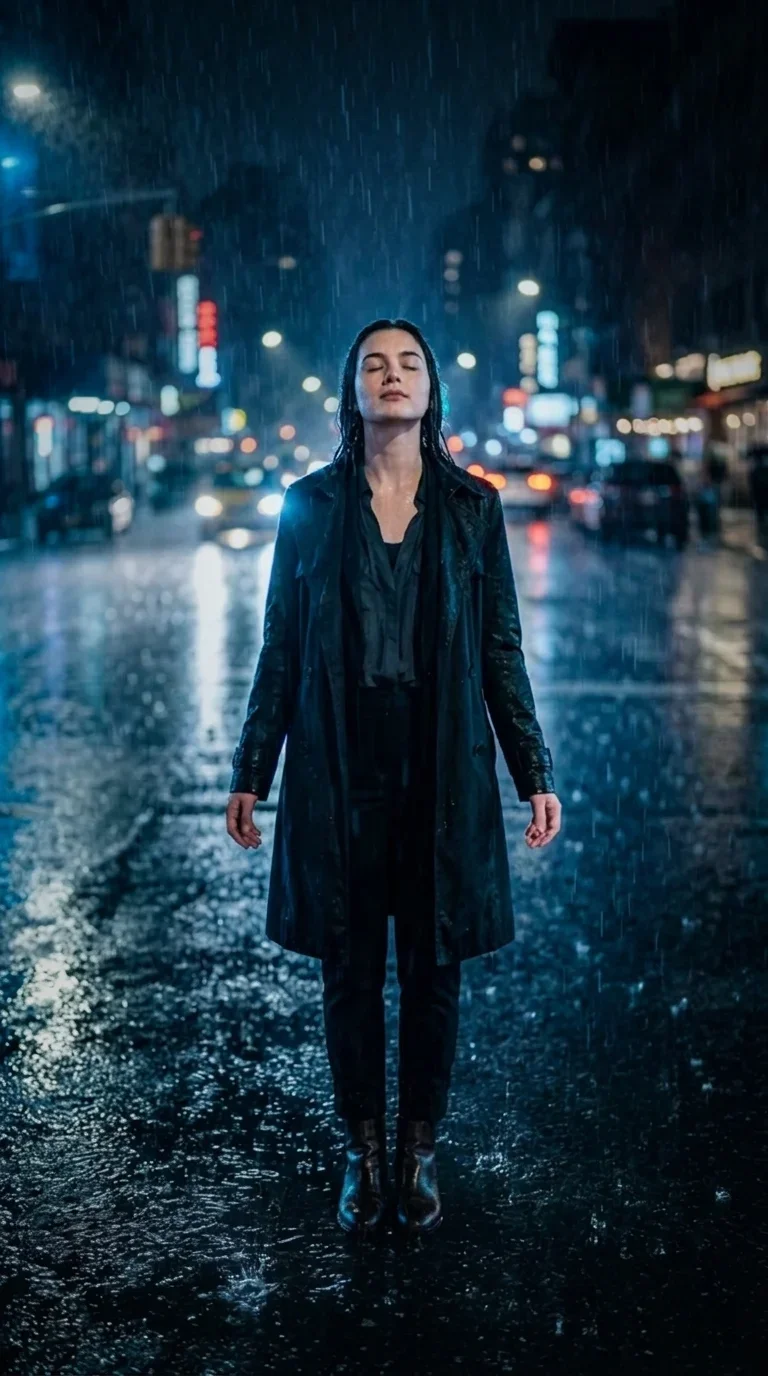
Rainy Night Walk
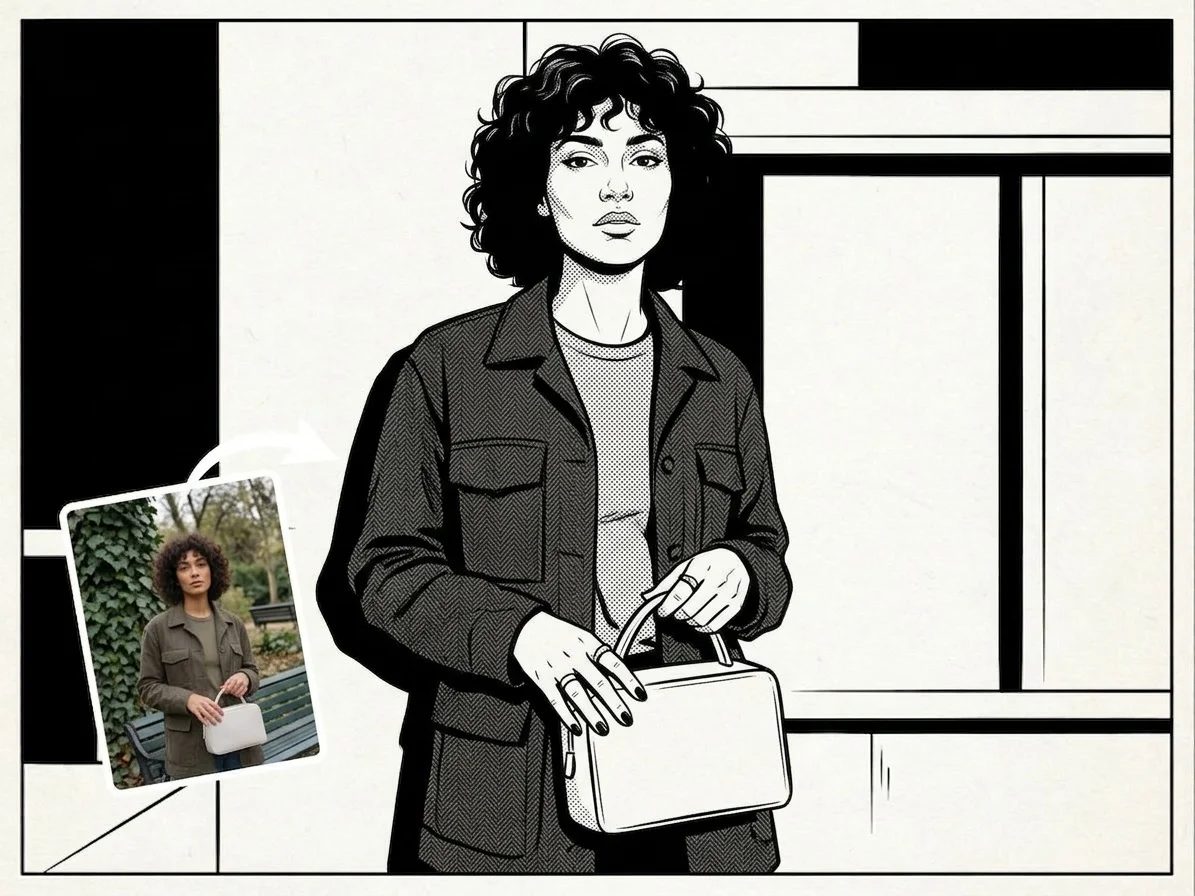
BW Comic
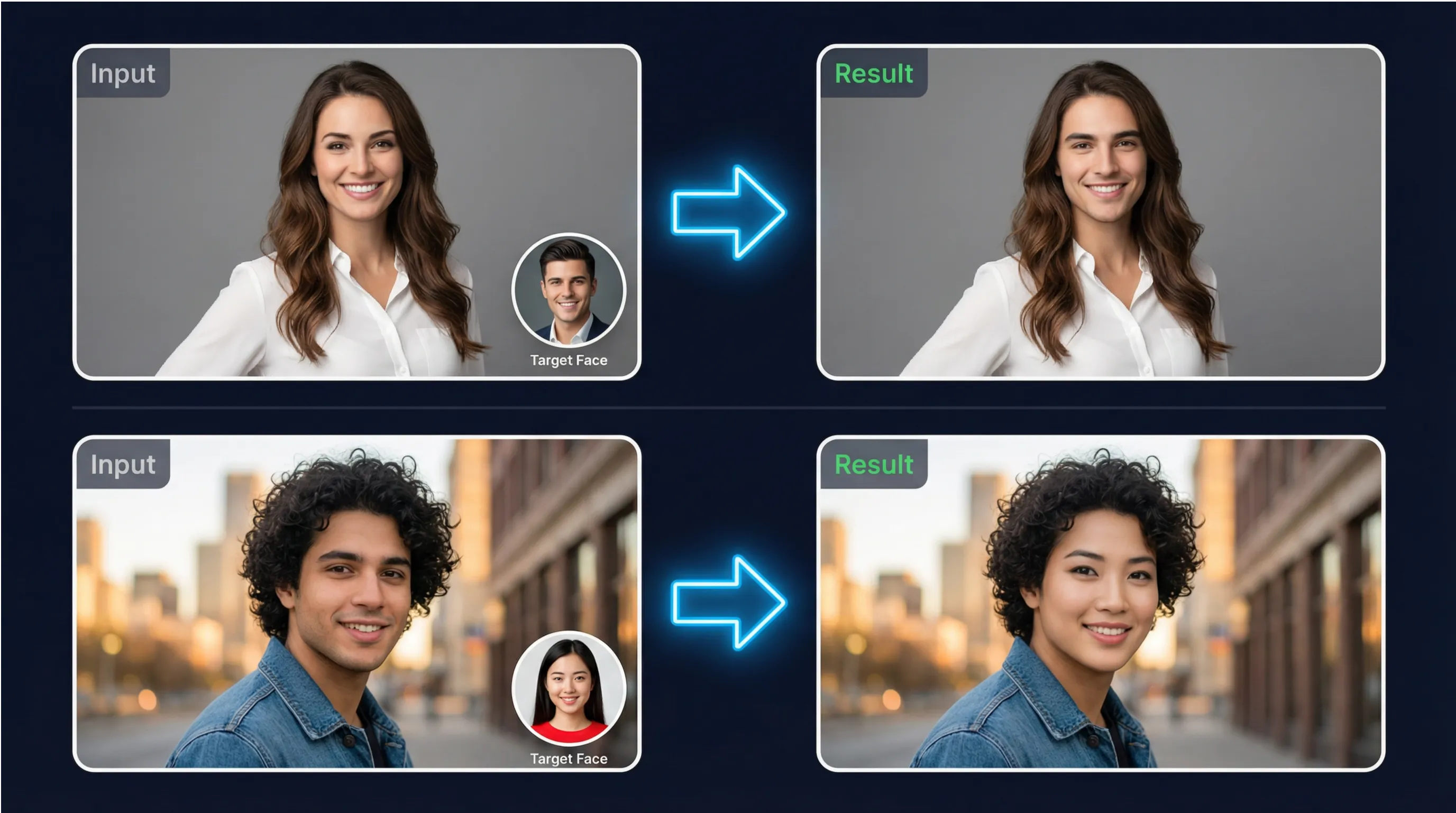
Why Choose SharkFoto Face Swap
Powered by advanced deep learning technology, SharkFoto delivers photorealistic face swaps that look completely natural—no Photoshop skills required.
GAN-Powered Precision
Built on Generative Adversarial Networks (GANs), our AI continuously refines face swaps to achieve photorealistic results—matching lighting, skin tone, and facial geometry with remarkable accuracy.
Automatic Face Detection
Advanced facial landmark detection automatically identifies and maps key facial features—eyes, nose, mouth, and contours—ensuring precise alignment without any manual selection or cropping.
Seamless Color Matching
Intelligent color and lighting adaptation ensures the swapped face naturally matches the target image's environment—no visible seams, mismatched skin tones, or unnatural shadows.
Instant Results
Upload two photos and get a photorealistic face swap in seconds. Our optimized AI pipeline delivers professional-quality results without the long wait times of traditional editing software.
High-Resolution Output
Preserves full image quality and resolution throughout the face swap process. Export your results in PNG format—ready for social media, print, or professional use.
Multi-Face Support
Detect and swap multiple faces within a single image simultaneously. Perfect for group photos, team portraits, and creative compositions involving several people.
What You Can Create
From fun social content to professional creative projects—SharkFoto Face Swap opens up endless creative possibilities.
Celebrity Face Swaps
Swap your face onto your favorite celebrity's photo or put a celebrity's face on yours for viral social media content.
Friend & Family Fun
Swap faces with friends and family members to create hilarious and memorable photos for group chats and social sharing.
Meme Creation
Create trending memes and viral content by swapping faces in iconic photos, movie stills, or popular internet templates.
Profile Photo Makeovers
Experiment with different looks by swapping your face onto various body types, outfits, or professional headshot backgrounds.
Photo Restoration
Fix blurry, half-closed eyes, or unflattering expressions in group photos by swapping in a better version of someone's face.
Creative Digital Art
Explore surreal compositions, reimagine classic artworks, or create unique visual narratives by blending faces across different contexts and styles.
Industry Applications
From entertainment and marketing to education and content creation—AI face swap technology serves a wide range of professional applications.
Entertainment & Media
Content creators and filmmakers use face swap to de-age actors, create character variations, produce special effects, and generate engaging visual content without expensive production setups.
Marketing & Advertising
Brands use face swap to create personalized marketing materials, interactive campaigns, and engaging brand activations that allow audiences to see themselves as part of the story.
Social Media Content
Influencers and social media creators leverage face swap to produce viral content, join trending challenges, create memes, and build a distinctive online presence that resonates with their audience.
Education & Training
Educational platforms use face swap in training simulations and interactive learning materials, allowing students to engage with historical figures or practice scenarios with realistic visual representations.
Design & Prototyping
Designers and UX teams use face swap to quickly prototype personalized interfaces, test diverse representation in mockups, and create inclusive design assets without extensive photo shoots.
Privacy & Anonymization
Journalists and documentary makers use face swap to protect the identities of sources, witnesses, and vulnerable individuals while maintaining the visual integrity of their stories.
How It Works
Swap faces in any photo in three simple steps—no design skills or technical knowledge required.
Upload Two Photos
Upload the source photo (containing the face you want to use) and the target photo (the image where you want the face placed). Supports JPEG, PNG, and WEBP formats as input.
AI Detects & Swaps
Our AI automatically detects facial landmarks in both images, extracts the source face, and seamlessly blends it onto the target—matching lighting, skin tone, and proportions for a natural result.
Download & Share
Preview your photorealistic face swap result and download it as a high-quality PNG file. Ready to share on social media, use in creative projects, or incorporate into professional work.
Technical Specifications
Built on state-of-the-art deep learning technology for reliable, photorealistic face swaps at any scale.
Input Formats
JPEG, PNG, WEBP
All common input formats supported
Output Formats
PNG
High-quality PNG output
Processing Speed
Seconds per Image
Fast processing for instant results
AI Technology
GAN + Deep Learning
Generative Adversarial Networks for realism
Face Detection
Fully Automatic
No manual selection or masking needed
Data Privacy
Auto-Delete
Images deleted immediately after processing
SharkFoto vs. Manual Editing
See why professionals and creators choose SharkFoto AI over traditional face editing methods.
Responsible Use & Ethics
SharkFoto is committed to the ethical and responsible use of AI face swap technology. We believe powerful tools come with important responsibilities.
Consent First
Always obtain explicit consent from all individuals whose faces appear in your images before performing a face swap. Respect people's right to control how their likeness is used.
No Harmful Content
SharkFoto strictly prohibits the use of face swap technology to create misleading, defamatory, or harmful content. Our platform includes safeguards to detect and prevent misuse.
Legal Compliance
Use face swap technology in compliance with applicable laws and regulations. Avoid impersonating real individuals in misleading ways or creating content that violates privacy rights.
Secure Processing
All uploaded images are processed with SSL/TLS encryption and automatically deleted from our servers immediately after processing—your photos are never stored or shared.
Content Moderation
SharkFoto employs AI-powered content moderation to detect and block the creation of inappropriate, non-consensual, or harmful face swap content on our platform.
Privacy Protection
Fully compliant with GDPR, CCPA, and international data privacy regulations. We are committed to protecting the privacy and dignity of all individuals.
Frequently Asked Questions
Everything you need to know about AI photo face swap with SharkFoto.
How realistic are the face swap results?
SharkFoto uses advanced GAN-based deep learning models to produce photorealistic face swaps. The AI automatically matches lighting, skin tone, facial geometry, and perspective to create seamless, natural-looking results. Best results are achieved with high-resolution, well-lit photos where the face is clearly visible and facing forward.
What types of photos work best for face swapping?
For the best results, use high-resolution photos with clear, well-lit faces. Front-facing or slightly angled portraits work best. Avoid heavily shadowed faces, extreme angles, or photos where the face is partially obscured. Both the source and target photos should have similar lighting conditions for the most natural-looking swap.
Can I swap faces in group photos with multiple people?
Yes. SharkFoto's AI can detect and process multiple faces within a single image. You can select which faces to swap and which to leave unchanged, giving you full control over group photo editing. This is particularly useful for fixing blurry or unflattering expressions in group shots.
Is it safe to upload my photos to SharkFoto?
Absolutely. All photos are uploaded via encrypted SSL/TLS connections and are automatically and permanently deleted from our servers immediately after processing. We never store, share, or use your photos for any purpose beyond providing the face swap service. Your privacy is our top priority.
Can I use face-swapped images commercially?
Images you create with SharkFoto are yours to use. However, commercial use involving real people's faces requires their explicit consent. Always ensure you have the appropriate rights and permissions before using face-swapped images in commercial contexts such as advertising, marketing materials, or public publications.
How is Face Swap different from AI Clothes Changer or other SharkFoto tools?
SharkFoto Face Swap is specifically optimized for detecting and replacing facial regions with photorealistic blending. The AI Clothes Changer focuses on replacing garments and outfits while keeping the person's face and body intact. Each tool uses specialized AI models tuned for its specific task, delivering the best possible results for that particular type of image transformation.