
- "aspect_ratio": "1:1",
- "merge_bgm": true,
- "images": []
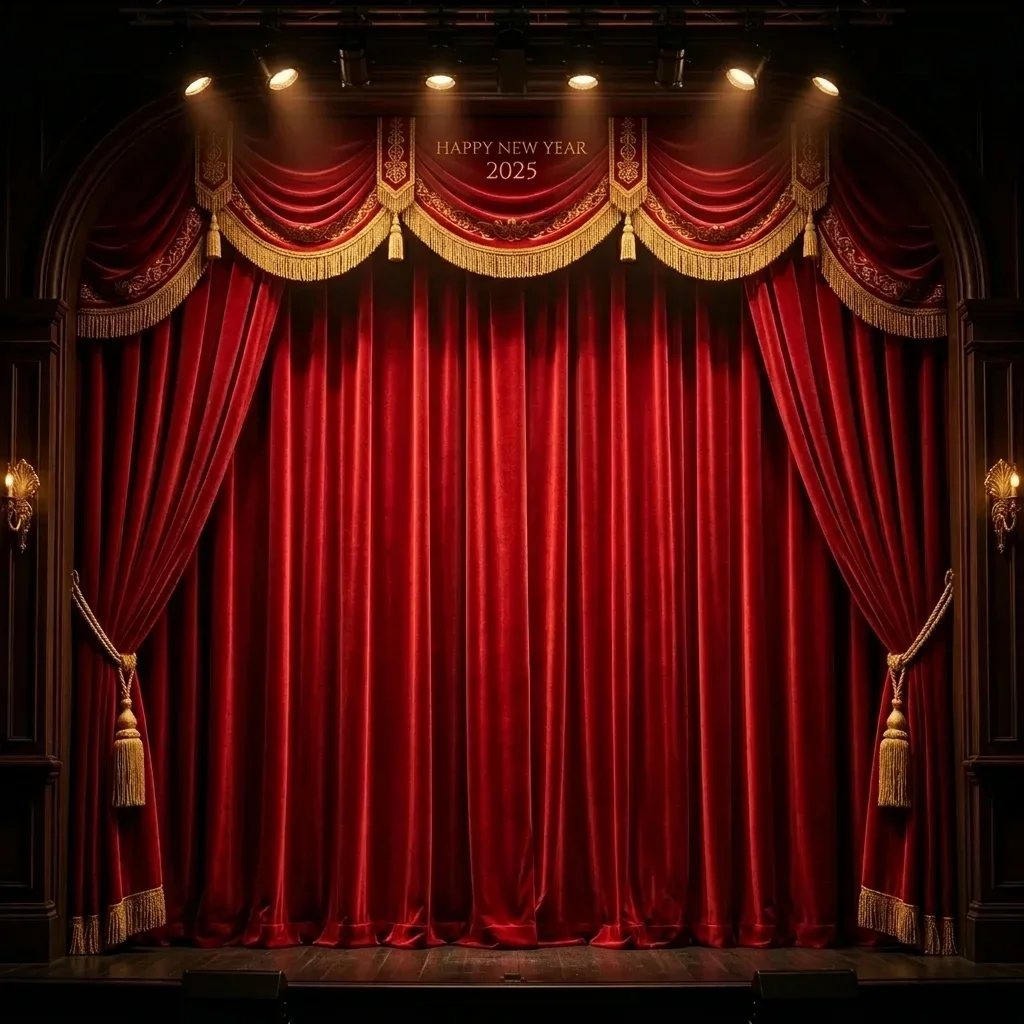
New Year Spotlight Moment
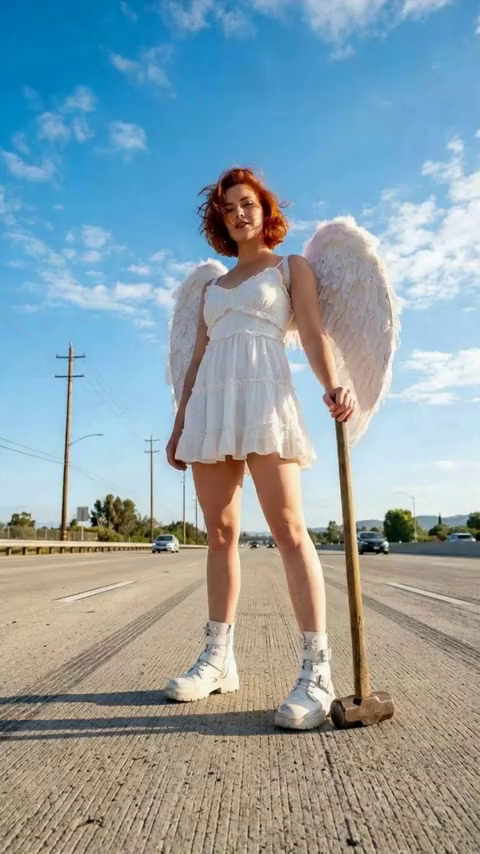
Hero Cam
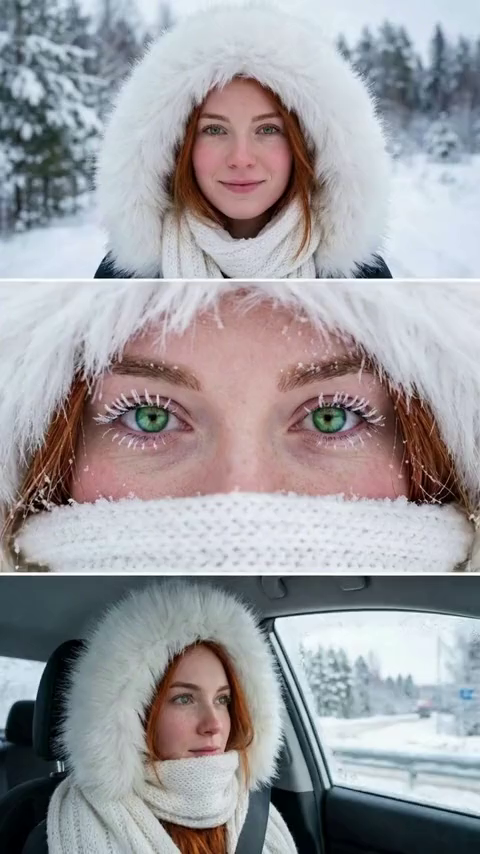
Winter Portrait Eye Focus
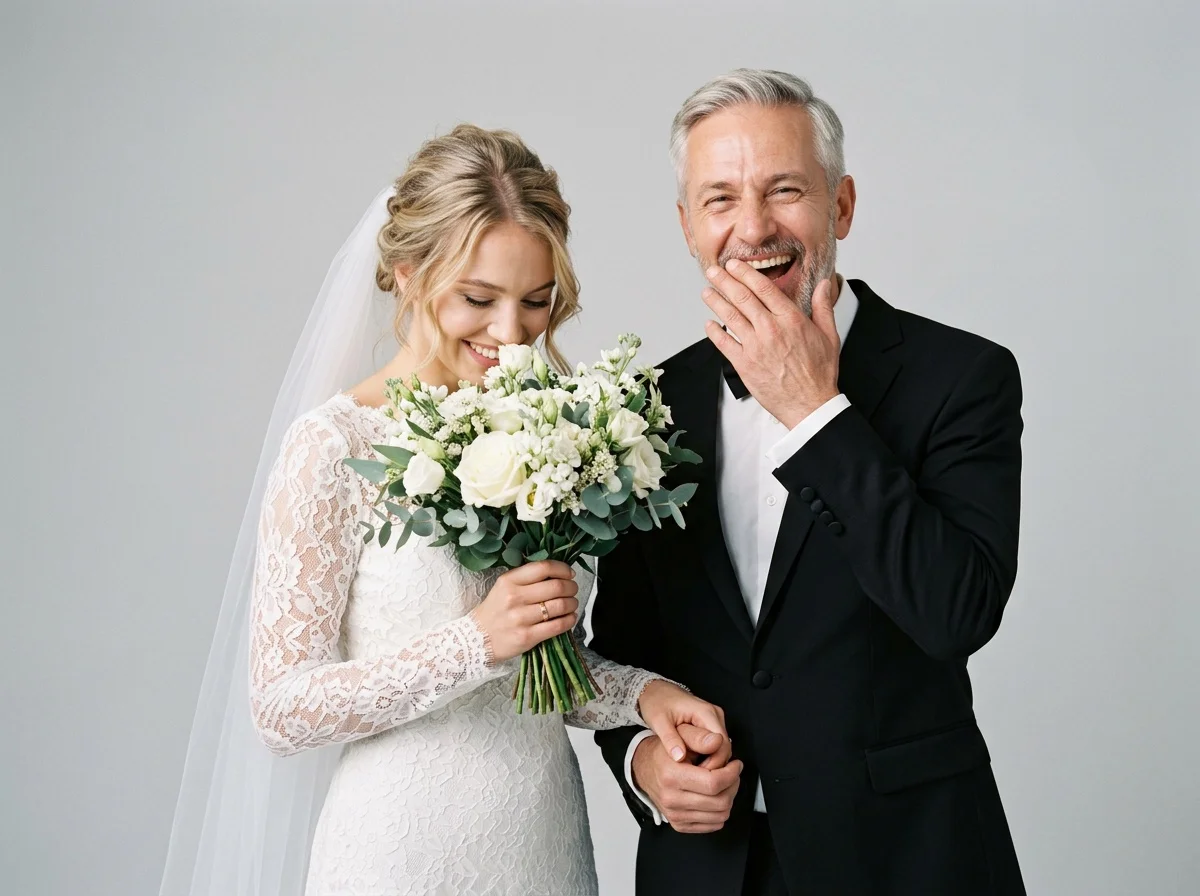
Wedding Portrait

Plastic Surgery Gone Wrong
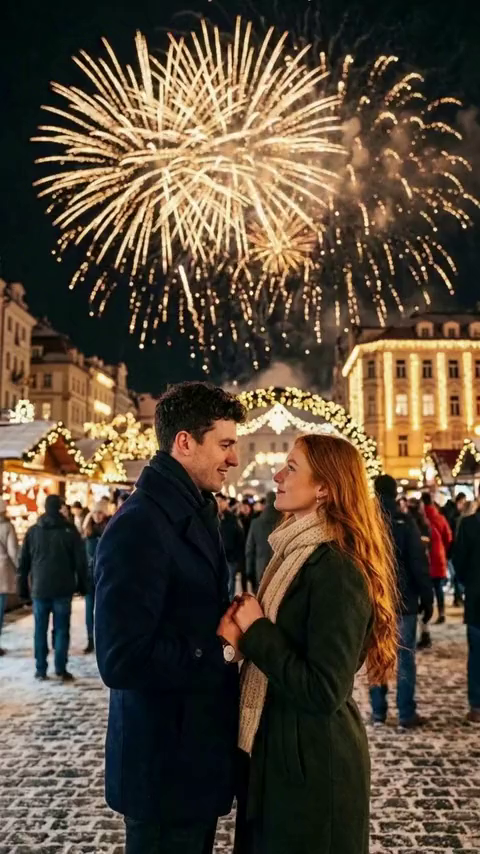
New Year's Eve Couple
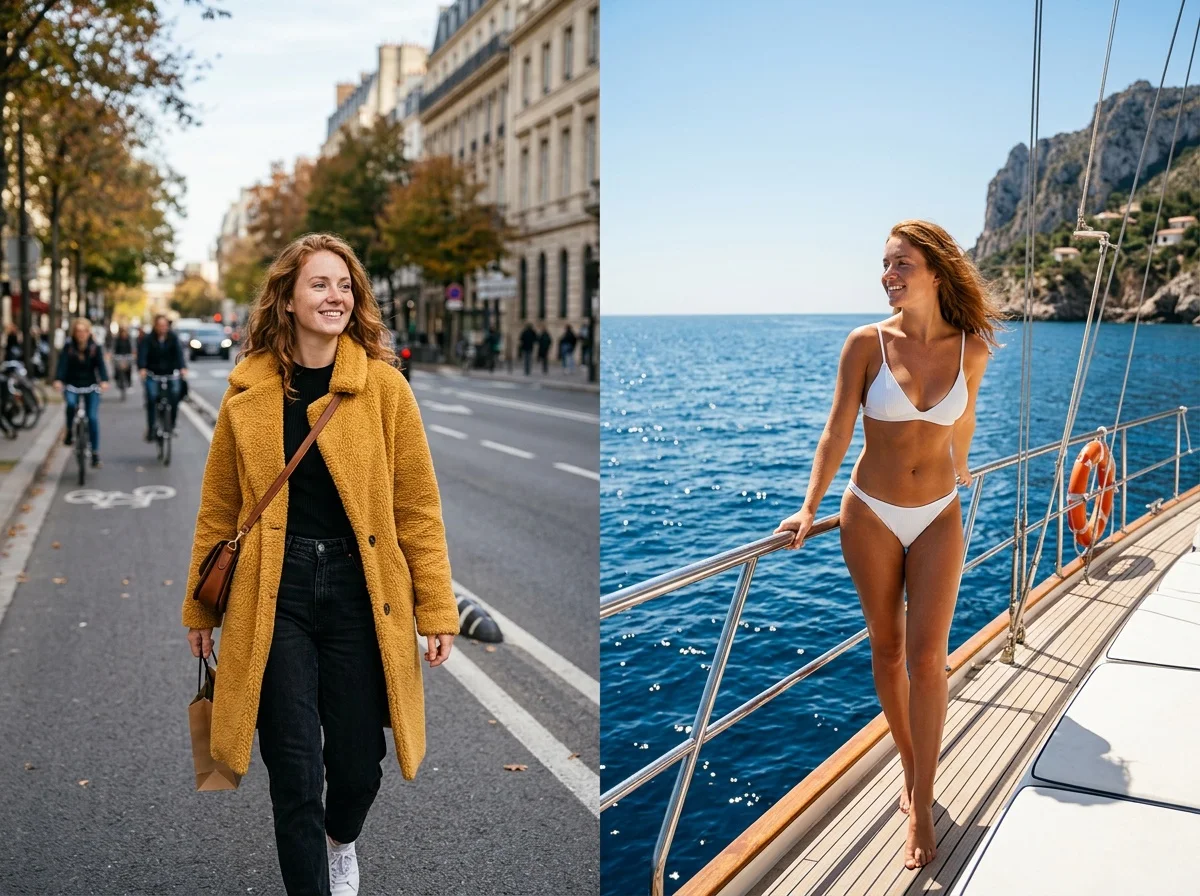
Ferry Swim

AI Kissing Video Generator
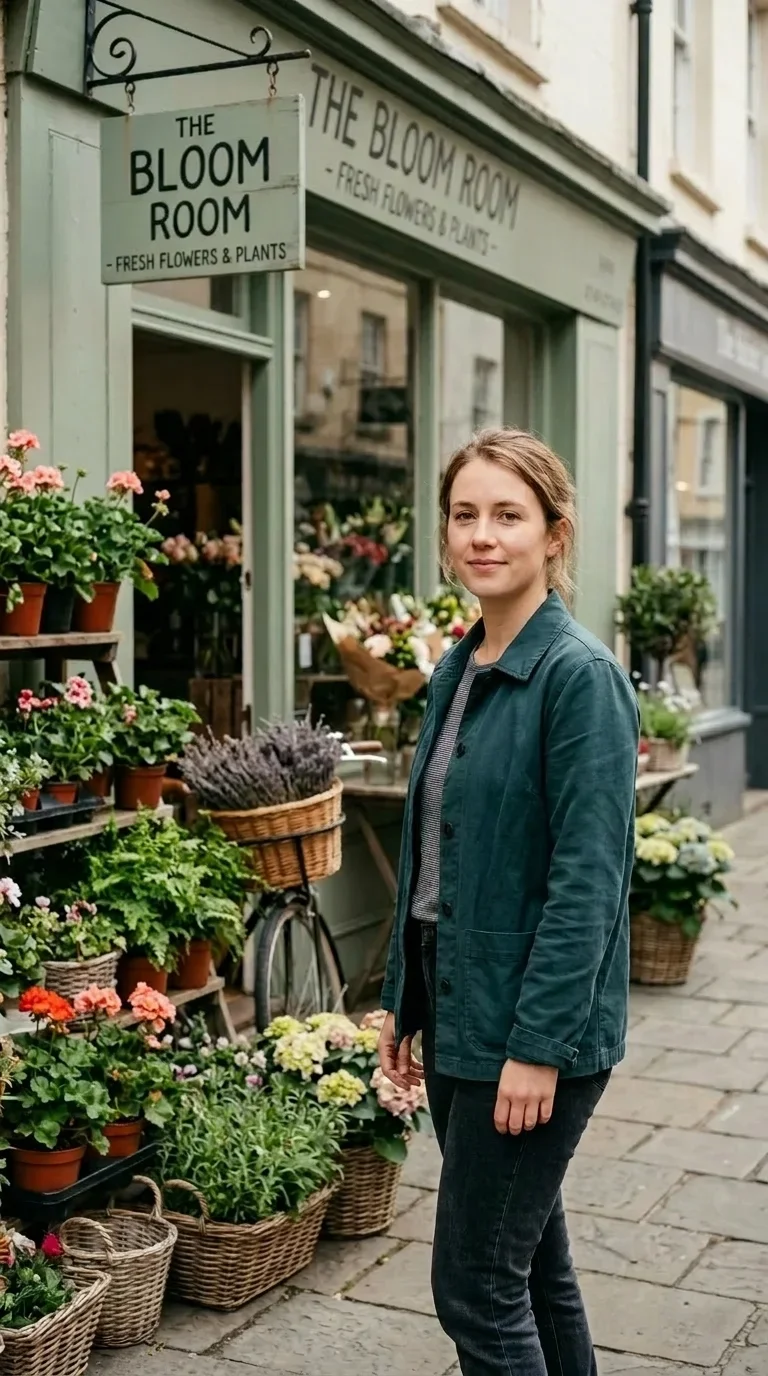
Impact Zoom
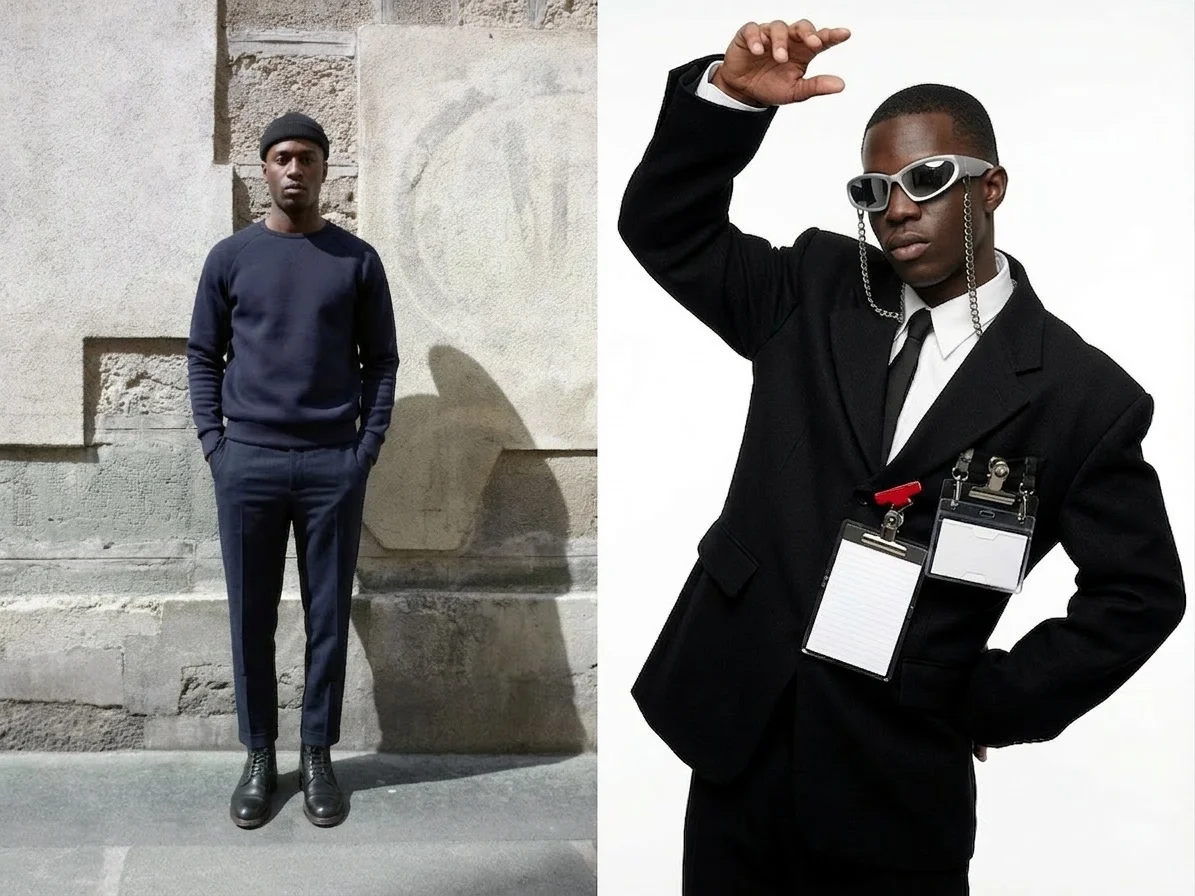
Avant Style

Sushi Belt Ride
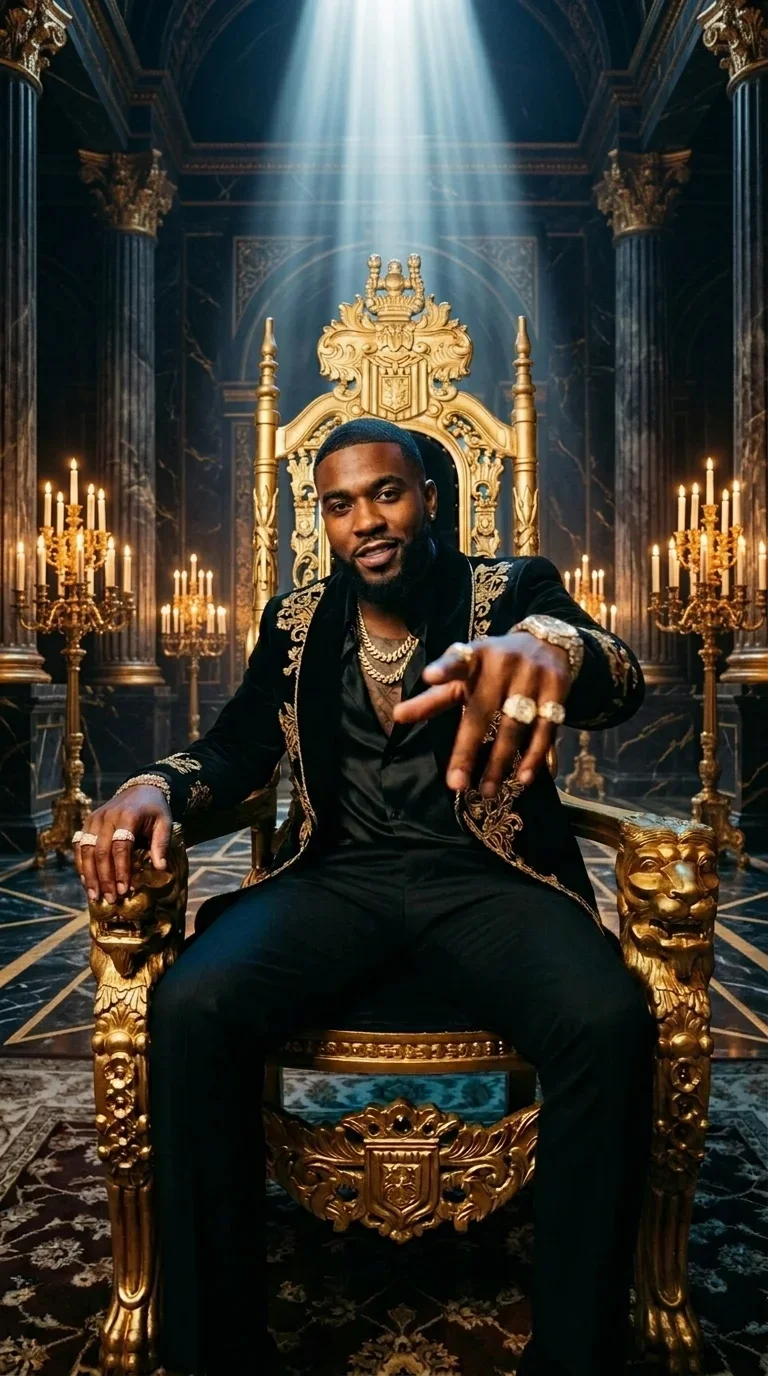
Diamond Swagger

Dream Car

Xmas Gift

AI Pet Air Combat Video Generator
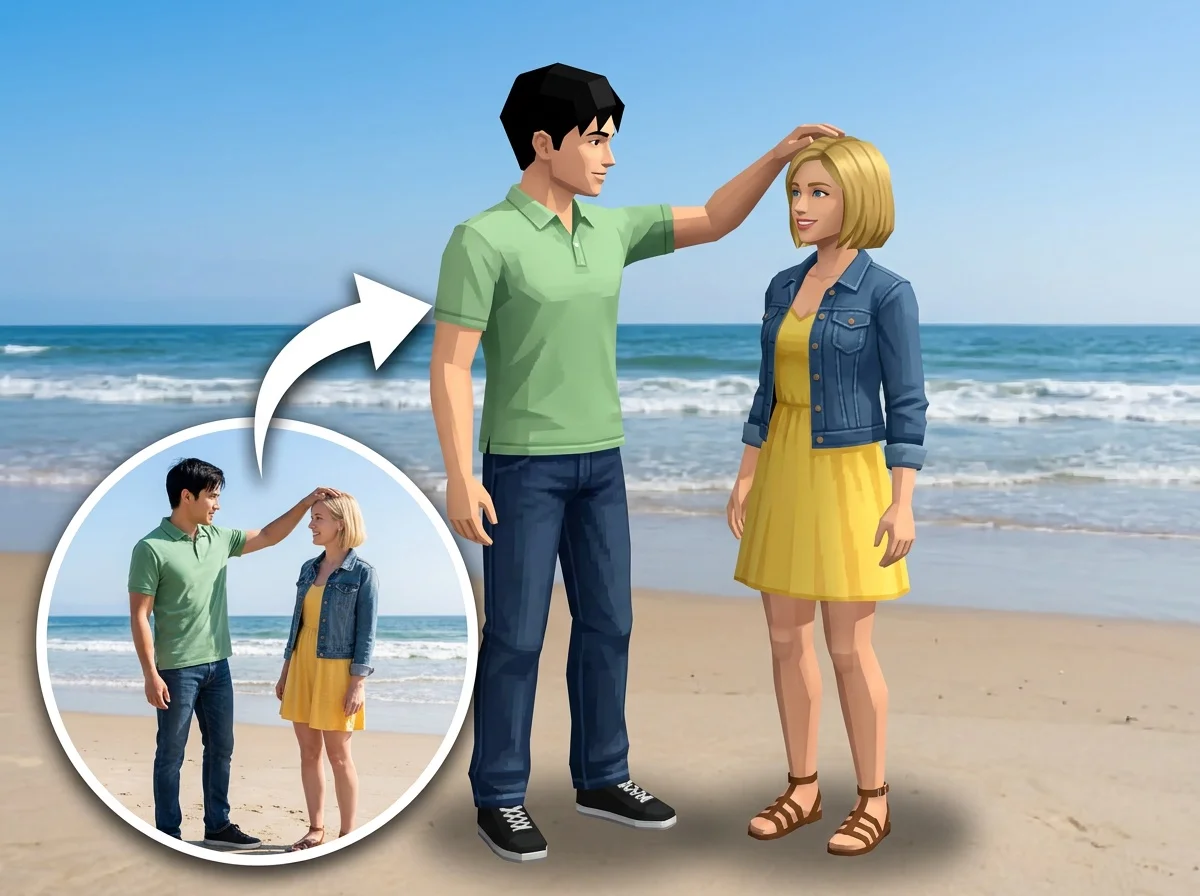
AI PS2 Filter
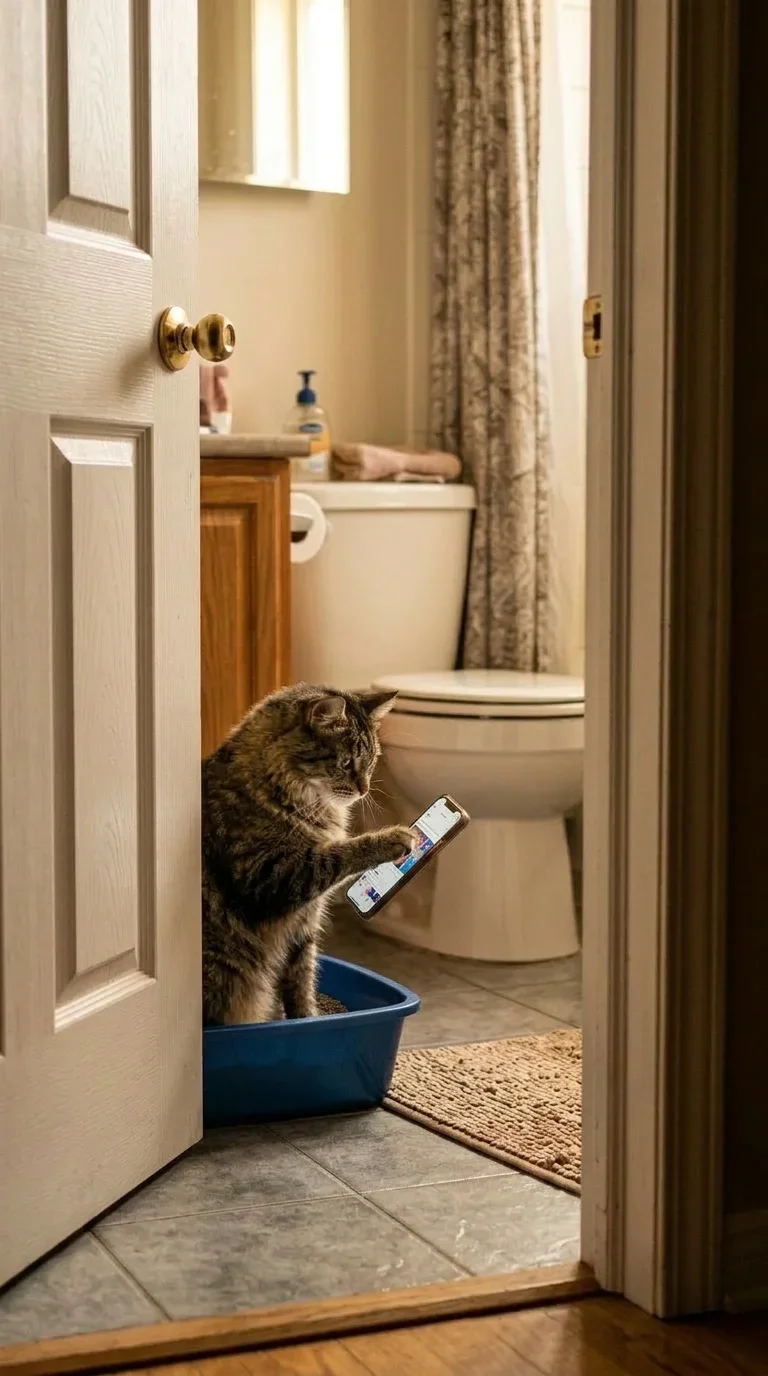
Pet Phone Scrolling
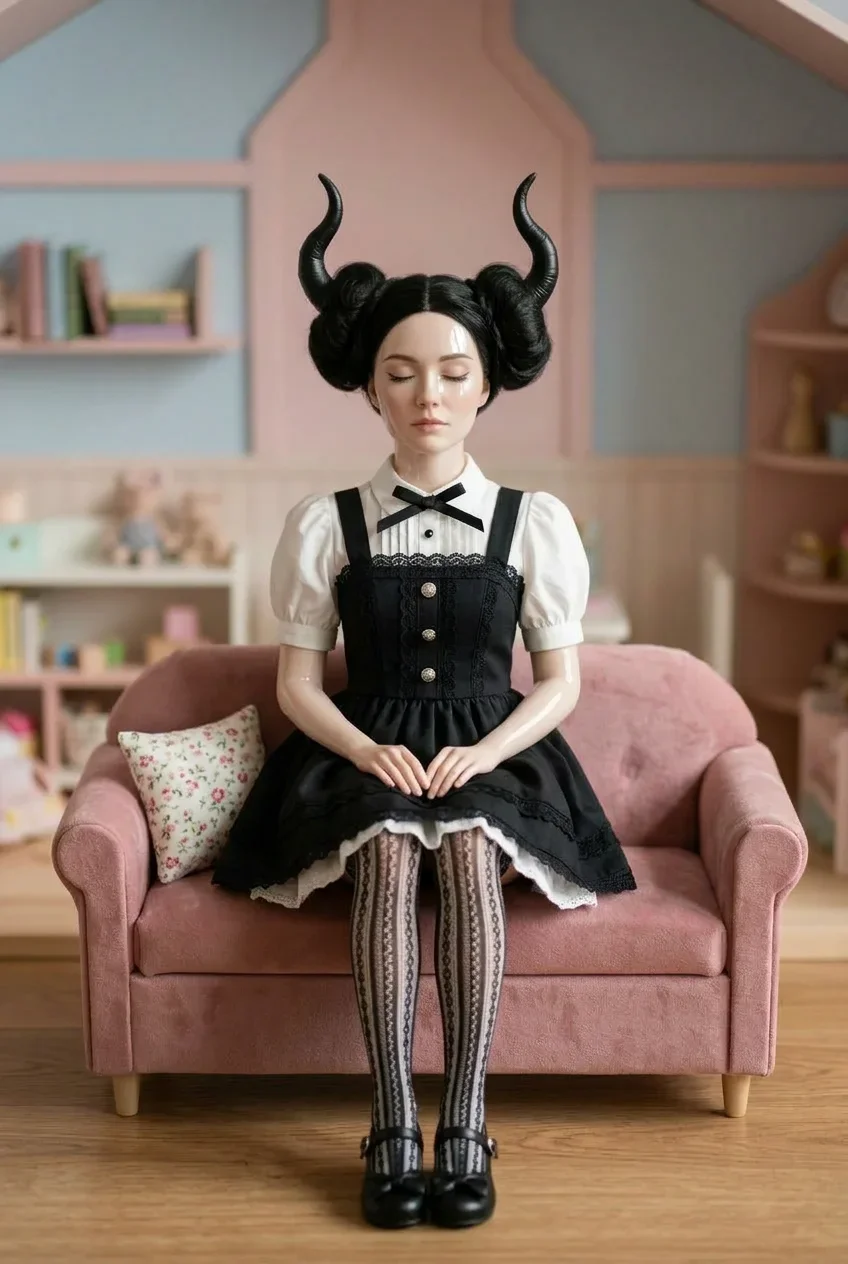
Living Doll
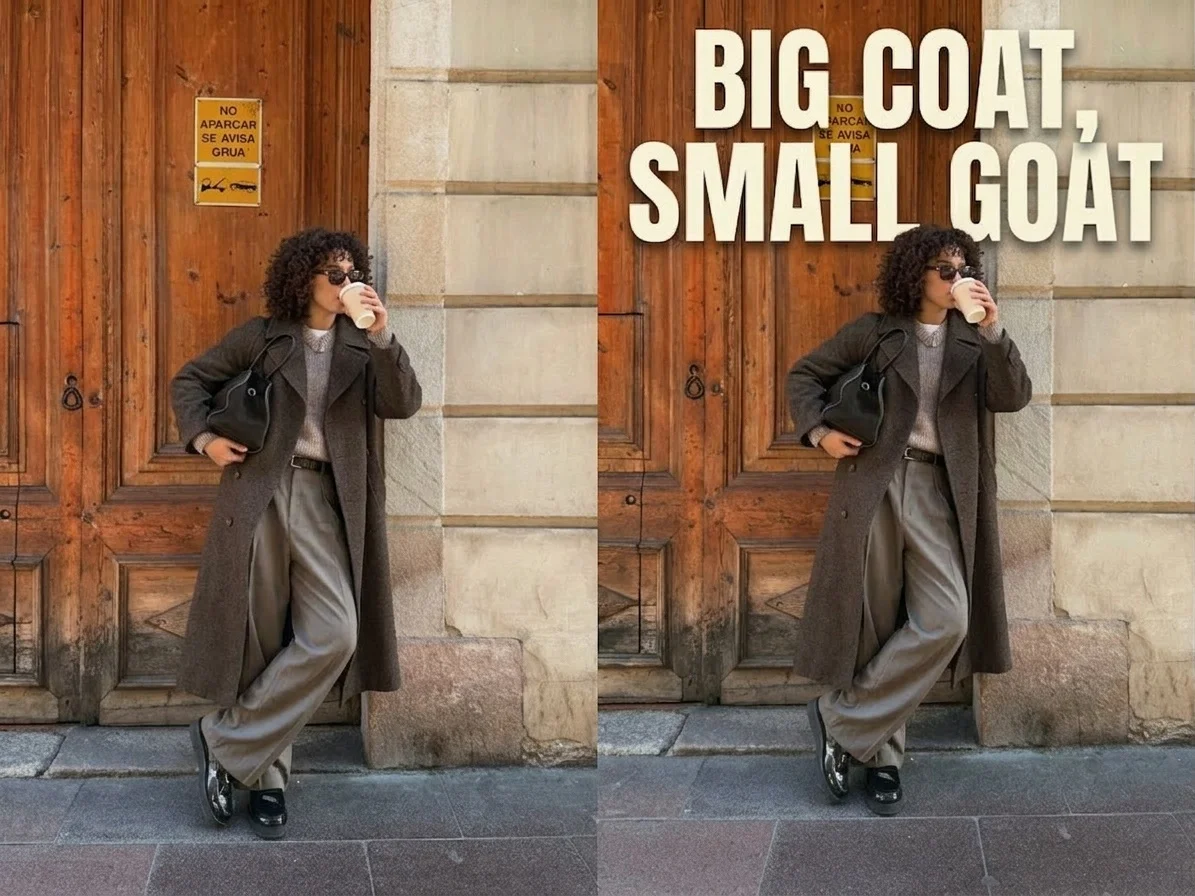
One-Line Roast

Helicopter Hang
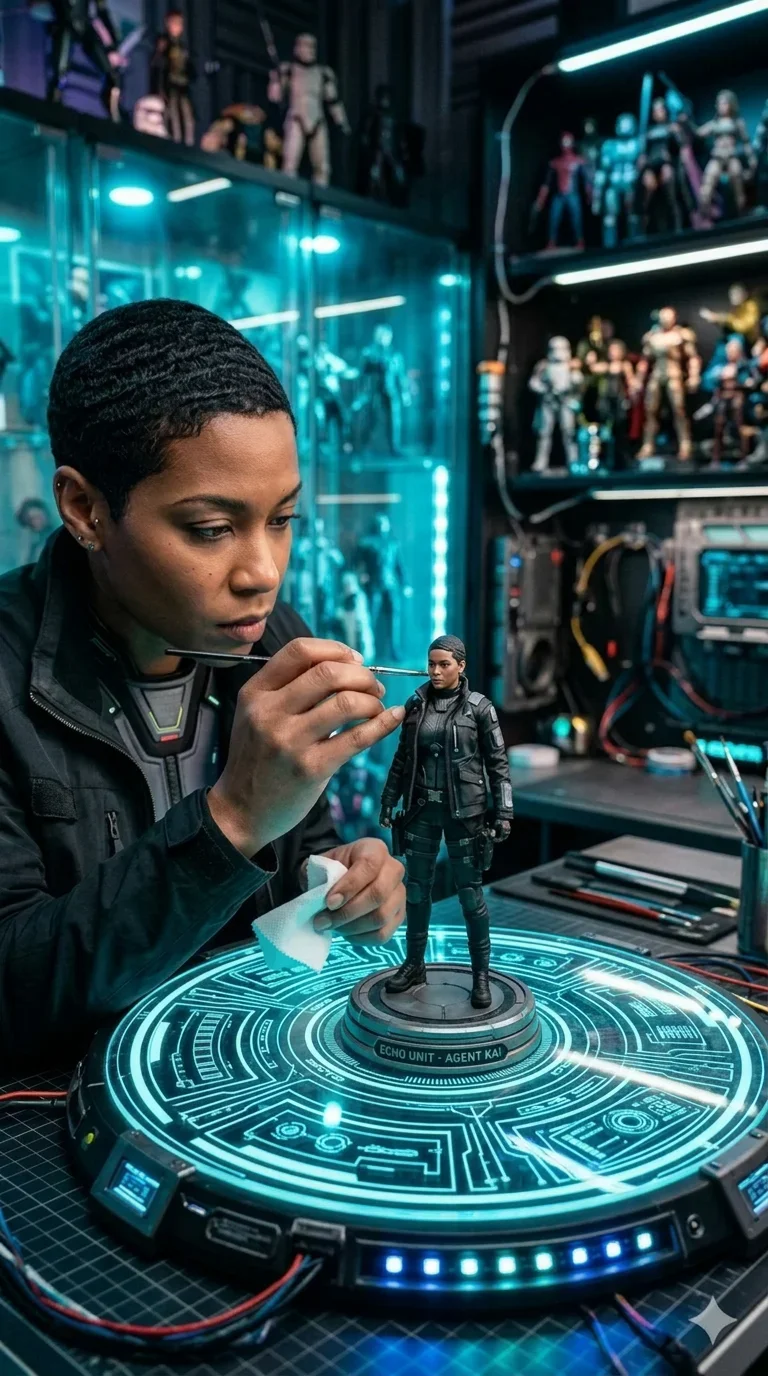
Tech Figurine
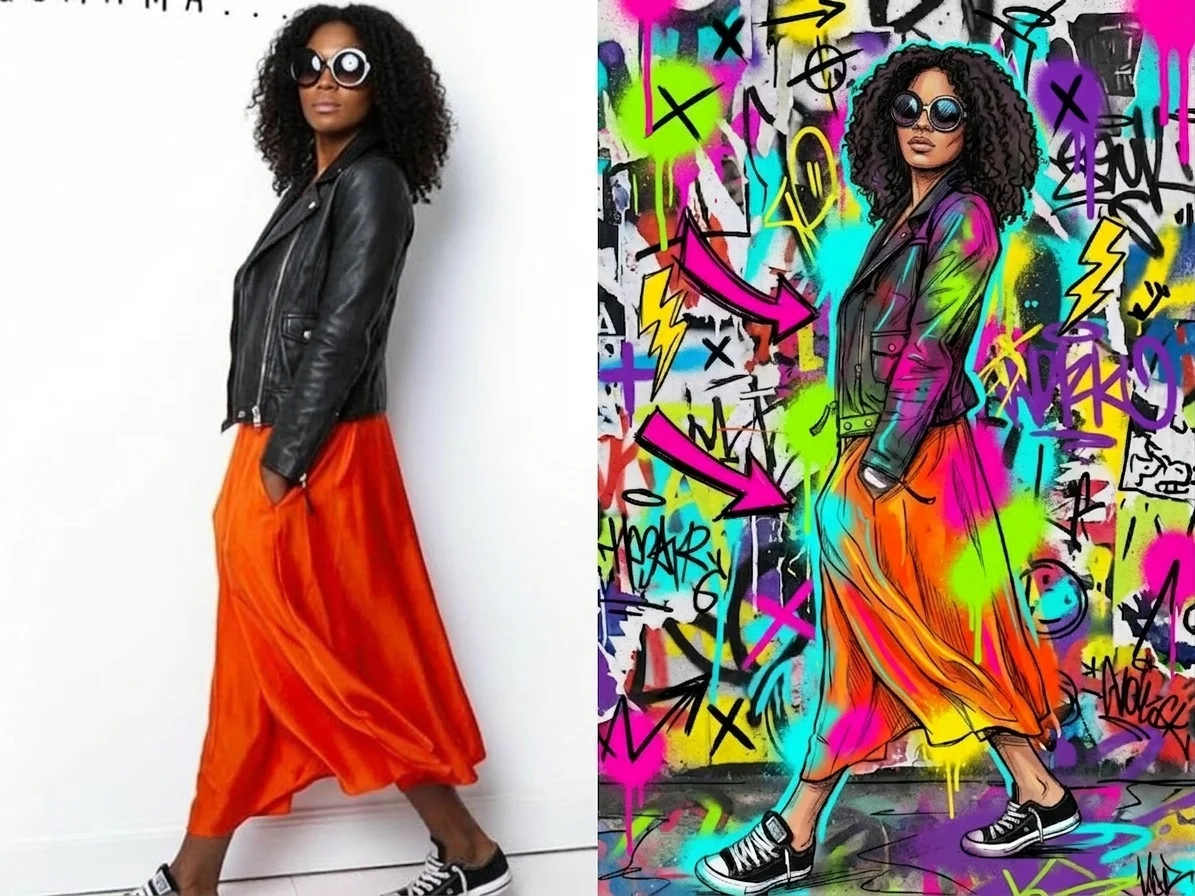
Doodle Portrait
What Is the New Year Spotlight Moment Effect?
The New Year Spotlight Moment Video Effect places your subject inside a theatrical celebration scene. A closed velvet curtain opens to reveal a star-worthy portrait pose, sparkling stage lights, festive props, and a polished New Year gift presentation.
Velvet Curtain Reveal
The scene begins with rich red theater curtains, then opens into a dramatic stage reveal. This creates a clear before-and-after moment that makes the final portrait feel like a premiere.
Center-Stage Spotlight
A circular red spotlight backdrop frames the subject, while dark stage lighting and hanging ornaments add depth, contrast, and a premium celebration look.
Gift-Box Finale
The final pose features a festive gift box with a gold bow, turning the clip into a polished holiday greeting, countdown teaser, or year-end celebration reveal.
Sparkling New Year Atmosphere
White sparkles drift across the dark backdrop while red balloons and stage ornaments create an unmistakably festive mood for New Year content.
Create Your Spotlight Reveal in 3 Steps
Upload Your Portrait
Start with a clear portrait or half-body photo. SharkFoto AI identifies the main subject and prepares it for the theatrical New Year composition.
Select the New Year Reveal
Choose New Year Spotlight Moment and let the AI build the closed-curtain opening, spotlight stage, festive props, sparkles, and gift-box finale.
Download & Share
Export your finished short video and share it as a New Year greeting, party invitation, countdown post, or celebratory social clip.
Why Creators Love This Effect
Theatrical Curtain Animation
A clear curtain-opening sequence gives the video a satisfying reveal structure from the very first second.
Festive Spotlight Composition
Red stage lighting, balloons, ornaments, sparkles, and a gift box work together to create a premium New Year atmosphere.
Designed for Portraits
Ideal for clear single-subject portraits, profile shots, and celebratory personal photos that should become the star of the scene.
Social-Ready Short Video
The concise reveal format works well as a holiday greeting, countdown hook, or looping celebration clip.
Sparkle and Stage Detail
Subtle particle shimmer, dark backdrop contrast, and velvet textures create a more polished production feel.
No Editing Required
Upload one photo and let SharkFoto handle the stage design, animation, compositing, and final video generation.
Who Uses This New Year Effect?
This effect is made for creators, families, brands, and event hosts who want a festive reveal video that feels polished, celebratory, and easy to share.
Social Media Posts
Create a glamorous New Year hook for Reels, Shorts, TikTok, profile updates, or year-end highlight posts.
Holiday Greetings
Turn a favorite portrait into a polished greeting clip for friends, family, followers, or community groups.
Party Invitations
Use the curtain reveal style to announce a New Year party, countdown event, gala, or festive gathering.
Seasonal Campaigns
Add a premium festive touch to product drops, creator collaborations, influencer posts, and holiday promotions.
Frequently Asked Questions
What type of photo works best?
A clear single-person portrait, half-body photo, or full-body image works best. Good face visibility and clean lighting help the AI place the subject naturally into the spotlight scene.
How long is the generated video?
The effect is designed as a short reveal clip of about 5 seconds, making it easy to use as a social media hook, greeting video, or looping celebration post.
Can I use it for commercial content?
Yes. Videos created on SharkFoto can be used for brand content, seasonal promotions, creator campaigns, and social media posts. Please review SharkFoto's terms for complete usage details.
Do I need video editing skills?
No editing skills are required. Upload your image, select the New Year Spotlight Moment effect, and SharkFoto handles the stage setup, animation, and rendering automatically.
Where can I access the New Year Spotlight Moment effect?
You can use it directly on SharkFoto.com. Sign up, upload your photo, and start creating festive New Year reveal videos without installing extra software.