
- "aspect_ratio": "9:16",
- "merge_bgm": true,
- "images": []
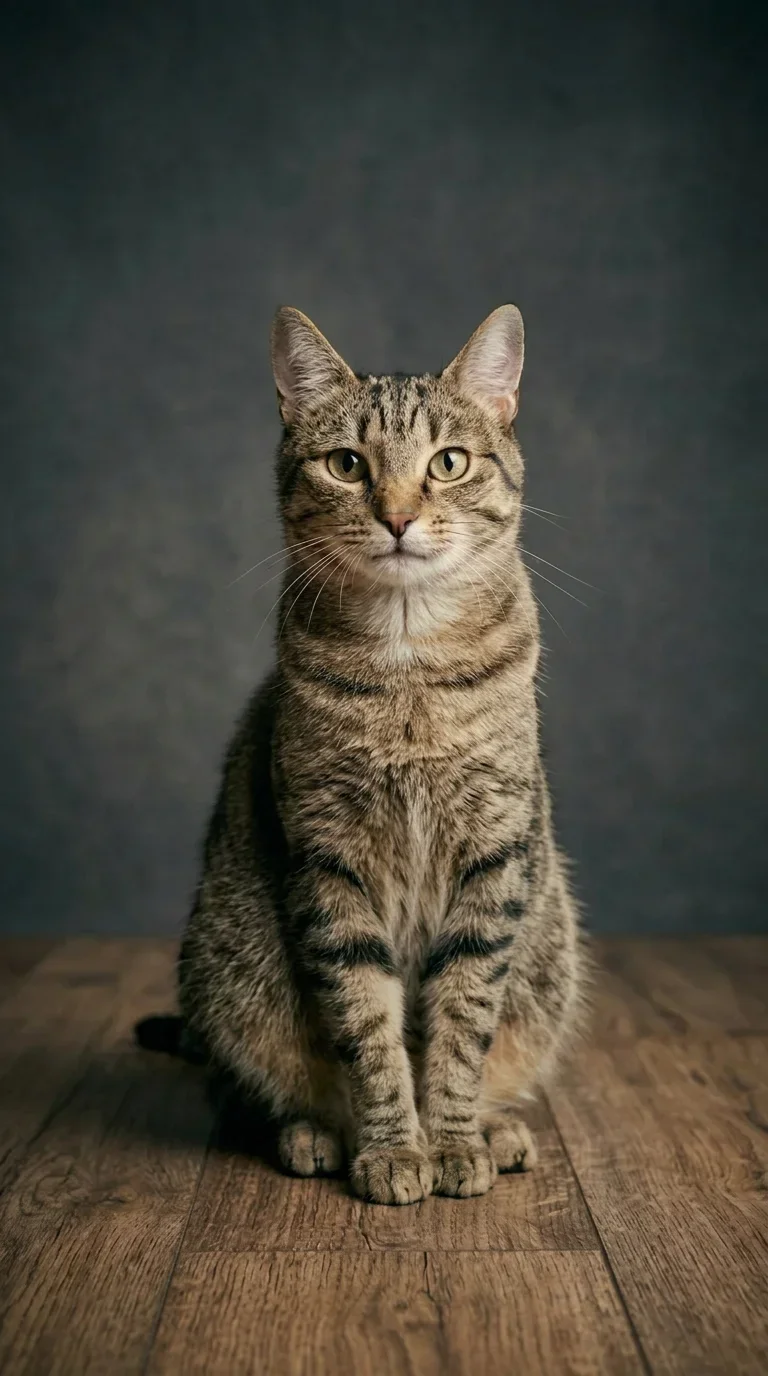
Give the Finger
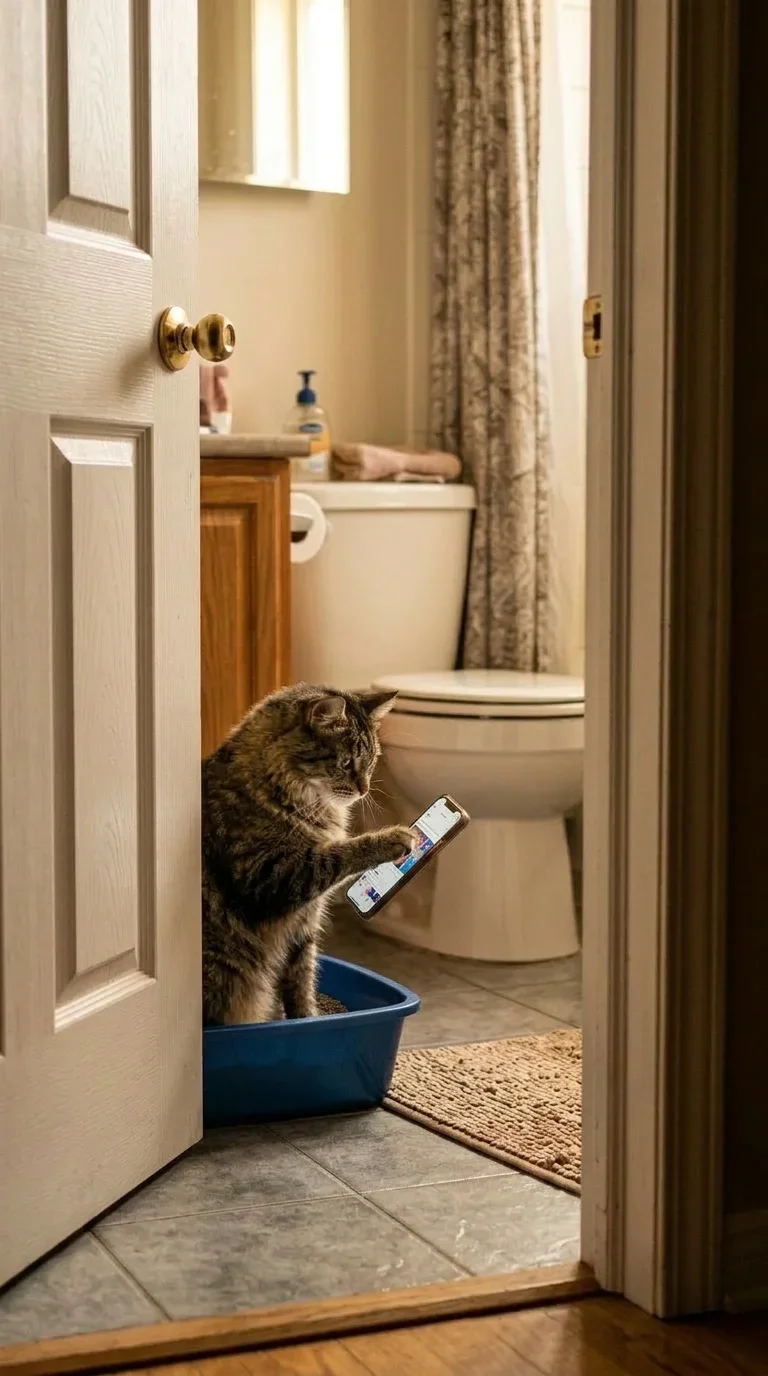
Pet Phone Scrolling

FBI Escort Walk

Frame Break

Snow Buddy

Helicopter Hang
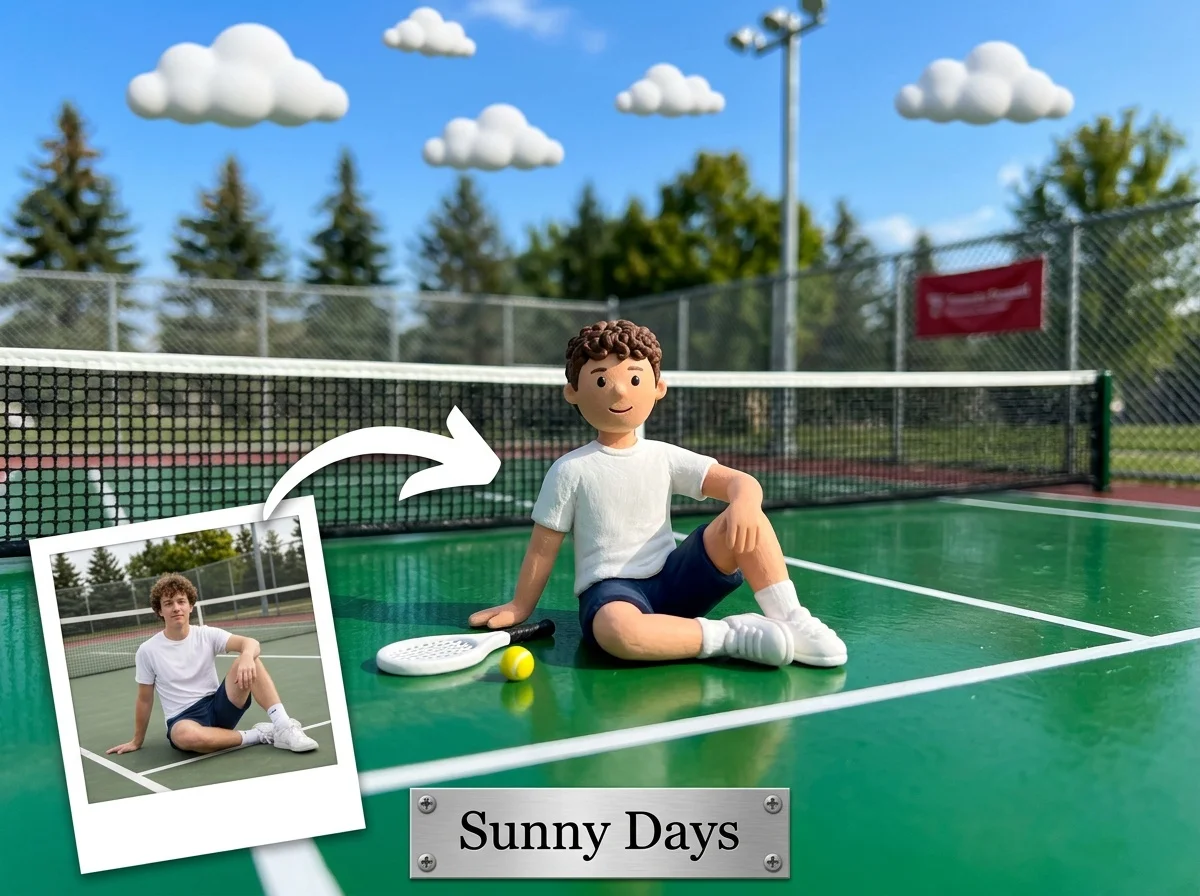
Mini-Me World

Xmas Pet Duo

Impact Zoom
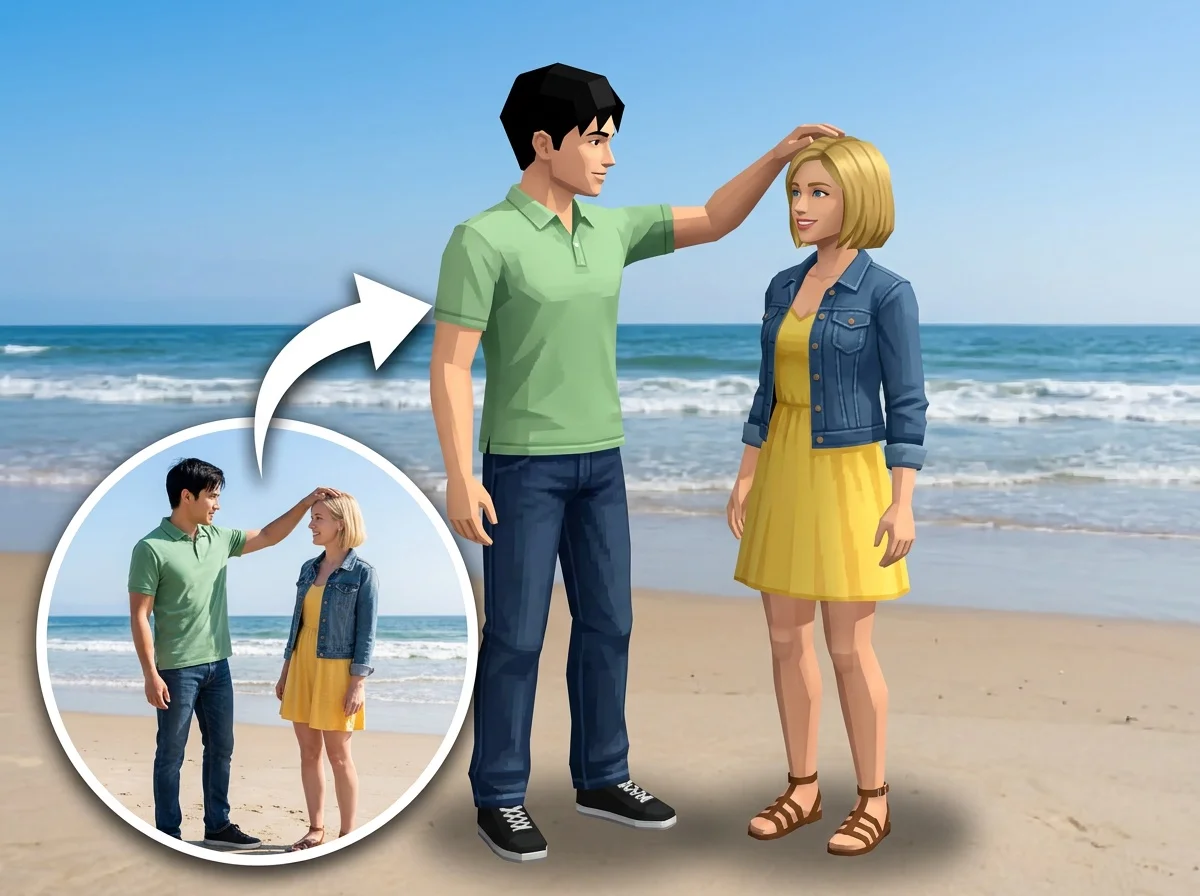
AI PS2 Filter

Product Stick Figure

Xmas Gift
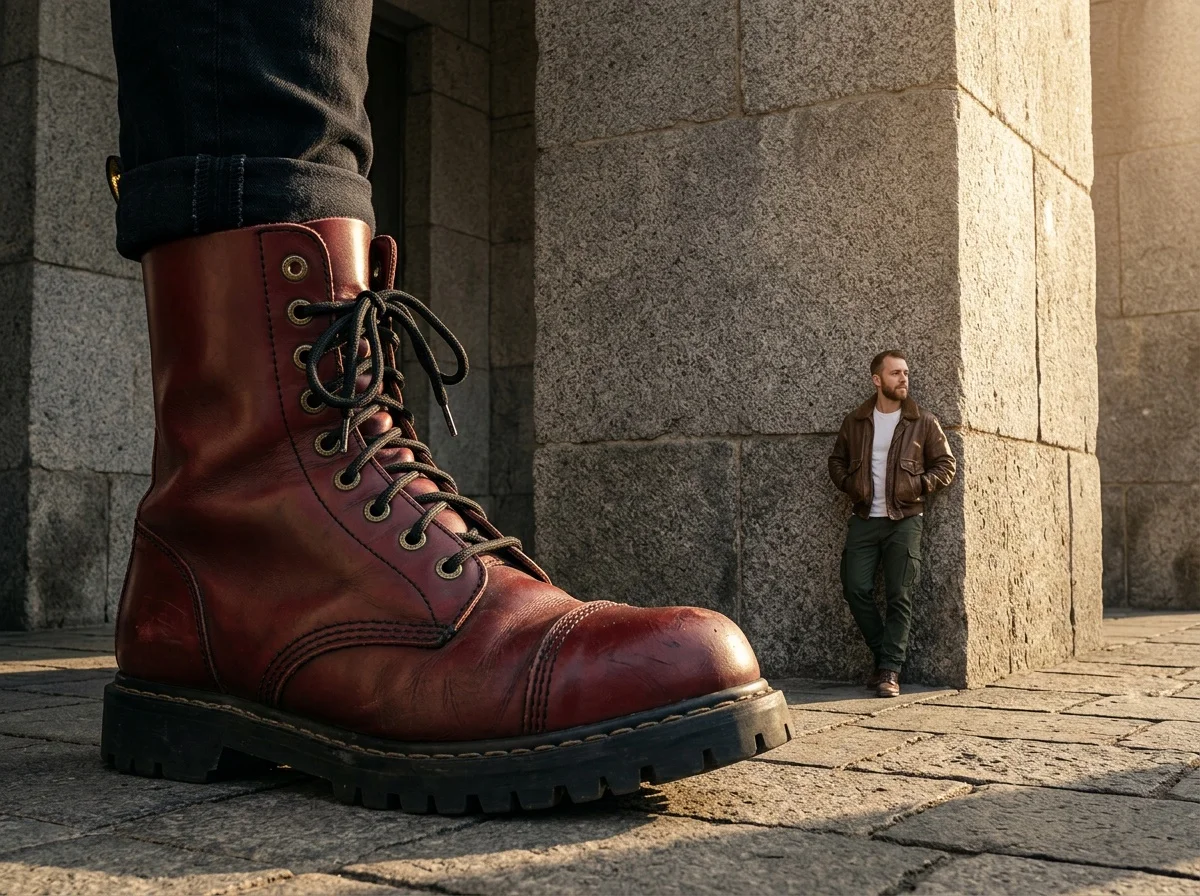
Giant Fashion Item
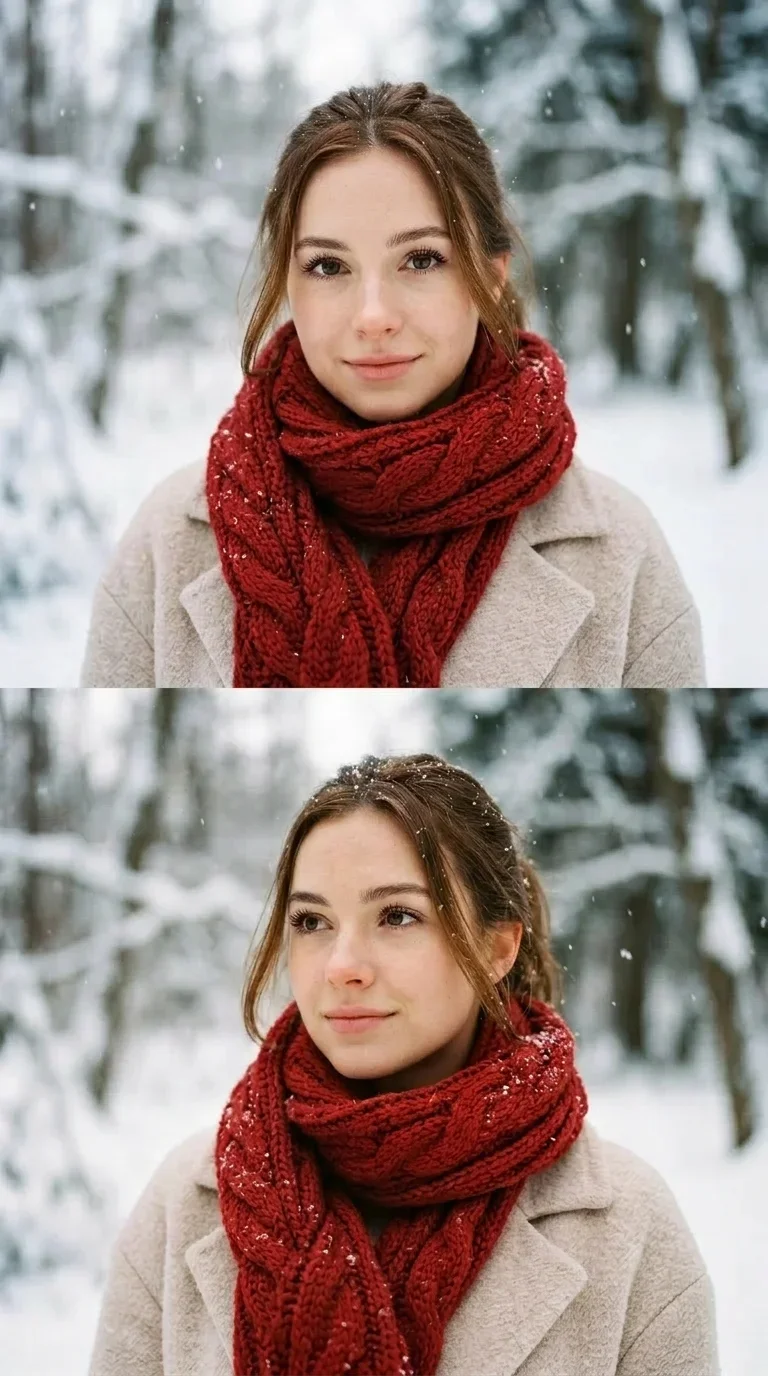
Winter Portrait Dual Frame
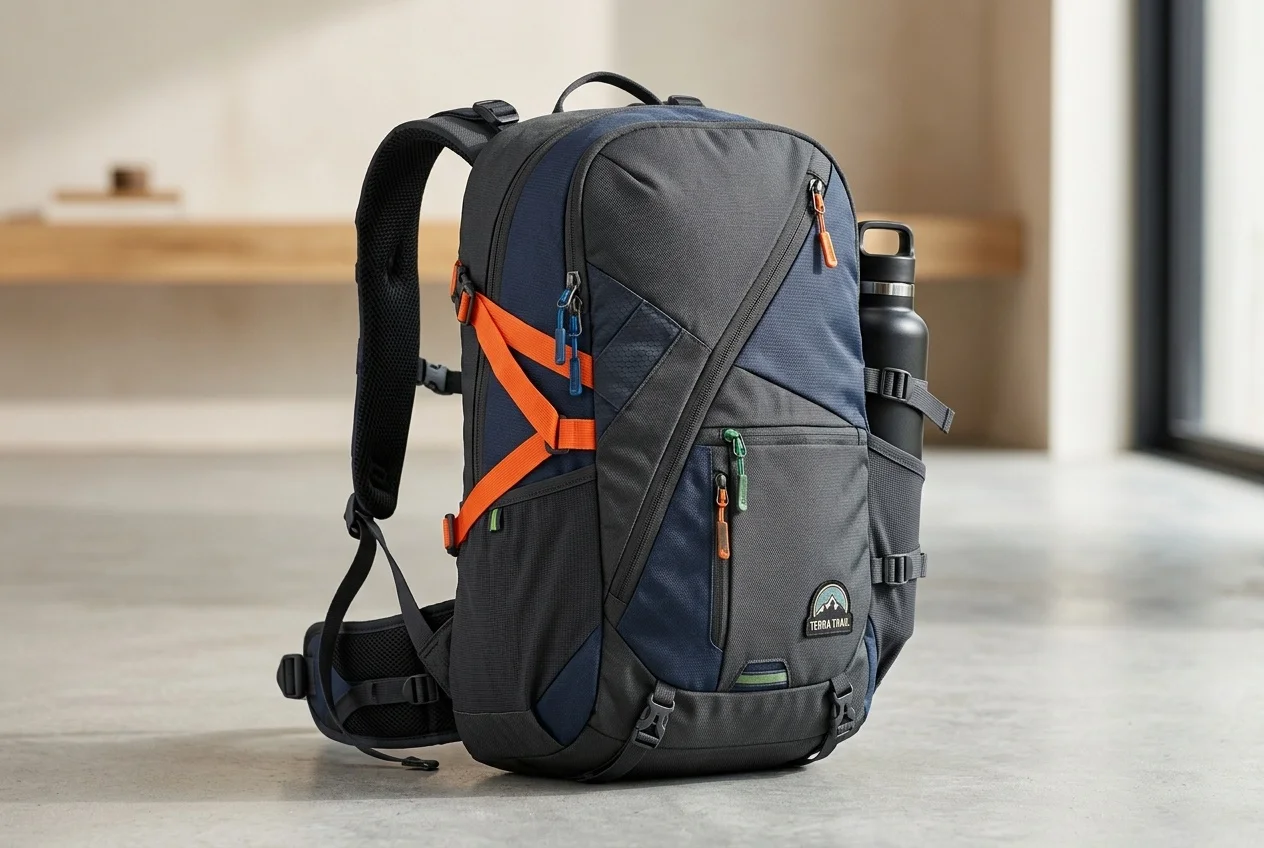
AI 360° Rotation Video Generator
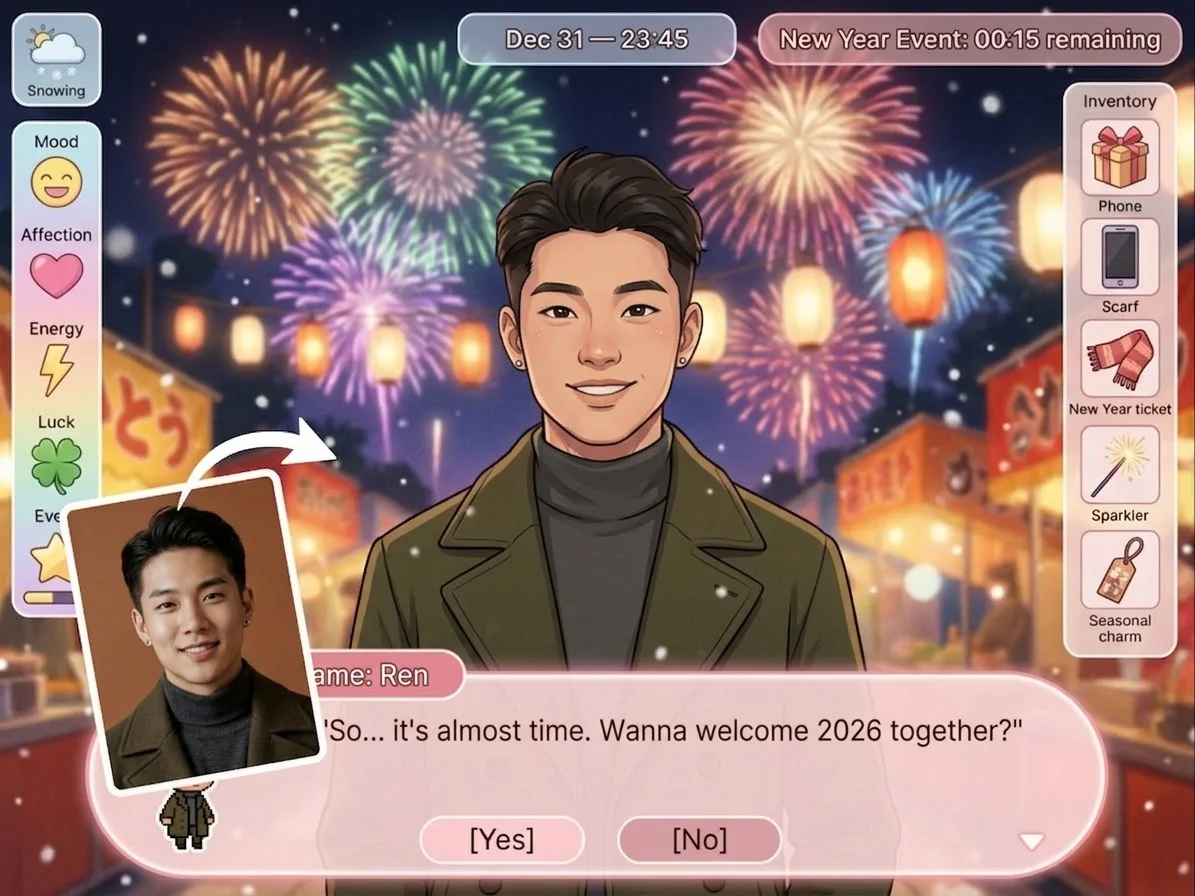
Galgame Invite
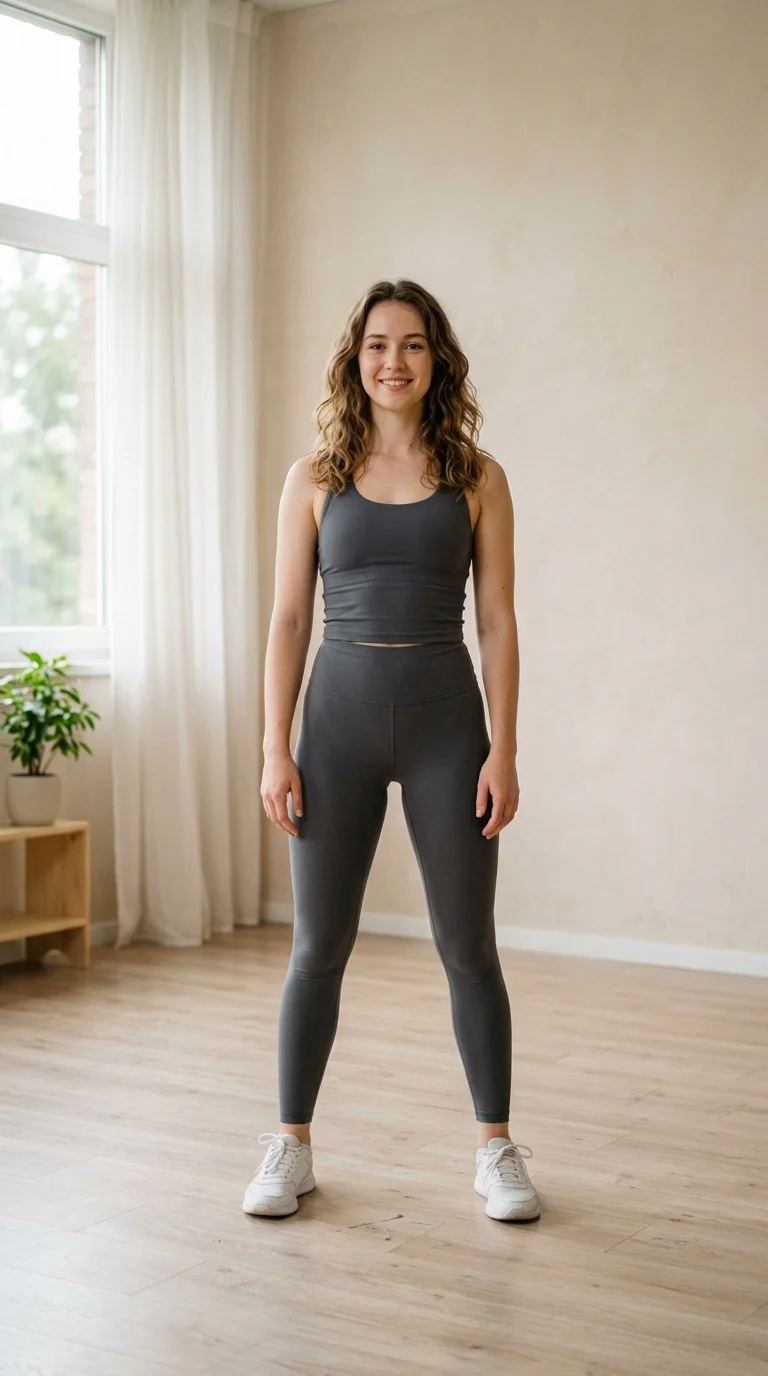
Hip Shake

Take a Selfie
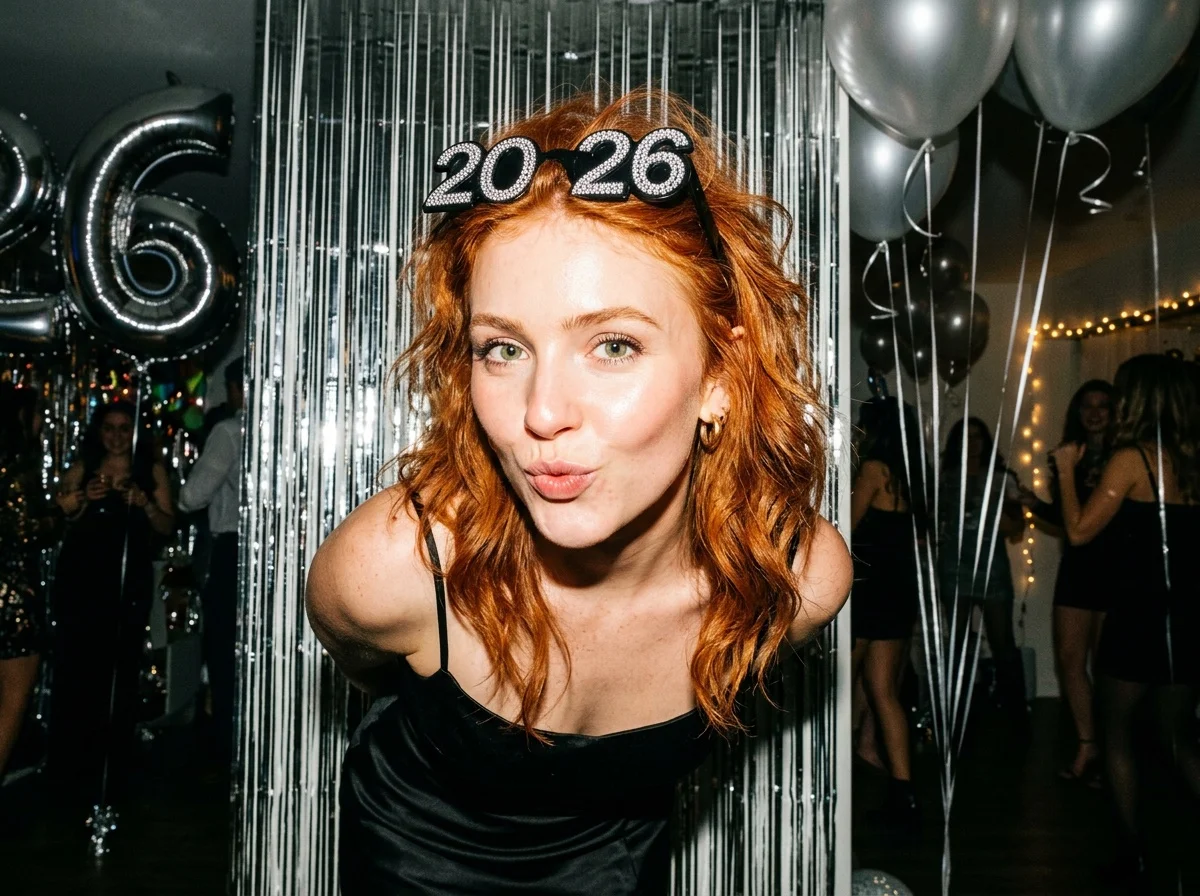
Flash New Year
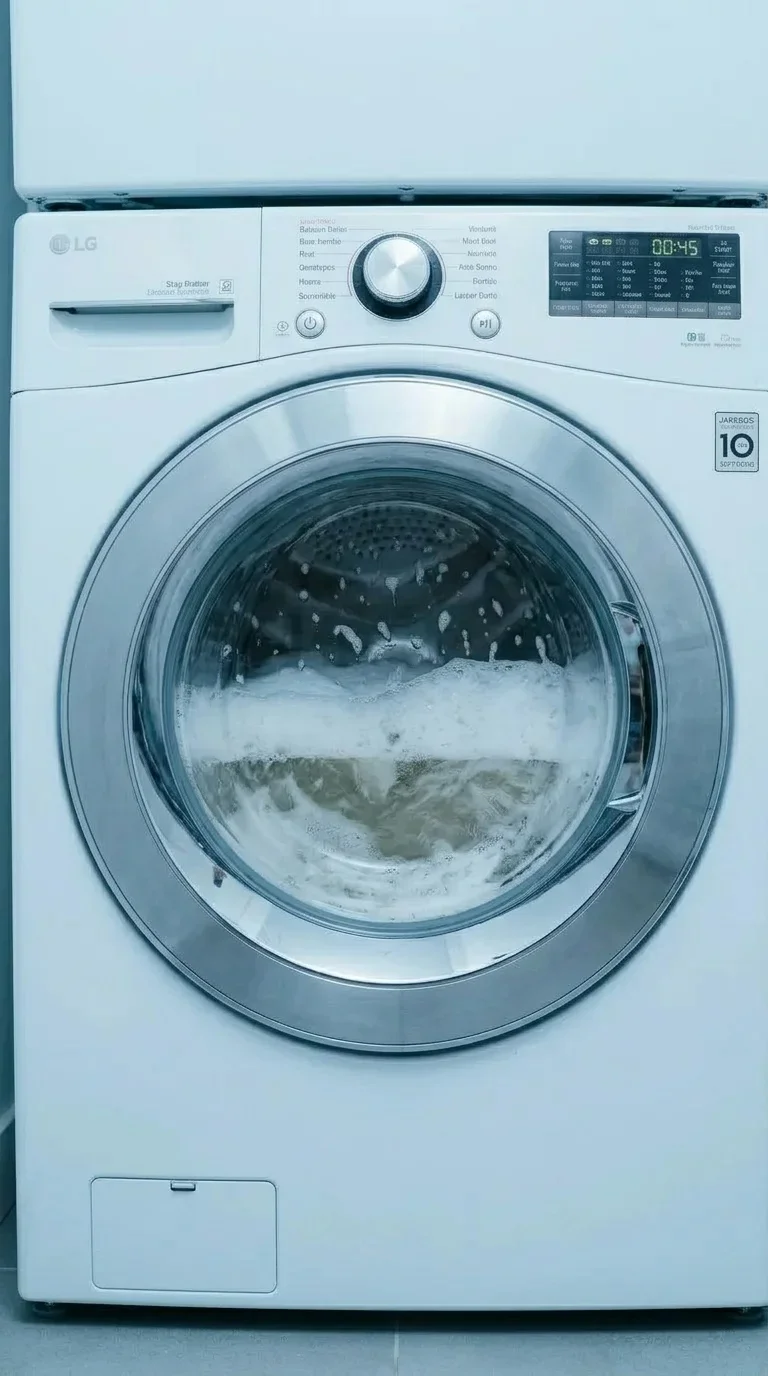
Washer Surprise
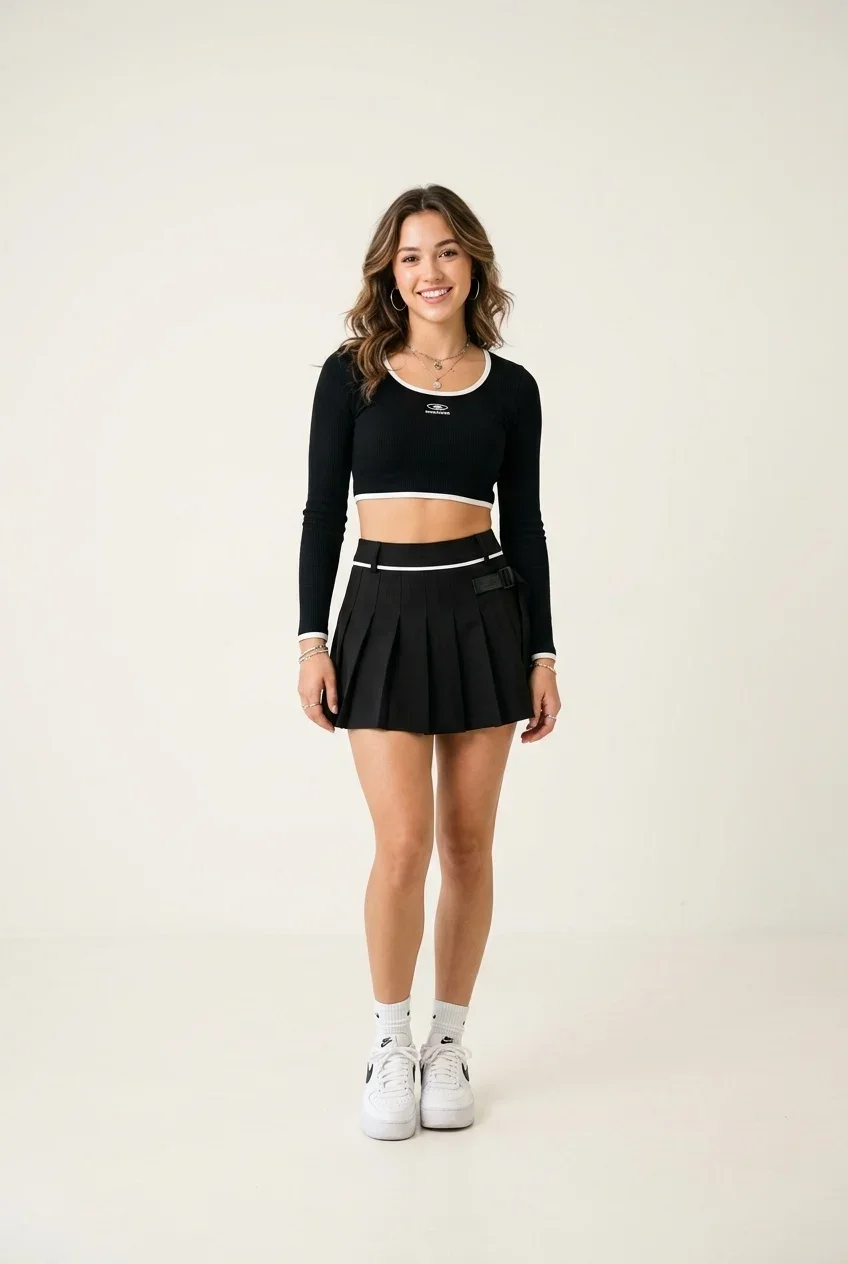
Wave Dance
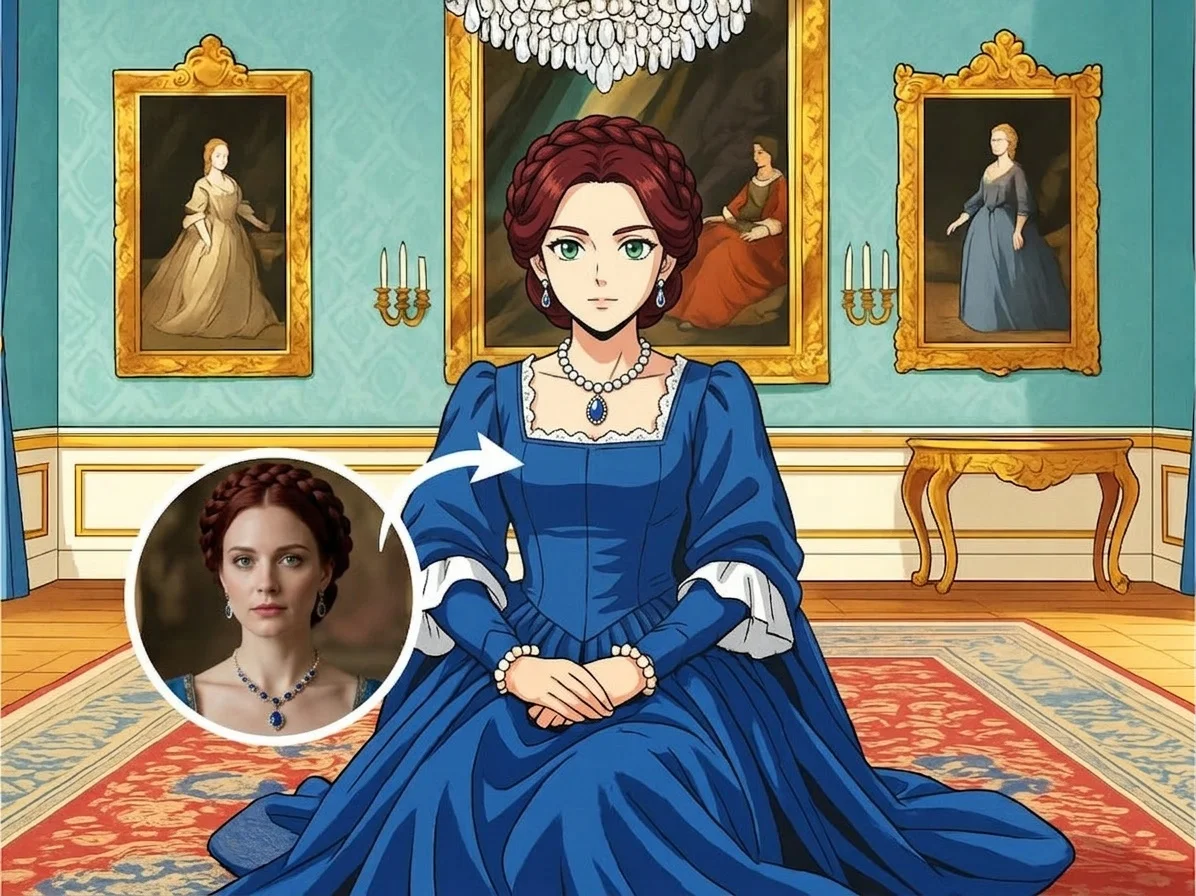
AI Manga Filter
What Is the Give the Finger Effect?
The Give the Finger Video Effect turns a still photo into a short irreverent reaction clip. The subject stays in frame, raises one visible limb or hand toward the camera, briefly lands the cheeky gesture, and returns to a neutral pose.
Mischievous Reaction Moment
The animation is built around a quick, readable gesture with a playful attitude. It is designed to feel like a spontaneous reaction clip rather than a long cinematic scene.
Compact Lift-and-Hold Motion
The subject begins neutrally, lifts one visible limb or hand toward the face/camera area, pauses at the peak of the gag, then settles back into place for a loopable finish.
Optional Censor-Style Peak
At the funniest point, the preview may include a centered blur or mosaic over the gesture area, adding a broadcast-style joke without changing the subject or the scene.
Built for Viral Replies
The short duration, stable framing, and instantly understandable attitude make this effect ideal for reaction posts, comment replies, memes, and private joke edits.
Create Your Give the Finger Video in 3 Steps
Upload Your Photo
Upload a clear photo with one main subject. Front-facing portraits, pet photos, character shots, or simple subject images work best when the gesture area is visible.
Select the Viral Gesture Effect
Choose Give the Finger from the Video Effects gallery. SharkFoto AI animates the subject into a short cheeky reaction while preserving the recognizable subject.
Download & Share
Export a quick loop-ready clip for TikTok, Instagram Reels, YouTube Shorts, group chats, or meme replies in just a few taps.
Why Creators Love This Effect
Readable Gesture Motion
The effect focuses on one clean, compact motion so the joke lands immediately even in a fast social feed.
Social-Ready Short Clip
A short viral format makes it easy to post as a loop, reaction, remix, or quick punchline video.
Fast Generation
Create, review, and share a funny clip quickly without setting up cameras, props, or editing software.
No Watermark on Download
Download your finished SharkFoto video watermark-free and ready to publish across your preferred channels.
Works with Clear Subject Photos
Use a portrait, pet photo, character image, or simple subject shot where the subject can be animated clearly.
Perfect for Meme Culture
Use the effect for reaction edits, joke posts, group-chat moments, creator skits, and playful viral replies.
Who Uses the Give the Finger Effect?
This effect is built for creators who want a quick, cheeky visual punchline that feels instantly recognizable in a short-form feed.
Meme Creators
Turn a simple image into a bold reaction clip for captions, edits, remixes, and meme-format punchlines.
Social Media Creators
Add a scroll-stopping attitude moment to TikTok, Reels, Shorts, or X posts without filming a new video.
Pet & Character Accounts
Give a pet, mascot, or character image a mischievous personality moment that is easy to repost and share.
Private Joke Edits
Make playful reaction clips for friends, group chats, inside jokes, and casual entertainment moments.
Frequently Asked Questions
What type of photo works best?
Use a clear image with one main subject facing the camera or near the camera. Photos with visible arms, hands, paws, or an expressive front-facing pose usually produce the most readable result.
How long is the generated video?
The default output is approximately 4 seconds, making it ideal for a short reaction beat, a looping gag, or a quick social media hook.
Can I use this effect commercially?
Yes. Videos generated on SharkFoto can be used for creator posts, brand-safe edits where appropriate, sponsored content, and promotional materials. Please review the SharkFoto Terms of Use for full details.
Do I need any video editing skills?
No. Upload your image, select the Give the Finger effect, and SharkFoto handles the motion, timing, rendering, and export automatically.
Where can I access the Give the Finger effect?
You can access it directly on SharkFoto.com. Sign up for a free account to start creating from your browser without installing extra software.