
- "aspect_ratio": "9:16",
- "merge_bgm": true,
- "image_input": []
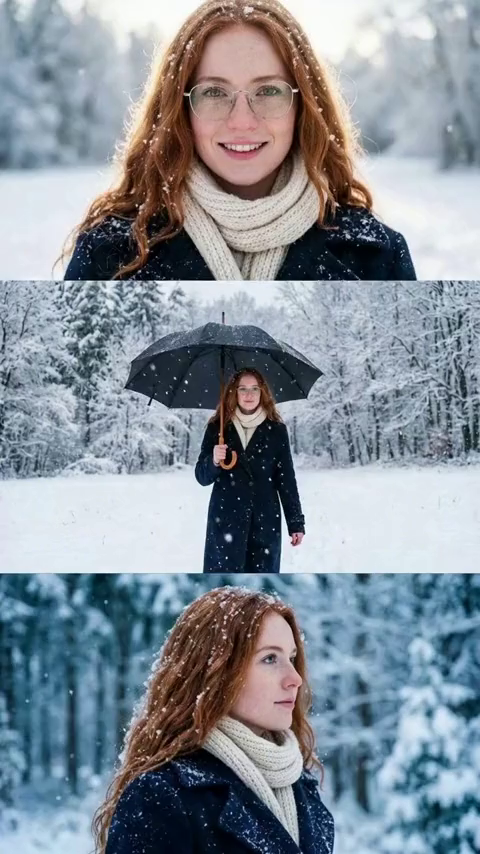
Winter Portrait Umbrella Scene
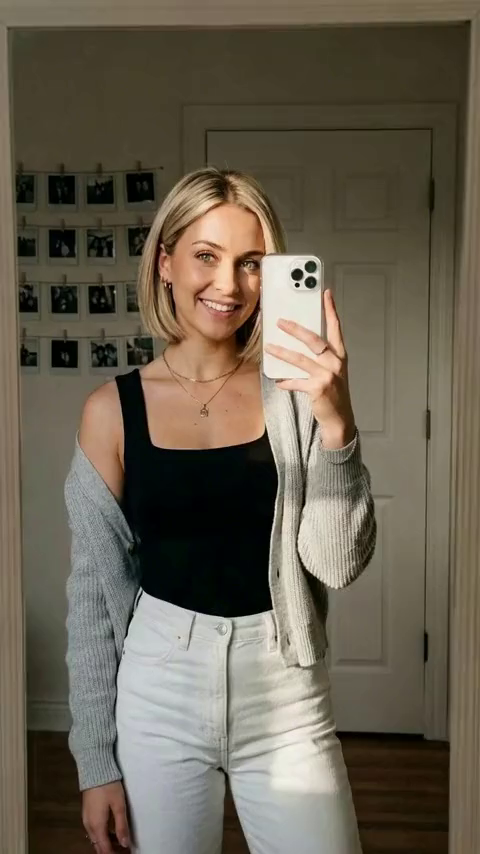
Bride Look
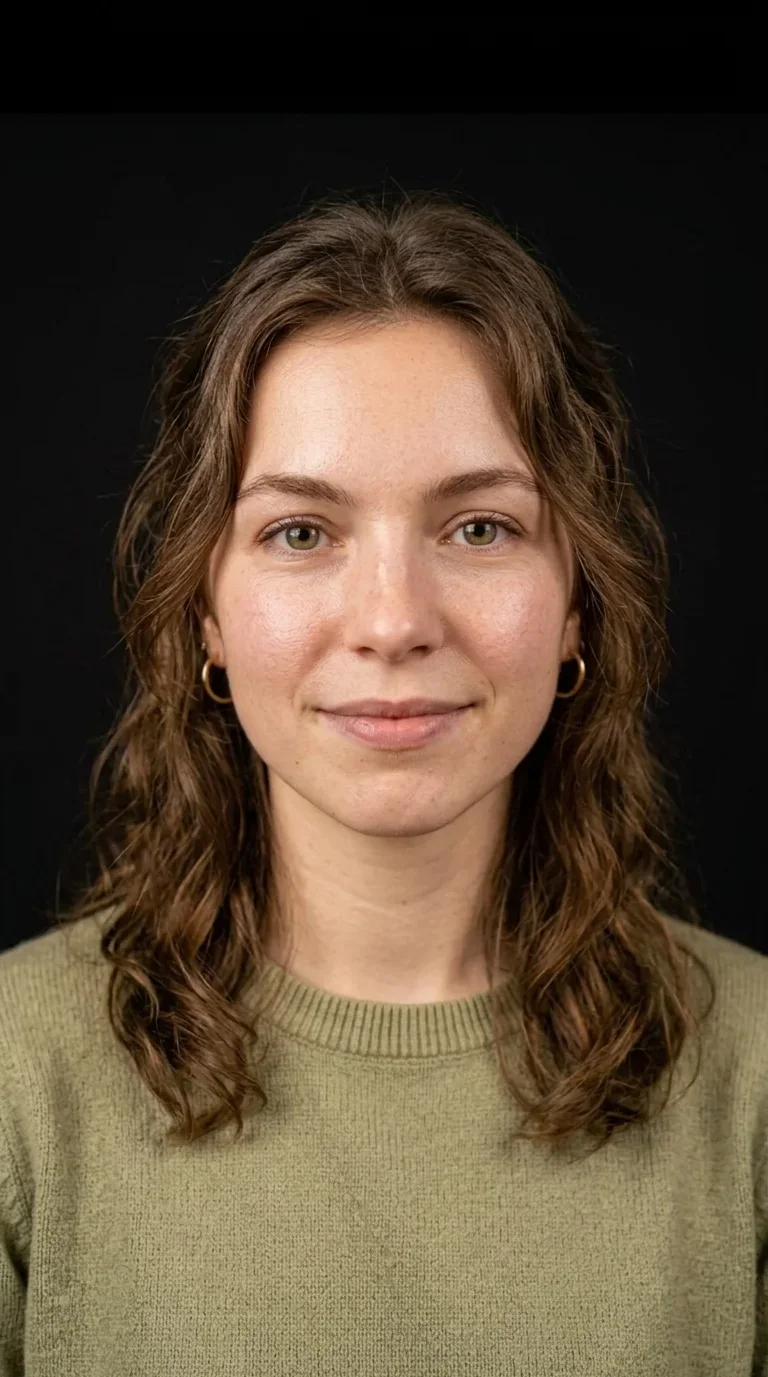
AI Tongue Out Face Video Generator
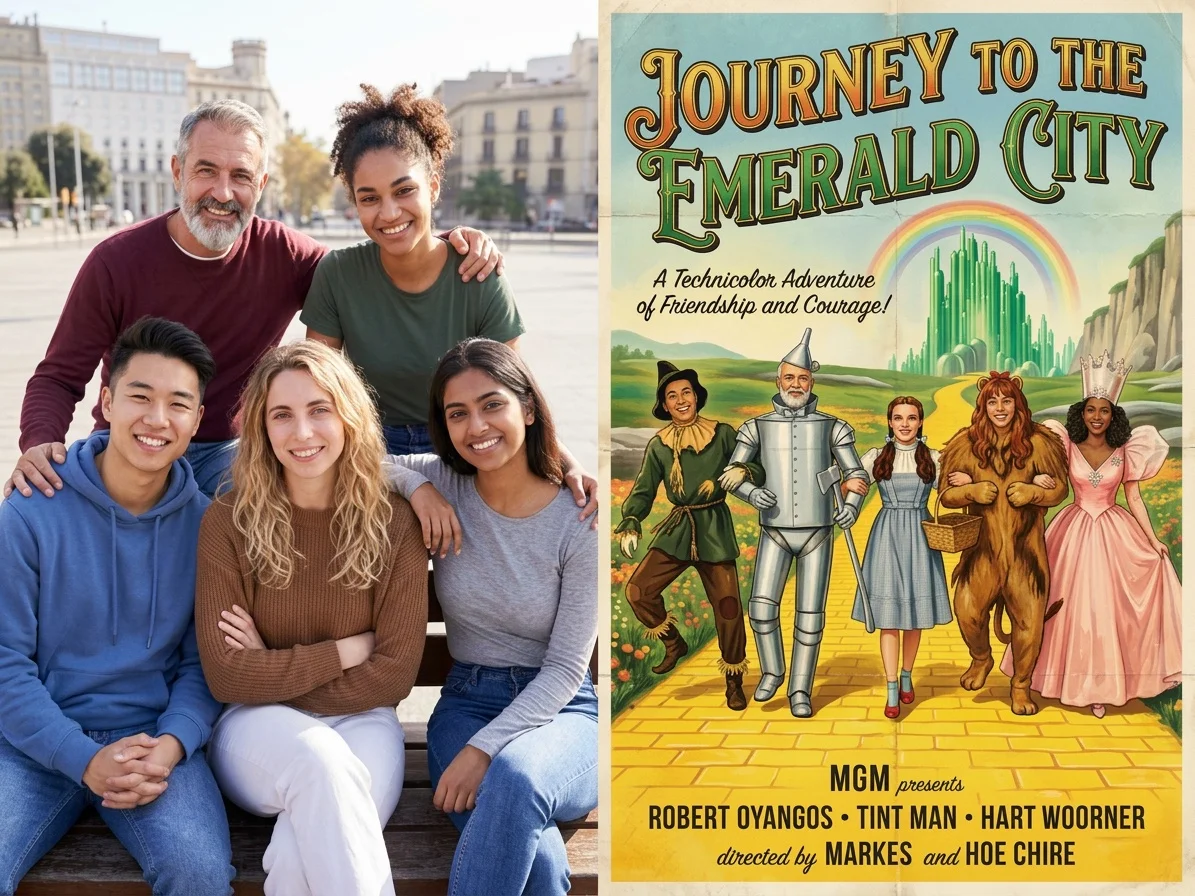
Hollywood Poster
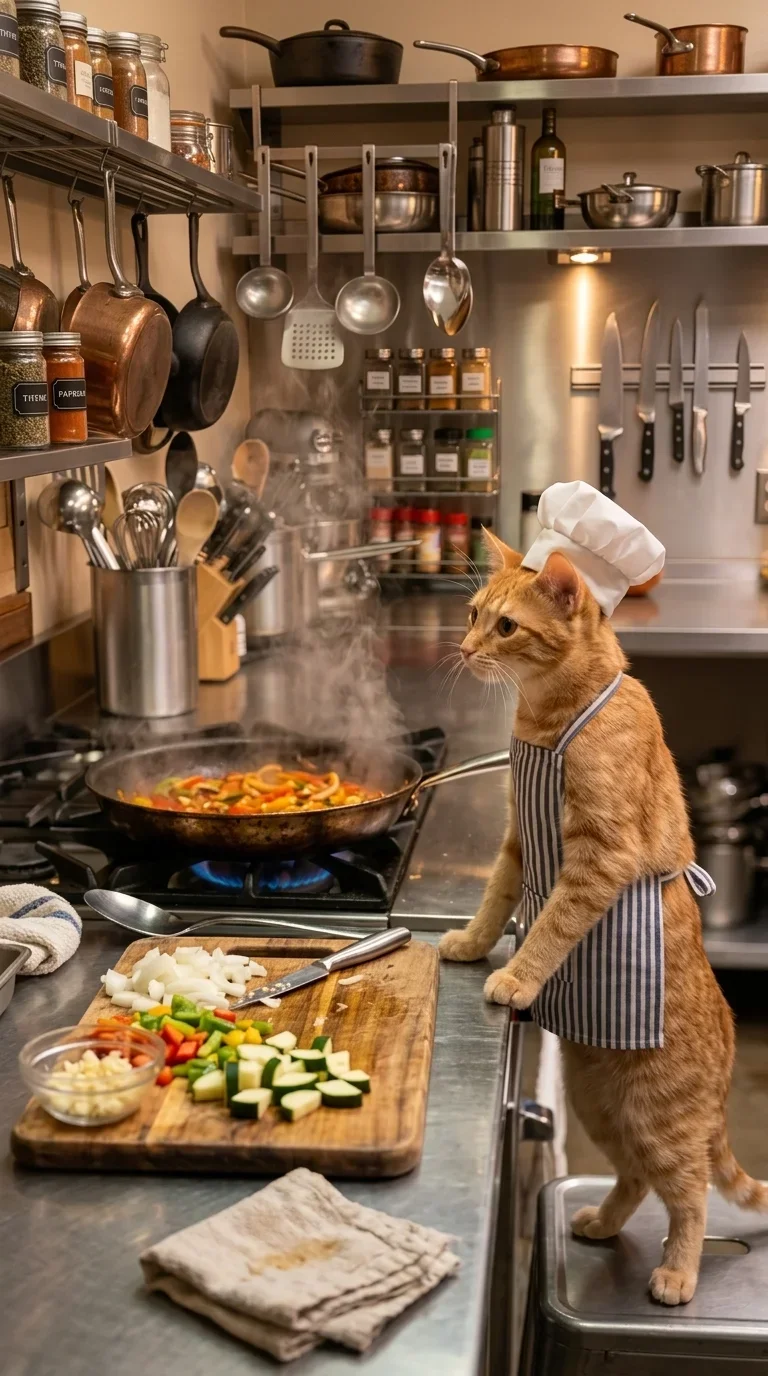
Cute Pet Cooking

Santa Kitty Product Ad
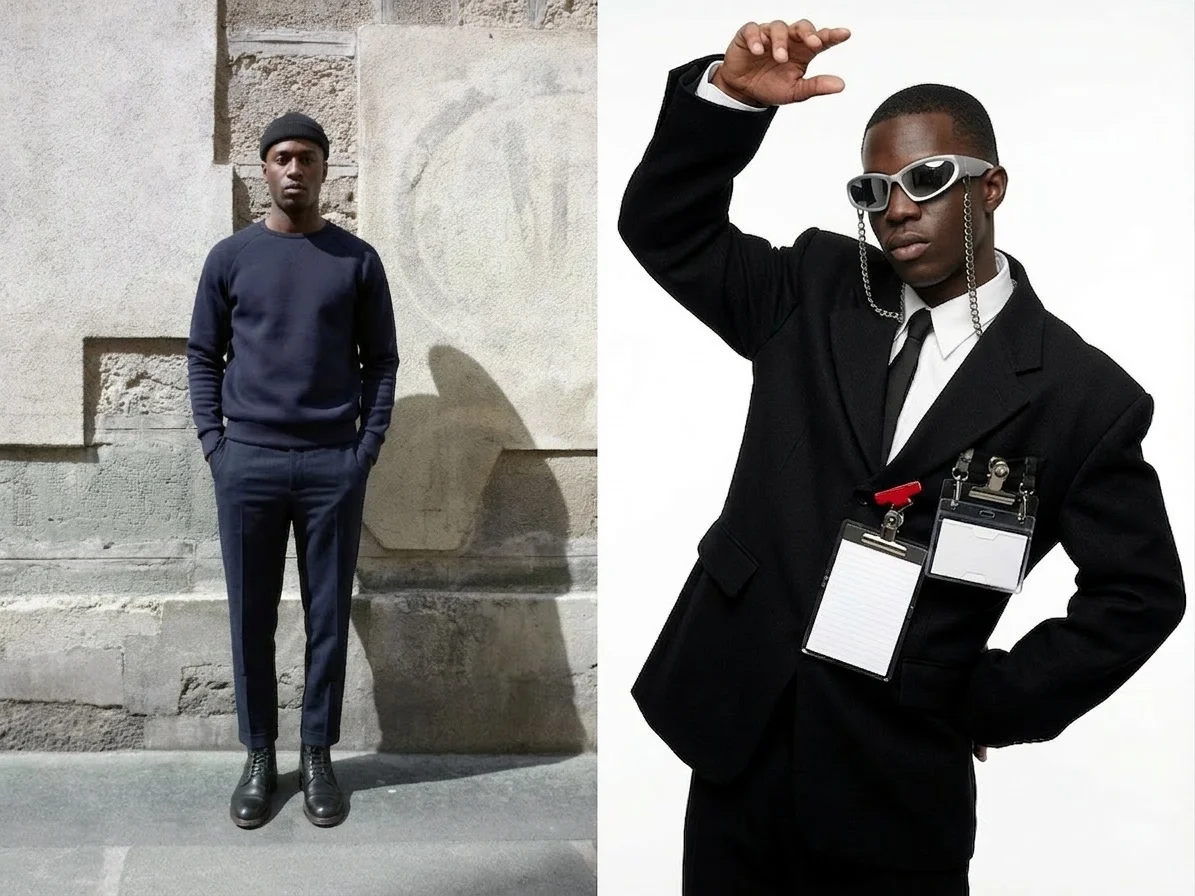
Avant Style

Plastic Surgery Gone Wrong
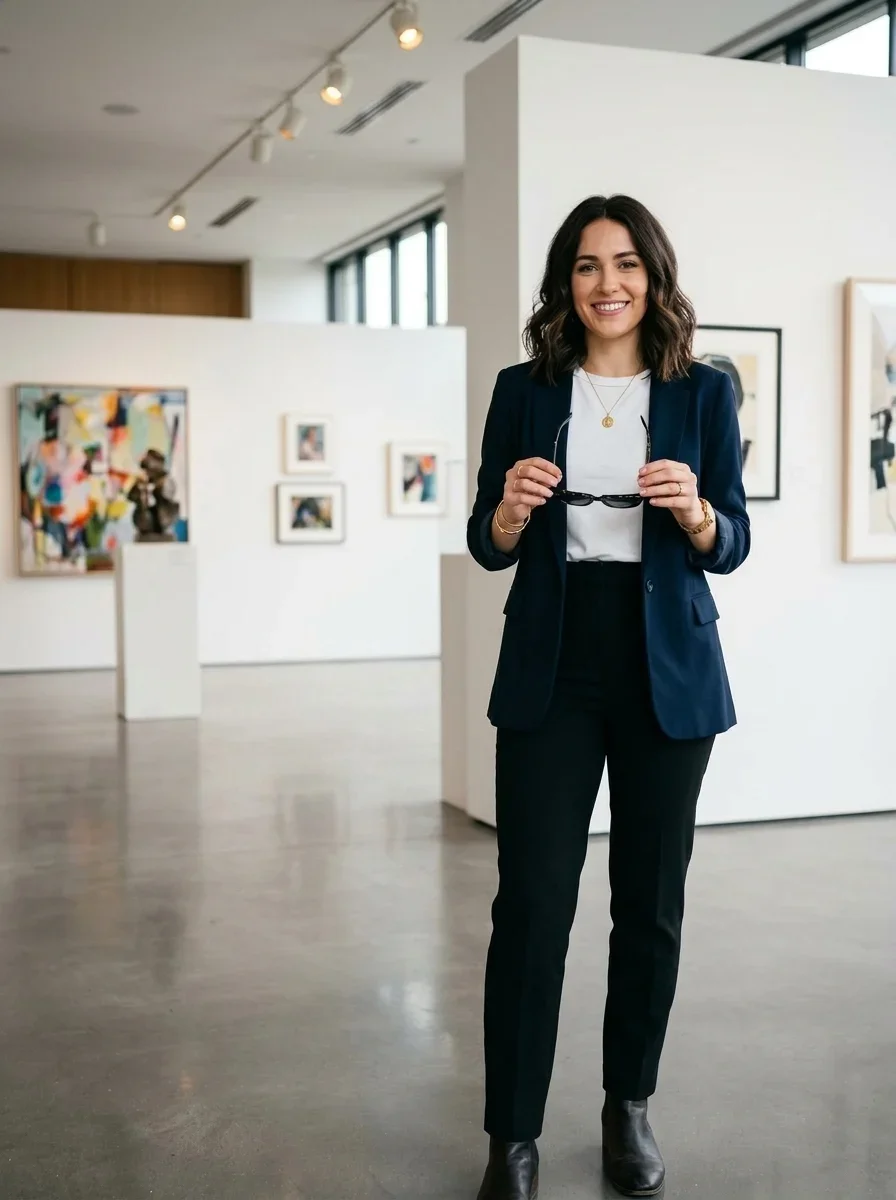
Action Hero Mode
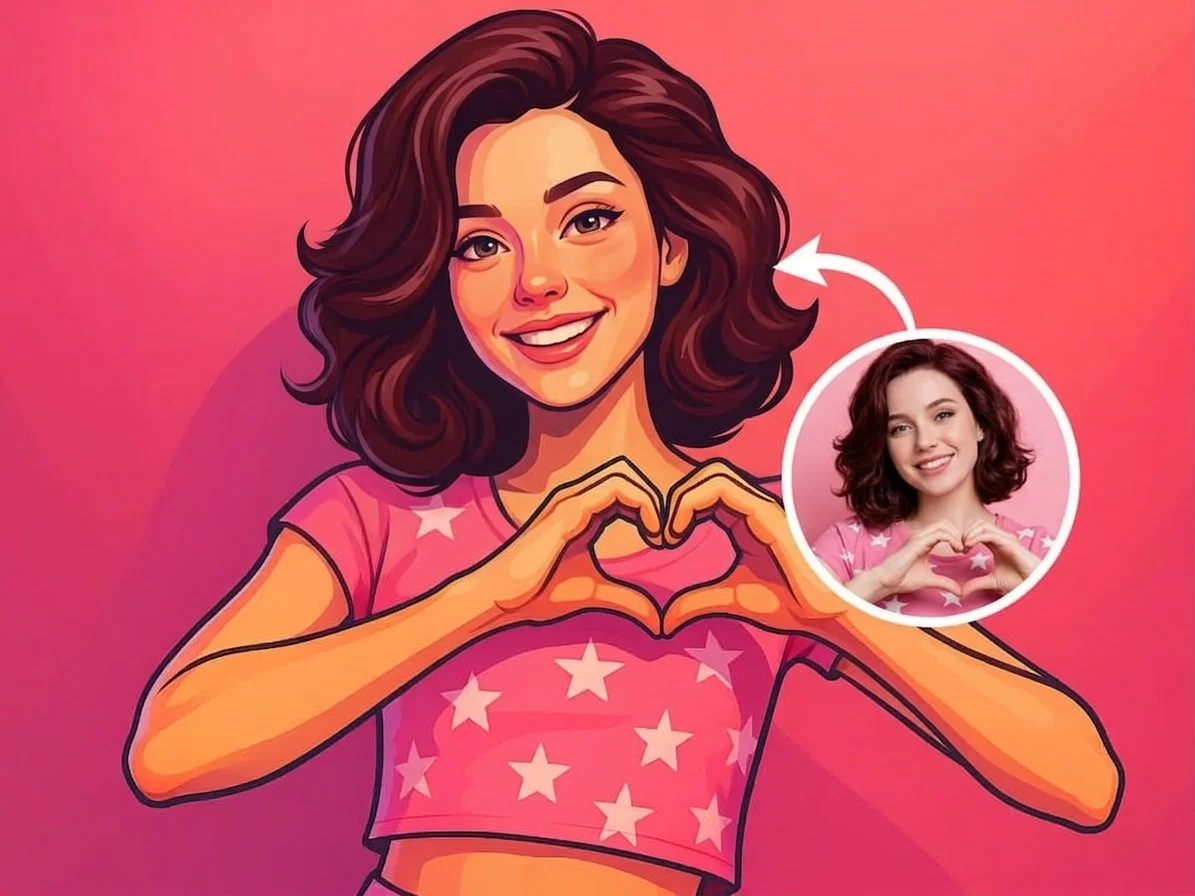
Convert Photo to Digital Art
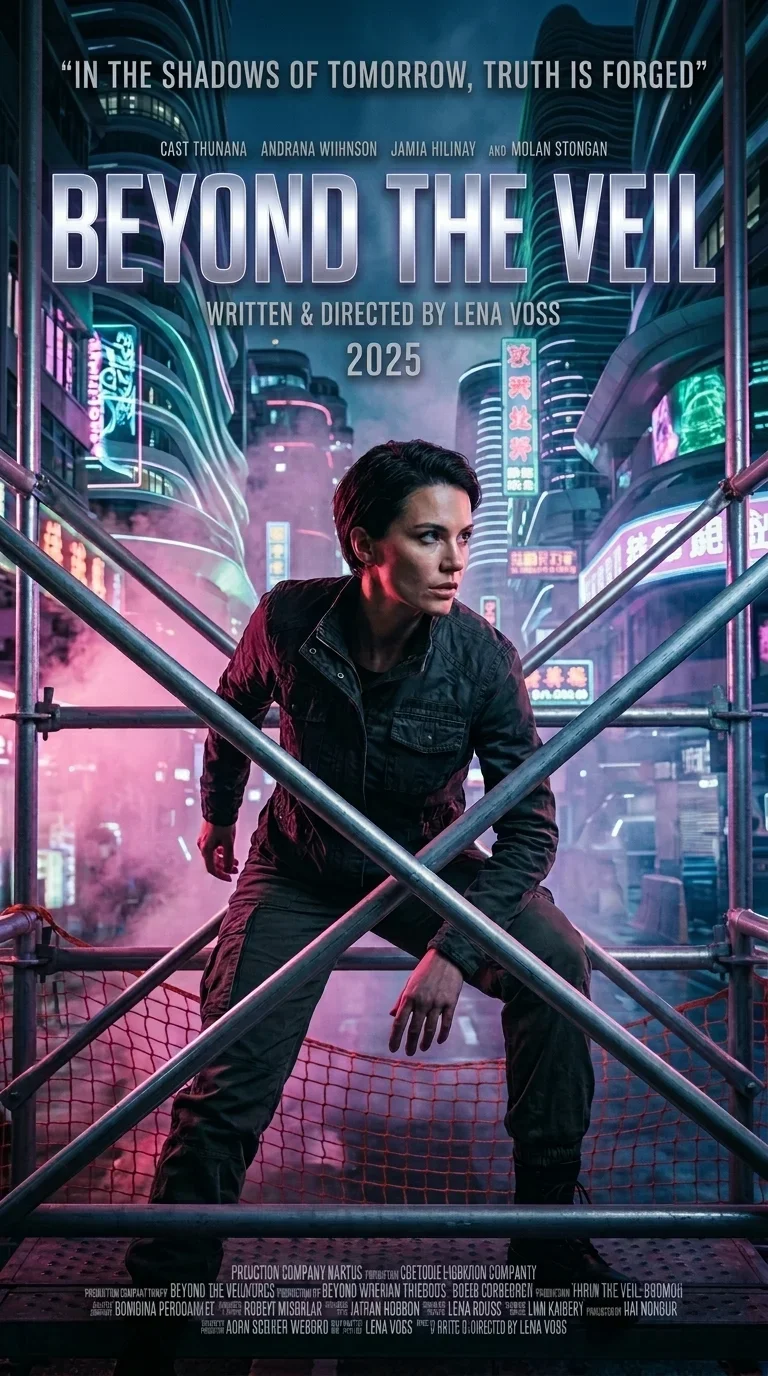
Your Movie Poster
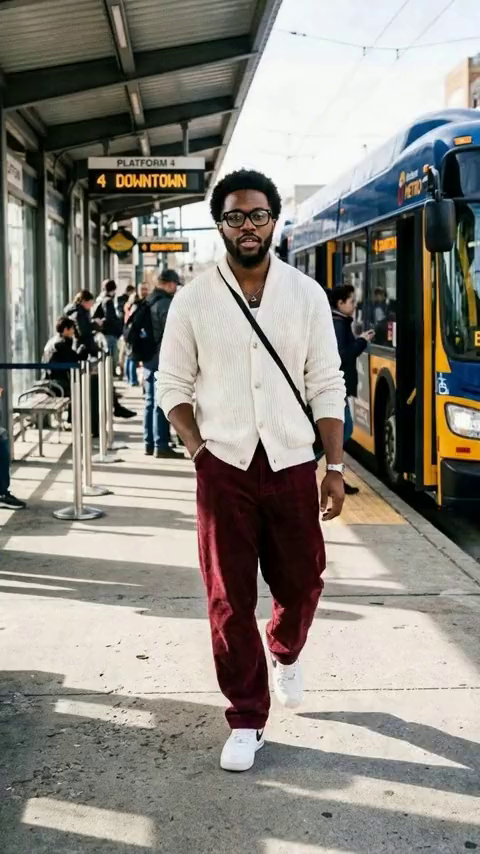
Snow Buddy
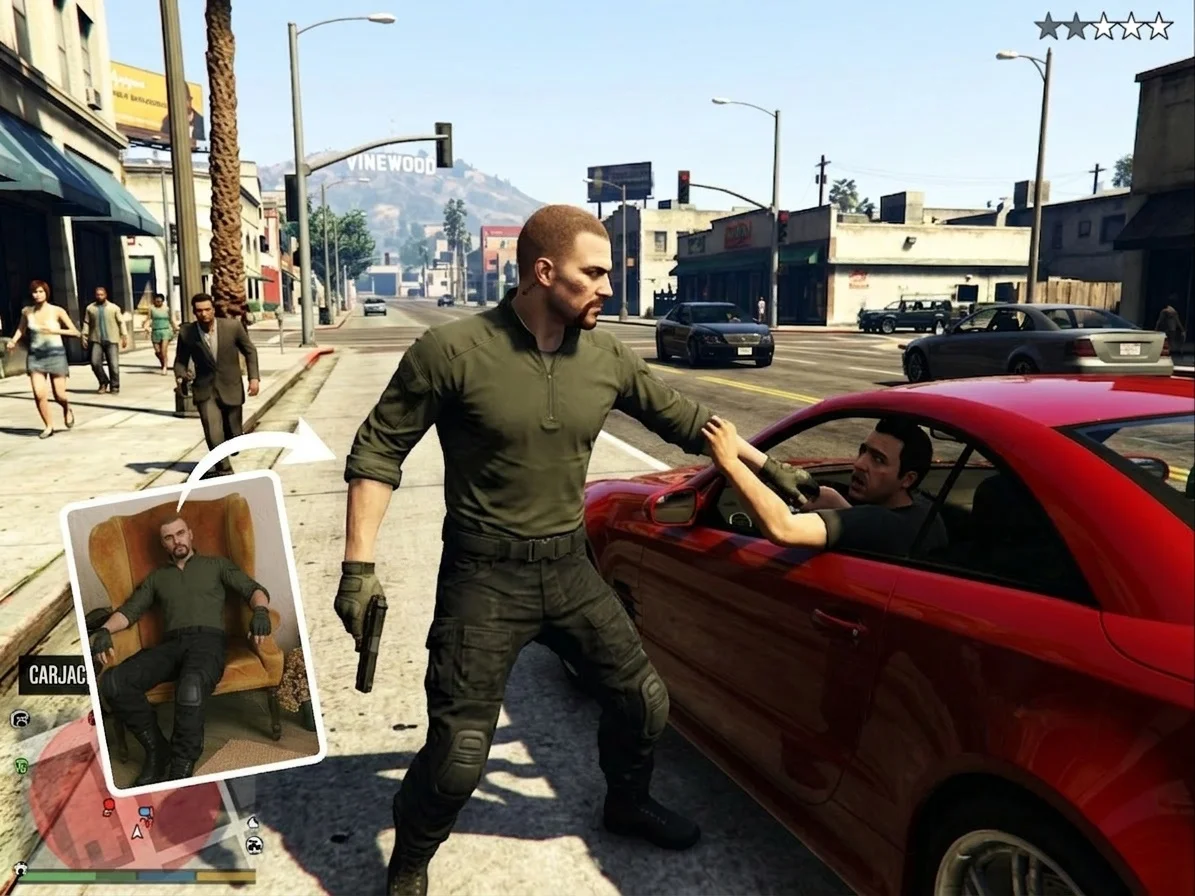
GTA Screenshot
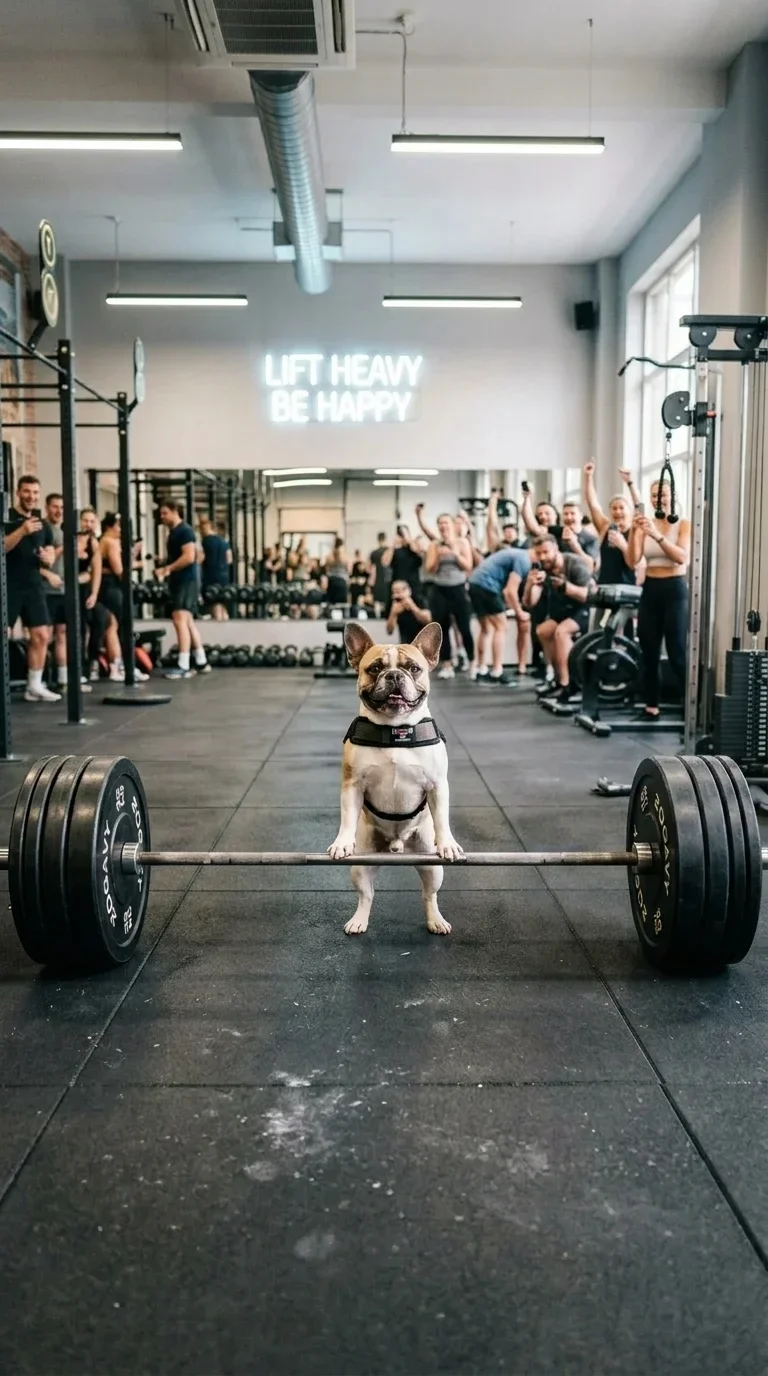
Pet Weightlift
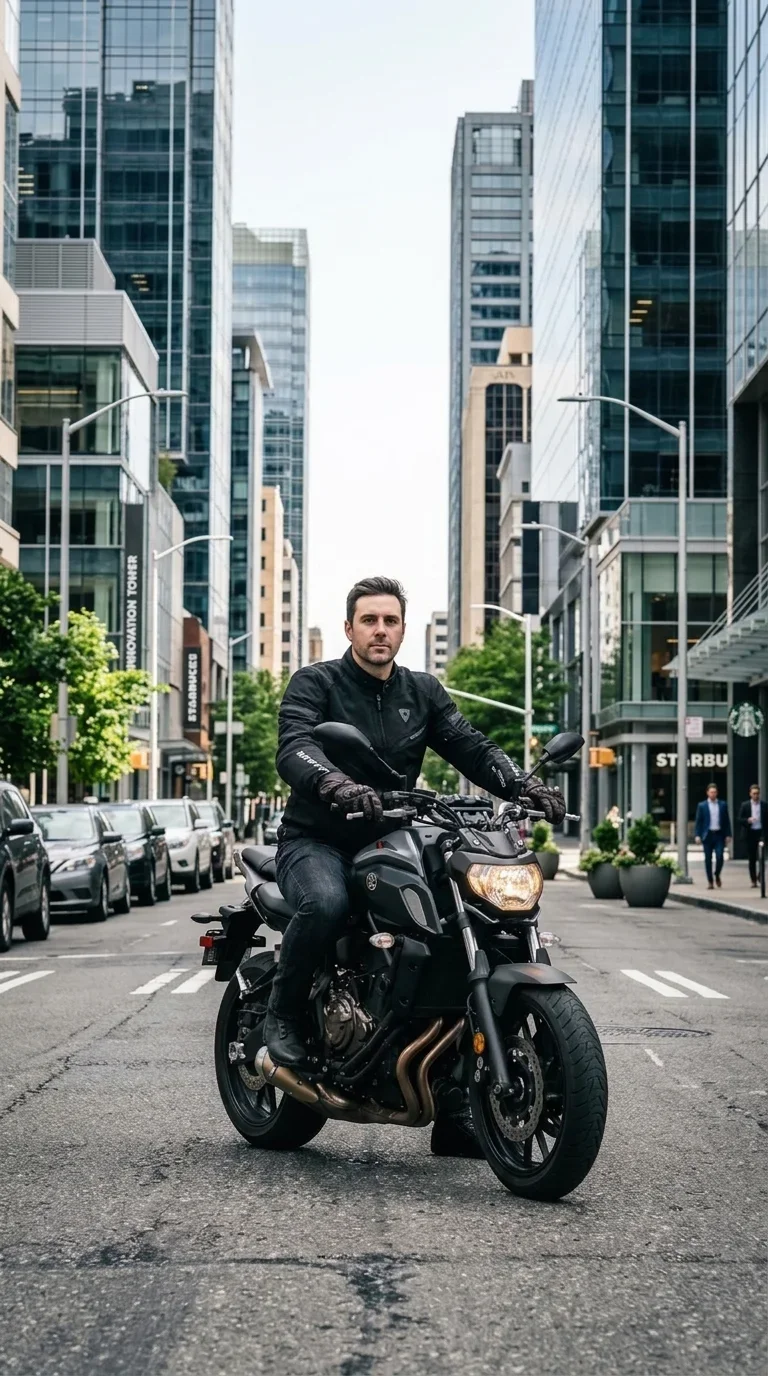
Flaming Skull Rider
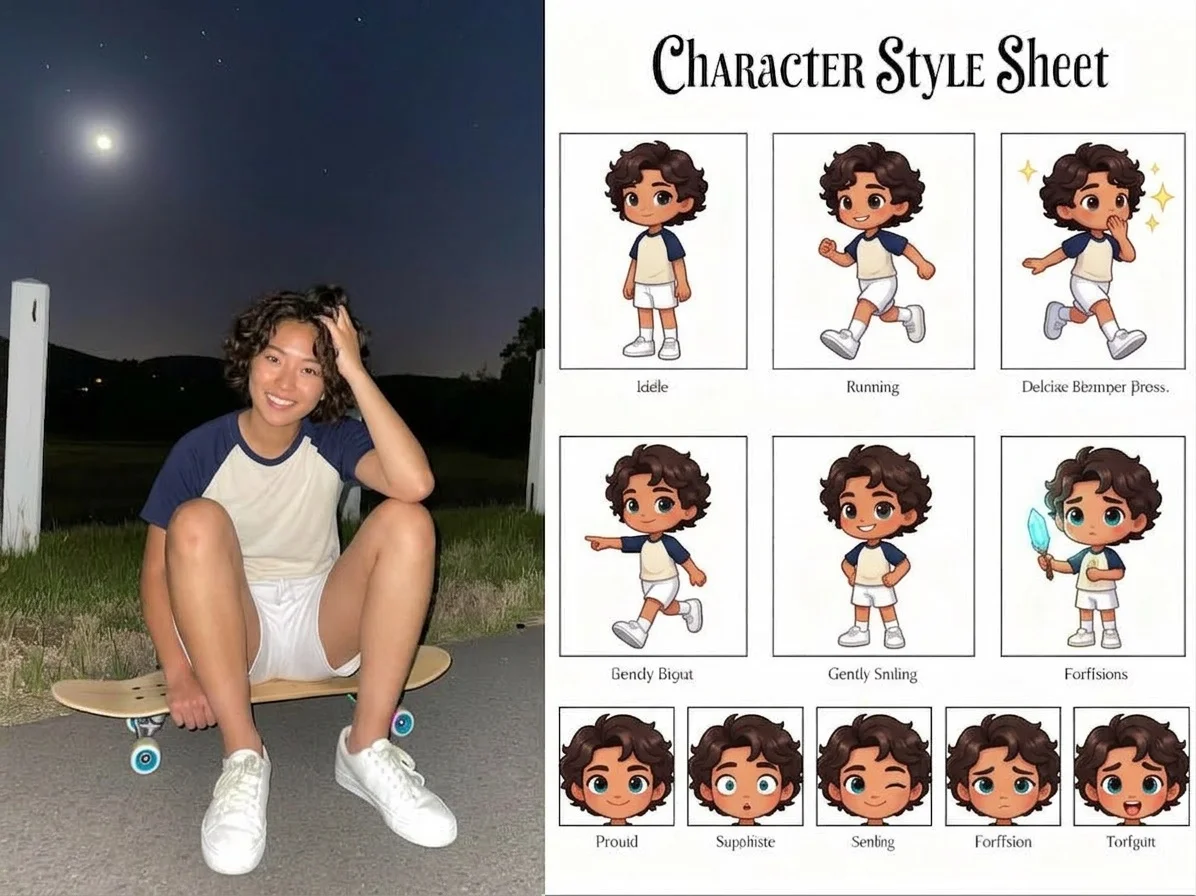
Character style sheet
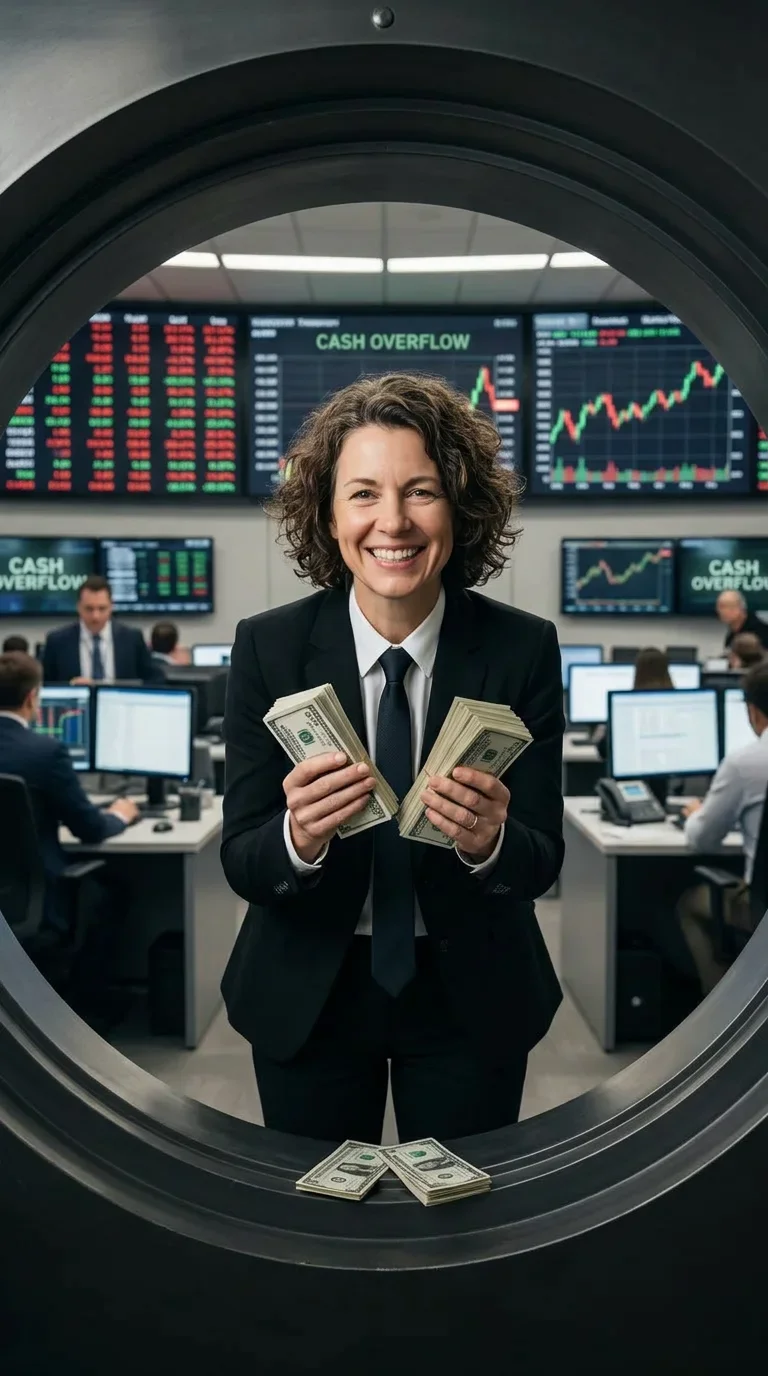
Cash Overflow
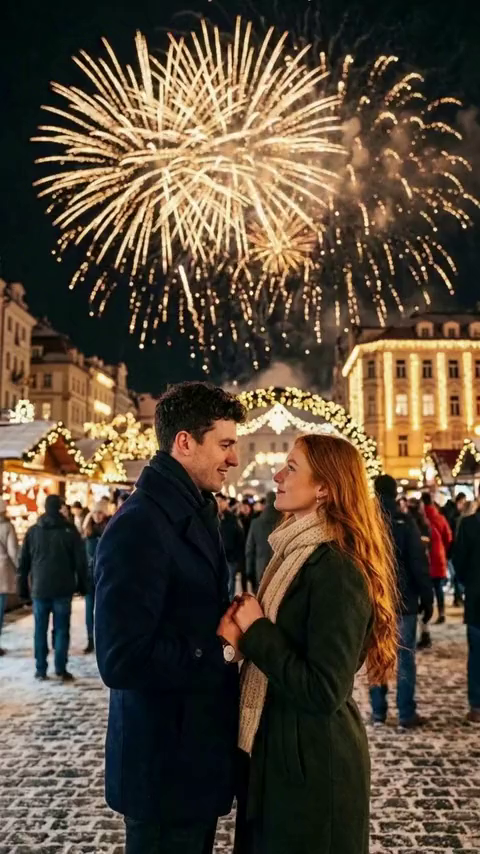
New Year's Eve Couple
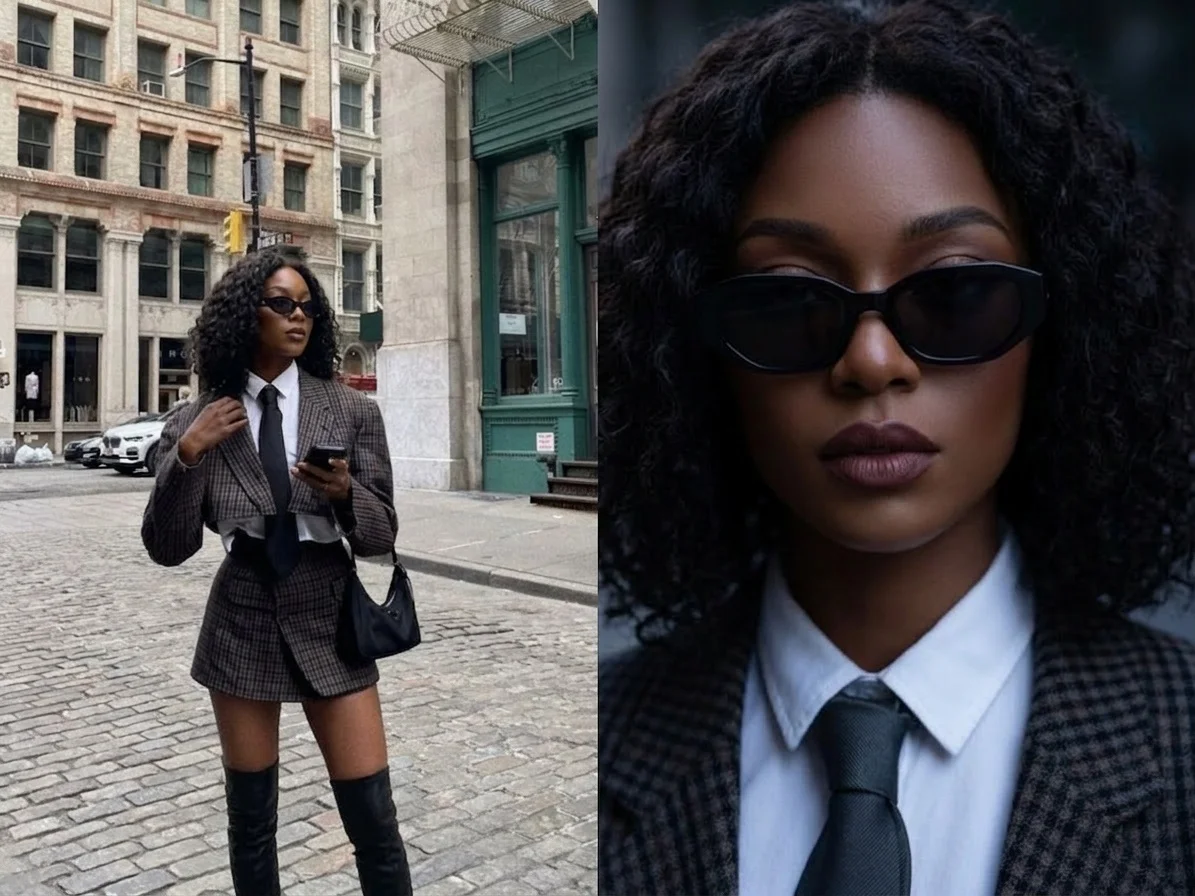
Dark BJD
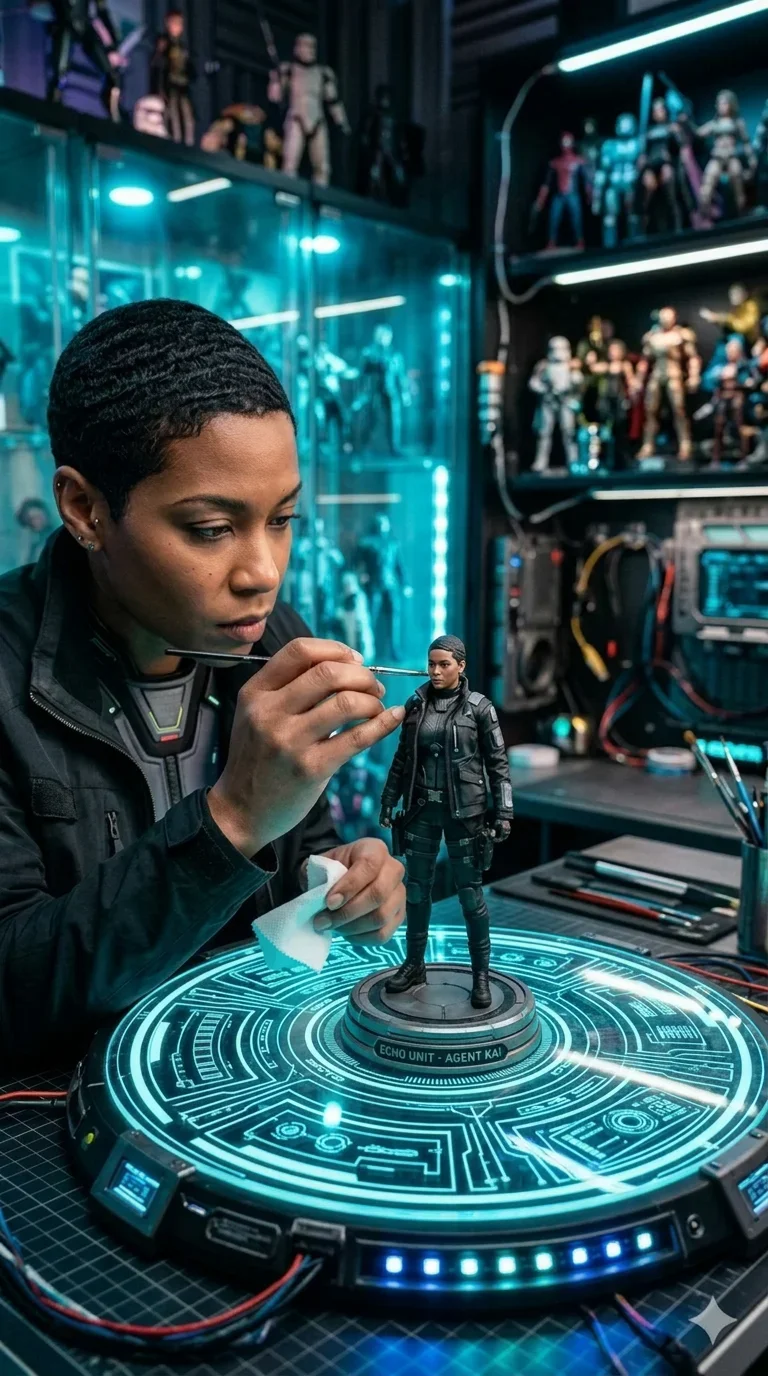
Tech Figurine
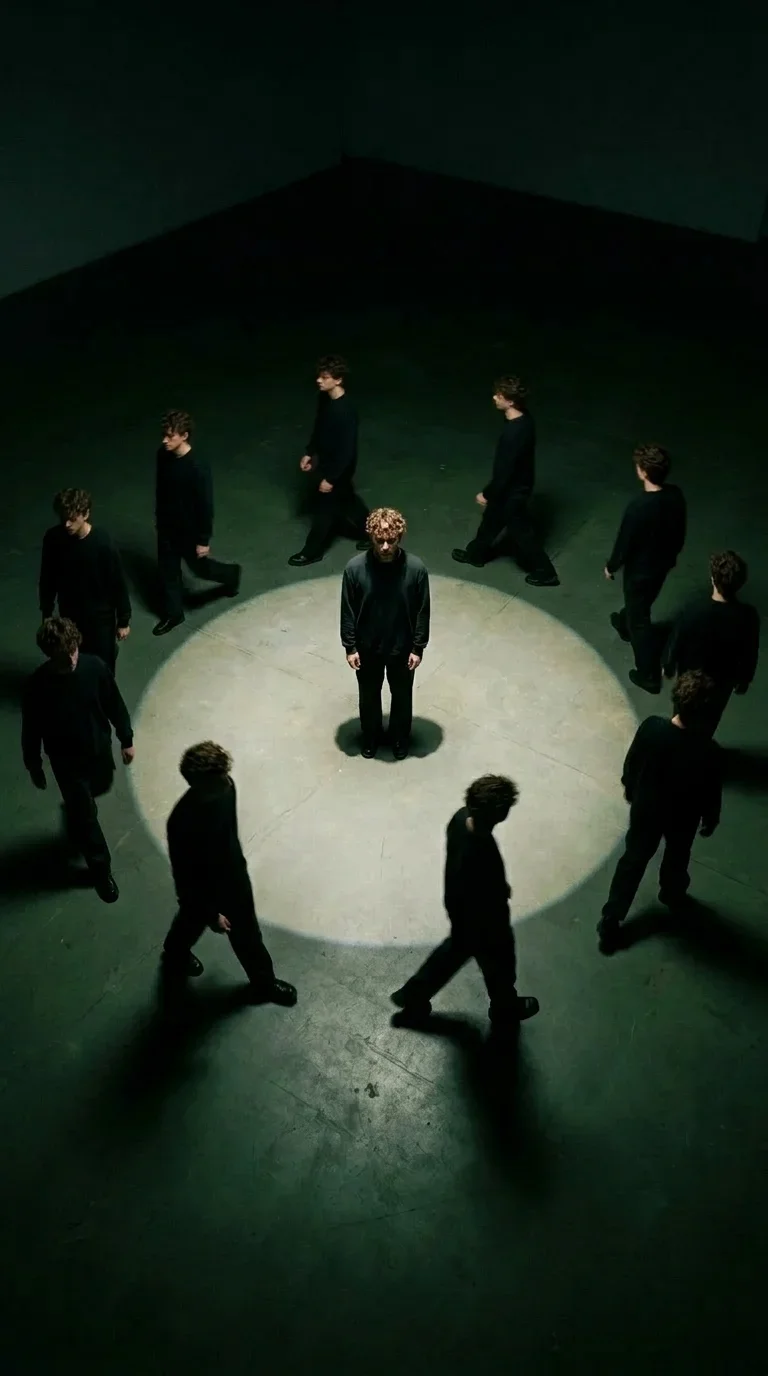
Walking with My Clones
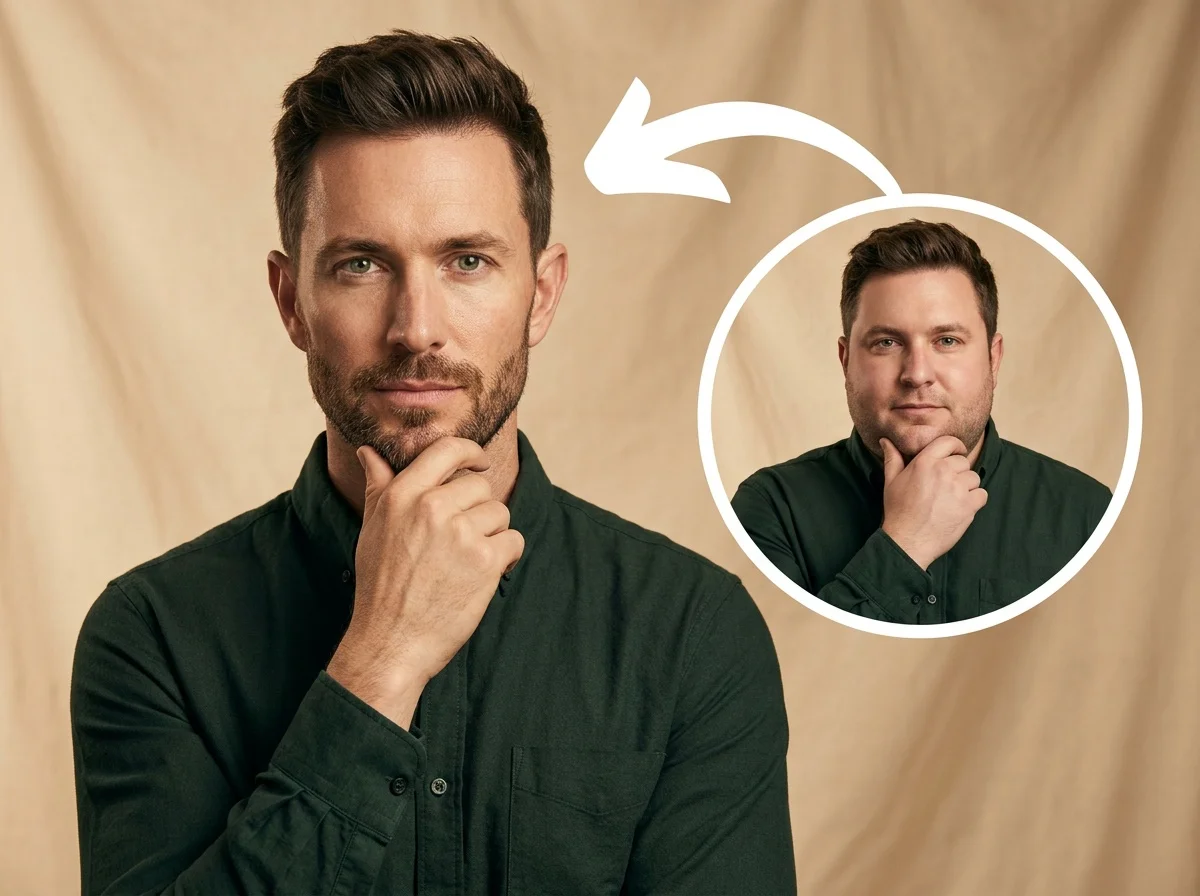
AI Skinny Filter
What Is the Winter Portrait Effect?
This AI-powered video effect places your subject into a still, moody winter atmosphere. While your subject remains perfectly frozen in time, a soft, cinematic snow falls gently in the background, creating a deeply emotional and quiet visual experience.
Cinematic Winter Atmosphere
A cold, natural winter light bathes the scene, offering a slightly moody and melancholic vibe. The environment feels quiet and freezing, capturing the perfect cinematic winter aesthetic.
Dynamic Snowfall Background
While the subject remains perfectly still, fine snowflakes are blown gently through the air. The background features a clear but soft snowfall dynamic that adds life without distracting from the portrait.
Frozen-in-Time Subject
The AI automatically isolates your subject, keeping them completely motionless—no blinking, no shifting, just a calm, flat expression. This contrast between the still portrait and the moving snow creates a striking visual impact.
Film-Grade 9:16 Aesthetics
Rendered in a vertical 9:16 aspect ratio, the composition is designed to look like a frame from a high-end emotional film. It is quiet, cold, and carries a strong emotional weight, perfect for immersive storytelling.
Create Your Winter Scene in 3 Steps
Upload Your Photo
Upload any portrait photo. SharkFoto AI automatically detects your subject and prepares them for the winter environment.
Select the Effect
Choose the Winter Portrait Umbrella Scene effect. The AI takes over completely, automatically generating the perfect snow dynamics, cold lighting, and cinematic atmosphere without any manual adjustments needed.
Download & Share
Your video is rendered in seconds. Download your high-quality 9:16 vertical video and share the moody, emotional atmosphere with your audience.
Why Creators Love This Effect
Fully Automated Process
No complex settings or editing required. The AI handles the snow particles, cold lighting, and subject stillness automatically.
Striking Still-Motion Contrast
The subject remains perfectly frozen while the snow falls around them gently, creating a mesmerizing and highly emotional visual impact.
Fast Generation
SharkFoto's cloud AI pipeline renders your cinematic winter scene in seconds, so you can create and post without waiting.
9:16 Vertical Video Output
Optimized natively for TikTok, Instagram Reels, and YouTube Shorts — the perfect format for immersive, full-screen storytelling.
No Watermark on Download
Download your finished video watermark-free and ready to publish across all your social platforms.
Works on Any Portrait
Upload a selfie or a professional headshot — the AI seamlessly adapts the scene to fit your subject naturally into the winter environment.
Who Uses the Winter Portrait Effect?
From storytellers to social media creators, this effect is perfect for conveying emotion and cinematic beauty in a single frame.
Visual Artists & Storytellers
Create moody, emotional visuals for poetry, storytelling, or artistic portfolios with a high-end cinematic touch.
Social Media Creators
Stand out with a highly aesthetic video that pauses the scroll through its calm, striking atmosphere and still-motion contrast.
Musicians & Producers
Perfect for Spotify Canvas, lo-fi music backgrounds, or emotional music video teasers that require a moody vibe.
Winter Enthusiasts
Transform a simple everyday portrait into a magical, professional-grade winter memory instantly.
Frequently Asked Questions
What type of photo works best?
Portraits or half-body shots with a calm or neutral expression work best to match the moody, still atmosphere of the winter scene. The AI gracefully handles both selfies and professional photos.
Can I control the amount of snow or lighting?
No, the effect is fully automated to ensure the highest cinematic quality. The AI perfectly calibrates the cold natural light, the frozen subject pose, and the soft snowfall dynamics for you automatically.
How long is the generated video?
The output is a short, seamless clip perfect for looping, capturing the continuous gentle fall of snow and the quiet stillness of the portrait.
Do I need any video editing skills?
None at all. Simply upload your photo, select the Winter Portrait Umbrella Scene effect, and SharkFoto handles everything—scene generation, compositing, and rendering—automatically.
Where can I access this effect?
You can access it directly on SharkFoto.com. Sign up for a free account to get started—no software download or installation required.