
- "aspect_ratio": "$empty",
- "merge_bgm": false,
- "image": ""

AI Cheek Pinch Video Generator

Xmas Pet Poster
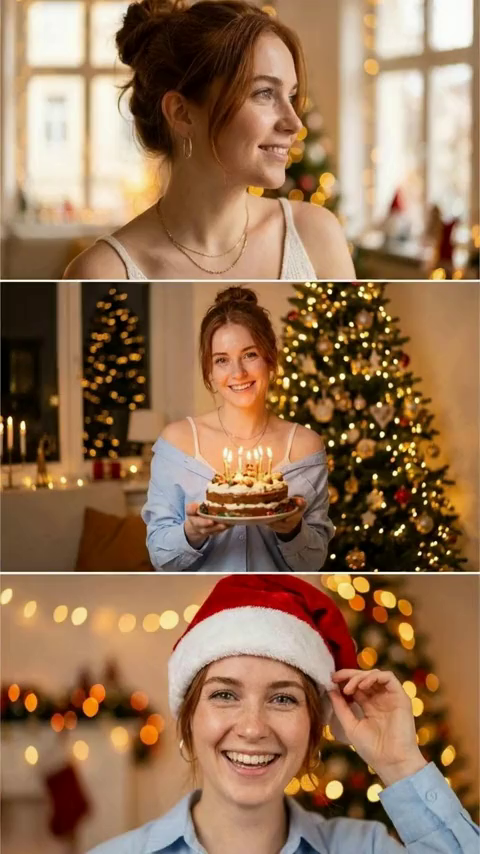
Elegant Xmas Portrait

Party Pour

New Year Cheers
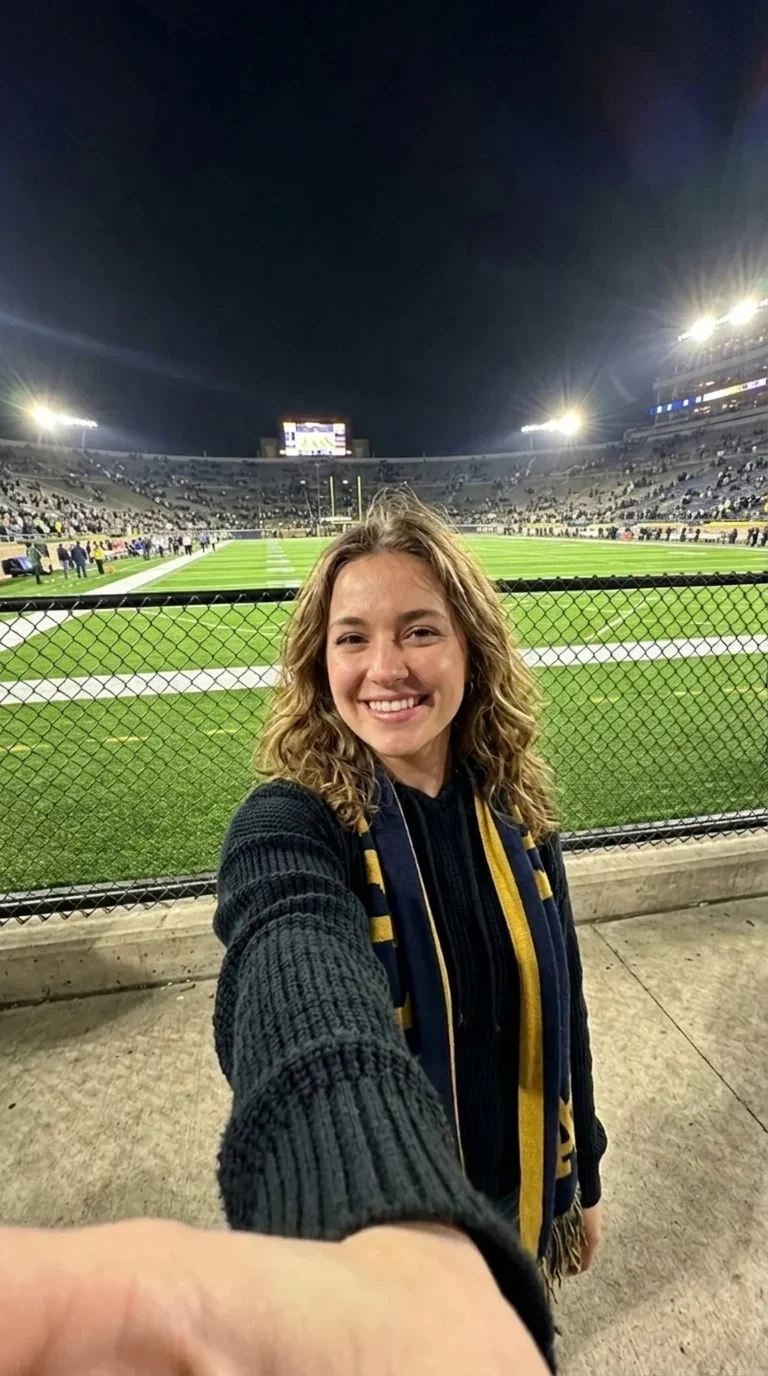
Take a Selfie
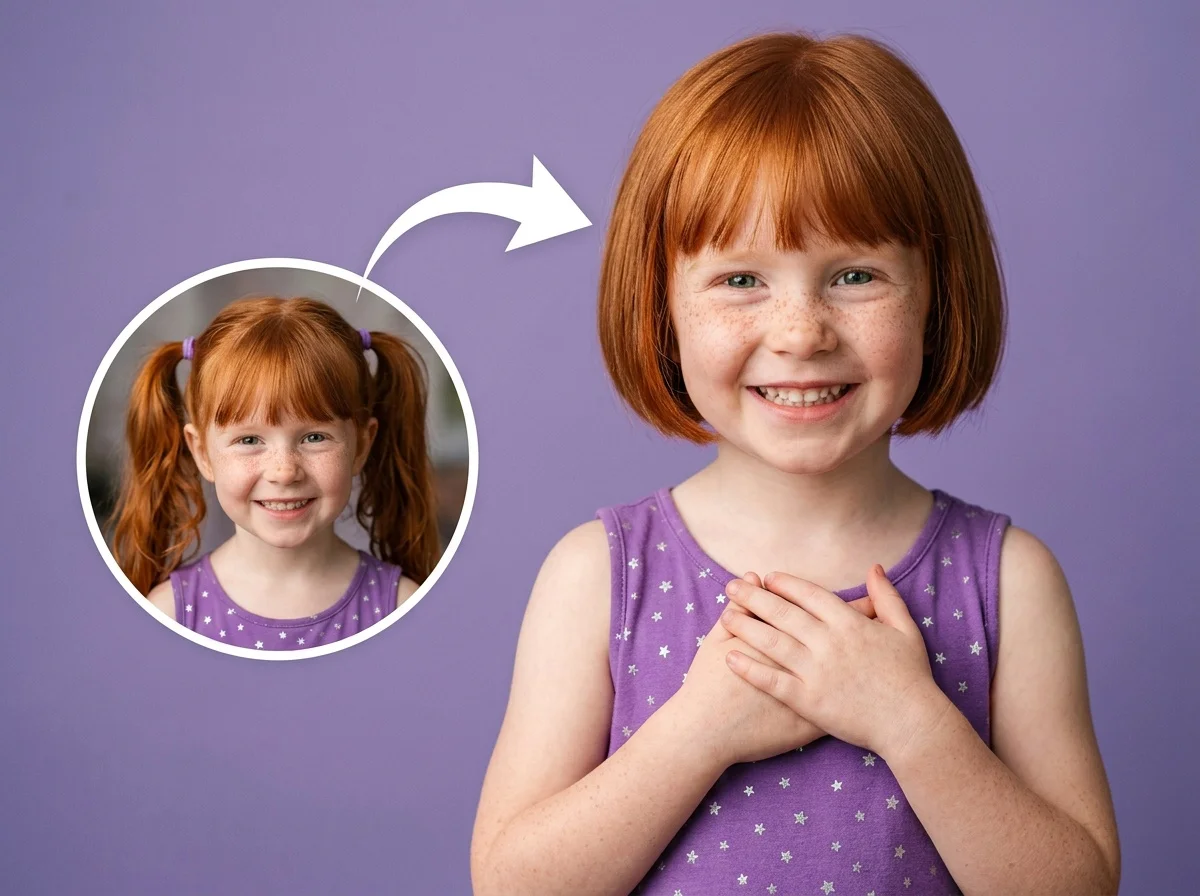
AI Short Hair Filter

Confetti Blowing Portrait
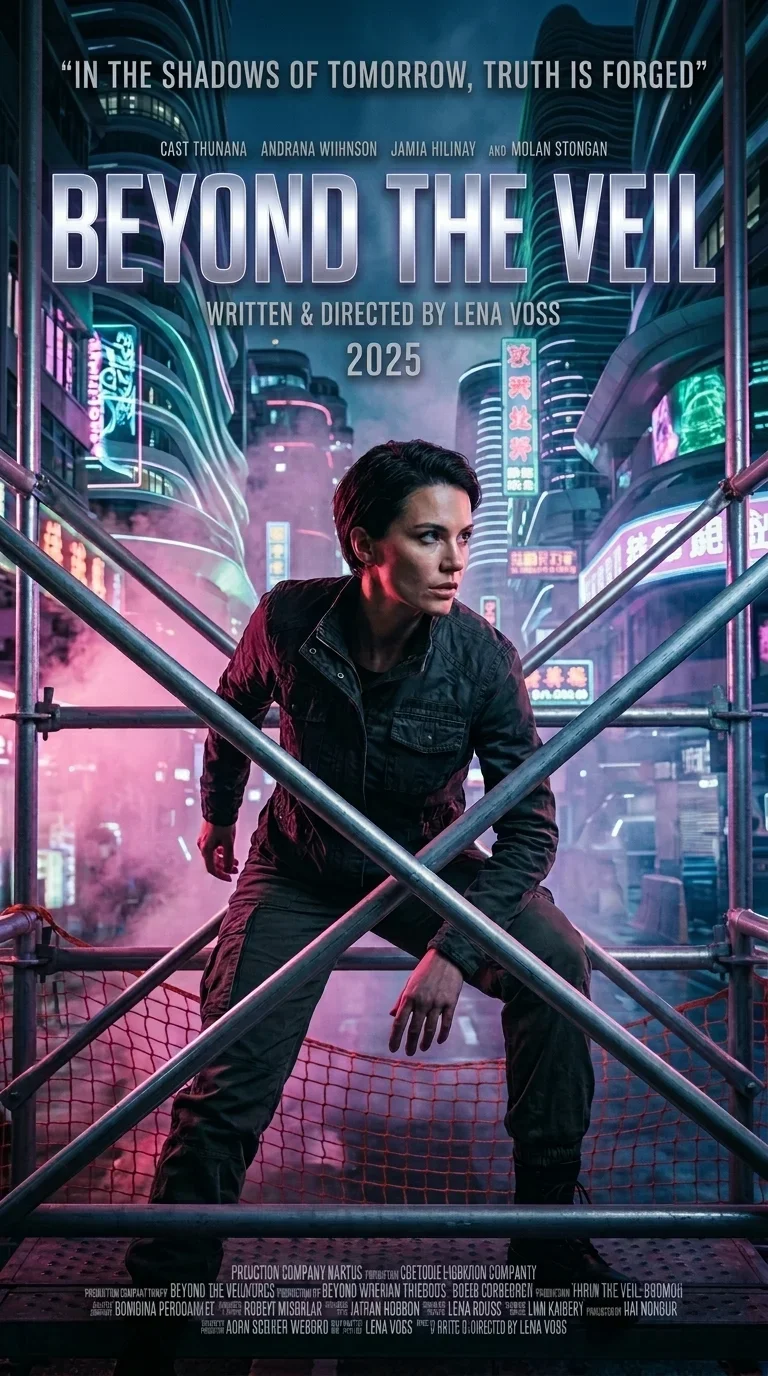
Your Movie Poster
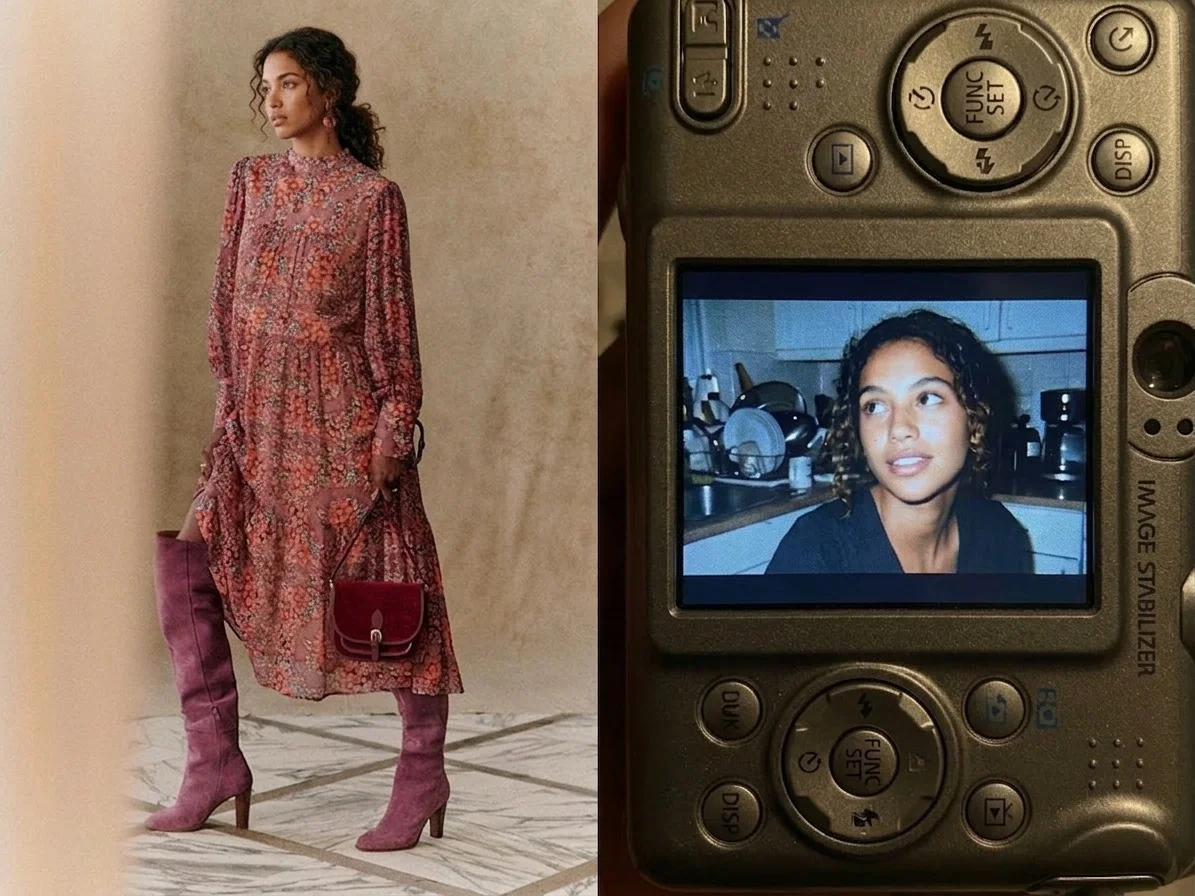
Old Digicam

Godfather Silence
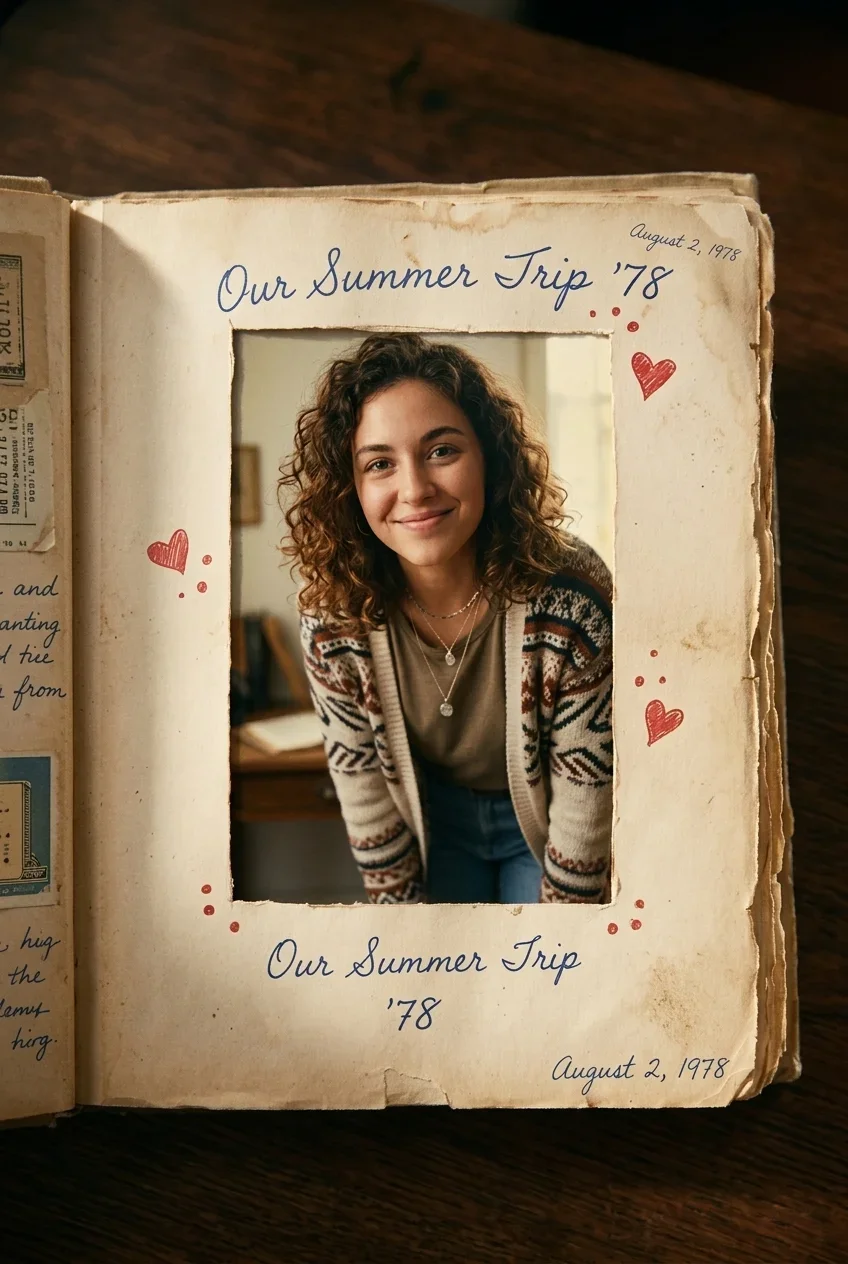
AI Out of Frame Effect
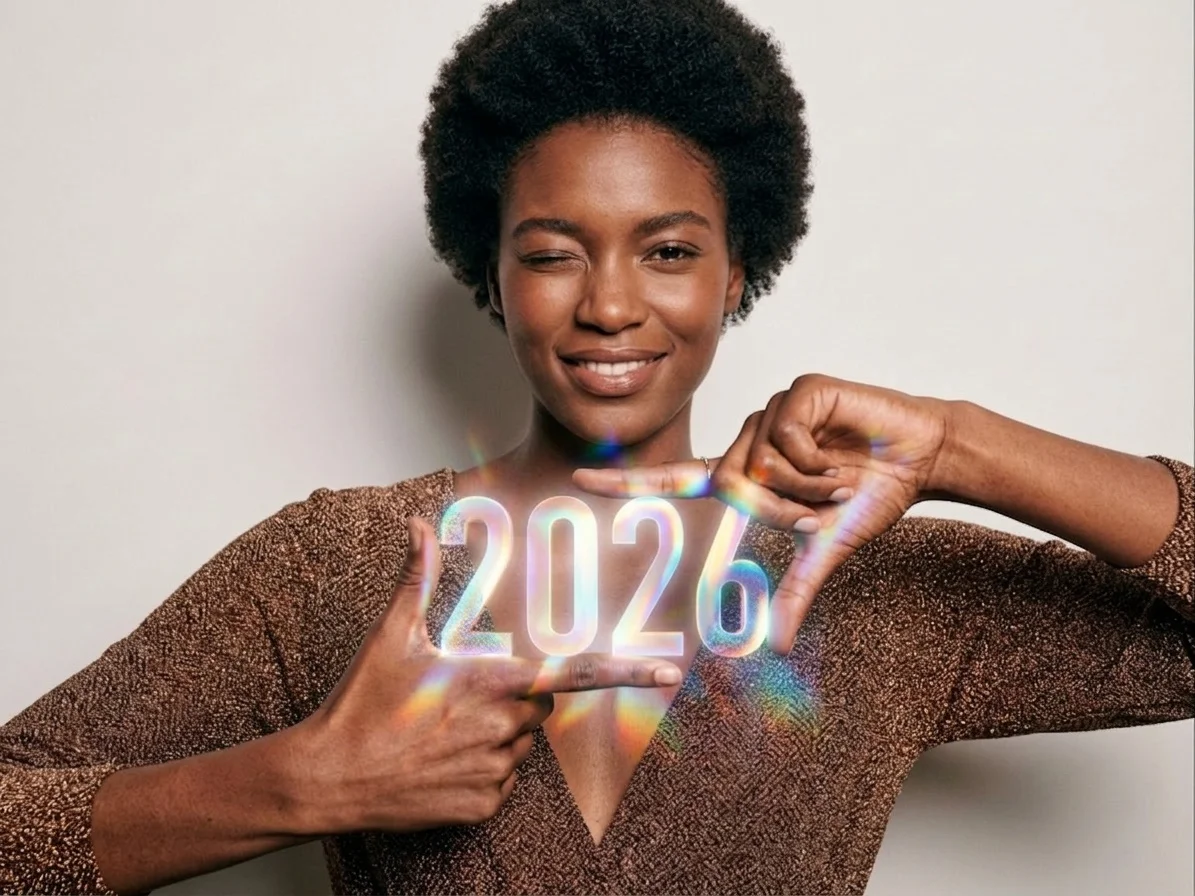
Hand Letter Glow

Animal Riding Bike

Ingredient Reveal

Wedding Portrait
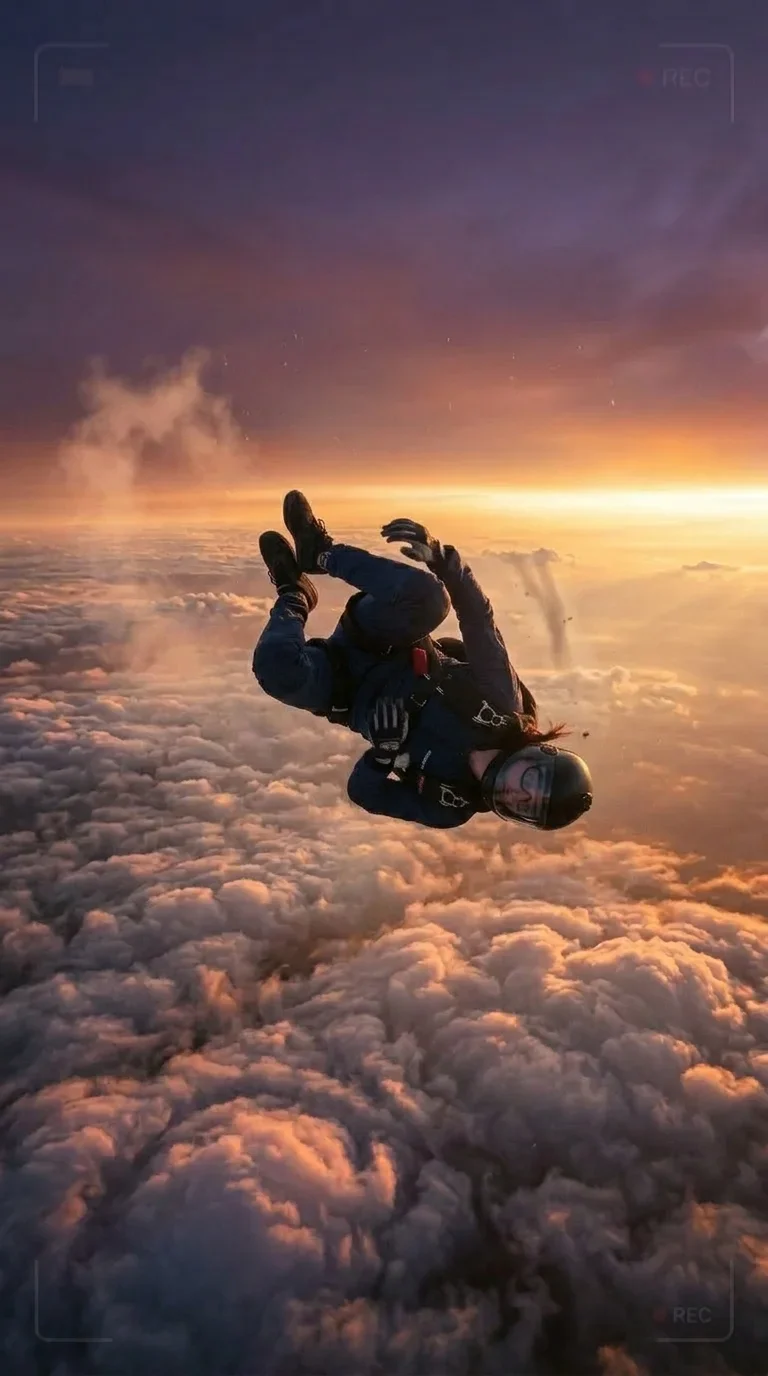
Sky Fall
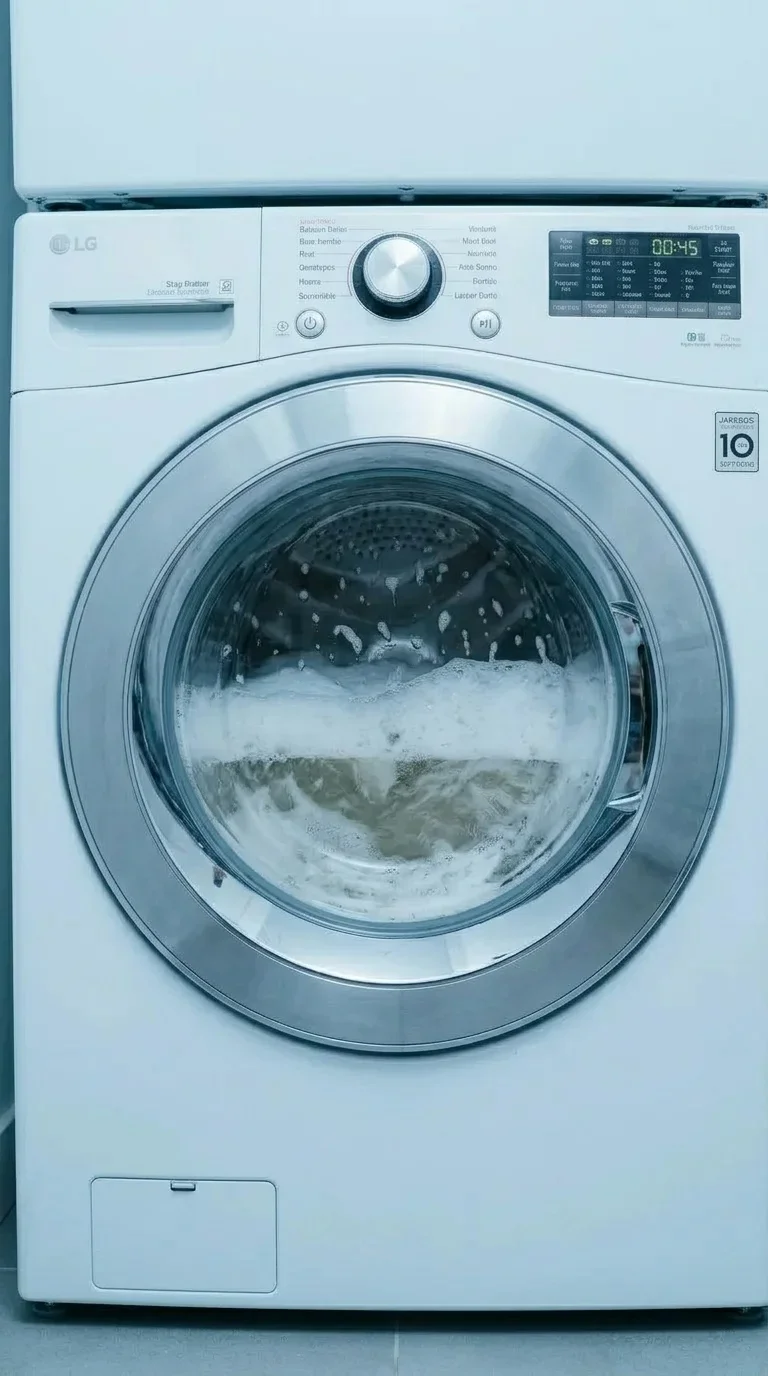
Washer Surprise
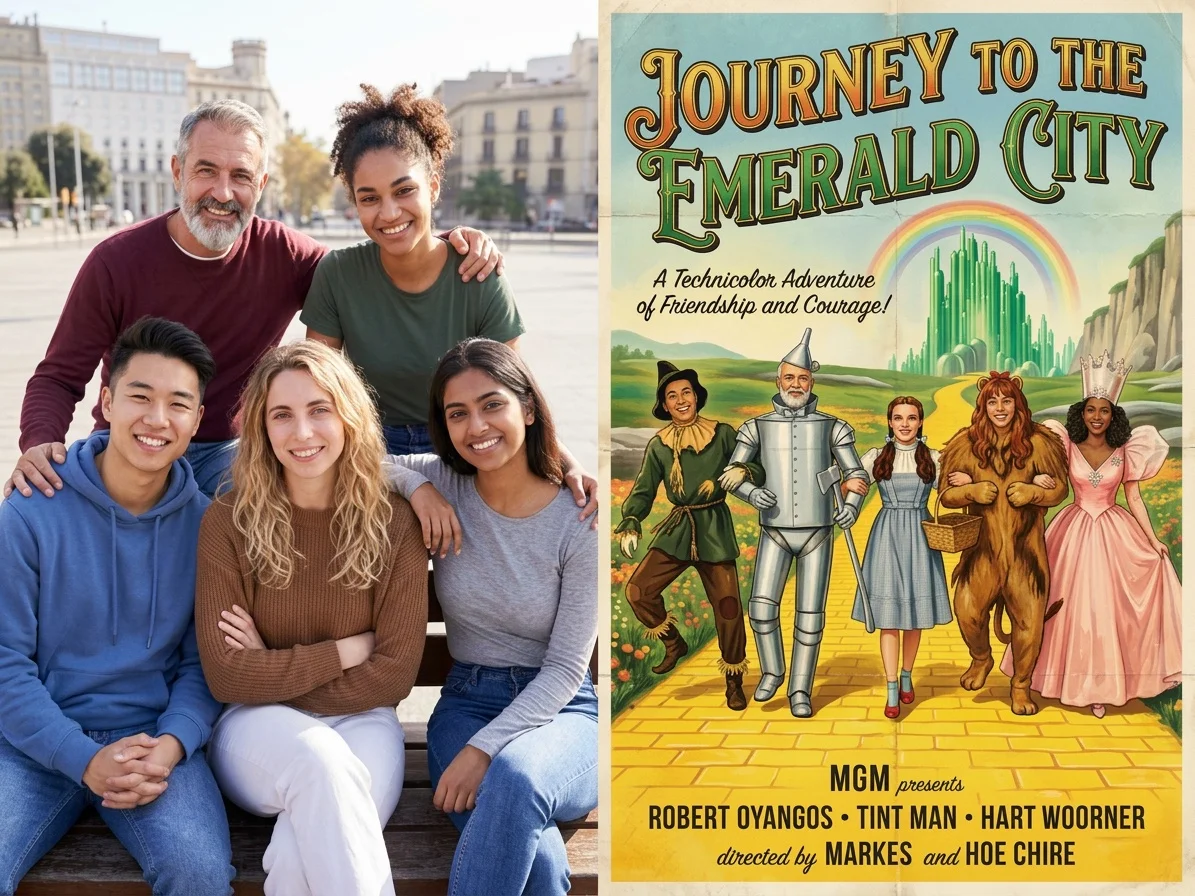
Hollywood Poster
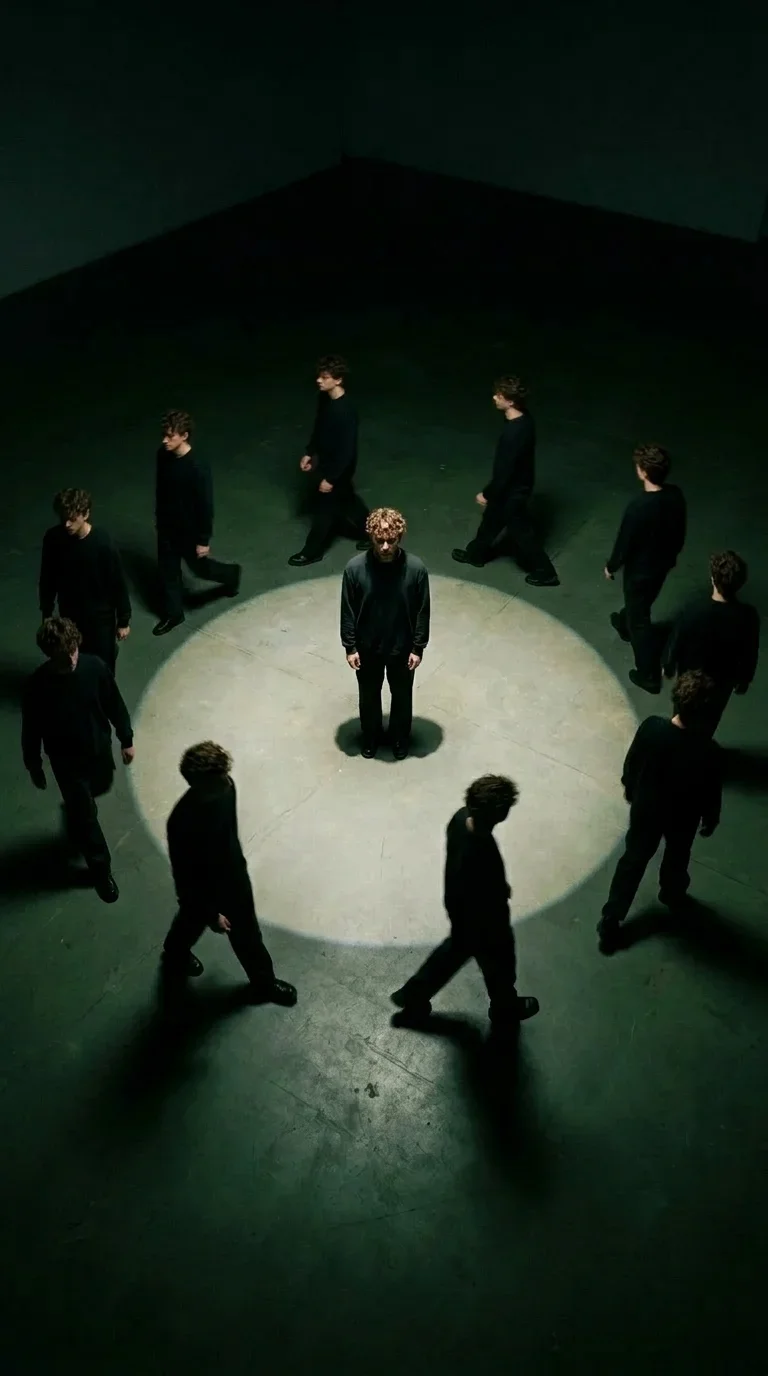
Walking with My Clones

Heart Sparkler
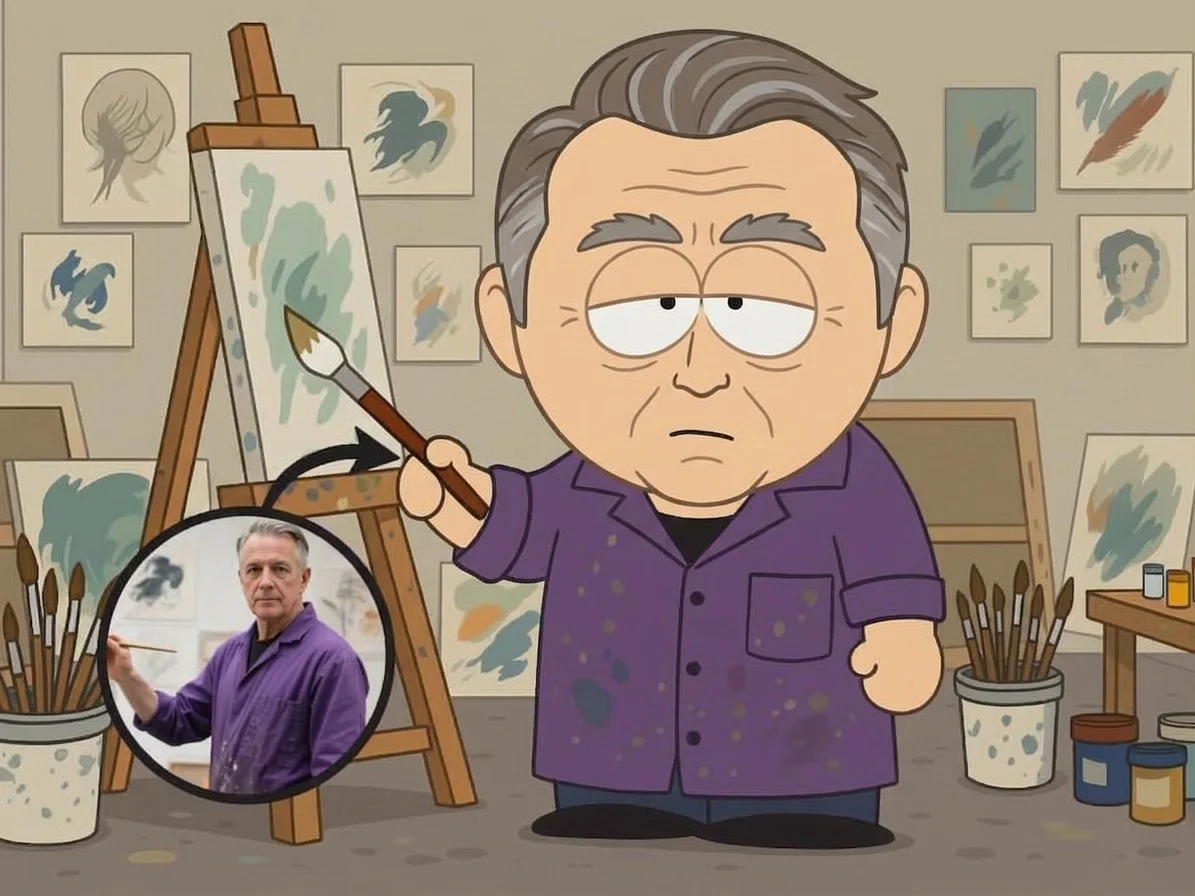
AI South Park Character Creator
What Is the AI Cheek Pinch Video Generator?
This interaction effect keeps your uploaded subject as the star of the frame while generating a cute hands-on moment: two hands enter from both sides, press the cheeks, and stretch them into an adorable squeezed expression.
Portrait-Focused Interaction
The effect works best with a clear front-facing subject. The subject remains centered while the generated hands perform the cheek-pinch action in the foreground.
Gentle Two-Hand Motion
Hands enter naturally from the left and right, press both cheeks, then hold and stretch them outward for a funny, tactile close-up moment.
Cute Expressive Reaction
The cheek compression creates a playful squeezed-face reaction, with narrowed eyes and an exaggerated smile-like expression that feels lighthearted and meme-ready.
Short Social Video Style
The vertical clip format is designed for quick reactions, pet edits, profile-photo jokes, and short-form content where the first second needs to feel instantly entertaining.
Create Your Cheek Pinch Video in 3 Steps
Upload One Photo
Choose a clear image with the subject visible, ideally a front-facing portrait or pet photo with enough cheek area for the interaction.
Apply Cheek Pinch
Select the AI Cheek Pinch Video Generator and let SharkFoto AI add the two-hand pinch motion while preserving your subject.
Download and Share
Export a short vertical video ready for social posts, reactions, messages, and playful edits.
Why Use This Effect?
One-Image Workflow
Start from a single upload and generate the complete cheek-pinch interaction automatically.
Playful Hands-On Motion
The action is easy to understand instantly: hands come in, cheeks get squeezed, and the subject reacts with a cute expression.
Great for Pets and Portraits
Use it with pet photos, selfies, character images, or other clear subjects that can support a close-up interaction.
Make Every Portrait More Playful
Pet Content
Turn a cute pet portrait into an even funnier reaction clip for reels, stories, and group chats.
Friends and Family Jokes
Create a harmless, lighthearted portrait animation that feels like a playful affectionate gesture.
Meme and Reaction Clips
Use the squeezed-cheek expression as a quick visual punchline for short-form social videos.
AI Cheek Pinch Video Generator FAQ
What type of photo should I upload?
Use one clear photo where the subject's face or front area is visible. Front-facing portraits, pet photos, and centered character images usually work best.
How long is the generated video?
The reference effect is about five seconds long, creating a compact vertical clip with the full cheek-pinch interaction.
Can I use it for non-human subjects?
Yes. The effect is especially fun for pets and stylized subjects, as long as the image has a clear face or cheek-like area for the pinch motion.
Where can I use this effect?
You can create the AI Cheek Pinch video directly on SharkFoto and download it for social posts, messages, reaction clips, and creative edits.
Give Your Photo a Cute Cheek Pinch
Upload one photo and let SharkFoto AI create a playful hands-on interaction video in seconds.
Try It Free