
- "image": ""
Hip Shake
Nothing to see here... yet!
Ready to make something amazing? Give it a try.
What Is the Hip Shake Effect?
The Hip Shake Video Effect is a mimic-style AI video effect for person photos. It keeps the subject centered and front-facing while recreating a compact dance sequence: the hands lift to the waist, the stance becomes confident, and the hips sway rhythmically from side to side.
Side-to-Side Hip Sway
The core motion is a rhythmic in-place hip shake, giving a still photo a short, expressive dance movement without changing the overall scene.
Hands-on-Waist Pose
The sequence visibly begins as both hands rise to the waist, creating a clear setup before the dance motion starts.
Subject-Centered Composition
The subject remains centered and front-facing, making the generated clip easy to read on mobile feeds and profile-style formats.
Playful Social Energy
The result feels light, confident, and loop-friendly, ideal for short-form content, reactions, and casual creative posts.
Create Your Hip Shake Video in 3 Steps
Upload One Person Photo
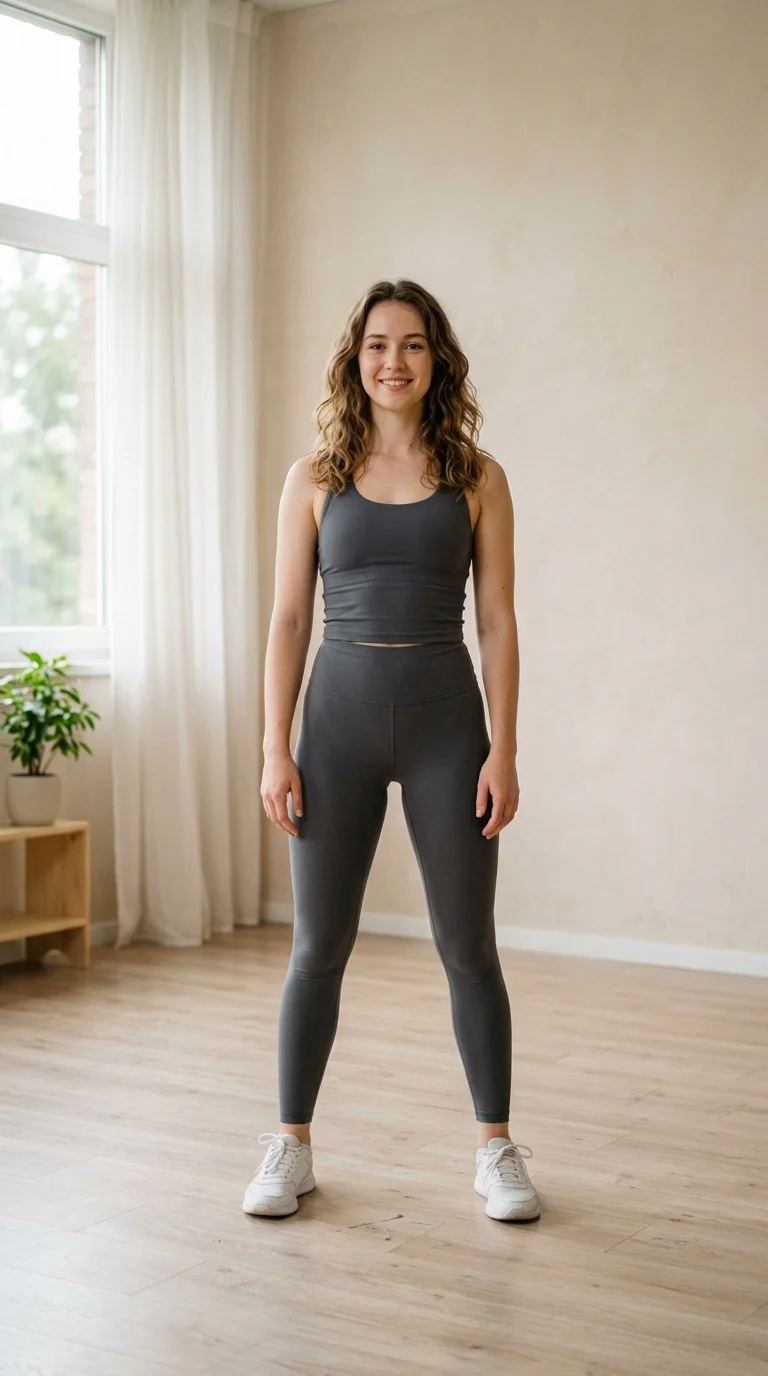
Start with a clear portrait or full-body image. Photos with the torso and hips visible give the motion the most natural result.
Select Hip Shake
Choose the Hip Shake effect and let SharkFoto AI apply the hands-to-waist setup and hip-sway dance motion to the subject.
Download and Share
Export the short video and share it in stories, reels, chats, profile updates, or creative AI edits.
Built for Quick AI Dance Clips
Hip Shake gives still images a compact, readable motion that feels energetic while keeping the subject recognizable.
Motion-Controlled Dance
Recreates the timing and rhythm of the reference dance motion for a consistent hip-shake effect.
Single-Image Workflow
Only one uploaded image is needed, making the effect fast to try and easy to repeat.
Stable Front-Facing Action
The subject stays mostly centered, so the hip movement remains the focus throughout the video.
Loop-Friendly Result
A short duration and clear movement make the clip easy to reuse in edits, stories, and reaction posts.
Where Hip Shake Works Best
Bring a profile image to life with a confident dance move that feels personal and expressive.
Use the short hip-shake action as a playful punchline, transition, or reaction clip.
Generate quick AI dance content for reels, shorts, thumbnails, and lightweight entertainment posts.
Hip Shake Effect Questions
What photo works best?
Use a clear image of one person. A front-facing pose with the upper body, waist, and hips visible helps the dance motion look more natural.
What does the effect do?
It animates the subject into a short dance sequence where the hands move to the waist and the hips sway from side to side.
How long is the video?
The motion is designed as a short effect preview of about four seconds, suitable for quick social sharing.
Does it change the whole scene?
The effect focuses mainly on body motion and dance energy, keeping attention on the subject rather than creating a large environment transformation.
Make Your Photo Move with Hip Shake
Upload one photo and let SharkFoto AI create a playful hands-on-waist hip-shake video ready to share.