
- "aspect_ratio": "4:3",
- "image_input": [],
- "output_format": "jpeg"
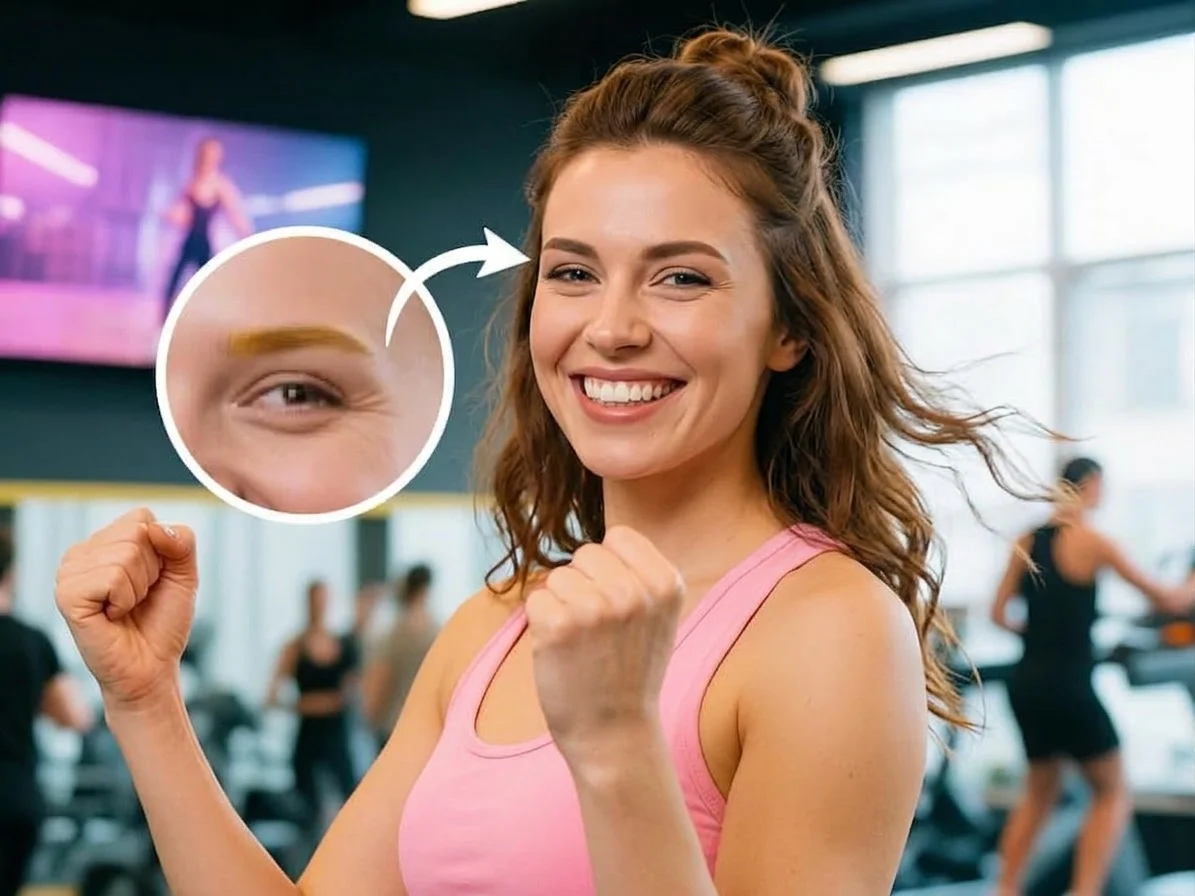
Eyebrow Filter
Nothing to see here... yet!
Ready to make something amazing? Give it a try.
What Is the Eyebrow Filter Effect?
The Eyebrow Filter Effect is an AI-powered tool that automatically reimagines the eyebrows in your portrait. It seamlessly applies stylish, defined brows—such as arched, light, colorful, or glittery—without altering your natural facial features or expressions.
Stylish Brow Transformations
Whether it's a bold arch, a trendy light brow, or a creative colorful and glittery look, the AI automatically generates a stunning new eyebrow style that complements your face instantly.
Flawless Facial Preservation
Your identity remains completely yours. The AI strictly focuses on the eyebrows, ensuring your original facial features, skin tone, expressions, and clothing remain precisely unchanged.
Dramatic & Minimalist Aesthetic
The effect enhances the overall image with dramatic lighting and a minimal setting, making your new eyebrows pop and giving your portrait a high-end, studio-quality finish.
Zero Manual Editing
No need for makeup skills or complex photo editing tools. Simply upload your photo, and the AI automatically detects and transforms your eyebrows without requiring any parameter adjustments.
Create Your New Look in 3 Steps
Upload Your Portrait
Upload a clear selfie or portrait photo. SharkFoto AI will instantly analyze your face and prepare the image for the transformation.
Apply the Filter
Select the Eyebrow Filter effect. With a single click, the AI automatically generates stylish, defined eyebrows tailored to your portrait—no manual adjustments needed.
Download & Share
Your stunning new portrait is ready in seconds. Download the high-quality image and share your fresh, creative look with your friends and followers.
Why Creators Love This Effect
Photorealistic AI Blending
The AI seamlessly blends the new eyebrows into your skin, matching natural textures and lighting for a highly realistic look.
Automatic Styling
No complex sliders or settings. The AI intelligently designs and applies the perfect stylish brows for your specific portrait automatically.
Preserves Original Identity
Your eyes, nose, mouth, and expressions are kept 100% intact. Only your eyebrows get the magical makeover.
Studio-Quality Lighting
The AI enhances the portrait with dramatic, professional lighting to ensure your new look stands out beautifully.
No Watermark on Download
Download your transformed portrait completely watermark-free, ready to be used as your new profile picture or shared online.
Works on Any Face
Whether you have thick brows, thin brows, or none at all, the AI accurately maps your facial structure to deliver flawless results.
Who Uses the Eyebrow Filter Effect?
From beauty lovers trying out new styles to creators looking for a striking visual, this effect makes transformations effortless.
Beauty Enthusiasts
Experiment with bold, creative eyebrow styles like glitter or colorful brows before trying them out with real makeup.
Social Media Creators
Refresh your selfies and profile pictures with a trendy, high-fashion aesthetic that grabs attention on Instagram and TikTok.
Cosplayers & Artists
Instantly achieve dramatic or fantasy-inspired eyebrow looks to perfectly match your character's vibe without the hassle of heavy makeup.
Personal Experimentation
Curious about how you'd look with perfectly arched or lightened brows? Test out a new style instantly, just for fun.
Frequently Asked Questions
What type of photo works best?
Clear, well-lit selfies or close-up portraits where your face and eyebrows are fully visible work best. Make sure your hair isn't completely covering your brow area.
Can I manually choose the exact eyebrow style?
No manual settings are required! The AI automatically generates a stylish, defined eyebrow look—such as arched, colorful, or glittery—based on the unique characteristics of your photo to ensure the best possible aesthetic.
Will this effect change my face shape or eyes?
Not at all. The AI is specifically trained to keep your precise facial features, expressions, and clothing completely unchanged. Only your eyebrows are transformed.
Do I need any photo editing skills?
None at all. The process is fully automated. Just upload your photo, click to apply the effect, and the AI does all the heavy lifting in seconds.
Is the final image high quality?
Yes, the AI generates a high-resolution portrait enhanced with dramatic lighting and a clean, minimal aesthetic, perfect for sharing on any social media platform.